Scan Date:May 5, 2026
Show More
Resize, crop and compress your photos without losing quality. Resize Me! uses a native processing engine for fast, high-quality image resizing — no blurry results, no waiting.
100% FREE — NO ADS — NO IN-APP PURCHASES
All features are included. No locked content, no subscriptions, no annoying ads. Just a clean, fast photo resizer.
Reduce photo file size before sending by Email or sharing on WhatsApp, Instagram, Facebook, X or any other app. Resize a single image or batch process hundreds at once.
RESIZE PHOTO - COMPRESS IMAGE - CROP PHOTO - BATCH RESIZE - WATERMARK
--- Key Features ---
RESIZE WITHOUT LOSING QUALITY
7 SMART RESIZE MODES
Choose the mode that fits your needs:
• Percentage — scale by 25%, 50%, 75% or custom
• Fit — scale to fit inside target dimensions
• Fill — scale to cover target dimensions
• Fit All — stretch to exact width × height
• Longest / Shortest side — set one dimension, keep the aspect ratio
• Ratio — resize to a preset aspect ratio (1:1, 3:2, 4:3, 16:9…)
BATCH RESIZE
Resize dozens or hundreds of photos at once. Select multiple images from your Gallery, pick a size preset, and let the app do the rest.
CROP & ROTATE
Crop to any region and rotate in any direction before resizing.
WATERMARK
Add a text watermark with custom font, size, color and position. Protect your photos before sharing online.
BORDERS
Add customizable borders around your images — choose size, color and style.
SAVE IN JPEG, PNG OR WEBP
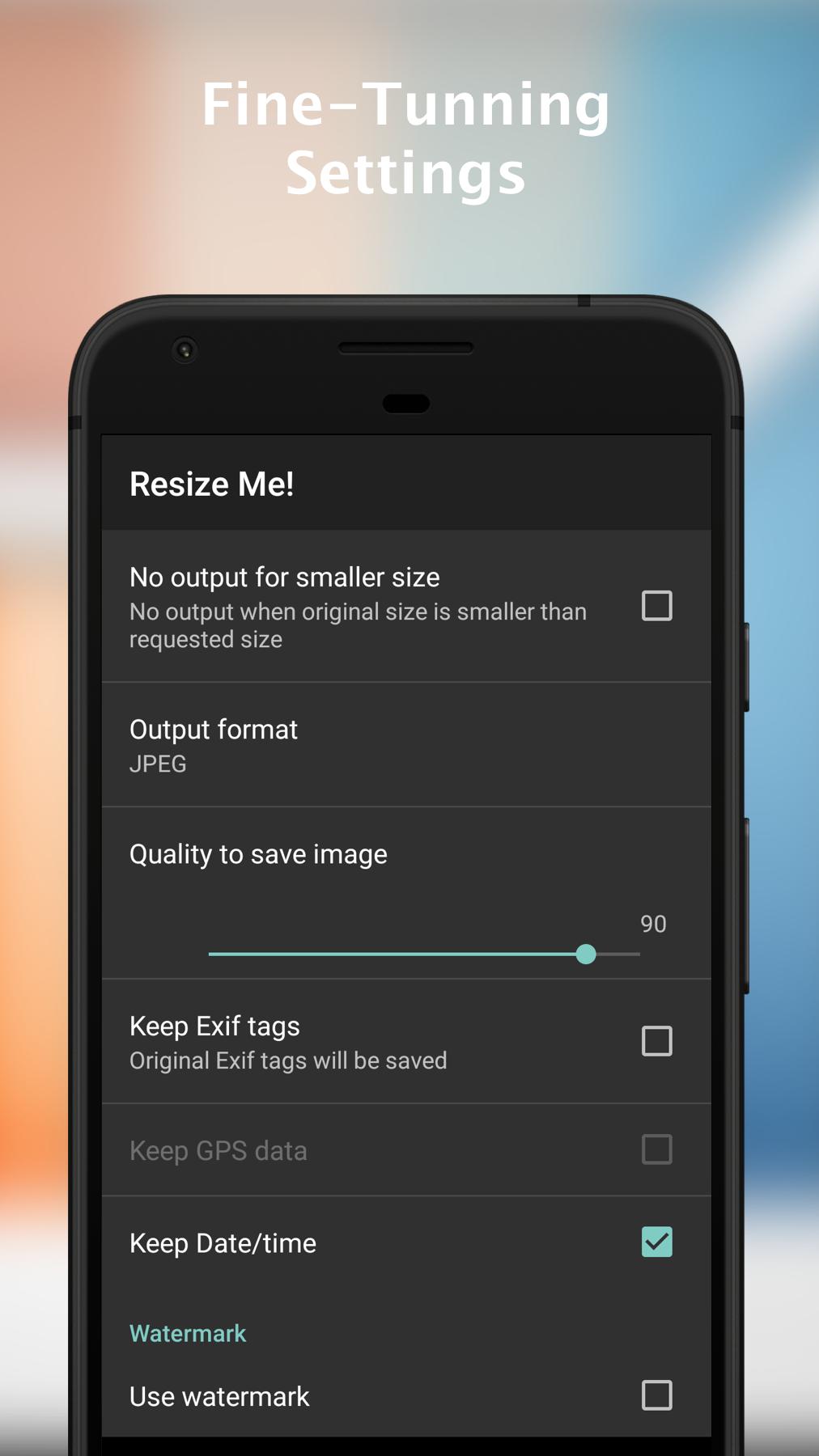
Export in the format you need. Adjust JPEG/WebP quality to balance file size and image sharpness.
PRESERVE METADATA
Keep EXIF tags, GPS location and original date — or strip them for privacy. You're in control.
WORKS OFFLINE
No internet connection needed. Your photos never leave your device.
EASY SHARING
Share or save the result directly from the app. Use Resize Me! from your Gallery, your Email app, or any app that shares images.
--- How to Use ---
• Open the app → pick or take a photo → crop, rotate, resize → share or save
• From Gallery → tap Share → choose Resize Me! → pick a size → done
• From your mail app → tap Attach → choose Resize Me! → select photos → pick a size
--- Support ---
Need help? Contact us at contact@xnview.com
Latest Version
3.0.15Uploaded by
علي علي
Requires Android
6.0
Category
Free Photography AppContent Rating
Everyone
Security Report
Report
Flag as inappropriateLast updated on May 5, 2026
ResizeMe Pro! is now FREE with all features...
Periodically we update our App in order to provide you the best experience.
What's new in this release:
- Bugs fixed
If you encounter any issues or require further assistance, please contact us at contact@xnview.com




APKPure - A multi-platform app store primarily focused on Android, providing extensive app-related content. Discover the app you want easier, faster, and safer, with quick and efficient downloads and installations.