What it is NOT:
- It is NO Streaming Receiver!
- It does NOT Mirror your PC screen to your Phone!
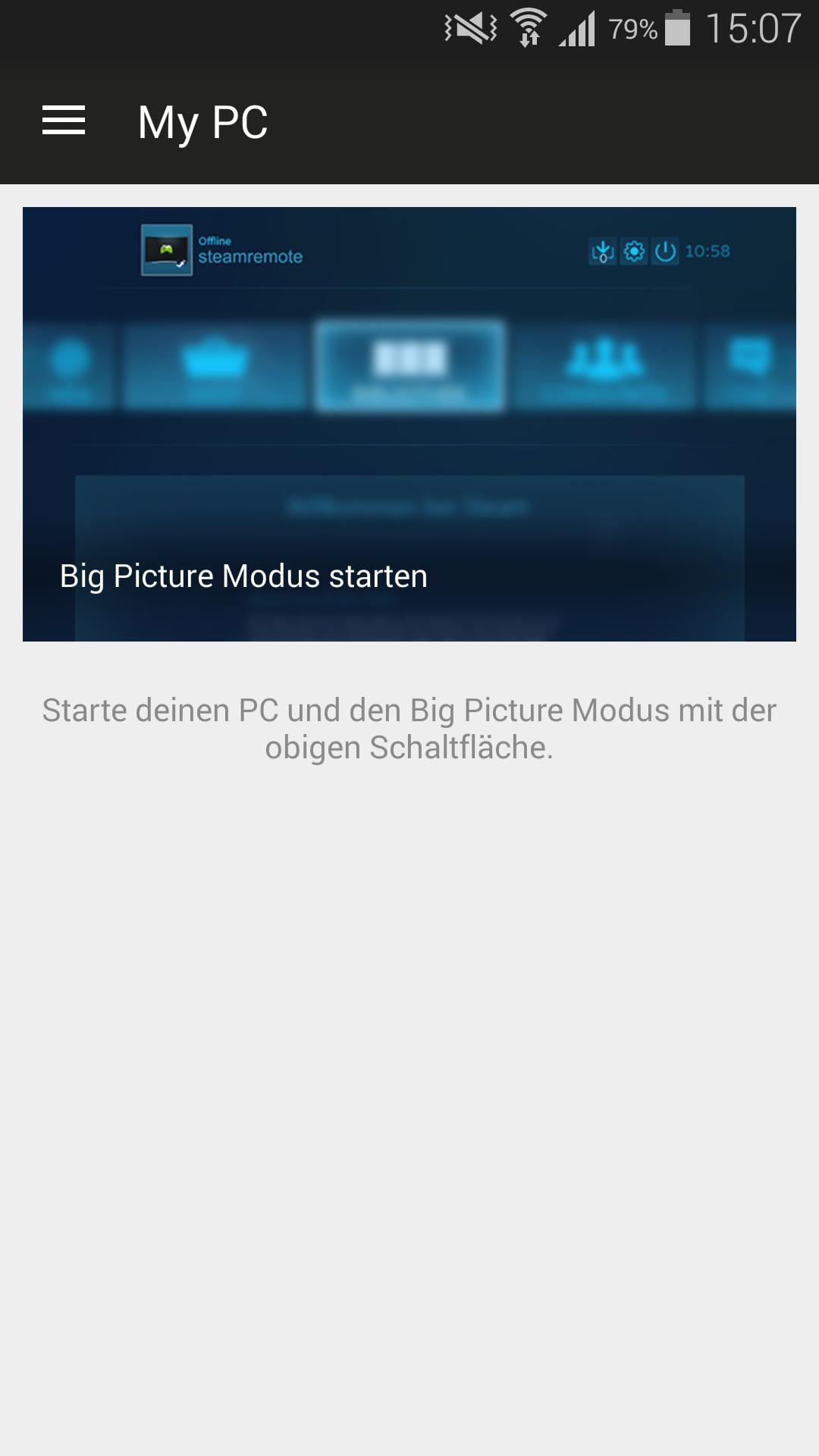
The Remote for Steam app makes it easier to start gaming on your pc. Take your gamepad and make yourself comfortable on the couch, while the app starts your pc. As soon as the pc is running the Big Picture mode gets started and you are ready to start!
What it does:
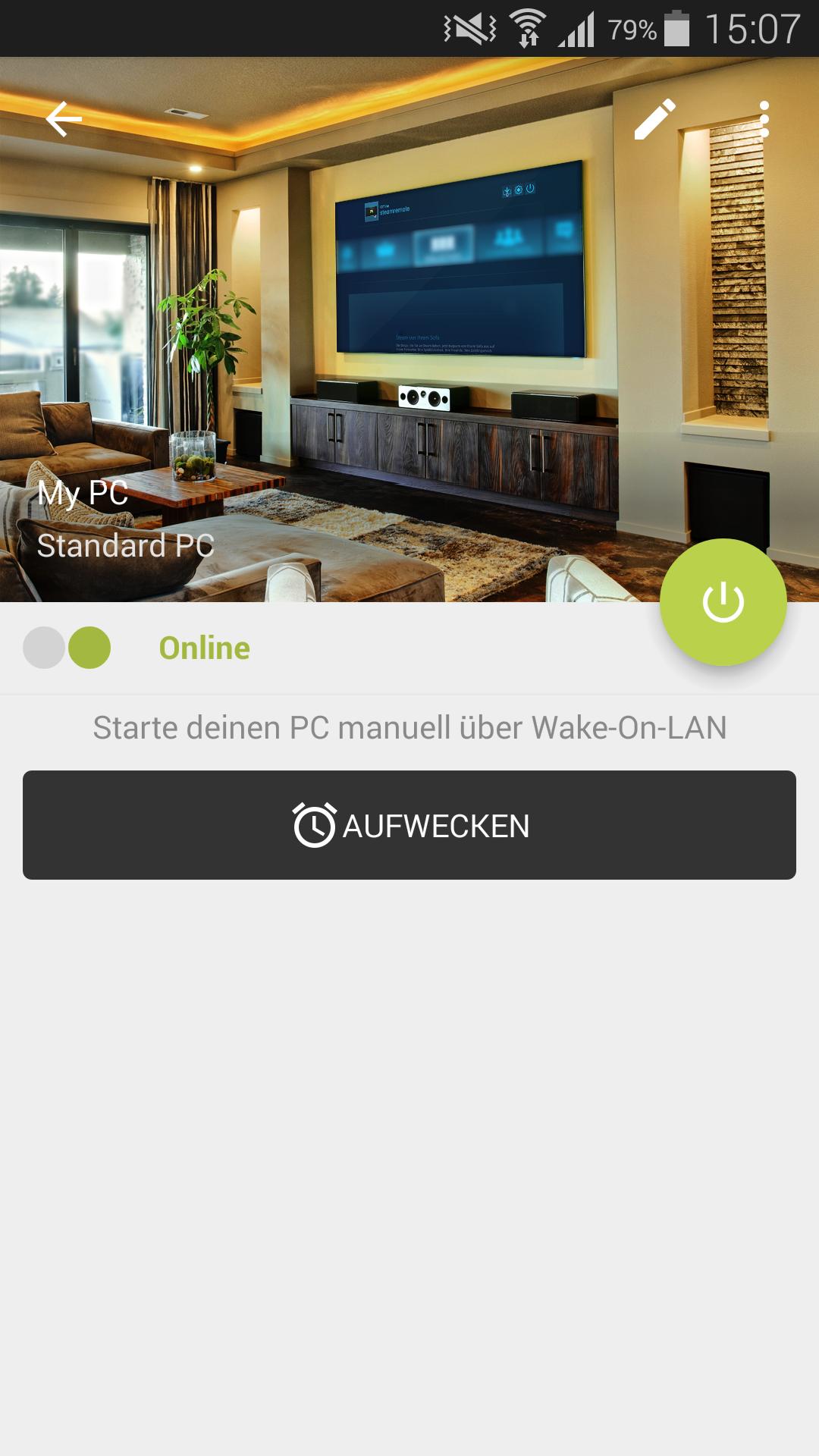
• Start the PC using Wake on LAN
• Start Big Picture mode on the PC
• Auto discover available PC's
• Manage multiple gaming pcs
• Display if the pc is running
• Supports In-Home-Streaming setups (where two PC's have to be started)
• Supports Steam Link setups (where the Streaming Server has to be started)
• Execute functions of Tasker plugins (Premium, e.g. automatically turn on the TV)
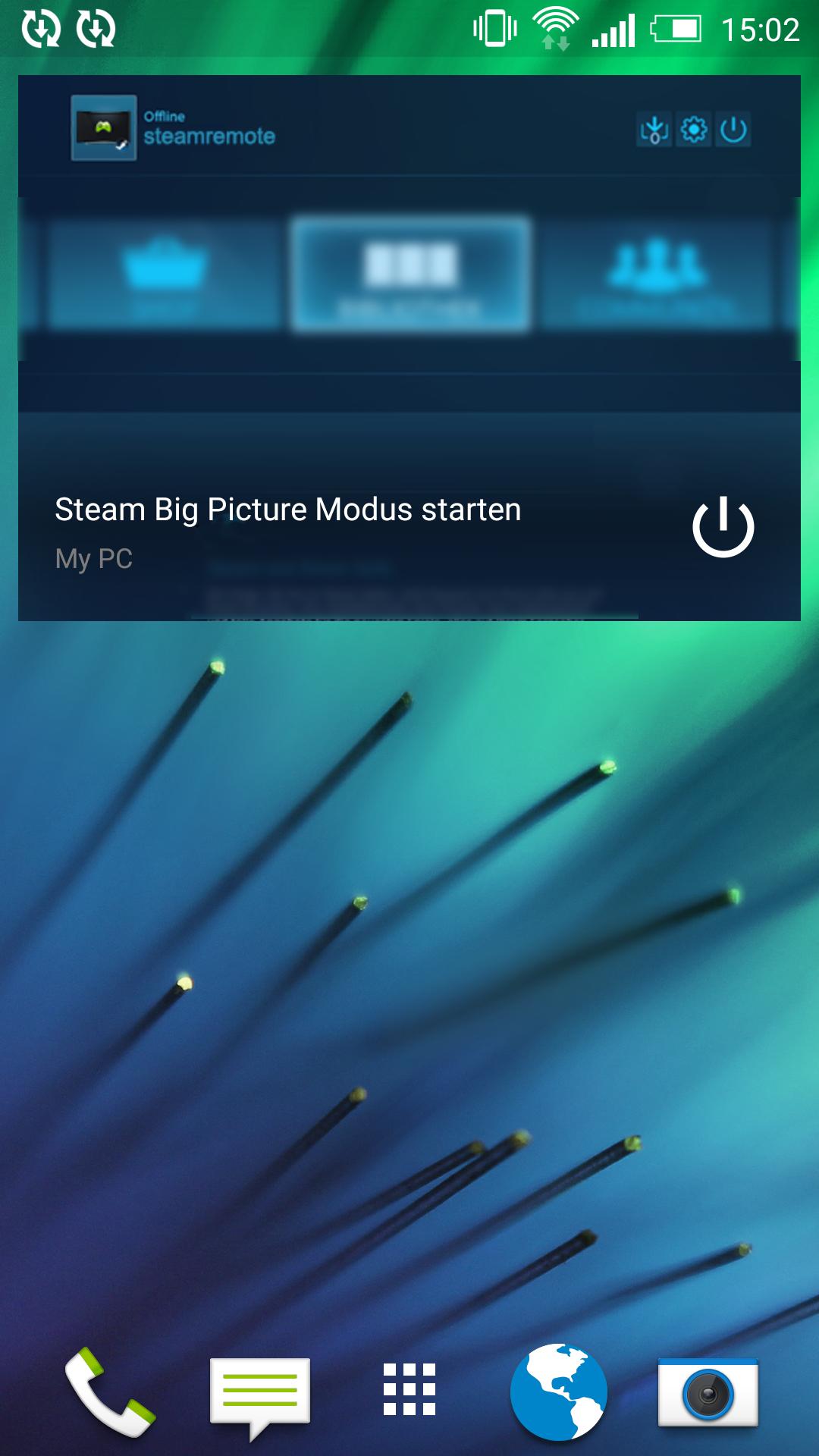
• Homescreen Widget (Premium)
A Windows 7/8/8.1/10 PC is required
For communication a small application is required on your pc.
You can download the application on the app's website: http://www.stryder-it.de/remoteforsteam
This app adresses all of you who want to use their pc for playing on the TV-screen from time to time and don't want to start the pc and the Steam Big Picture mode by hand.
The app is free. For a small amount of money you can purchase the premium features, remove the ads and support my development!
Problems or questions?
If you encounter problems or have additional questions, please dont give a negative rating.
Check the help pages on www.stryder-it.de/remoteforsteam first. You can also contact me and I try to solve the problem. E-mail: info(at)stryder-it.de
Permissions:
The app needs some permissions to make everything as simple as possible. This is a short summary why the permissions are required.
INTERNET: For network communication with your pc
ACCESS_NETWORK_STATE: Check if the network is connected
ACCESS_WIFI_STATE: Check if WiFi is activated on your device
CHANGE_WIFI_STATE: If WiFi is turned off you can enable it directly from the app after a dialog is confirmed
BILLING: For the In App purchase to remove the ads
Latest Version
1.5.2Uploaded by
刘志豪
Requires Android
Android 4.0+
Category
Free Tools AppContent Rating
Everyone
Report
Flag as inappropriateLast updated on Mar 2, 2016
- Homescreen Widget forgot the premium status from time to time
Previous changes:
- New Homescreen Widget (Premium)
- Start Big Picture mode from the pc details screen (Premium)
- Icons and images updated
- Graphic improvements



APKPure - A multi-platform app store primarily focused on Android, providing extensive app-related content. Discover the app you want easier, faster, and safer, with quick and efficient downloads and installations.











