
Package Name:ai.remio
SHA-256:63813cc184b6c4da8d98614ab6e6f5efe06dcdac172c83336c878b352e8880fe
Show More
Your AI second brain. Capture everything on mobile—meetings, photos, docs, notes. Sync to desktop for automatic transcription, OCR, and intelligent search.
Stop managing information. Start using it.
remio is your complete capture companion for meetings, photos, documents, and notes. Everything you capture syncs seamlessly to your desktop app where powerful local AI makes it searchable and queryable.
📱 MOBILE: CAPTURE EVERYTHING (Works Standalone)
Professional Recording:
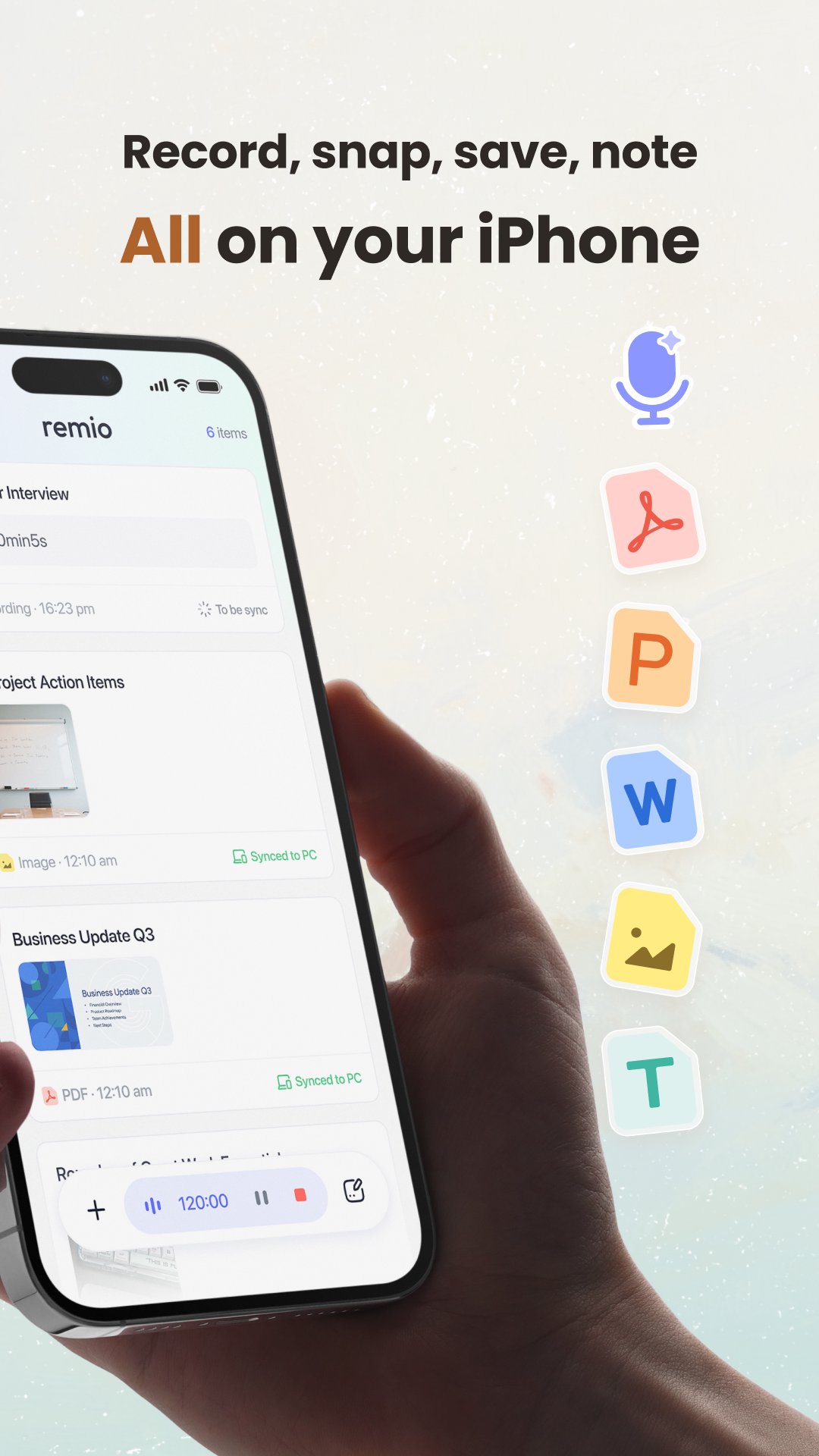
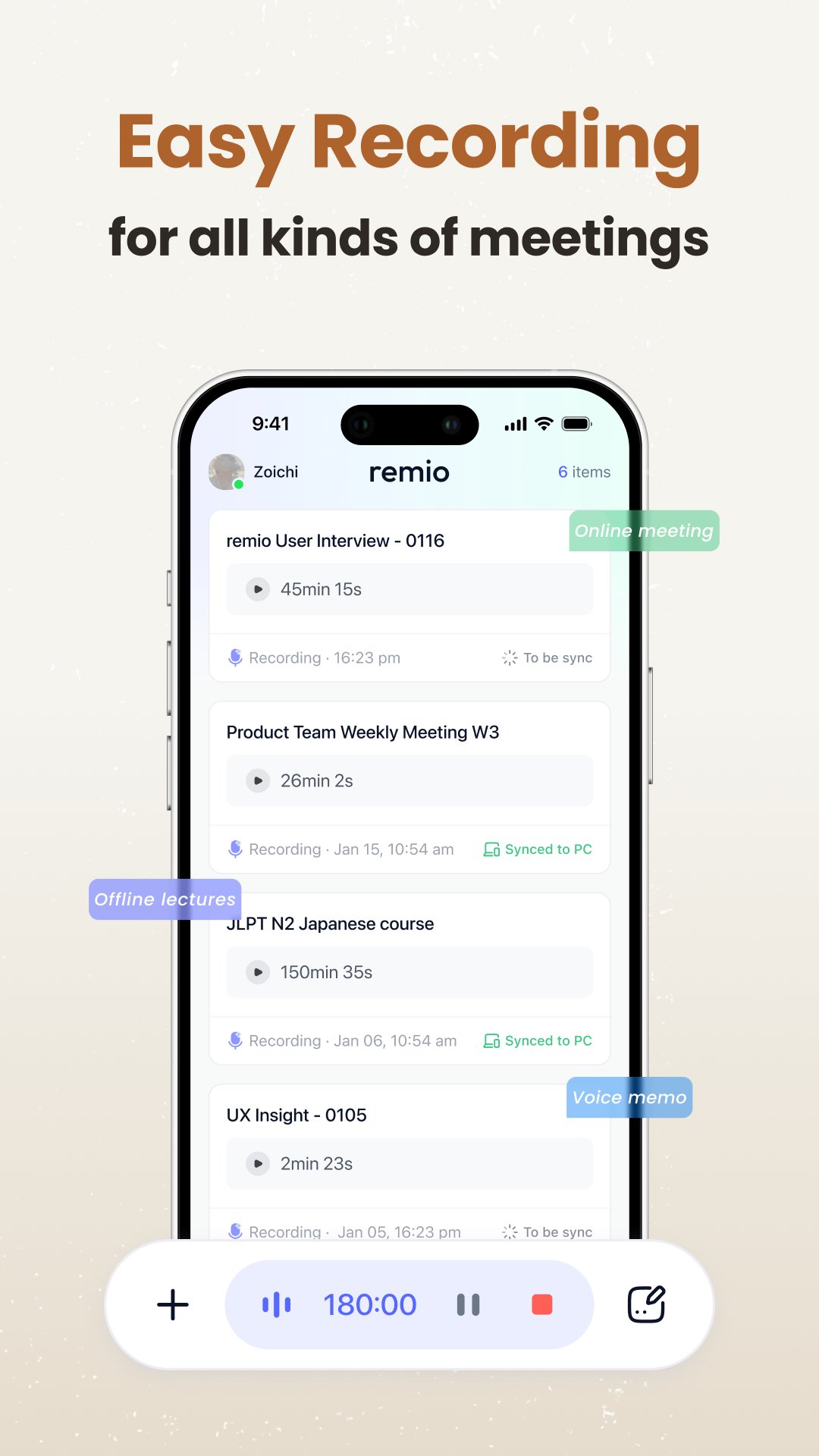
• High-quality audio recording for meetings, lectures, interviews
• Smart scene detection: Meeting / Lecture / Interview modes
• Background recording with lock-screen controls
• Unlimited recordings—store everything on your device
Visual Knowledge Capture:
• Snap photos of whiteboards, slides, or documents
• Organize with tags and folders
• Perfect for preserving meeting takeaways and brainstorming sessions
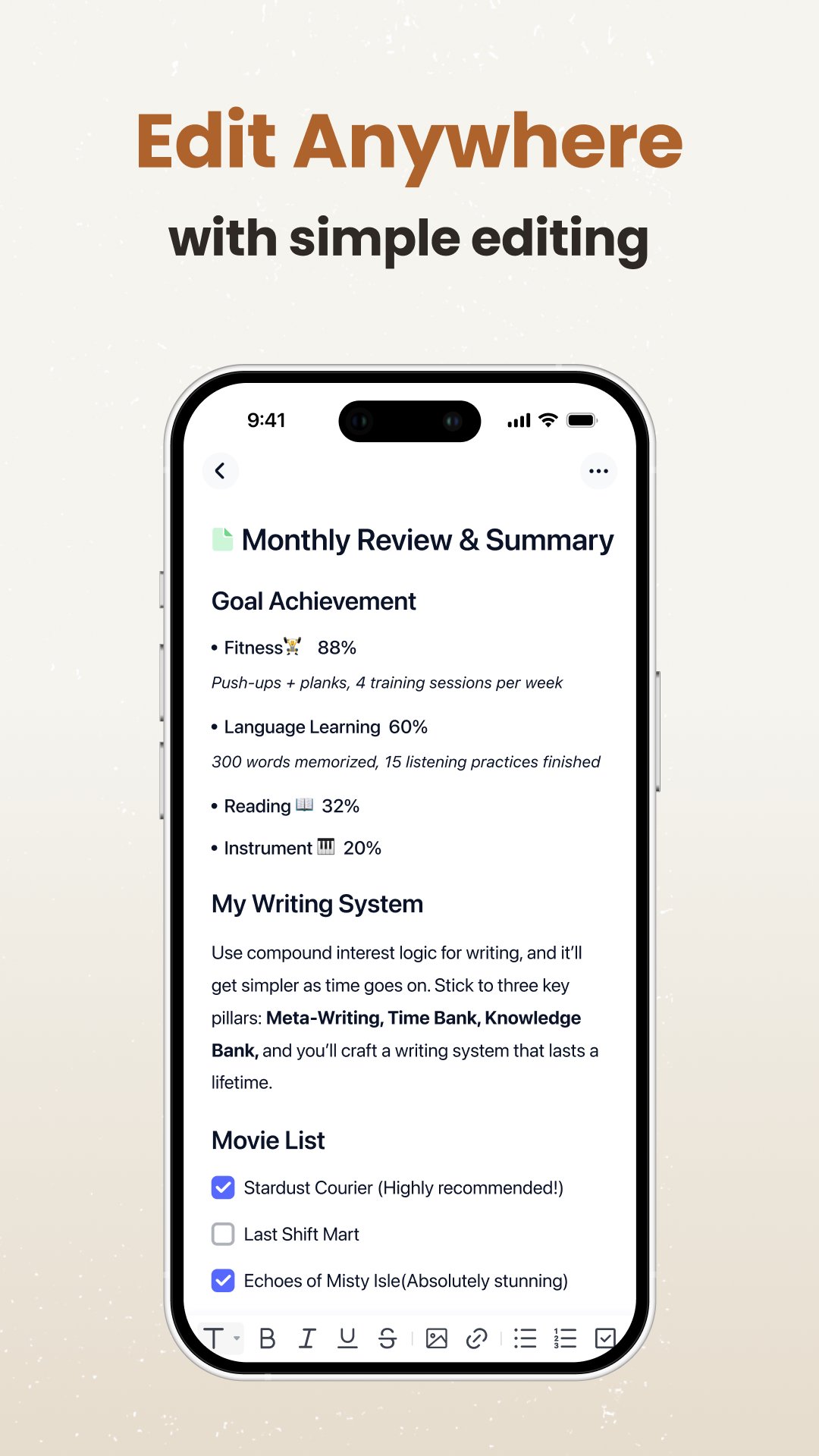
Quick Notes:
• Jot down thoughts, ideas, or action items instantly
• Rich text formatting support
💻 ENHANCED WITH DESKTOP
Unlock AI-powered features with our free desktop app:
Automatic Processing:
• Audio transcription in English, Chinese, Japanese, Korean
• OCR text extraction from photos
• Document parsing and indexing
• Forever free—no per-minute charges
AI-Powered Search:
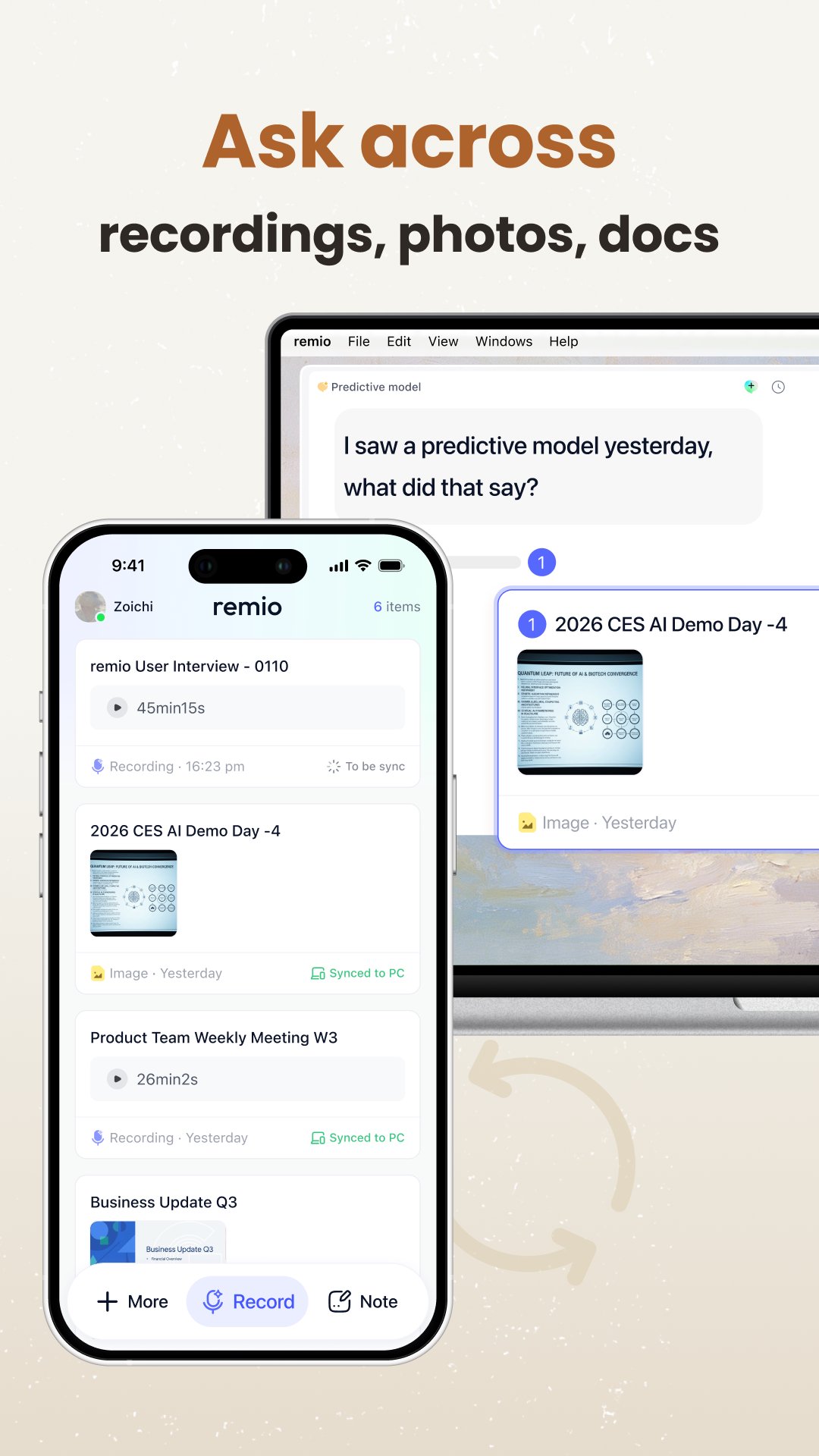
• Ask questions across all your knowledge
• "What action items did we decide on in yesterday's meeting?"
• "Find the whiteboard photo where we discussed pricing strategy"
• Source-backed answers with clickable references
Local AI Processing:
• All processing happens on your computer
• Built-in RAG retrieves precise context
• Privacy by design—your data never leaves your devices
• BYOK (Bring Your Own Key) mode available
Desktop app available at: remio.ai/download Compatible with Mac (macOS 13.0+) and Windows (Windows 10+)
🎯 WHAT MAKES REMIO DIFFERENT
✓ Zero-Effort Capture: Record, snap, save, and note on your iPhone—immediately synced to your knowledge hub.
✓ Optional AI Enhancement: Pair with desktop for automatic transcription, OCR, and intelligent search
✓ Unlimited Free Processing: Desktop processing means unlimited transcription and OCR.
✓ Privacy First: Your data lives on your devices. Optional BYOK mode for maximum control
💡 USE CASES
For Professionals: • Record client meetings, snap whiteboards, note action items on mobile • Optional: Ask AI on desktop "What did the client request and what's on the whiteboard?"
For Researchers: • Capture conference talks, photograph slides, save papers on the go • Optional: Query AI on desktop to compare methodologies across talks
For Students: • Record lectures, photograph equations, upload course materials • Optional: Ask AI on desktop to explain formulas from lecture photos
For Executives: • Record team meetings, capture strategic diagrams, organize insights • Optional: Use AI on desktop to surface patterns across meetings
🚀 WHY USERS LOVE REMIO
⭐⭐⭐⭐⭐ "Finally, an AI that knows MY context, not just generic answers."
⭐⭐⭐⭐⭐ "Snap whiteboards during meetings, ask about them later. Game-changer for visual thinkers."
⭐⭐⭐⭐⭐ "Perfect capture tool on mobile, powerful AI search on desktop—best of both worlds."
🔐 PRIVACY & SECURITY
• Local storage: All your content stays on your devices
• Encrypted sync: Data encrypted during transfer
• No data training: We never use your content to train AI models
• TAC Security Verified: ESOF Cyber Score: 9.7/10.0
• BYOK mode: Pro users can use their own API keys
Latest Version
3.16.0Uploaded by
محمد بن عبد الله
Requires Android
Category
Free Productivity AppContent Rating
Everyone
Security Report
Check Now
Report
Flag as inappropriateLast updated on Sep 19, 2026
- Improved editor performance and reliability.
- Fixed an issue where opening the text-style menu could dismiss the keyboard or close the menu unexpectedly.
- Fixed placeholder text appearing in the wrong paragraph.
- Improved saving and retry behavior to better protect edits when switching notes.






APKPure - A multi-platform app store primarily focused on Android, providing extensive app-related content. Discover the app you want easier, faster, and safer, with quick and efficient downloads and installations.