Scan Date:May 13, 2026
Show More


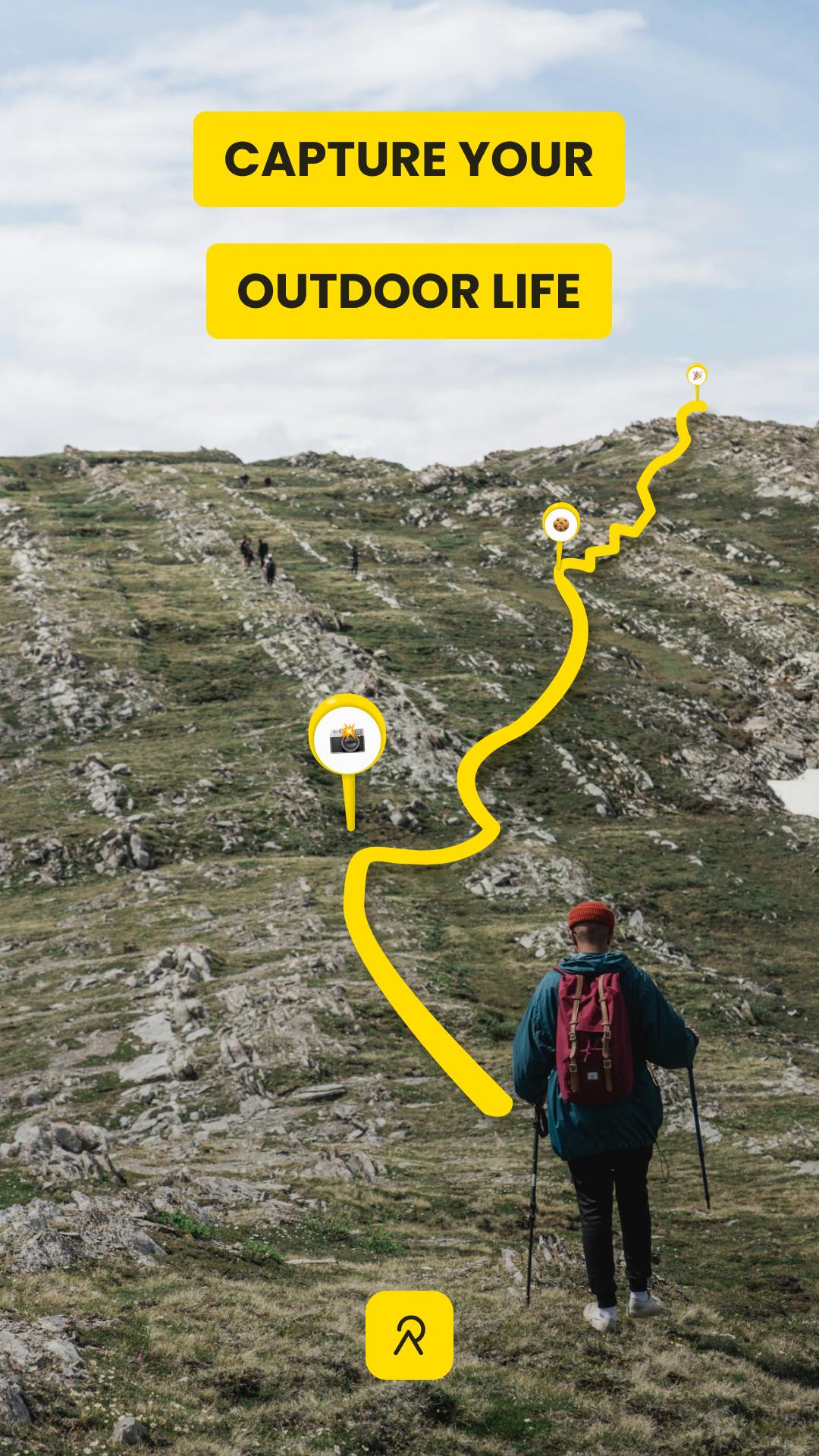
Relive helps runners, cyclists, hikers, and snow sport users turn outdoor routes into clear 3D video memories. It records your path with your phone or connects with services and devices you already use. You can add photos during your activity and later see how your route and moments fit together in a single story. Because sharing is built in, you can post to your community with minimal steps after you download Relive.
3D video stories of your activities
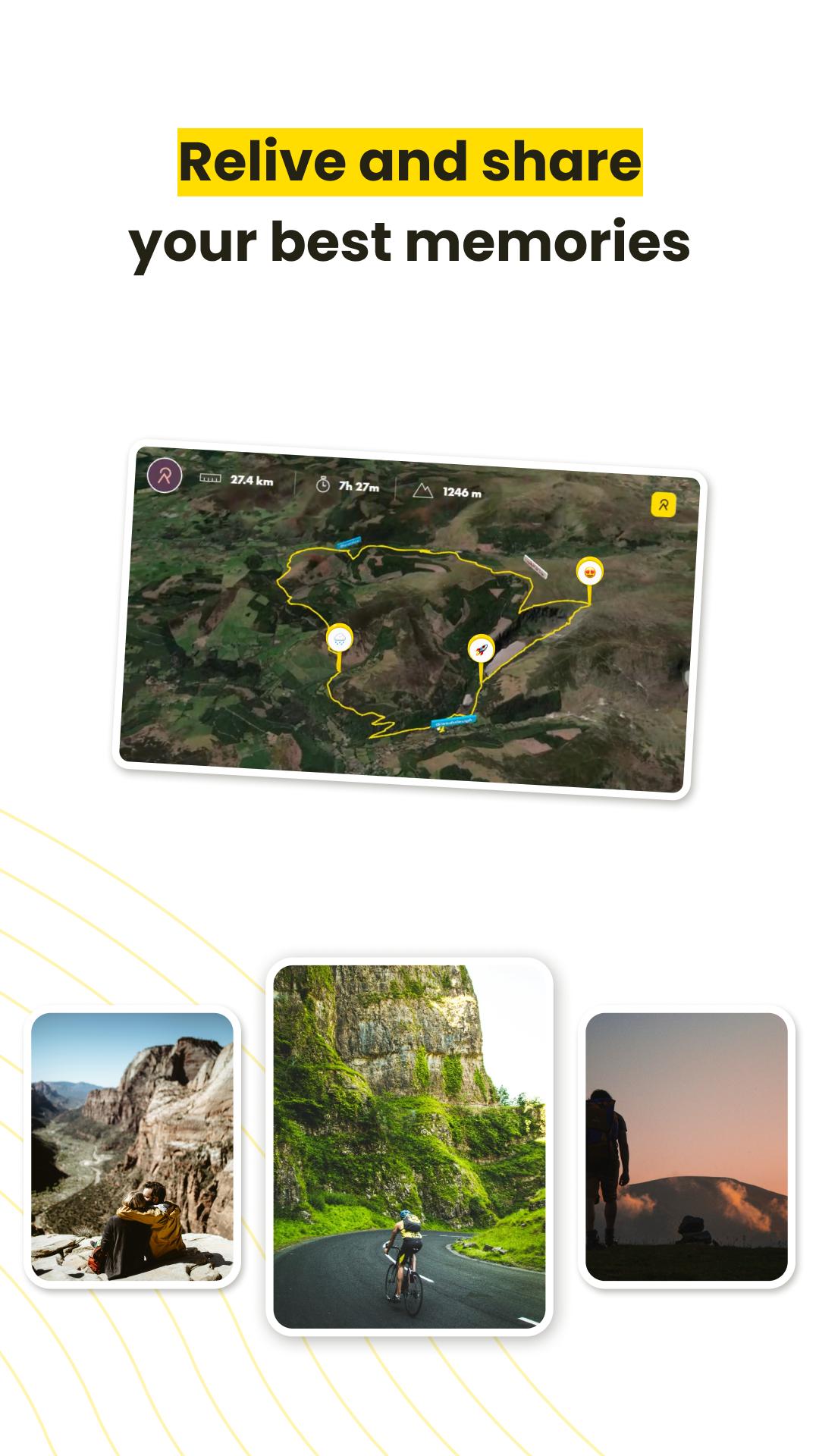
Relive turns each activity into a 3D video that shows your route on a terrain map. Key moments such as top speed and highlights appear along the way so viewers can follow what happened. You can include photos to show places and milestones as they happened during the outing. The result is a clear storyline of where you went and what you saw.
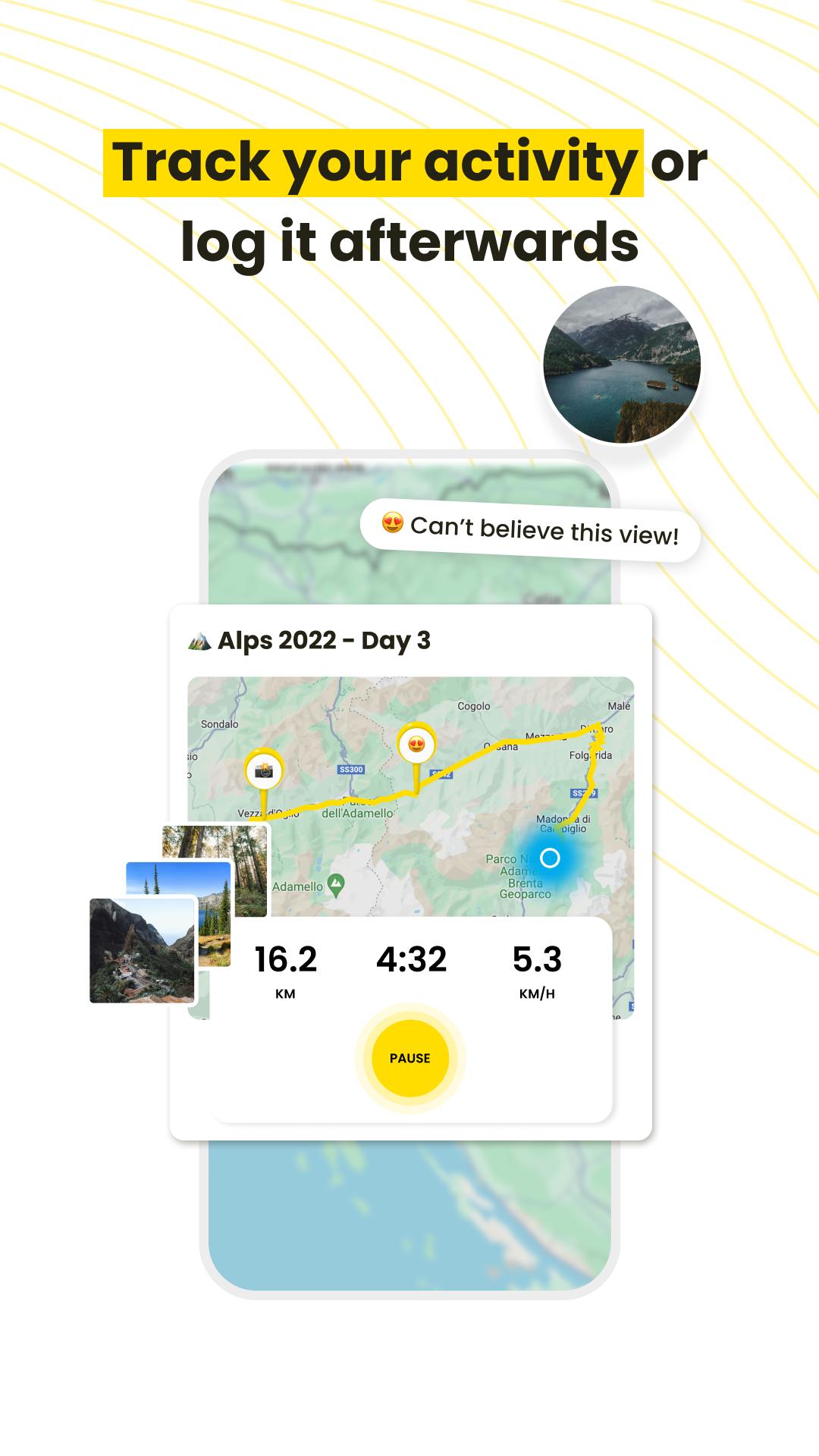
Track with your phone or connect your devices
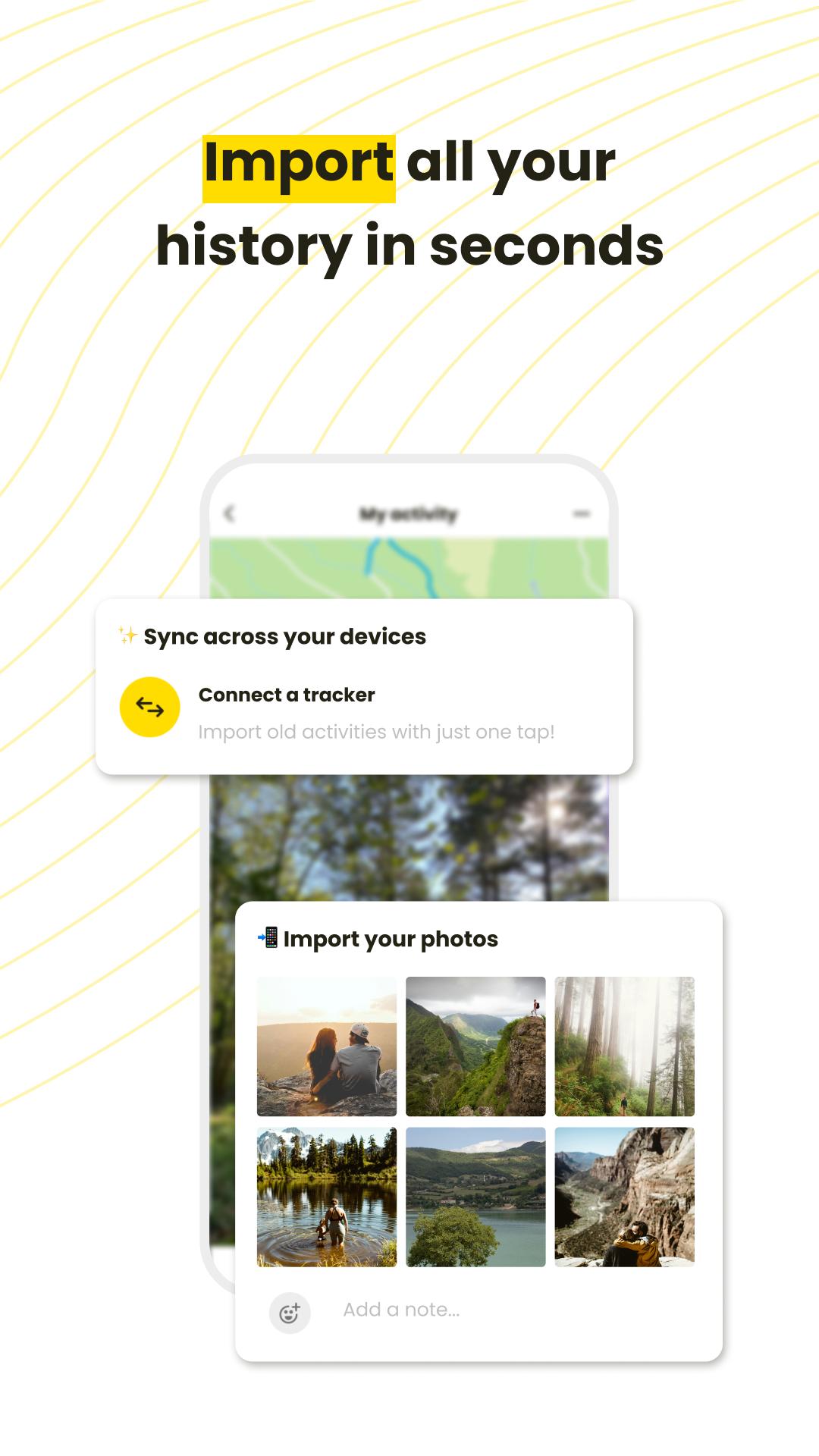
You can record with your phone right away, or connect the apps and watches you already use. Relive integrates with services like Apple Health, Garmin, and Suunto to bring activities into one place. This helps you keep your existing setup while still creating 3D stories from your routes.
Free plan essentials for quick sharing
The free plan creates one 3D video for each activity without edits. You can export in horizontal or vertical formats, tag friends, and use an interactive memory map timeline. Sharing to Instagram, Facebook, Twitter, and other platforms is straightforward. This makes it simple to post a complete recap after every run, ride, or hike.
Relive Plus for more control and presentation
Relive Plus adds options for users who want to refine every story. You can attach up to 100 photos and include music for the final video. Unlimited edits, HD export, 12 color themes, and controls for titles, types, playback speed, and photo display are available. Plus also removes end credits and supports activities that last over 12 hours, which is useful for long days out.
Social timeline and multi sport support
Relive builds a timeline of everything you record so your memories stay organized. Sharing is simple, which helps you keep friends and your community up to date. The app is designed for many sports, including running, cycling, hiking, skiing, and snowboarding, so one setup covers different seasons.
Consider how much control you want over each story before you decide on a plan. The free option fits users who want a quick recap after each activity with minimal setup. Relive Plus suits users who plan to edit details, add many photos, export in HD, and document long days with more presentation choices.
If you already track with Apple Health, Garmin, or Suunto, connecting can centralize your activities for video creation. If you prefer to carry only your phone, you can record directly in the app instead. Choose the path that best matches your current routine.
This quick guide outlines the basic flow from recording to sharing. It applies whether you track with your phone or connect a supported service. For best results, keep the app updated to the Relive latest version.
Relive focuses on turning outdoor routes into clear visual stories you can share quickly. Track with your phone or connect services, then create a video that shows where you went and what mattered. To begin, install the Relive APK and start your next activity.
For official information and support, visit the website below.
Latest Version
6.15.0Uploaded by
Đạt Cỏ
Requires Android
Android 7.0+
Category
Free Health & Fitness AppContent Rating
Teen
Security Report
Report
Flag as inappropriateLast updated on May 13, 2026
We’re always making changes and improvements to Relive. Don’t miss a thing and keep your updates turned on.
What’s new:
- General bugfixes


APKPure - A multi-platform app store primarily focused on Android, providing extensive app-related content. Discover the app you want easier, faster, and safer, with quick and efficient downloads and installations.