Scan Date:Jul 25, 2021
Show More

Record Messenger calls using Call Recorder
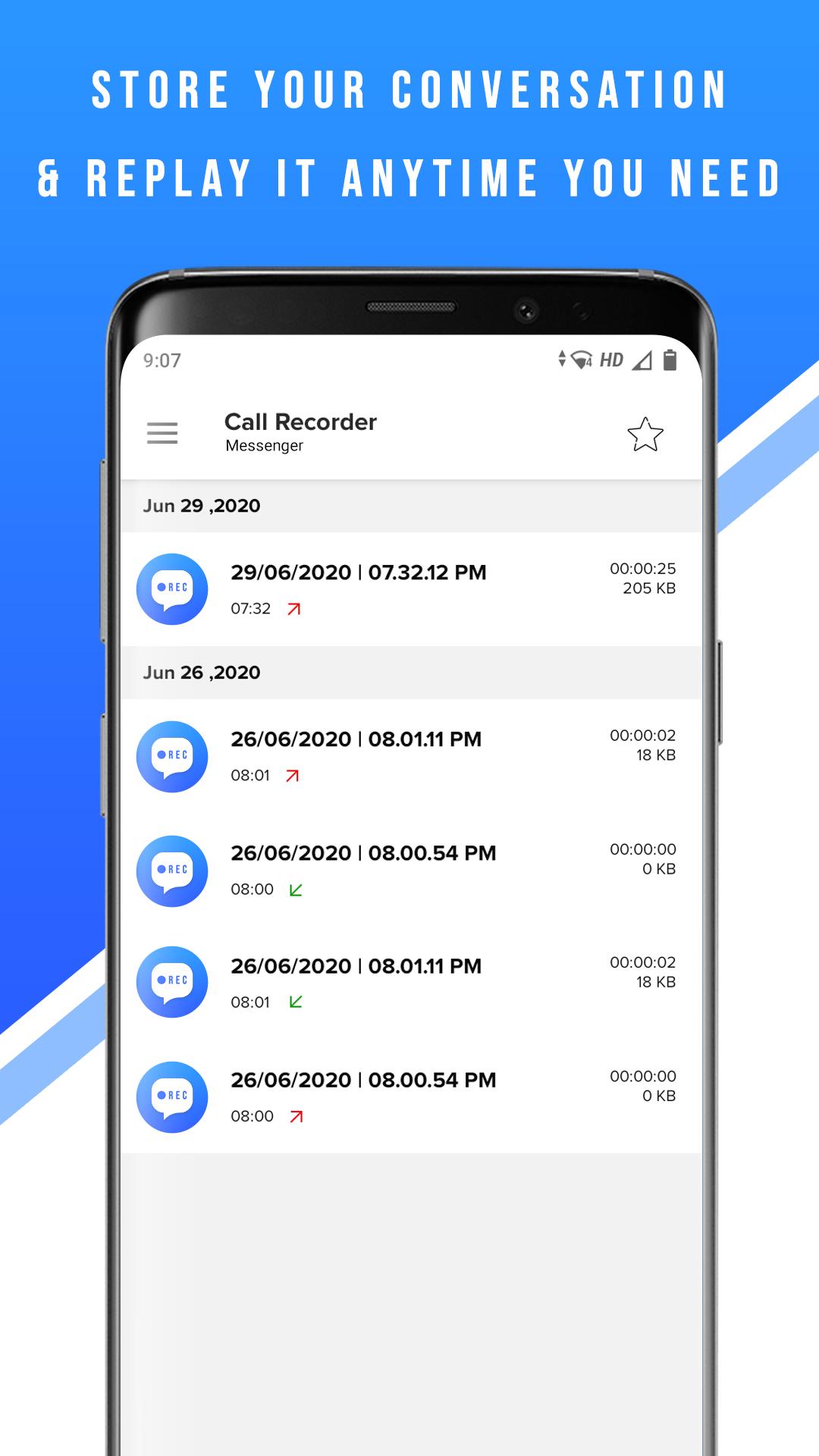
Supports Messenger calls for a wide range of Android devices and OS versions. You can store your conversation and replay it anytime you need it.
※ Notes and Warning
- Not all devices support call recording
- Use the speakerphone feature to improve incoming audio
☆☆ Main features
🏅 Automatic Messenger recording
Call Recorder is able to detect Messenger calls automatically and start recording.
🏅 Audio quality
Call Recorder creates superior output audio quality, enhanced with AI routines to provide the best audible voice.
🏅 Ease of use
Call Recorder is able to start and stop recording automatically.
※ Legal notice
Call recording without the permission from callee/caller is illegal in several countries. Always notify the participants that the call will be recorded.
※ Contact us
If you have any questions or issues, please, send us a message at support@sparklingapps.com
FAQ
1. Only caller voice recorded, other person voice can't record, I am able to record only my side of the conversation on Record Messenger calls:
Solutions :
a. Try speakerphone (Some phones can record incoming voice if speakerphone turned on)
b. Try using headsets (Some phones can record incoming voice if headsets are plugged in)
If both of the above solutions are not working, please check audio source in your application menu. Most phones can record both sides of call for audio source "voice recognition".
Try with voice communication, microphone and voice call sources.
2. Where can I find the file of the recording?
The files can be found at sdcard>Android>data>com.sparklingapps.callrecorder.messenger>files
Thank you, and good luck!
Latest Version
1.5.4Uploaded by
عبق الياسمين
Requires Android
Android 5.0+
Category
Free Communication AppContent Rating
Everyone
Security Report
Report
Flag as inappropriateLast updated on Apr 9, 2021
- Several performance improvements
- Minor bug fixes



APKPure - A multi-platform app store primarily focused on Android, providing extensive app-related content. Discover the app you want easier, faster, and safer, with quick and efficient downloads and installations.