
Reboot Schedule - reboot your device by shedule.
ROOT ACCESS NEED!
If you are not aware whether or not your phone has root access, you probably don't have root access.
ROOT REQUIRED, WILL NOT WORK WITHOUT ROOT!!
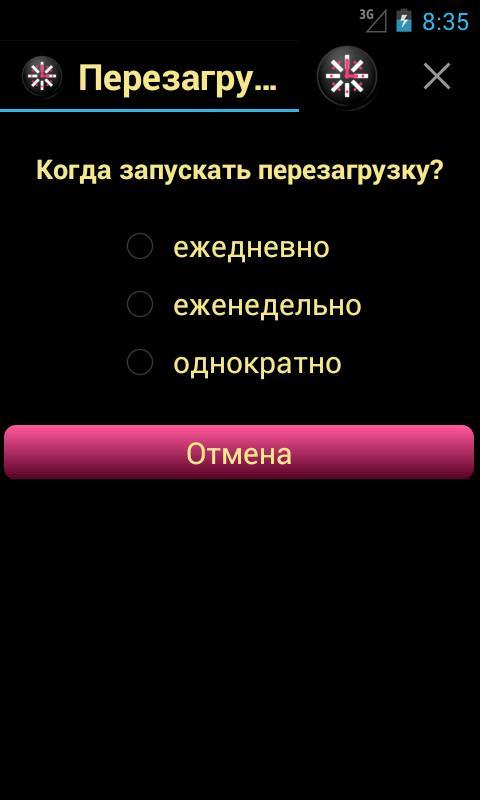
You can choose a reboot option:
1) every day (every few days) at the specified time.
2) every week (every few weeks) on a certain day of the week at the specified time.
3) once at the specified time.
This application will reboot (restart) your phone,
Remember 'Allow' in Superuser for fast 1 click rebooting of your phone.
There is a known issue where this does not work on phones with Sense (EVO, Inc, etc).
Latest Version
2.2.0Uploaded by
Skusta Clee Sarona Aguillon
Requires Android
Android 4.0+
Category
Free Tools AppContent Rating
Everyone
Report
Flag as inappropriateLast updated on Dec 3, 2017
update libs





APKPure - A multi-platform app store primarily focused on Android, providing extensive app-related content. Discover the app you want easier, faster, and safer, with quick and efficient downloads and installations.