
Realistic World Generation Mod (Great Mountains)
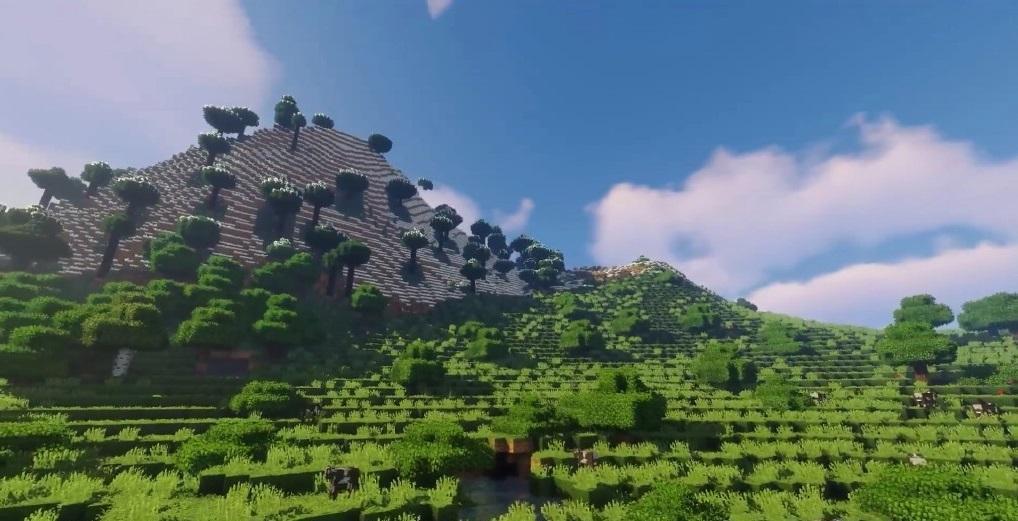
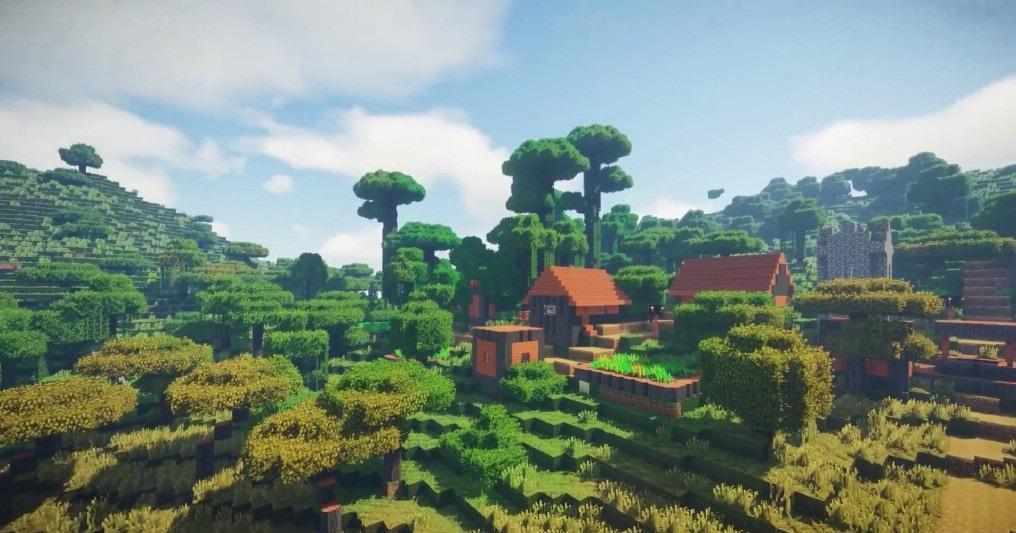
Realistic World Generation Mod allows to generate more complex world with a more realistic touch, now you can find terrains generated in a more natural way, with great mountains and characteristic elements of nature.
How to install:
Make sure you have already installed Minecraft Forge.
Locate the minecraft application folder.
On windows open Run from the start menu, type appdata and click Run.
On mac open finder, hold down ALT and click Go then Library in the top menu bar. Open the folder Application Support and look for Minecraft.
Place the mod you have just downloaded (.jar file) into the Mods folder.
When you launch Minecraft and click the mods button you should now see the mod is installed.
Latest Version
2.0Uploaded by
AJ Jëssmärïee
Requires Android
Android 4.0+
Category
Free Adventure GameContent Rating
Everyone
Report
Flag as inappropriateLast updated on Sep 23, 2018
Minor bug fixes and improvements. Install or update to the newest version to check it out!





APKPure - A multi-platform app store primarily focused on Android, providing extensive app-related content. Discover the app you want easier, faster, and safer, with quick and efficient downloads and installations.











