
Ever wanted to have multiple notification sounds or have multiple notification sounds you like? With this app, you can have not only one notification sound but as many as you like!
How does it work? When you get a notification, the app will randomly choose between however many notification sounds you have selected. You can add any sound file you'd like, simply download the notification sound and from the app select it, as easy as that! Want an app to be separate from random notifications? Simply go to settings and blacklist the app, now that app will use its notification sounds or whatever you have set for that app! If your phone is on silent, vibrate, etc. the app will automatically recognize this and turn off the random sounds accordingly to not disturb you. (In android lollipop and higher) Respects notification priority meaning if you have priority notification sounds only on the app will only make notification sounds for apps that have notification priority.
Features:
* Randomly create a notification sound
* Shuffle mode plays each sound once until all sounds have been played (To enable, go to settings).
* Blacklist specific apps to be able to use different notification sounds or your own
* Use any audio file on your device
* Add notification sounds built into your device
* Create your own notification sounds using text-to-speech, you can even make them sound like Jarvis!
* If your phone is on silent, vibrate, etc. the app will automatically recognize this and turn off random sounds accordingly. This way you will not be disturb
* (In android lollipop and higher) Respects notification priority. This means if you have priority notification sounds only turned on the app will only make notification sounds for apps that have notification priority.
* Help section
* Material design
It was discovered that some apps do not use the latest Android protocol for creating notifications. As such a manual fix must be applied to these apps. If you come across an app that has this problem please let me know so it can be resolved.
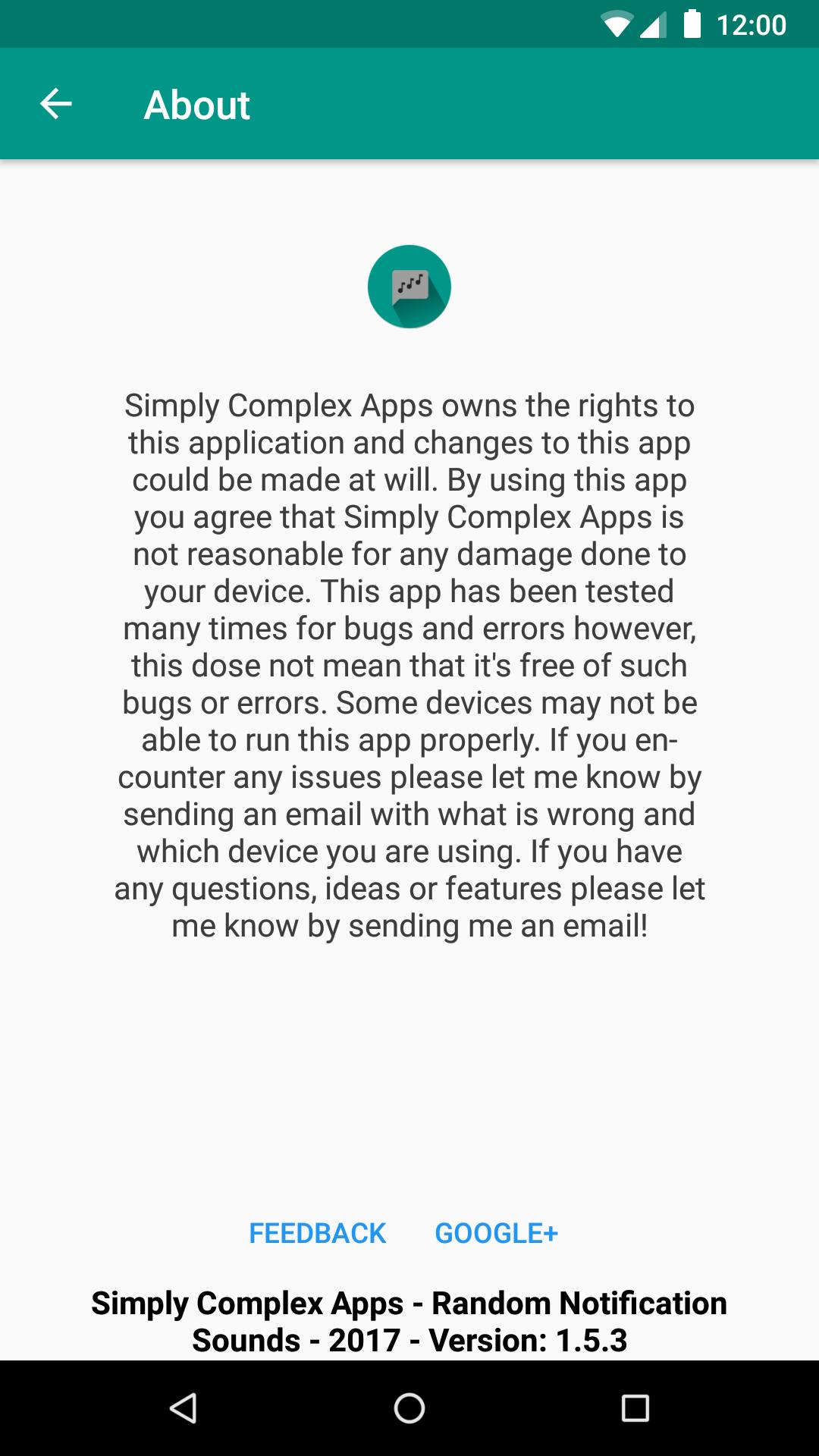
If you have any ideas, help or feedback feel free to send feedback at simplycomplexapps@gmail.com or by sending feedback in the about section of the app. More features will be added in near future! Thanks for your support and giving me a shot! And as always have a Simply Complex Day!
Latest Version
1.5.3Uploaded by
Sara Moreira
Requires Android
Android 4.3+
Category
Free Tools AppContent Rating
Everyone
Report
Flag as inappropriateLast updated on Feb 20, 2018
1.5.3:
*Added the option to add files contained in subfolders when selecting a folder (Recursive file adding).
*Added the option in settings to force all notification sounds to be played. If your sounds aren’t being played from a specific app enable this option.
*Fixed bugs with the file selector system.
*Other minor bug fixes.





APKPure - A multi-platform app store primarily focused on Android, providing extensive app-related content. Discover the app you want easier, faster, and safer, with quick and efficient downloads and installations.