

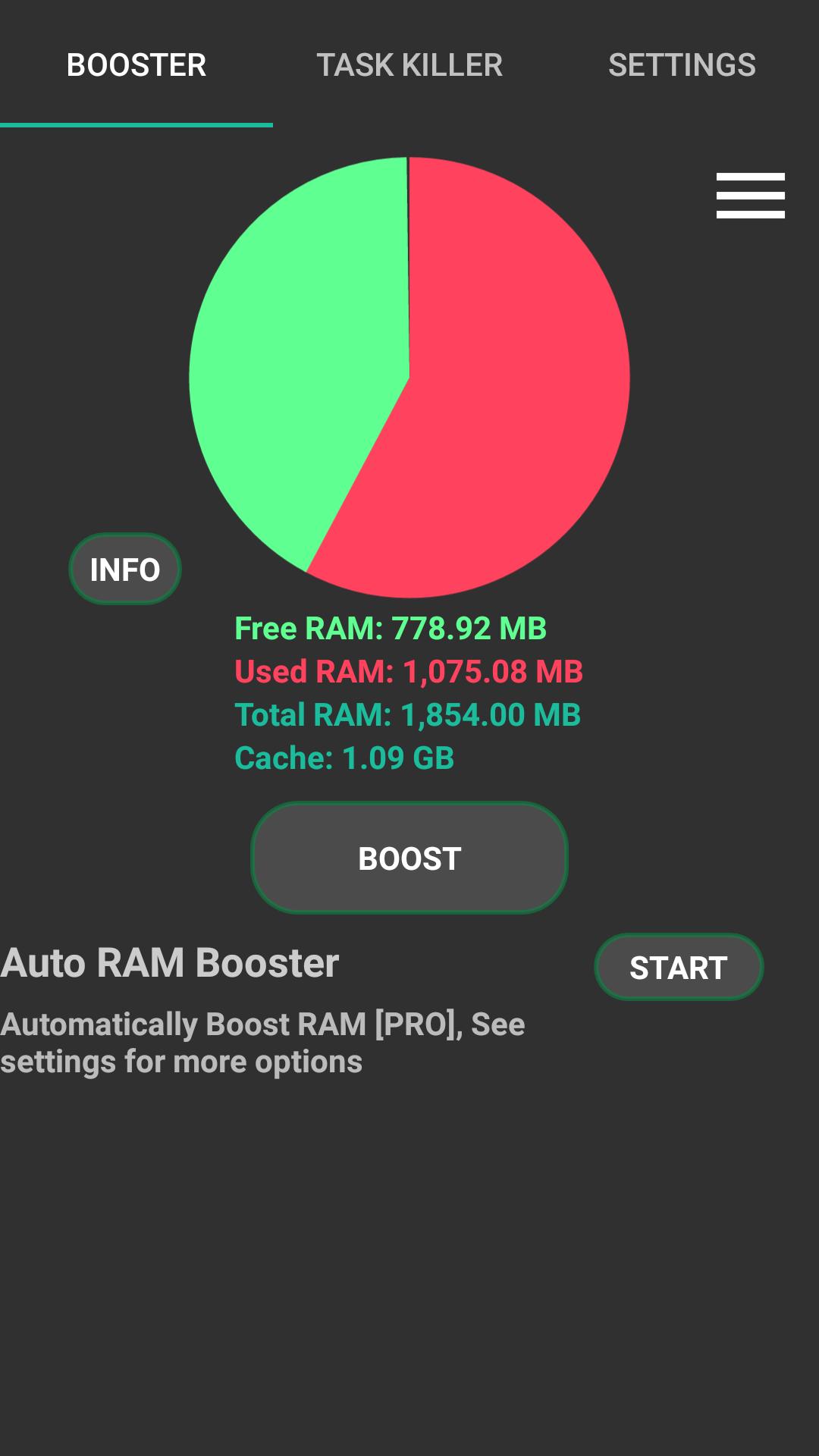
RAM Booster eXtreme helps when your phone slows down because too many apps stay open and eat memory. It lets you view current RAM usage and take quick actions to reclaim it, so apps open faster again. Additionally, controls are simple and work without root on both rooted and non rooted devices. RAM Booster eXtreme APK focuses on manual boosts by default and does not run in the background unless you enable options that need it.
One tap RAM boost
RAM Booster eXtreme lets you free memory with a single tap. A home screen widget gives quick access when you need it. Boost levels range from Normal to eXtreme, with Super eXtreme requiring the pro version. Higher levels stop more third party and allowed system apps while respecting your whitelist and keeping important system components untouched. Cache cleanup runs along with the boost to recover extra space.
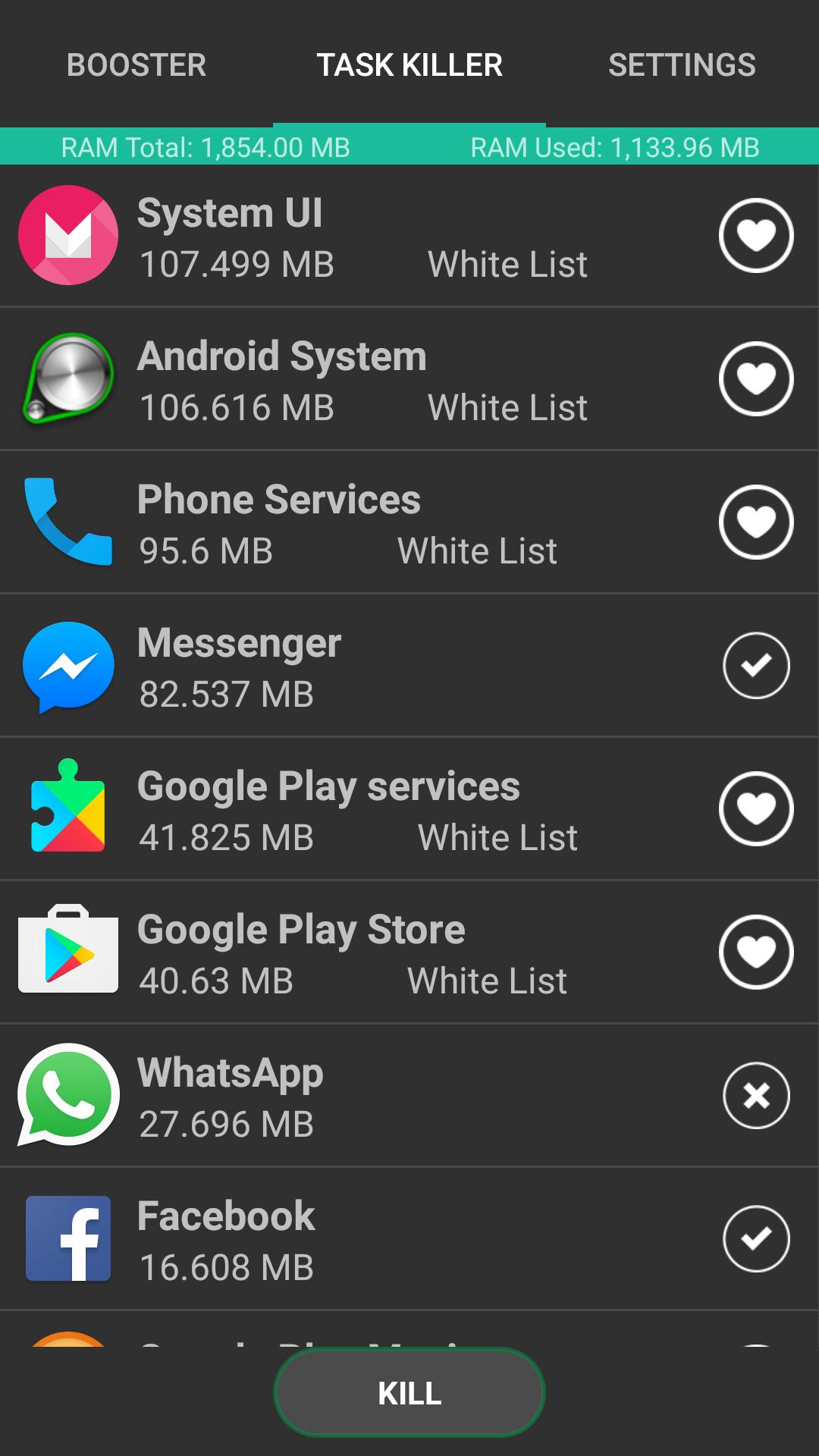
Task killer with whitelist
Automatic boosts and notifications
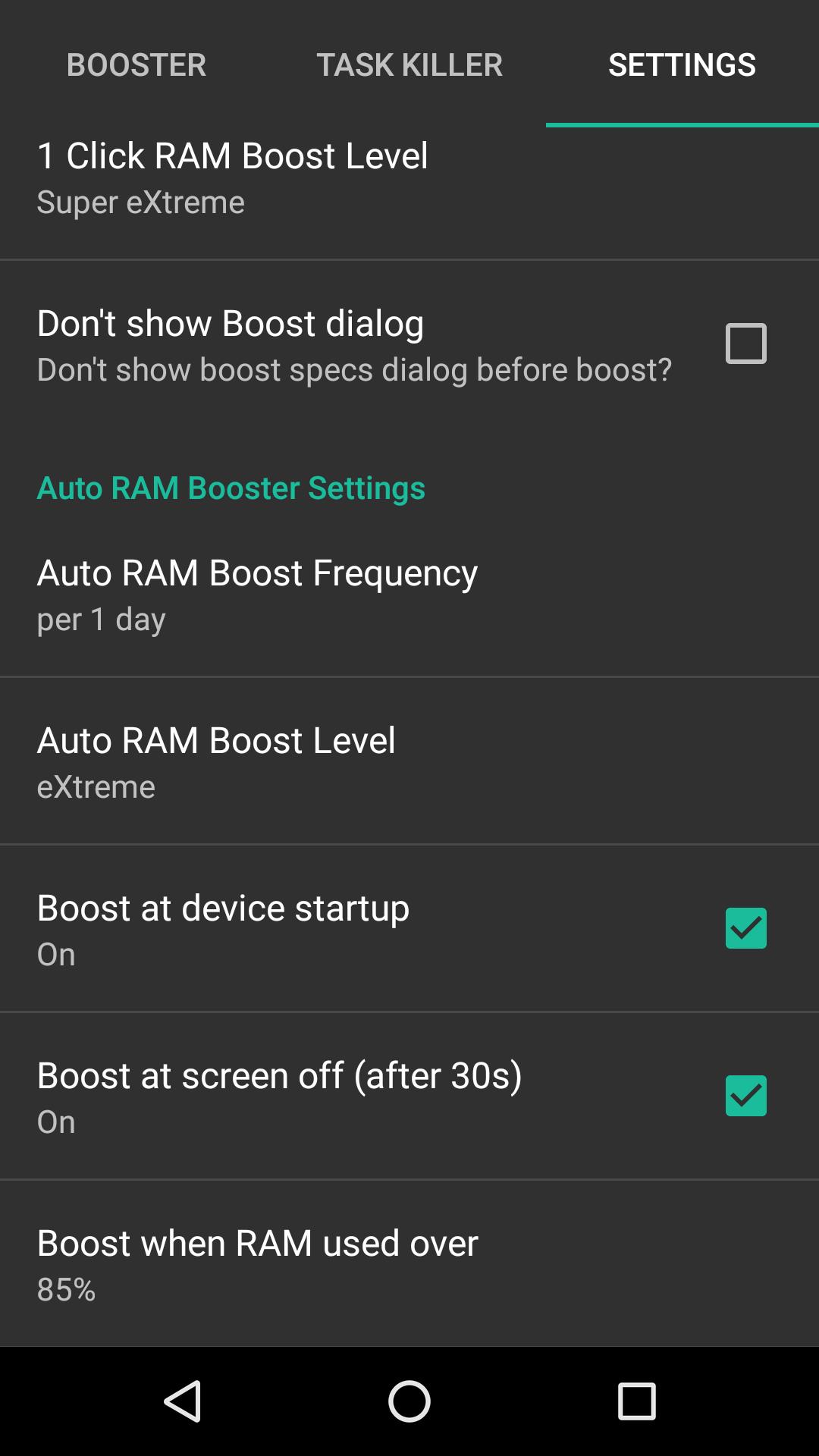
If you prefer automation, scheduling is available as a pro feature. You can set boosts at fixed intervals, at device startup, at screen off, or when RAM usage crosses a chosen threshold. The app can notify you after an automatic boost. RAM Booster eXtreme does not keep running in the background except for screen off detection when that option is enabled.
This tool provides quick manual boosts, task management, and optional automation for users who want more control. Check the interface, set your whitelist, then run a boost to see how much memory you can reclaim. When ready, get the RAM Booster eXtreme latest version to try the current tools on your device.
Latest Version
5.8.3Uploaded by
Fjzifi Gudjfjfj
Requires Android
Android 4.1+
Category
Free Tools AppContent Rating
Everyone
Report
Flag as inappropriateLast updated on Aug 16, 2018
Please share your happy story after using our magical tool: RAM Booster eXtreme. Share us on Google+, Facebook, Twitter etc. Let your friends too have a fast smart phone :)
v5.8.3:
★ Deep cache cleaning. Requires WRITE_EXTERNAL_STORAGE permission.
★ Bug fixes and UI modifications
v5.2.0:
★ [NEW] White list menu in home page
★ [NEW] Boost at device startup
★ [NEW] Boost at screen off
★ [NEW] Boost for RAM usage over (55%, 65%, 75%, 85%, 95%)
Contact: dev.8japps@gmail.com




APKPure - A multi-platform app store primarily focused on Android, providing extensive app-related content. Discover the app you want easier, faster, and safer, with quick and efficient downloads and installations.