Scan Date:Apr 17, 2026
Show More

## What advantages in the professional version?
The professional version of QuizMaker comes with many advanced additional features that will allow you to create even more varied, more configurable, more dynamic questionnaires and all this in a way always soo simple and intuitive.
Cherry on the cake, the generated shareable **.qcm** files can be **played** by any **.qcm** file readers and even by the QuizMaker standard edition app which is the totally free version of this software available here: https://play.google.com/store/apps/details?id=com.devup.qcm.maker
If you are new to QuizMaker, you should know that QuizMaker is an application that allows you to create, play and share quizzes and tests in a simple and intuitive way via a simple portable and shareable *.qcm extension file. (NB: this is not a quiz store containing already made quizzes, but this is a tool that allows you to create your own quiz in order to play, receive or share tests with your contacts via a simple portable *.qcm extension file).
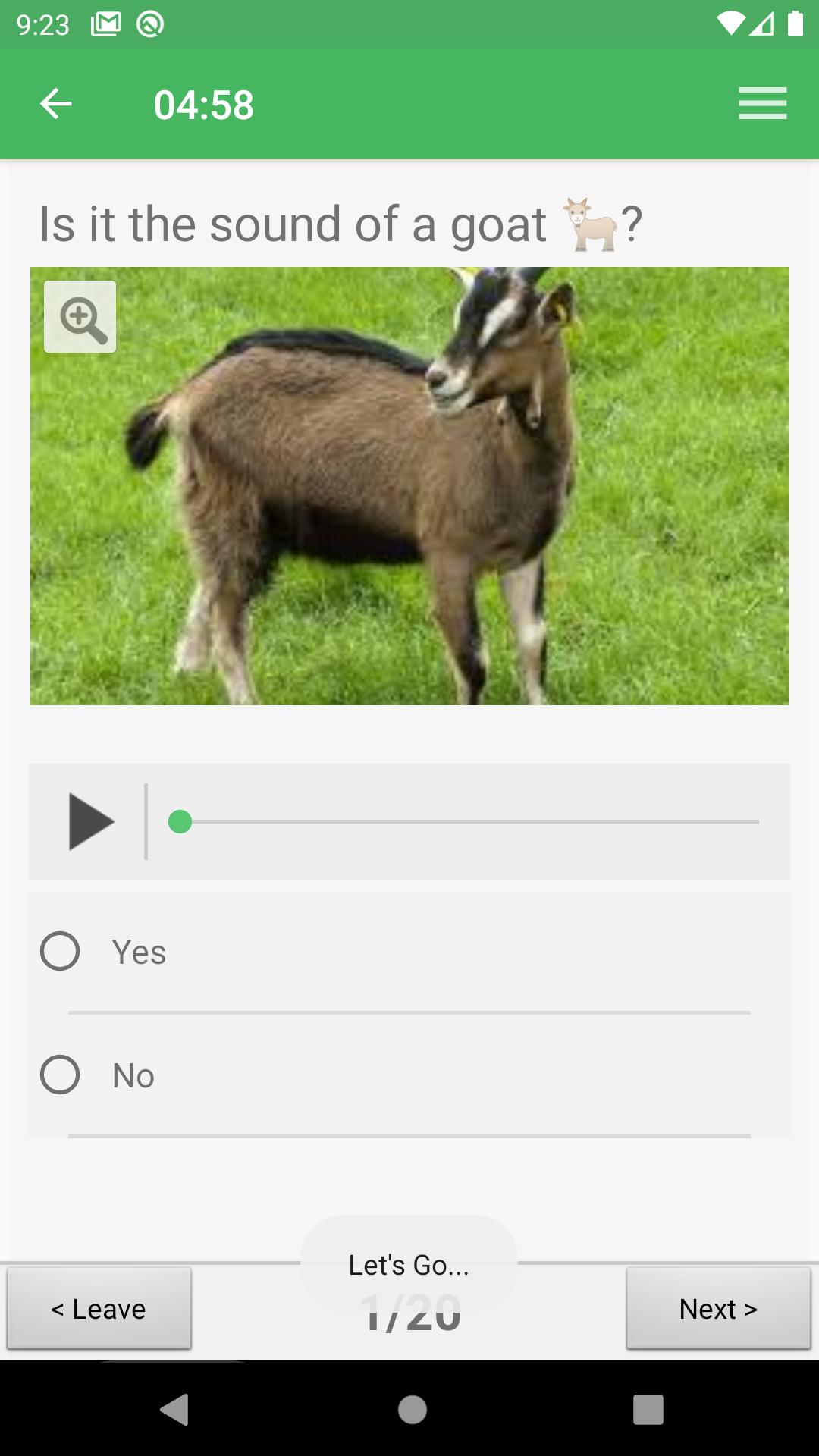
The quiz questionnaires created using QuizMaker app are in the form of interactive tests quizzes that may contain pictures and sounds including a system for automatic scoring.
Thus, you can create your own quiz, play it and share it for self-evaluation or even for entertainment gaming purpose.
So, what's so great about the professional version?
### Create up to five (5) types of additional questions!
With the professional version; in addition to **3 types** of questions available in the classic version namely:
1- Multiple-choice question with multiple answers
2- Multiple-choice question with a single answer
3- Open-ended question.
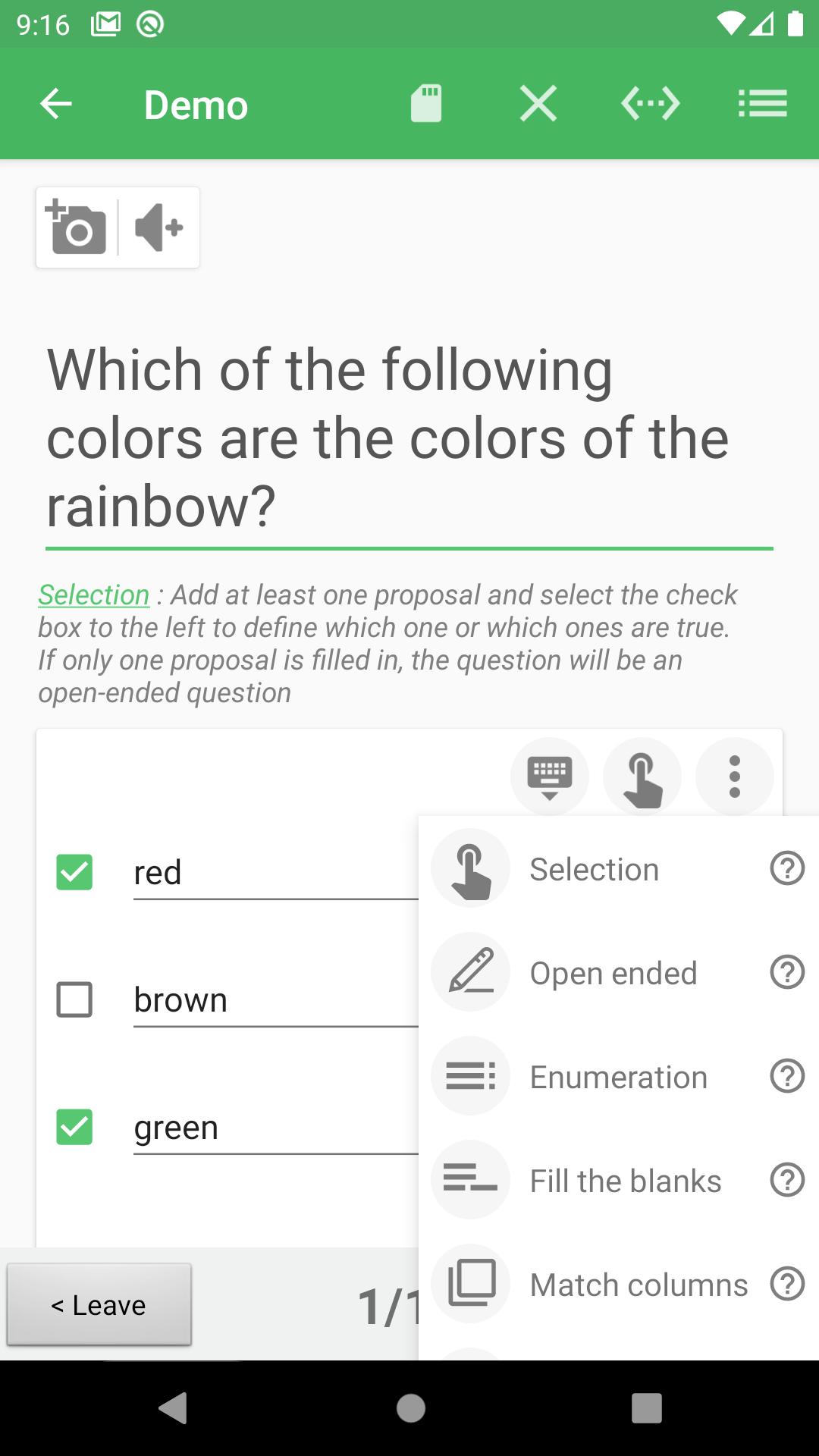
You will now be able to create **five (5)** more types of questions that are:
1 - Enumeration
2 - Fill in the blanks
3 - Open response to multiple possibilities
4 - Put in order
5 - Match
Thus, with QuizMaker Professional, you will be able to create a total of 8 question-answer types in all.
Either the three (3) available in the classic version plus five (5) other types available exclusively in the professional version.
### More configurations on questions and answers!
With the professional version, depending on the type of question and answer you have chosen, you will now be able to make further adjustments to each question-and-answer.
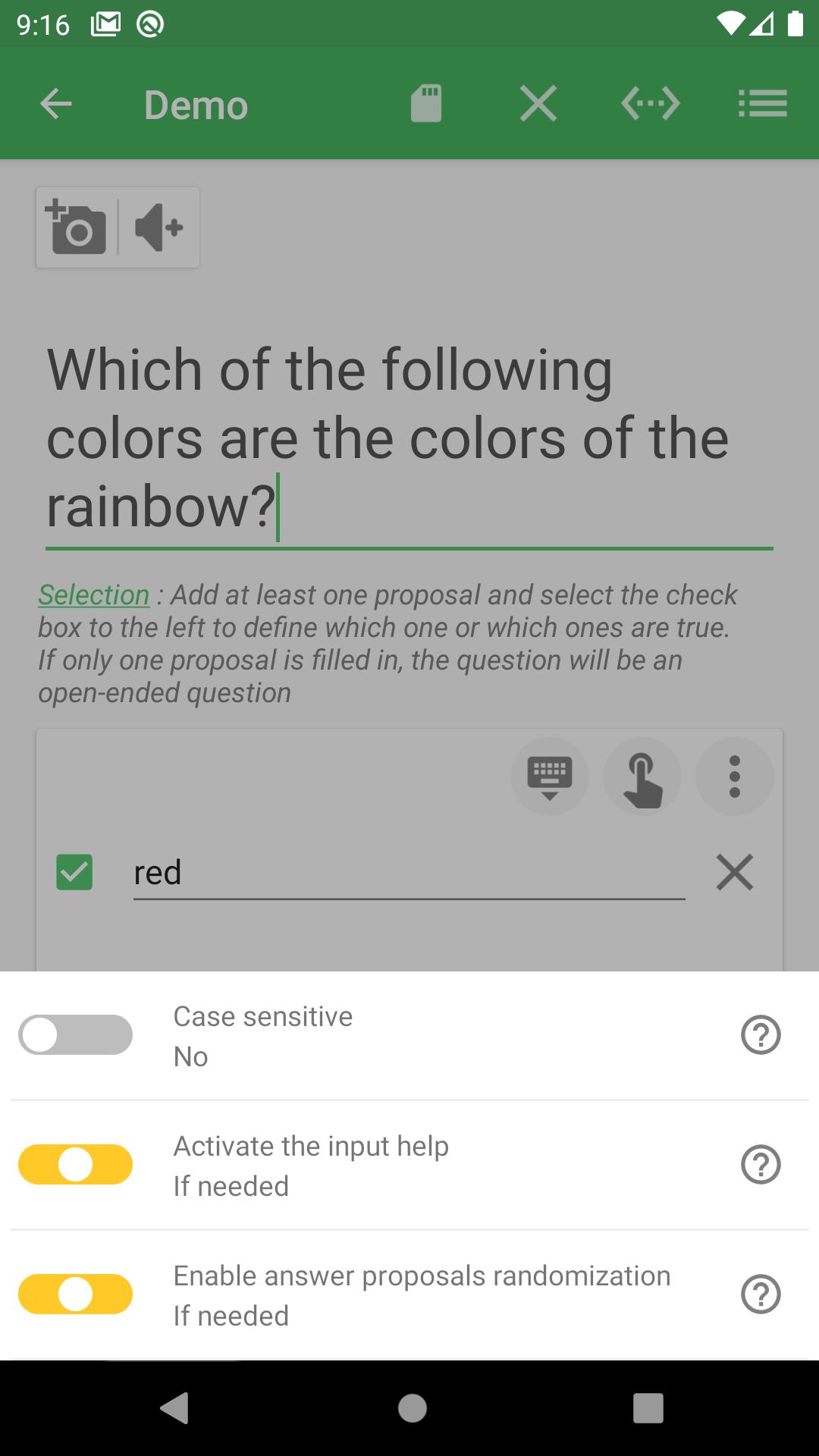
Thus, for each question-answer, you will be able to define the following configurations:
1 - Case sensitiveness
2 - Help with answer entering
3 - Mixing strategy for the answers
Thanks to these **advanced configuration** options, you can **customize** the behaviour of each Q & A **individually**.
Important note:
QuizMaker professional edition is the fully functional professional version of the QuizMaker-Classic application that gives you full access to all advanced features during a 7-days evaluation period per device.
Pass the evaluation period, you will need to activate your product with an annual subscription or opt-in for the ads-based plan waiting for you to purchase an activation licence.
NB:
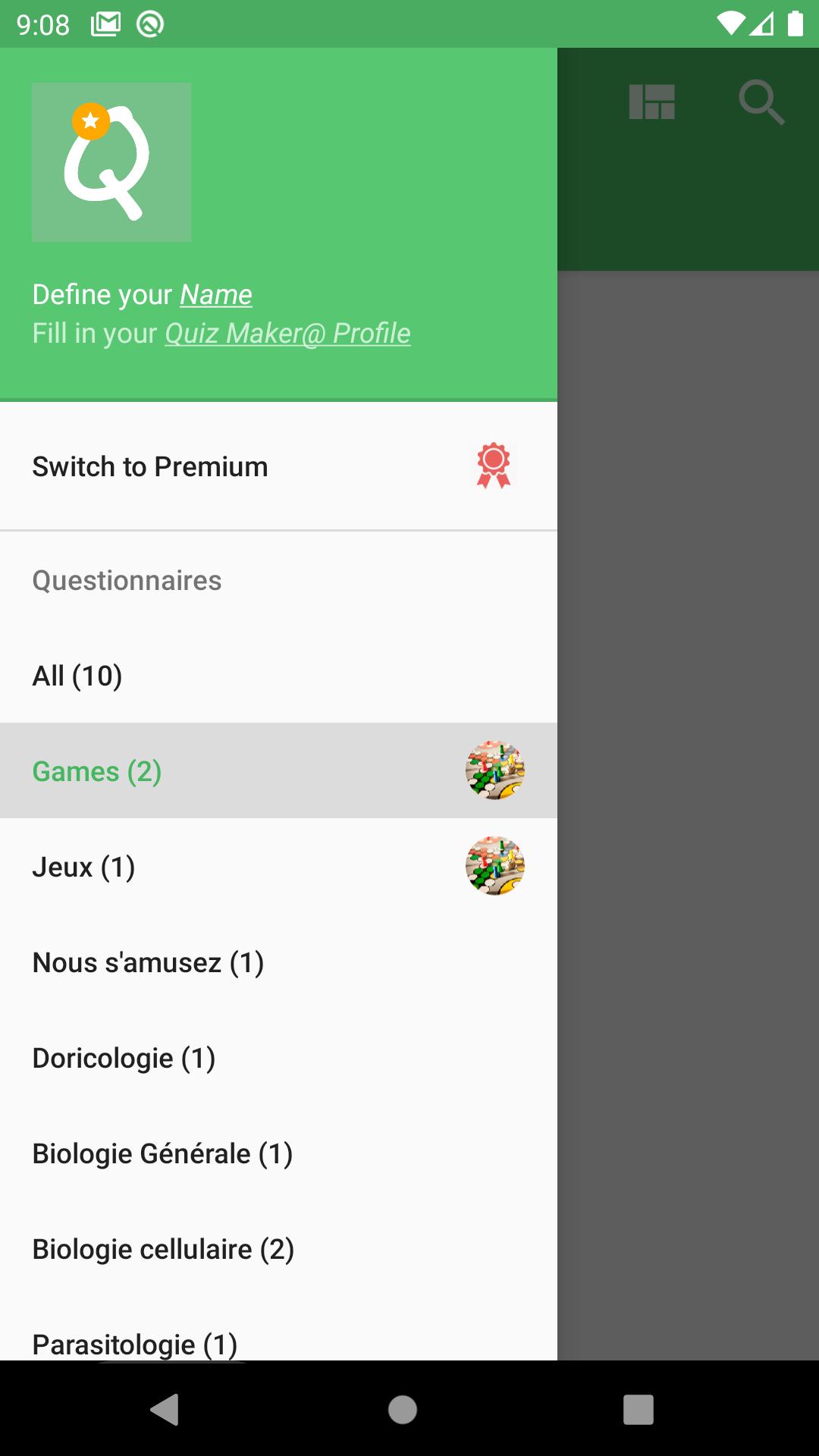
The application comes with a single embedded questionnaire file named "demo.qcm" that will allow you to discover and experience the possibilities offered by the application. Then you will need to create your own or receive new quiz files (*.qcm) from your contacts to play or re-edit.
Note that:
QuizMaker app as a simple reader and editor for file with extension *.qcm, when you share a quiz as a simple shareable and portable *.qcm file, the receiver needs to have the QuizMaker app installed (or any other compatible *.qcm file reader) in order to play your shared Quiz file (*.qcm file)
If you wish to have all the details concerning the professional version of QuizMaker, you can go here:
https://stackedit.io/viewer?url=https://QuizMaker.qmakertech.com/documentations/advantages-QuizMaker-pro/body.md
With QuizMaker, play, create and share quizzes easily. 🙂
Latest Version
3.14.2Uploaded by
ตา บบบ
Requires Android
Android 8.0+
Category
Free Education AppContent Rating
Everyone
Security Report
Report
Flag as inappropriateLast updated on Apr 17, 2026
- Fixed the way questions of type "jumbled words" work
- Added the ability to duplicate a question
- Added the ability to specify which columns should be shuffled for match_columns questions
- Improved the file recovery system in case of QCM file corruption!
- Optimized the way the app adds media to the quiz in order to avoid crashes
- Reported bug fix!



APKPure - A multi-platform app store primarily focused on Android, providing extensive app-related content. Discover the app you want easier, faster, and safer, with quick and efficient downloads and installations.