Package Name:com.lipisoft.quickvpn
SHA-256:0868f62805a23d28bb6c3de09cd89e181152fa37b72d7d4501cd11c245eff7f2
Show More


QuickVPN helps when services are restricted in your country, when a game server is region locked, or when you need a safer connection on public Wi‑Fi. It focuses on simple, quick access so you can get online without complex steps. In everyday situations, users want stable routes for streaming, gaming, or video calls. QuickVPN APK is designed to meet those needs by prioritizing straightforward connections and practical tools for choosing a suitable route. This makes it a practical option for daily mobile use.
QuickVPN focuses on a one-tap setup. Open the app, choose a country, then connect. No manual configuration is required. It works on common networks, including Wi‑Fi, 3G, LTE or 4G, and 5G, so you can stay connected at home or on the move.
Smart server pickerThe antenna gauge displays round-trip time and signal strength for each location. The built-in speed check helps you pick the fastest path before you connect. These tools make it easier to find a route suited to streaming, gaming, or video calls. If performance changes, you can switch servers and test again.
Global locationsQuickVPN offers multiple server locations. The app description notes 15 locations across 14 countries. Availability can vary by time and region, and capacity can change with demand. Selecting a nearby or lightly loaded location may improve speed.
Access blocked servicesQuickVPN can help you visit sites or use apps that are blocked by regional policies or government rules. It routes your traffic through a different country so services appear available. Actual access depends on service policies and local regulations, and some platforms may still restrict certain features.
Privacy protectionQuickVPN uses AES encryption to secure your traffic. This reduces exposure on public Wi‑Fi and limits tracking on shared networks. Your IP route changes when connected, which helps keep browsing activity private from local networks and hotspots.
QuickVPN is free. There is no premium tier or paid subscription. All available server locations and tools are accessible without payment. This clarity helps users decide quickly and plan regular use without ongoing costs.
QuickVPN relies on Google services on many Android devices. If Google services are not available in your region, the app may fail to connect. Users in restricted regions should confirm service availability before relying on the VPN. This note is intended to reduce common setup issues and connection errors.
Typical scenarios show where QuickVPN is helpful. These examples reflect frequent user needs and high-intent searches.
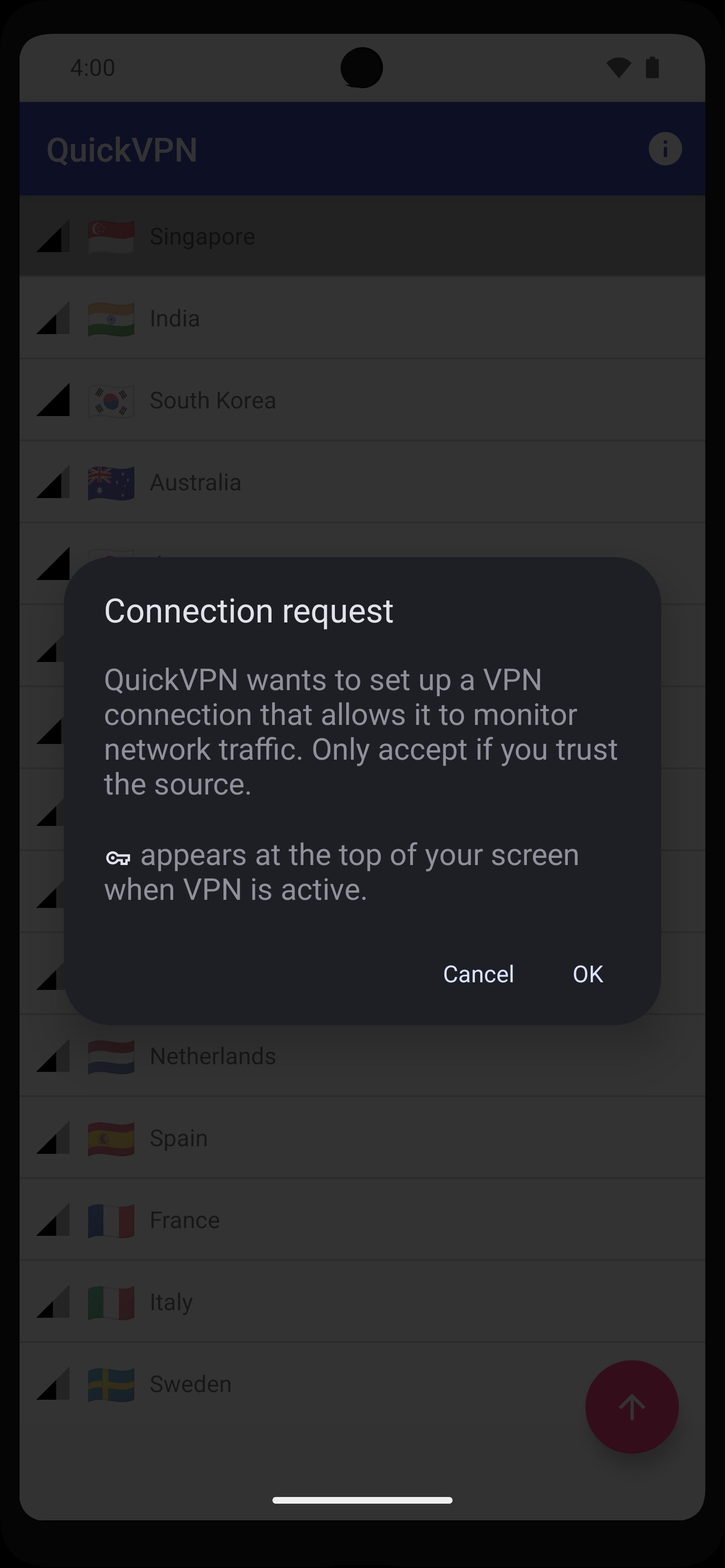
After you download QuickVPN, setup takes only a few taps. The steps below outline a typical connection on Android. Follow them in order for a straightforward start.
QuickVPN offers straightforward connections, practical server tools, and AES encryption for everyday mobile use. To stay current, look for the QuickVPN latest version on this page when updates are available.
Official resources are available for further details.
Latest Version
2.60Uploaded by
Mylene Calunsag
Requires Android
Category
Free Tools AppContent Rating
Everyone
Security Report
Check Now
Report
Flag as inappropriateLast updated on May 25, 2026
Stability Improvements




APKPure - A multi-platform app store primarily focused on Android, providing extensive app-related content. Discover the app you want easier, faster, and safer, with quick and efficient downloads and installations.