
Having trouble finding the application icon you want to launch? Do you have to regularly dial, text a specific contact? Do you toggle wifi/ringtone/bluetooth and other phone settings often? Use Quickify to launch/call/toggle any application, contact or settings....using custom gestures!
Quickify allows you to :-
1. Launch your favorite applications from all the application installed.
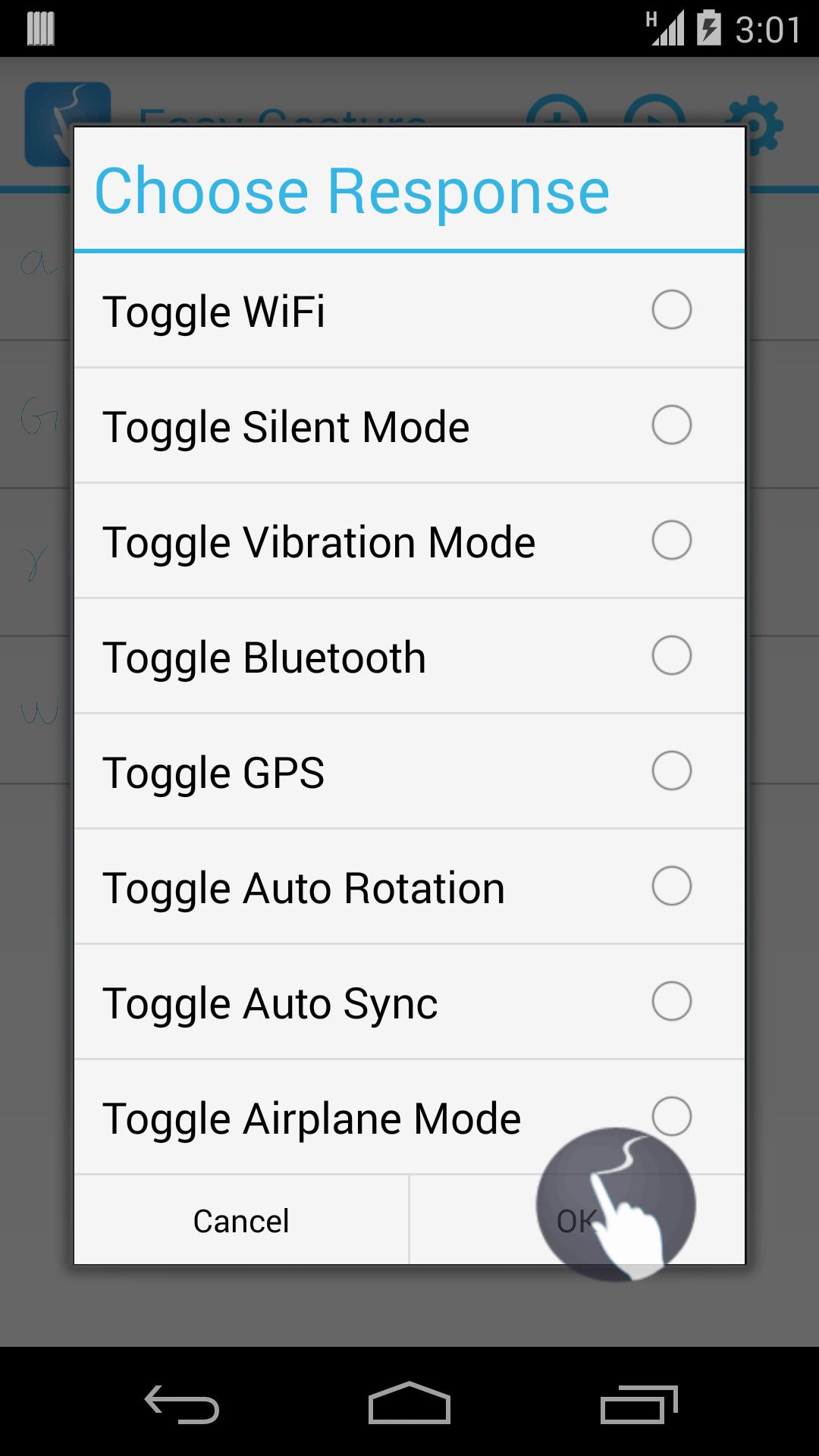
2. Toggle various tools and settings on phone.
3. Call your favorite contacts.
4. Text(Sms/Mms) your favorite contacts.
5. Open a frequently visited website with just a single click.
Quickify places a small circular floating icon on your screen. You can move/drag where ever you want to as per your convenience. Tap the icon to start launching you favorite phone apps/tasks.
All the permissions needed by the application are used to open/toggle applications. This application does not use internet so no private information is being used/shared by the application.
Latest Version
1.1.0Uploaded by
Azim Mohamad
Requires Android
Android 4.1+
Category
Free Productivity AppContent Rating
Everyone
Report
Flag as inappropriateLast updated on Mar 14, 2017
Some bugs resolved and minor improvements around usability.




APKPure - A multi-platform app store primarily focused on Android, providing extensive app-related content. Discover the app you want easier, faster, and safer, with quick and efficient downloads and installations.