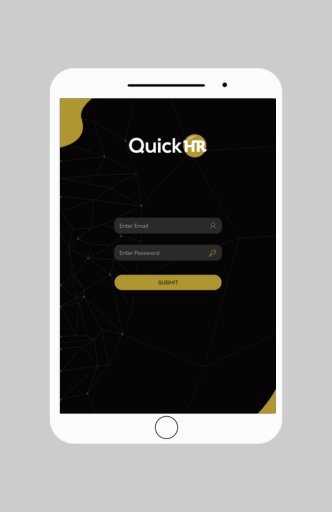
The QuickHR app provides secure mobile access to all your QuickHR features on-the-go.
As an employee, our simple interface allows you to:
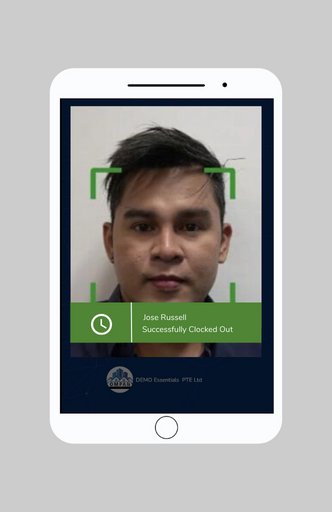
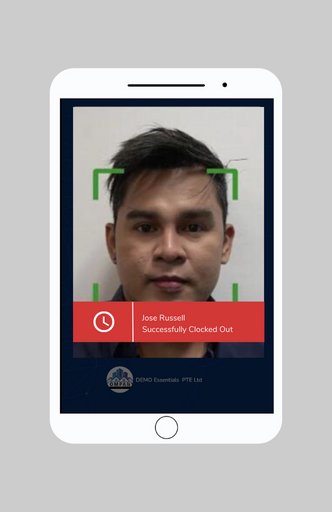
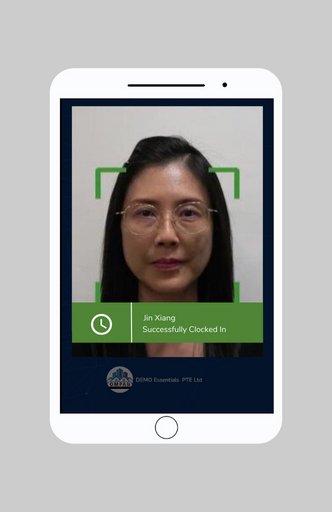
- Review your payslips and employment particulars, view or request for leaves, check in and out for work, access your schedule and submit expenses quickly.
- Get push notifications alerts and reminders for change of scheduling, important updates and approvals. Immediately address pending tasks right from the app.
As a manager, you can take action wherever you are:
- Approve your employees' leave and expense requests easily.
- View your team or individual schedules and address operational-matters relevant to your role, such as checking in and out on behalf of employees.
- Stay connected to your business by gaining quick insight into what's important through interactive reports and dashboards.
And if your mobile device is ever lost or stolen, you can be confident that your data will be kept safe and secure through data privacy measures on Amazon Web Services.
QuickHR is PDPA and GDPR compliant, and certified under ISO 27001:2013 and SS 584:2015 MTCS.
Note: Your organization must authorise access to the QuickHR mobile app.
You will only have access to mobile features your organization has enabled, based on your role (not all mobile features may be available to you).