Package Name:mindware.volwidget
SHA-256:818dbd33d0766ee4fbe19d46905888d6339eb8e652eb873462a879221736af4e
Show More

Quick Volume switches your phone's sound with one tap. Pick a profile in the app, on a home screen widget or in Quick Settings, and it sets ringtone, notification, media and system volume and the ringer mode together.
Phone only: calls ring at the level you choose, while media, notification sounds and touch sounds stay quiet. On phones where notification volume follows ringtone, Phone only silences notifications with Do Not Disturb instead. Alarms are never changed.
Profiles
• Normal, Phone only, Vibrate and Silent are built in.
• Quiet and Loud are included, and you can add your own.
• A profile sets ringtone, notification, media and system volume and the ringer mode.
• Profiles never change alarm or call volume.
Widgets and Quick Settings
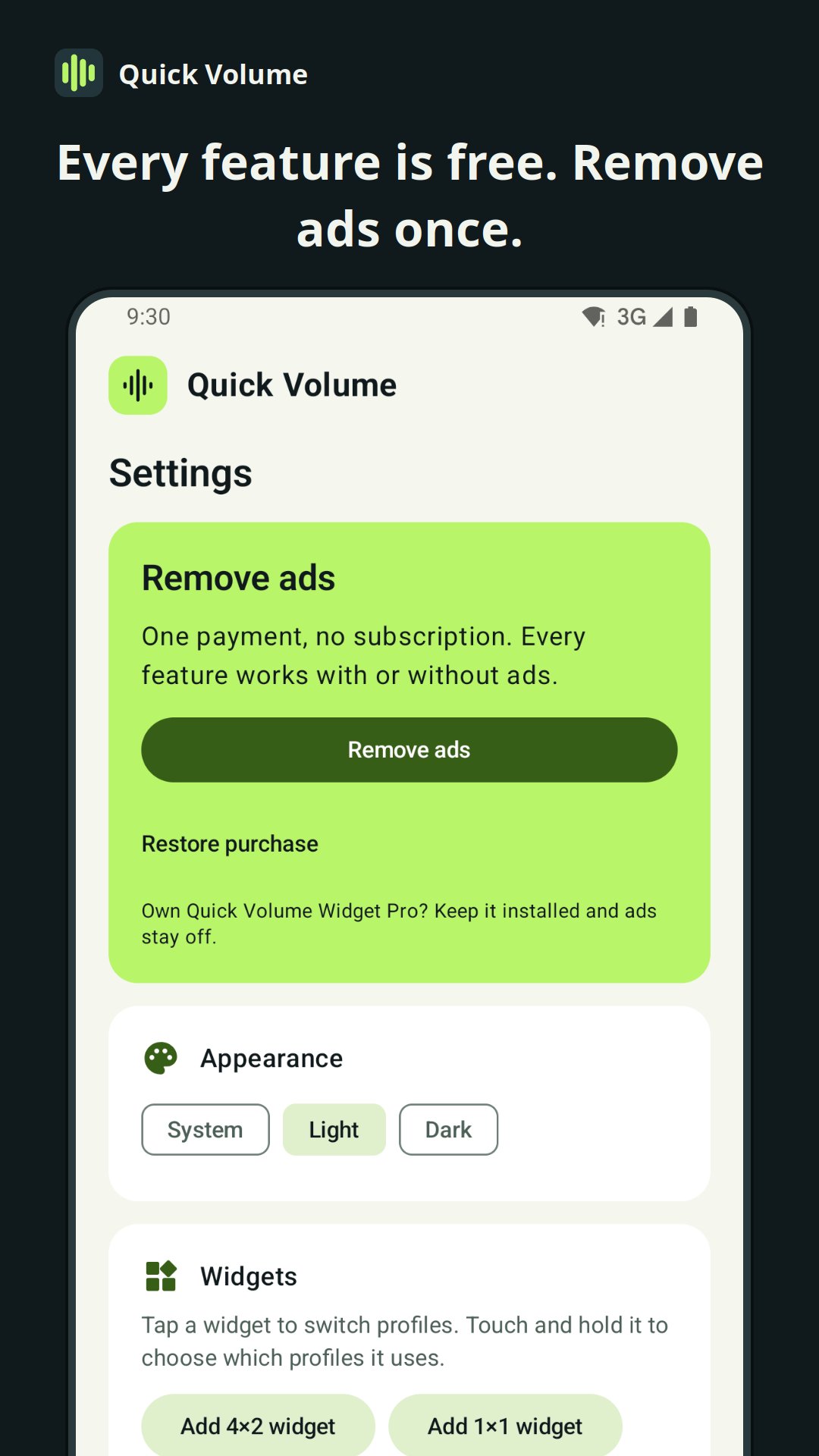
• 1×1 widget: shows the current profile. Tap it to switch.
• 4×2 widget: the current profile, plus a button for each profile.
• Each widget can cycle through the profiles you choose, or turn one profile on and off.
• Quick Settings tile: tap it to switch to the next profile.
• Optional status notification with buttons for the next profile and Phone only.
Volume
• Sound, Vibrate and Silent with one tap.
• Sliders for media, ringtone, notifications, system sounds, alarm and call, in your phone's own volume steps.
• Undo after switching profiles.
Free with ads. A one-time purchase removes ads, with no subscription. If Quick Volume Widget Pro is installed, ads are off.
Silent, and Phone only on some phones, need Do Not Disturb access, which you allow in Android settings. Sound controls work offline; ads need an internet connection. No account, location, contacts or microphone access is needed.
Support: support@mindware.mobi
Privacy policy: https://mindware.mobi/quick-volume-privacy-policy/
Latest Version
3.1.0Uploaded by
Josy Mattos
Requires Android
Android 8.0+
Category
Free Music & Audio AppContent Rating
Everyone
Security Report
Check Now
Report
Flag as inappropriateLast updated on Nov 5, 2026
• New Phone only profile: calls ring, everything else stays quiet.
• Built-in Normal, Phone only, Vibrate and Silent profiles, plus Quiet, Loud and your own.
• Widgets show the current profile. Choose which profiles each widget switches through.
• The Quick Settings tile switches profiles.
• Optional status notification.
• Settings from earlier versions are kept.




APKPure - A multi-platform app store primarily focused on Android, providing extensive app-related content. Discover the app you want easier, faster, and safer, with quick and efficient downloads and installations.