

Quick TuneUp helps when a phone feels slow, drains power quickly, or sensors feel off during everyday use. It focuses on common issues and applies safe corrections without complex setup, so you can get back to normal activity faster. As performance stabilizes, scrolling, app launches, and touch input feel more consistent. For users who want direct fixes instead of manual tweaks, it keeps the process simple. To verify the file, the Quick TuneUp APK uses the package name bully.games.quicktuneup.
Smart Quick Tune
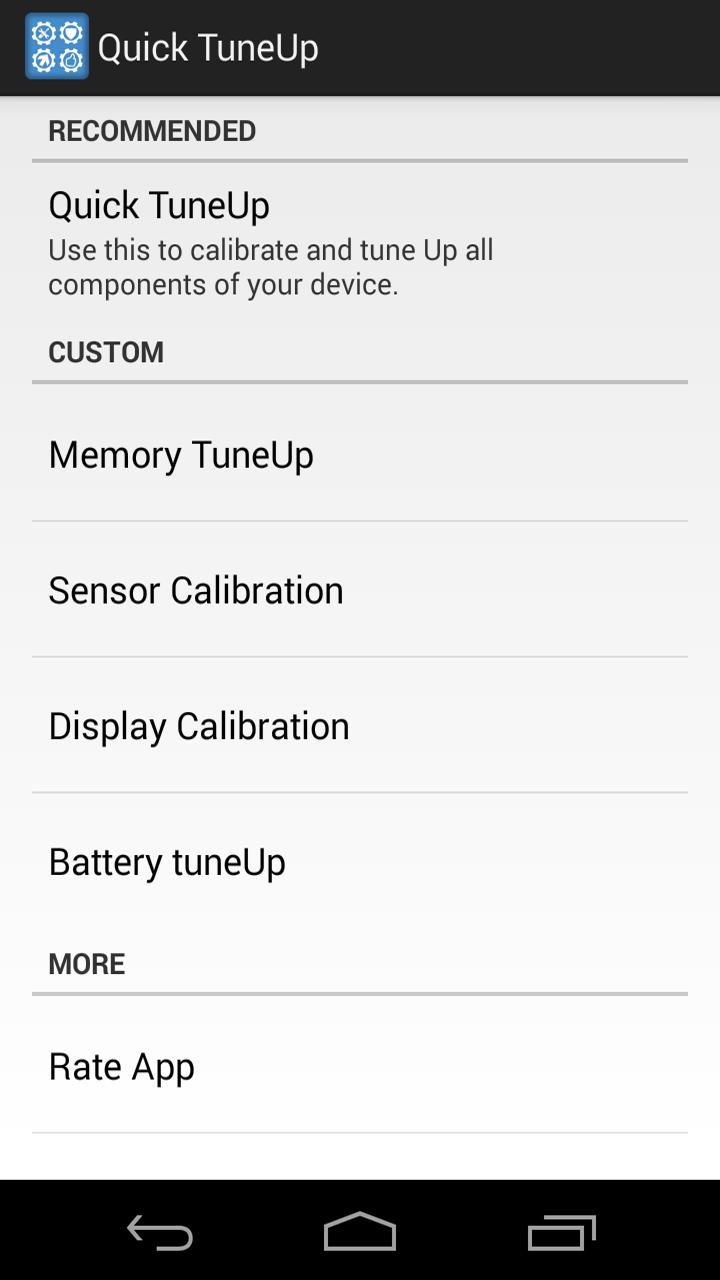
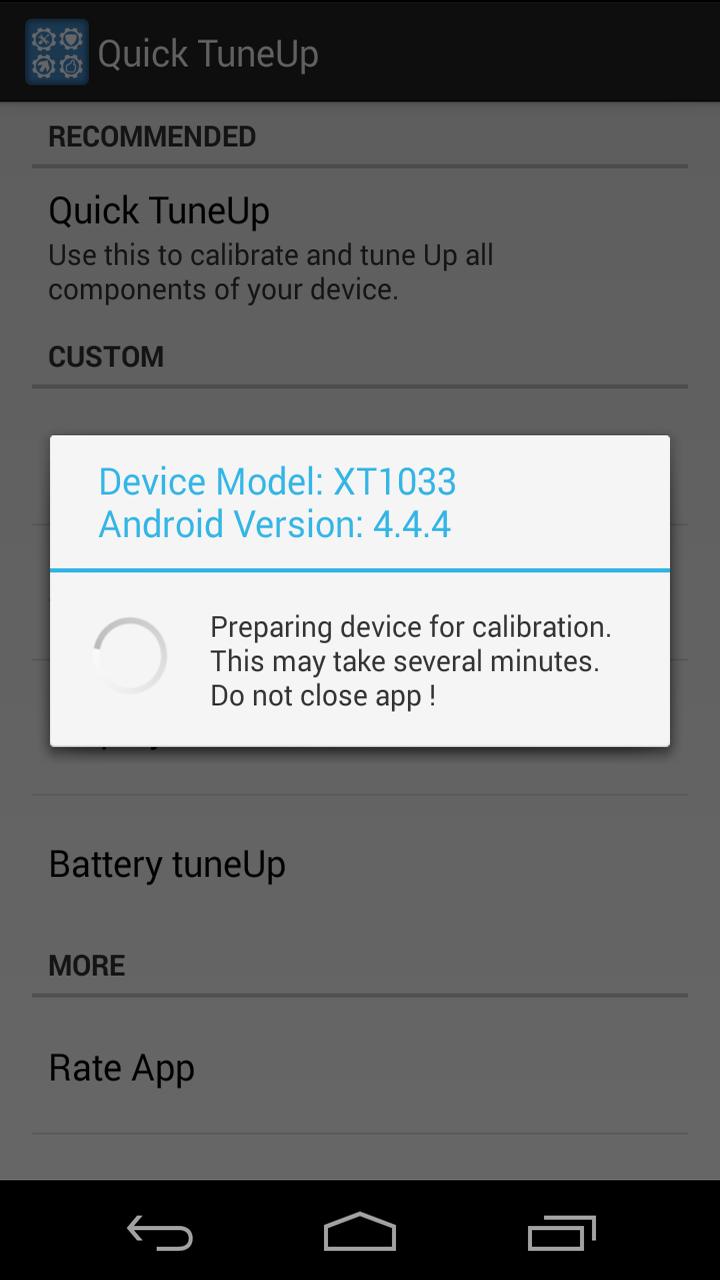
Quick TuneUp performs an all in one optimization and calibration with a single tap. It checks areas that often cause lag and applies safe adjustments to improve responsiveness. This quick action is useful before a long gaming session or right after a system update.
Memory TuneUp
You can calibrate memory behavior to reduce app stutters and slow transitions. Quick TuneUp refreshes how apps access memory so screens switch more steadily. As a result, multitasking feels smoother across regular tasks.
Battery TuneUp
Quick TuneUp addresses battery related issues to help stabilize drain during daily use. It applies power focused calibration without root and aims to reduce sudden drops. After tuning, check battery behavior over a day and repeat if needed.
Sensor Calibration
Quick TuneUp recalibrates device sensors for clearer readings. This helps apps that rely on motion, orientation, compass, or proximity behave more predictably. When phone calibration is accurate, navigation and games tend to feel steadier.
Display Calibration
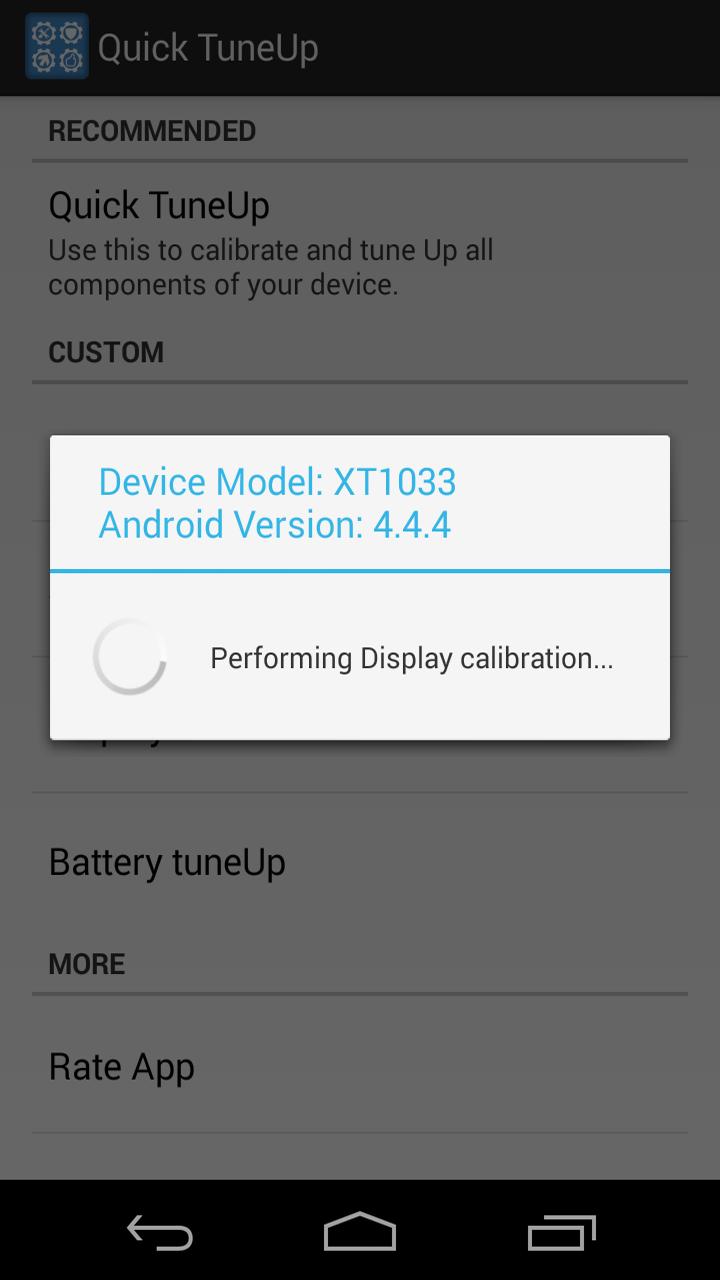
Quick TuneUp tunes display settings to correct visual inconsistencies you might notice after updates or app installs. It aims to improve color consistency and touch response across the screen. This is helpful when the display looks slightly off or taps register unevenly.
Quick TuneUp is designed to work without root access, which lowers risk for casual users. The file is verified clean by antivirus scan on Appteka, offering an added layer of reassurance. Its install footprint is small, making it suitable for devices with limited free space or older hardware. Use the app when the phone starts to lag or sensors misread, and also before gaming sessions for a quick tune.
When comparing listings or mirrors, confirm the package name bully.games.quicktuneup to ensure the correct app. Users who prefer direct APK download can check the file name and package details before installation. If you are looking for the Quick TuneUp latest version, match the version label with the package name to avoid confusion. This simple check helps maintain consistency across different sources that offer an Android APK.
Quick TuneUp is straightforward to operate on most Android phones. Use it when the device starts to lag or sensors misread, and also before gaming sessions or after updates. To begin, download Quick TuneUp and follow these steps.
Quick TuneUp provides one tap optimization plus targeted calibration for memory, battery, sensors, and display. It suits users who prefer clear, practical fixes without root. To get going, use the Quick TuneUp latest version and run a quick tune to steady day to day performance.
Latest Version
12.0Uploaded by
Douglas Domiciano
Requires Android
Android 4.0.3+
Category
Free Tools AppContent Rating
Everyone
Report
Flag as inappropriateLast updated on Oct 3, 2018
performance enhancements





APKPure - A multi-platform app store primarily focused on Android, providing extensive app-related content. Discover the app you want easier, faster, and safer, with quick and efficient downloads and installations.