
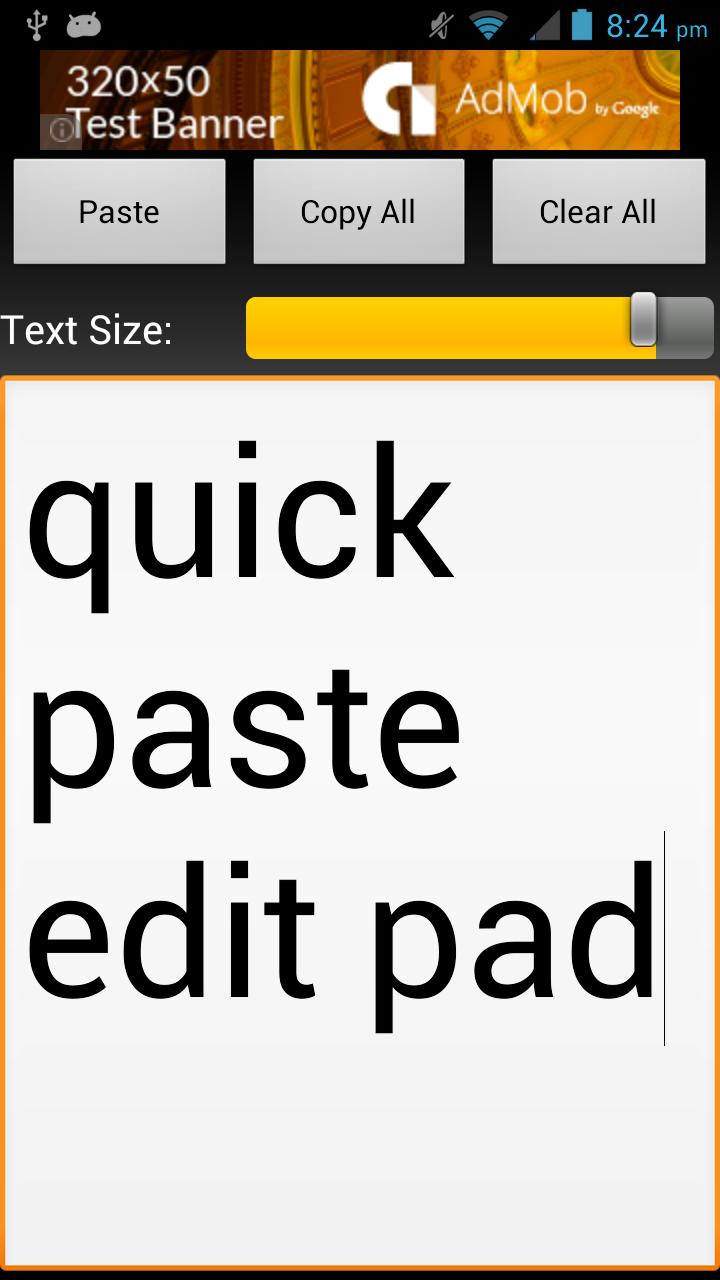
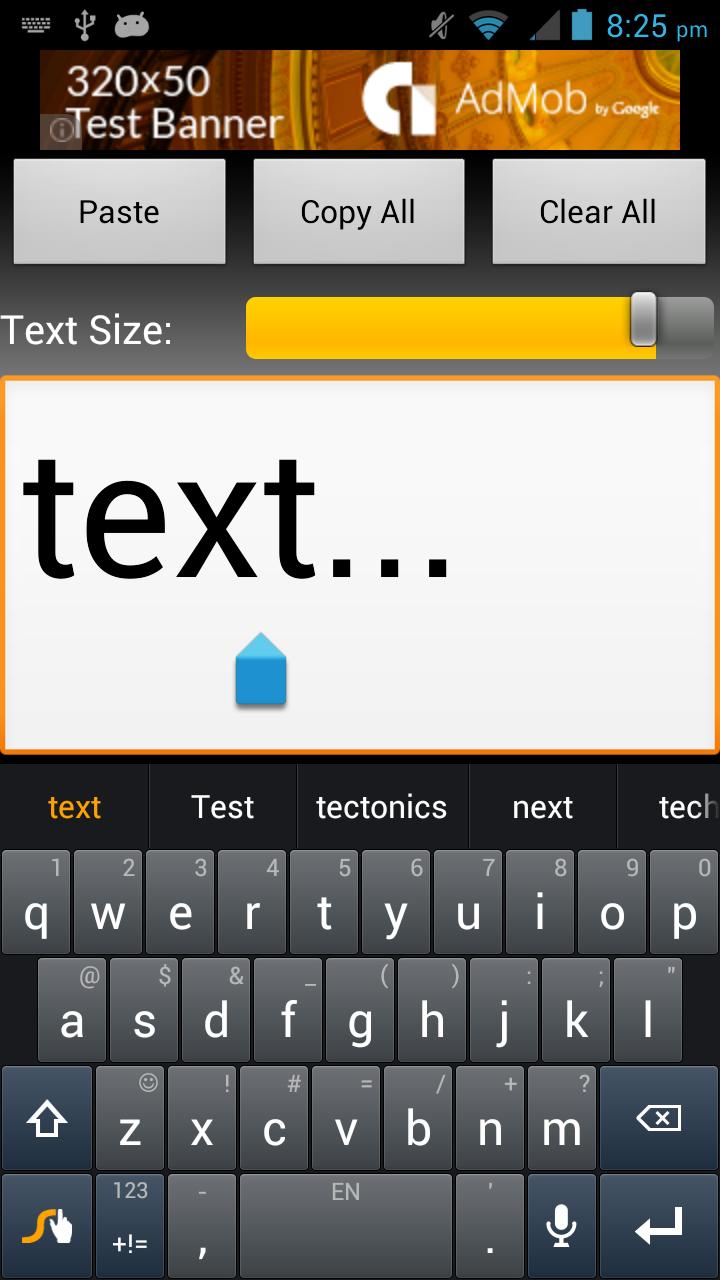
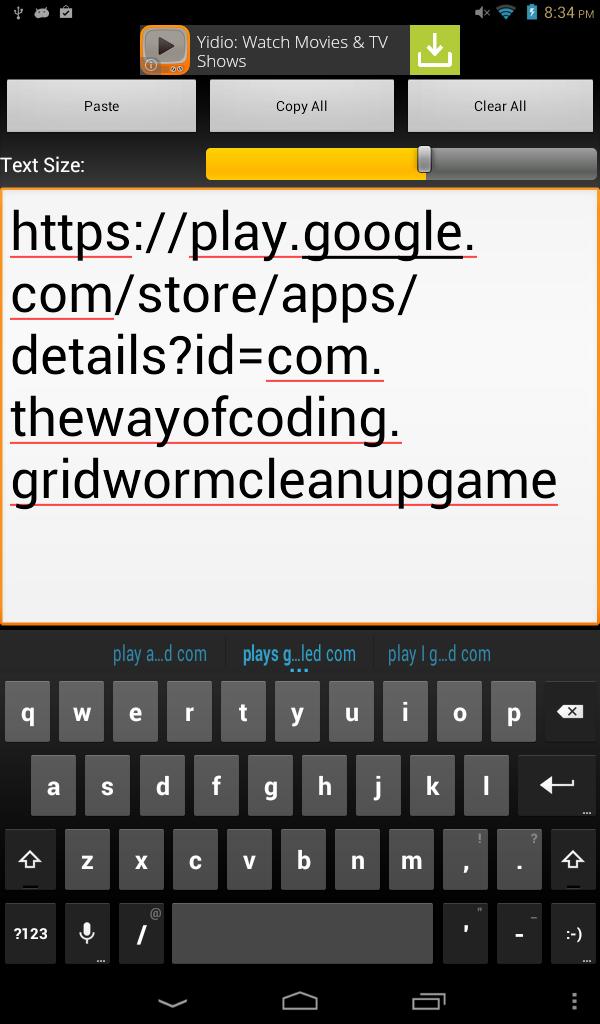
The Quick Paste Edit Pad is designed to be a simple yet intuitive text editor of text I had copied to the clip board and need to modify before pasting it in another application. Often times the app I'm pasting into has a tiny little textbox that I can't easily navigate my cursor through to edit the text I need. I made this app so I could get the job done simply and quickly. The app has paste, copy all, and clear all buttons to avoid the slow context menu. It also has a text size slider that changes the size of the text inside the edit box. The edit box can be easily scrolled for larger text with a finger, but making the font small or larger for a minute really helps me edit text quickly on a touch screen or scroll that larger text if needed.
This is very similar to the paid version that I retired due to changing developer requirements in the Google Play store.
Latest Version
1.1Uploaded by
Nabil Nickname
Requires Android
Android 2.3.2+
Category
Free Tools AppContent Rating
Everyone
Report
Flag as inappropriateLast updated on Aug 23, 2015
Minor bug fixes and improvements. Install or update to the newest version to check it out!



APKPure - A multi-platform app store primarily focused on Android, providing extensive app-related content. Discover the app you want easier, faster, and safer, with quick and efficient downloads and installations.












