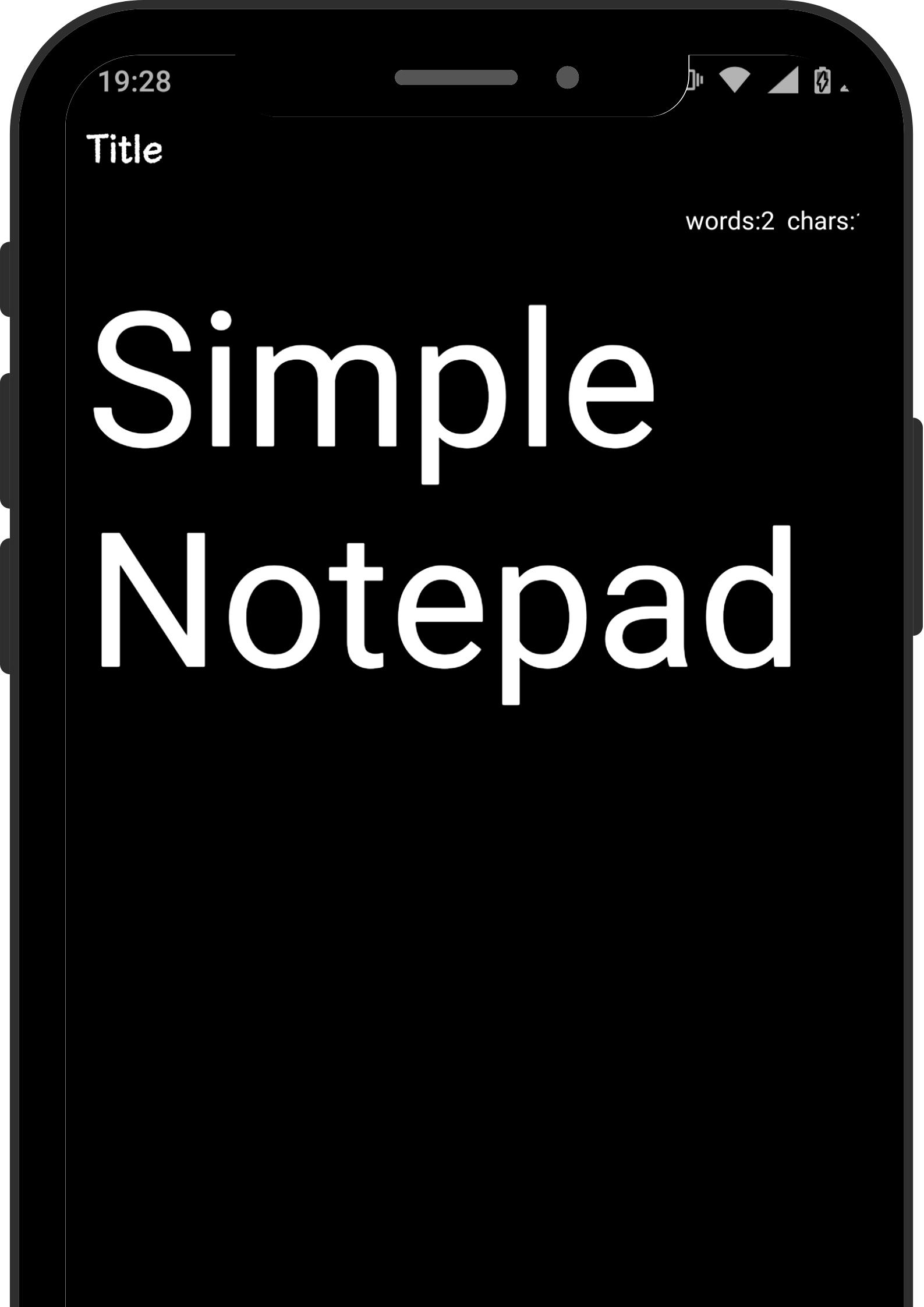
This notepad app allows you to leave notes as soon as you start it. Recommended for situations where you need to take notes in a hurry.
■ Automatic saving of memos
Since it is equipped with an auto save function, the memo will not be interrupted even if the battery runs out unexpectedly. It is also recommended for drafting long sentences such as SNS.
■ Theme color
We have various designs from simple designs to cute designs.
Green: A simple design inspired by a blackboard
Yellow: A refreshing yellow design
Orange: Bright orange design
Red: A chic design based on wine red
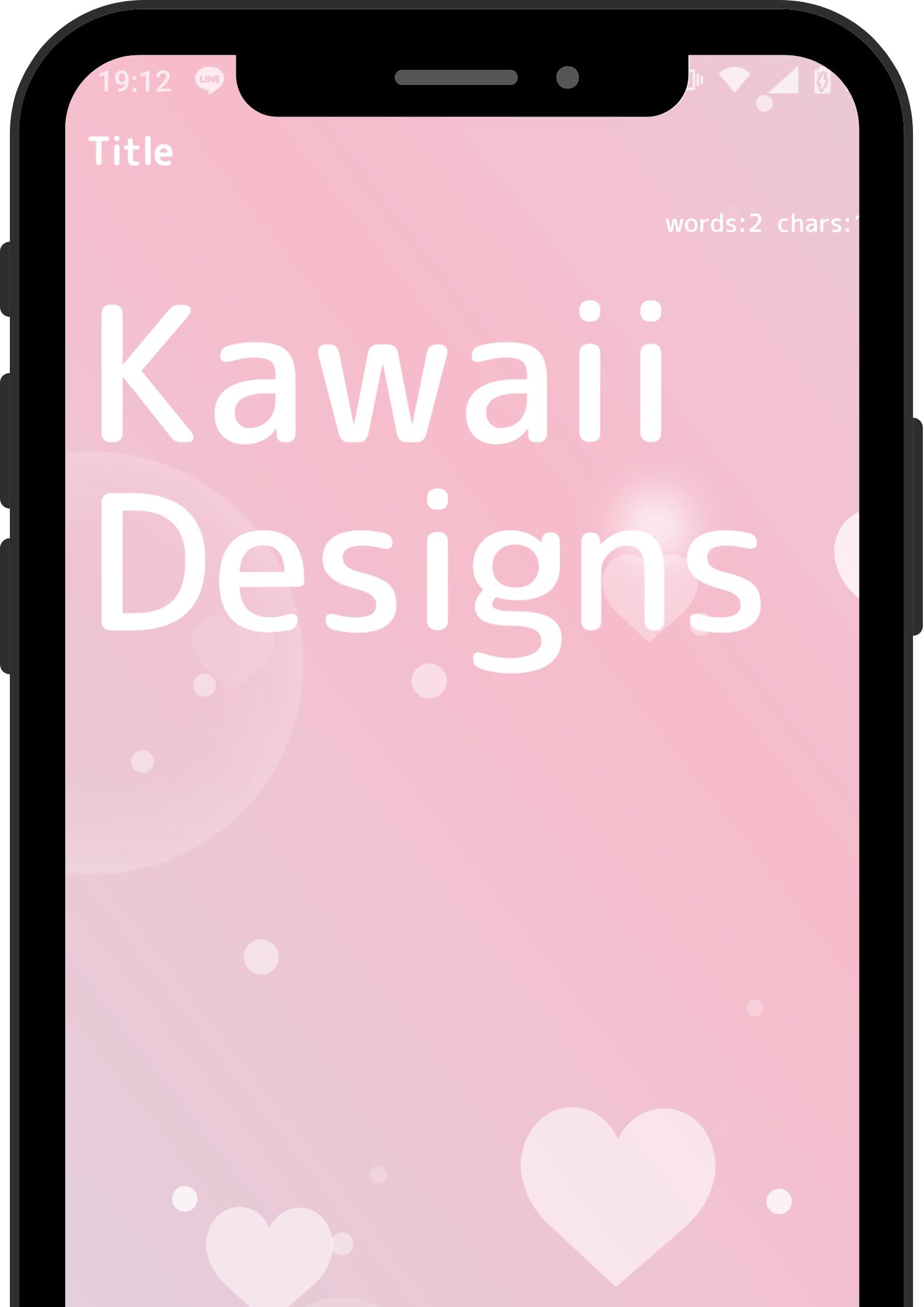
Peach: Cute design with heart pattern
Purple: Light purple calm design
Blue: Futuristic design
Water: Sky and balloon design inspired by a children's room
White: Simple design for business (light operation)
Black: Eye-friendly design (light movement)
■ Usage
· On the shopping list
· For creating a ToDo list
· For temporary storage of copy and paste
· For drafts of email, LINE, Twitter, and Instagram
■ Fee
We want many people to use it, so it is completely free.
■ Advertising
We have placed it at the bottom of the app so as not to block the memo, and we are also working on measures to prevent accidental clicks.
■ Complete security measures
Since the data is saved in the terminal, the contents of the memo will not be leaked. (Backup to the cloud is done manually.)
■ Icon description
You can show or hide the icon from the settings tab. By default, only "Redo / Undo" is displayed.
· Redo
Return the text to the previous state.
The frequency of use is high.
· Undo
Used when the text is returned too much.
· Switching edit mode
You can hide the keyboard.
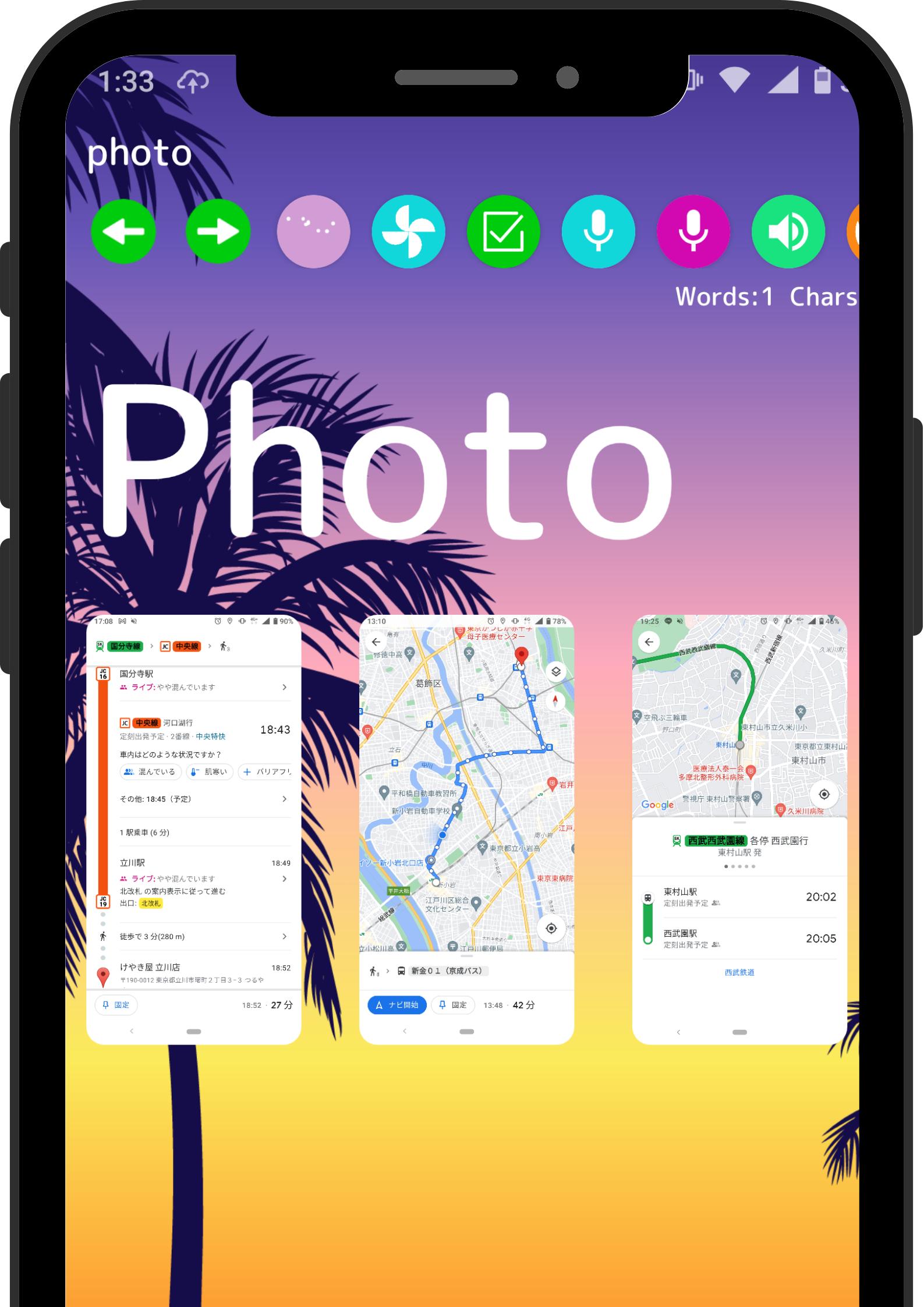
· Pasting images
The train timetable is pasted and used.
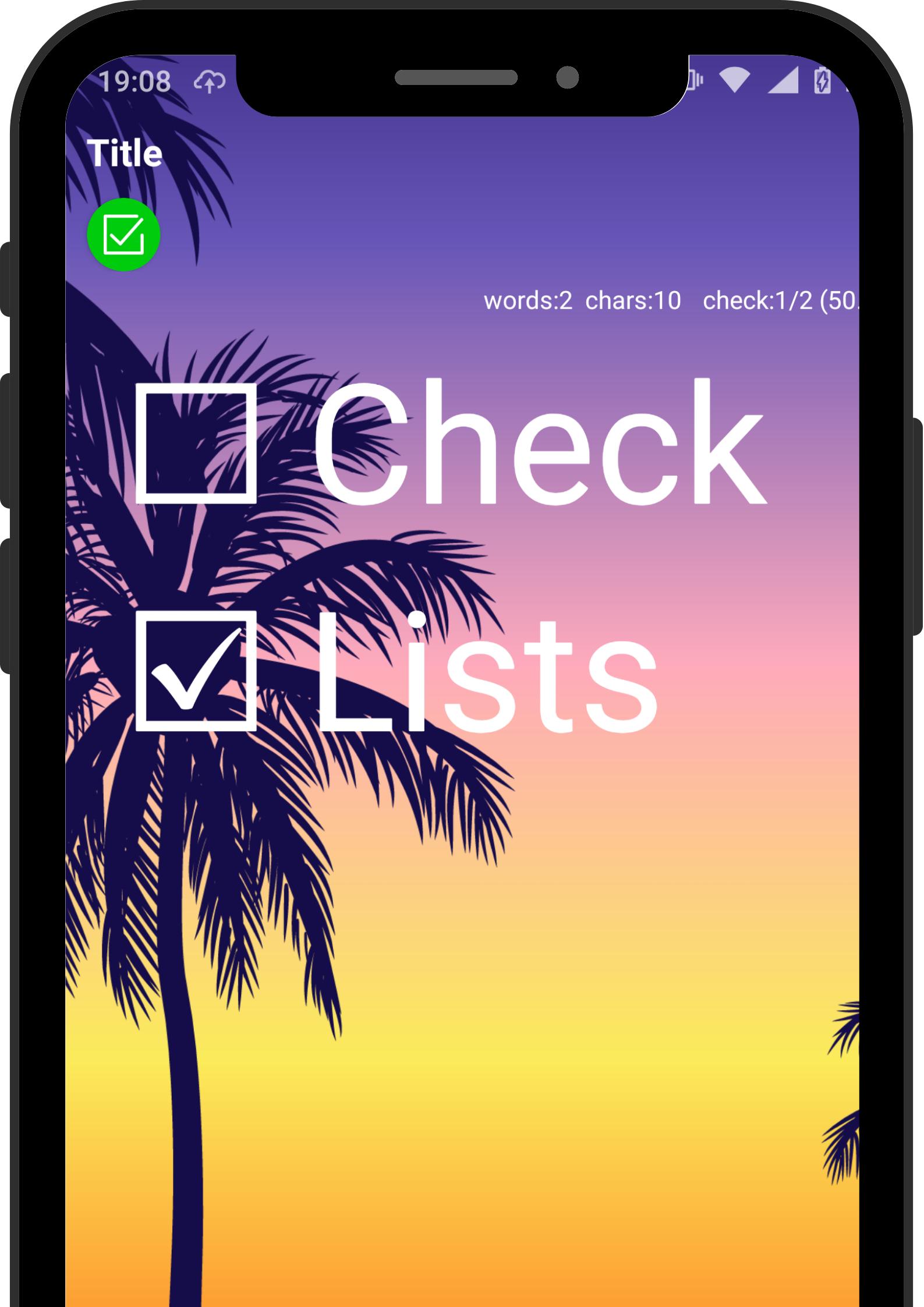
· Checkbox
You can create a shopping list or TODO list.
· Voice input
You can enter characters by voice.
· Recording
You can leave the voice while taking notes.
Recording is also possible with the screen closed.
You can also record while using other apps.
· Text aloud
The entered text will be read aloud in your favorite language.
Supports 7 languages.
English, Japanese, Chinese, French, German, Italian, Korean
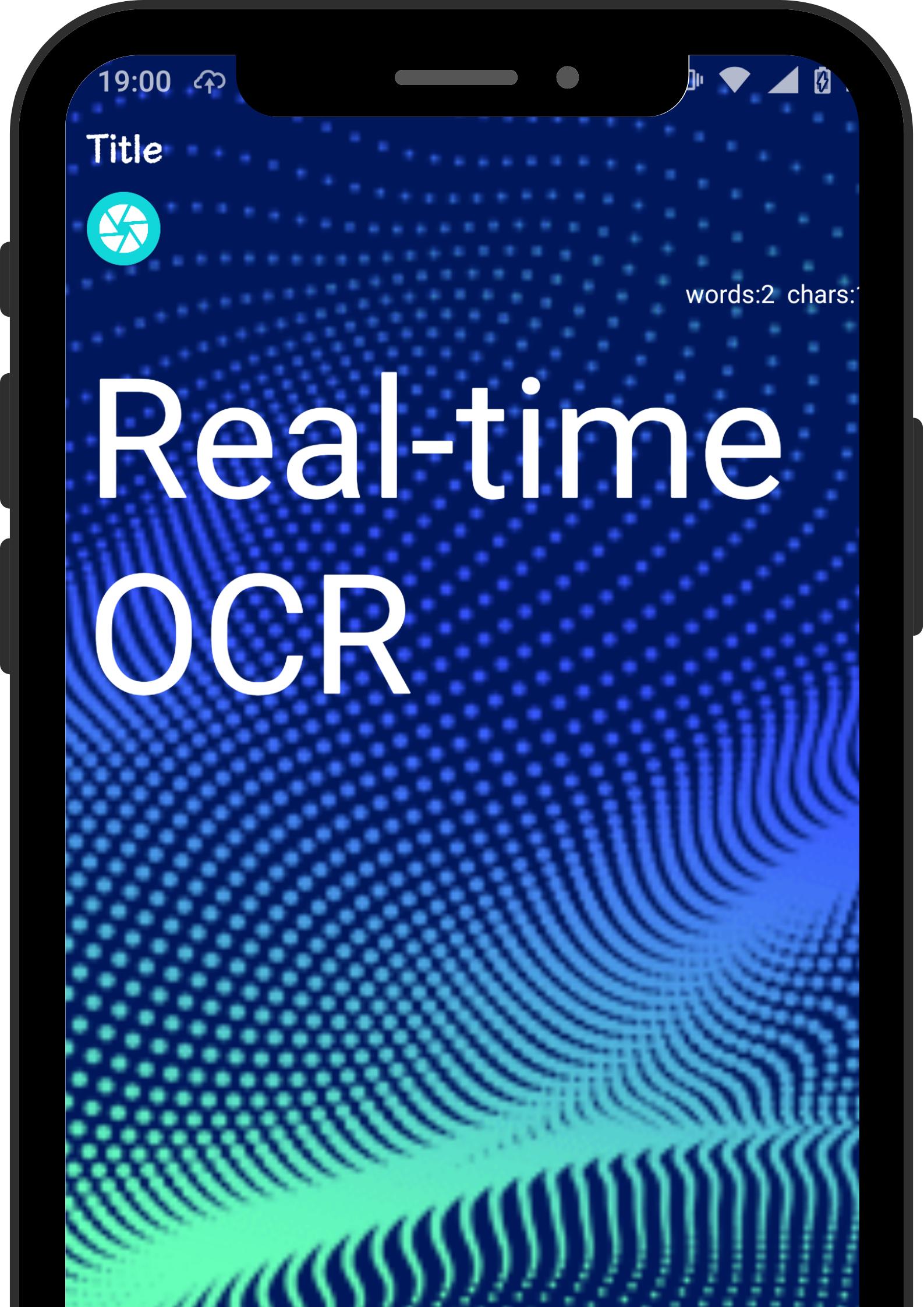
· Real-time OCR
Supports Latin such as English.
Read English text from the camera in real time.
· OCR
Read characters from still images.
Accuracy is higher than real-time OCR.
· Translation
Supports 59 languages.
Select the language you want to translate from the settings tab.
· Garbage can
You can also delete it by pressing and holding it from the list tab.
· Share
Gmail:Other than the destination, it will be automatically entered.
LINE:You can share it by selecting the person you want to send.
Twitter:Twitter will open just before you press the tweet.
Thank you for reading to the end.
If you feel that it is good, please install it and give it a high rating.
Latest Version
102Uploaded by
Nur Syahro Awaliah
Requires Android
Android 8.0+
Category
Free Tools AppContent Rating
Everyone
Report
Flag as inappropriateLast updated on Feb 27, 2022
・ Fixed some bugs




APKPure - A multi-platform app store primarily focused on Android, providing extensive app-related content. Discover the app you want easier, faster, and safer, with quick and efficient downloads and installations.