


Scan Date:Feb 13, 2026
Show More

QR Maker is a powerful and easy-to-use QR cretor app designed to create and scan QR codes with maximum flexibility and simplicity. Whether you're generating a Wi-Fi QR, a contact QR, a vCard, or a QR code from text, this app is your complete solution.
📲 Create QR Codes in Multiple Formats:
The app supports generating QR codes for a wide range of data types:
• Website URLs (url code, qr url, url to QR code)
• Text messages (qrcode SMS)
• Contact info (vCard, vCard QR, QR contact card, qr app vcards, qrcode business card generator)
• Wi-Fi connections (Wi-Fi QR code create, wifi password QR generator, wifi QR decode, QR code generator wifi)
• Email addresses (email QR code)
• Calendar events
• Locations (location QR)
• Phone numbers (QR code phone number)
• Bitcoin wallets (Bitcoin QR)
• WhatsApp (WhatsApp QR code scan)
• PDFs and documents (pdf QR code generator, pdf QR code creator, QR maker PDF, QR code document)
• QR from images (QR code maker pictures, QR generator pictures, image QR code)
• Audio links
• Business branding (QR my design, QR creator, QR image maker free)
Simply input your data and tap “Generate” — your custom QR is created instantly using reliable encoding. Whether you want to create QR, make QR, or qr create, it’s all seamless.
🎨 Powerful Customization Options:
• Colors and Gradients: Solid colors, linear or radial gradients for both code and background — with ready-made palettes.
• Shapes: Square, circular, or rounded modules and corners for custom QR aesthetics.
• Logo support: Add a logo or icon in the center for branding.
• Captions: Add text below your code with custom font, size, and color.
• Ideal for those seeking a QR code generator with logo, custom QR code, or QR maker free.
🧩 Templates and Quick Start:
Start instantly with pre-built templates like qr vCards or QR for business cards. Edit, export, and reuse. Great for batch QR code creation.
💾 Save & Export Easily:
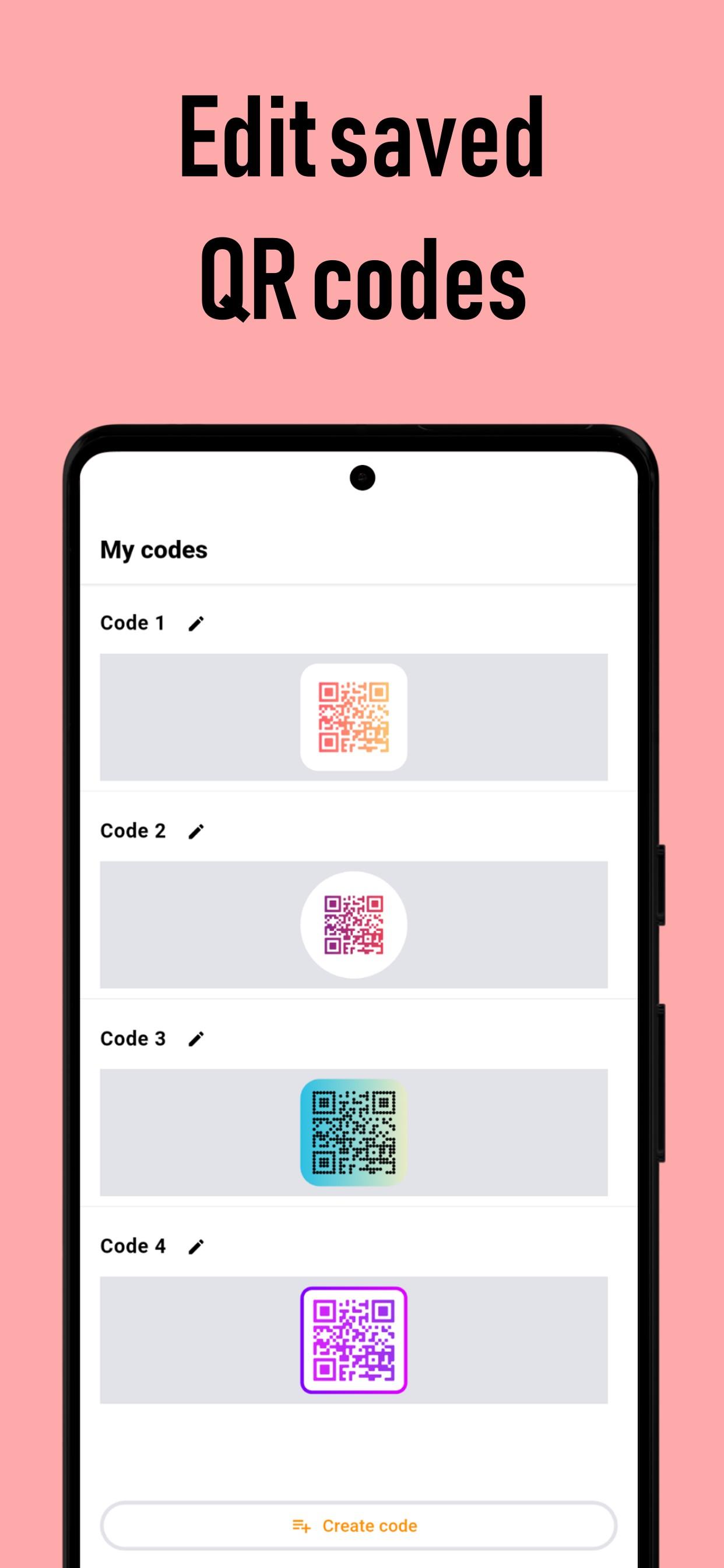
• Store generated codes in the app’s library (QR manager, history QR code maker)
• Export to PNG, JPEG, or PDF
• Manage multiple QR codes at once
• Share or print directly
• Create from images or convert QR to URL
• Compatible with QR Me App, QR App, QR Reader
📷 Built-In Scanner with History:
• Fast, accurate QR code reader, even in low light
• Scan QR code from paper, screen, packaging
• Instantly open links, save contacts, connect to Wi-Fi QR
• Every scan is saved — easily view or reuse later
• Great for QR create and read use on the go
🖨️ Print Layout Tool:
• Design and lay out multiple codes on one page
• Adjust rows, columns, spacing, and size
• Ideal for labels, business cards, packaging, and QR print needs
🧑💻 Clean, Adaptive Interface:
Designed for both phones and tablets, with quick access to saved codes, templates, and scanner. Whether you want to create QR code, design for branding, or print in bulk — navigation is smooth and intuitive.
✅ Why Choose QR Maker:
• All-in-one: create, customize, scan, store, and print
• Works offline — no internet required
• Supports all major QR formats
• Unlimited free QR code generation
• Suitable for personal, business, and design use
• Features like qr-code creator, QR generator free, QR creator, and qrmaker
• Regular updates based on user feedback
Whether you’re designing a QR for contact, generating a Wi-Fi QR, or building a branded code with a QR generator with image, this app delivers speed, control, and quality in one package.
Start creating with QR Maker — the complete toolkit for professionals and everyday users.
Latest Version
4.7.1Uploaded by
Håľķąwţ Xøśhňåw
Requires Android
Android 7.0+
Category
Free Tools AppContent Rating
Everyone
Security Report
Report
Flag as inappropriateLast updated on Feb 13, 2026
- updated some libraries
- reduce app size
- increased stability





APKPure - A multi-platform app store primarily focused on Android, providing extensive app-related content. Discover the app you want easier, faster, and safer, with quick and efficient downloads and installations.










