
QR Scanner and Barcode Scanner is a mobile application that allows users to quickly and easily scan documents and images. QR Code Reader uses advanced optical character recognition (OCR) technology to convert scanned documents into searchable, editable PDFs. With QR Scanner App, users can quickly scan paper documents, receipts, business cards, photos and more with their smartphone or tablet.
QR Scanner:
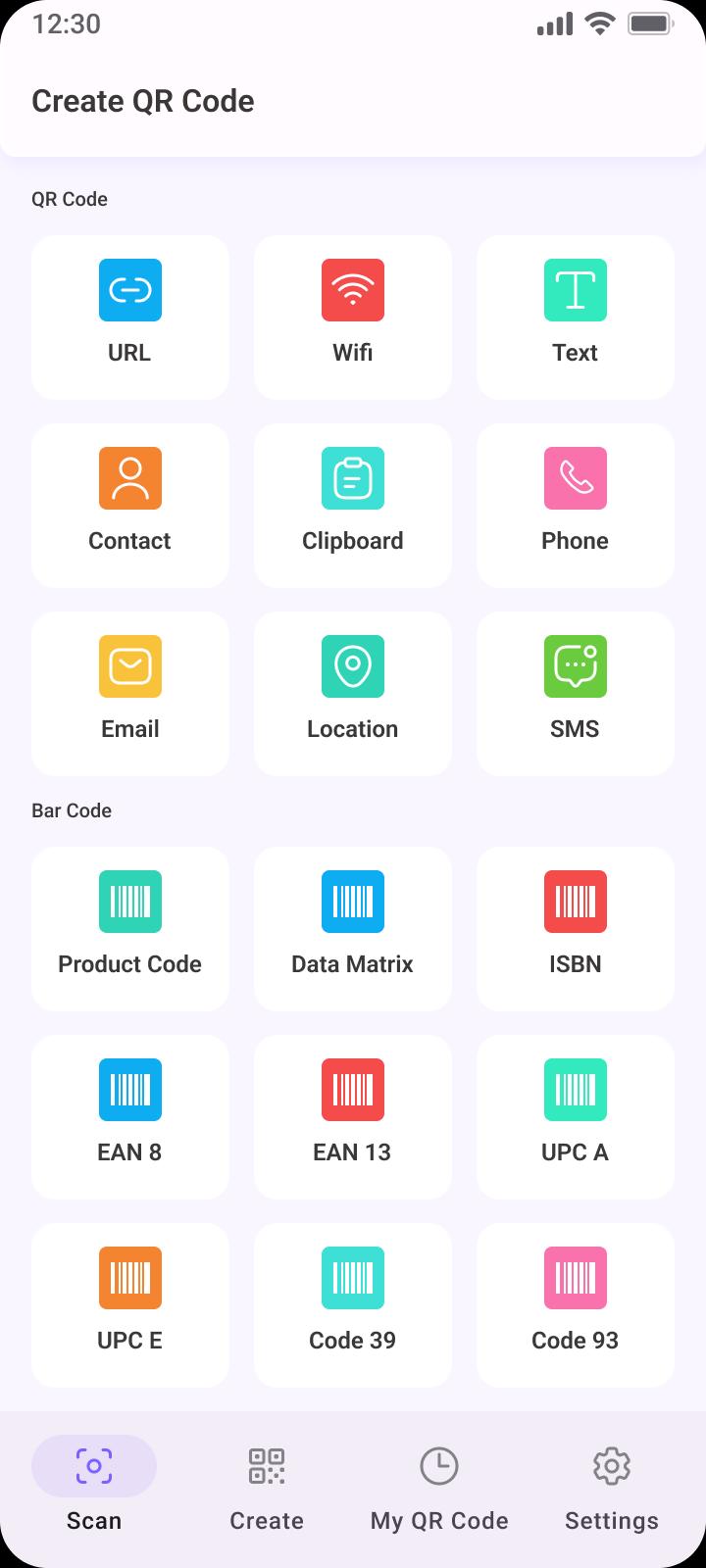
QR Scanner is an app that quickly and easily scans QR codes. QR Code Scanner features a fast and intuitive interface, allowing users to scan QR codes with just one tap. Barcode Scanner also supports the scanning of multiple types of barcodes, including UPC-A, EAN-13, Code 39, and more. With QR Code Generator user friendly design and powerful scanning capabilities, QR Code Reader is the perfect tool for quickly accessing the information on the go.
QR Code Scanner:
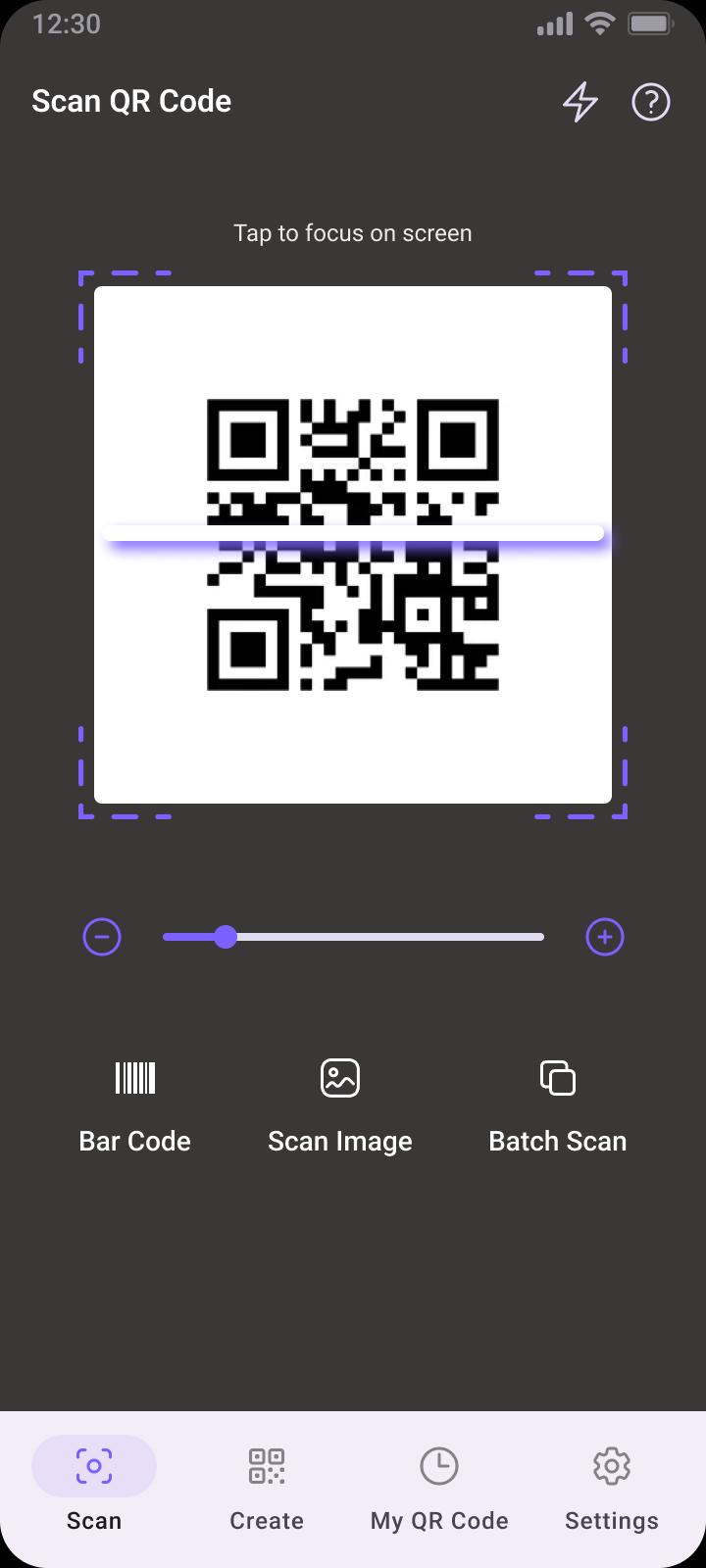
QR Code Scanner allows users to quickly and easily scan QR codes with their device's camera. QR Scanner is designed to be simple and intuitive, allowing users to quickly identify and access the information contained within a code. QR Code Scanner also features an integrated history of scanned codes. With Barcode Scanner, you can quickly access product information, website links, contact information and more with just a few taps.
QR Code Reader:
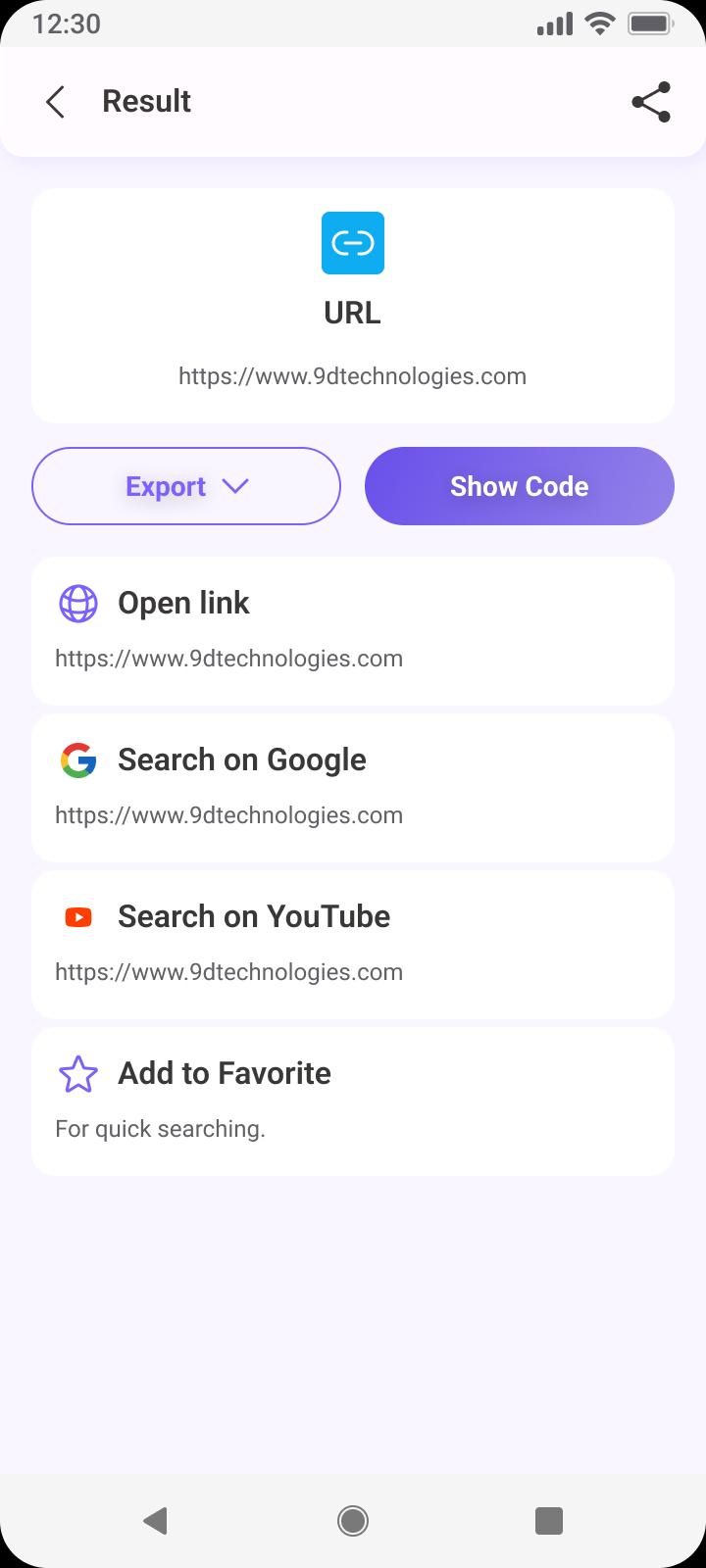
QR Code Reader is a mobile application that allows users to quickly and easily scan QR codes. QR Code Scanner can be used to scan any type of QR code, including those found on websites, in magazines and newspapers, in advertisements, on products, and more. With the QR Code generator's advanced technology, users can quickly access information contained within the code without having to manually enter any data.
Barcode Scanner:
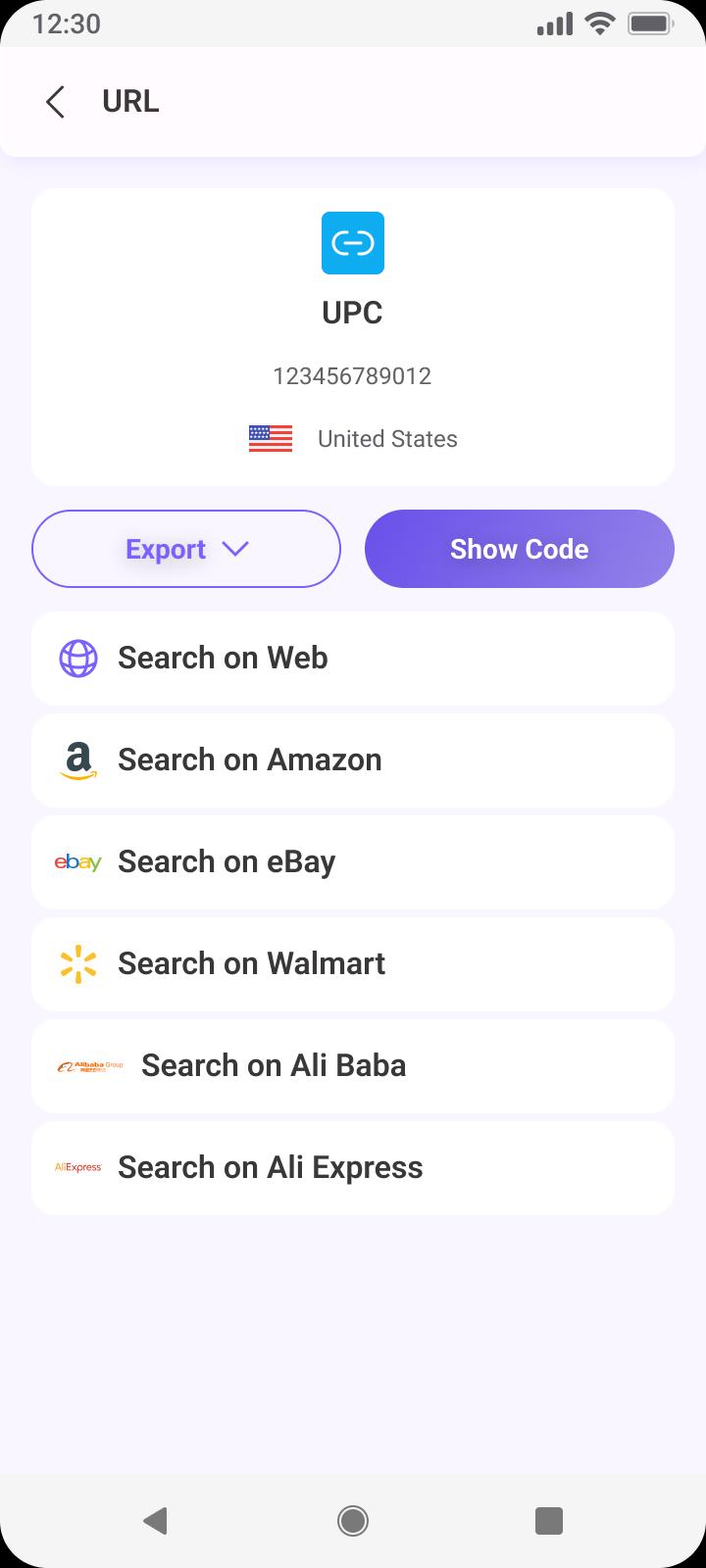
Barcode Scanner is used to read the information encoded in barcodes. QR Scanner consists of a light source, a lens and a light sensor that translates optical impulses into electrical ones. QR Code Reader is connected to a computer that interprets the data contained in the barcode and stores it in a database. Barcode scanners are commonly used in retail stores, warehouses and other locations where tracking inventory is important.
QR Code Generator:
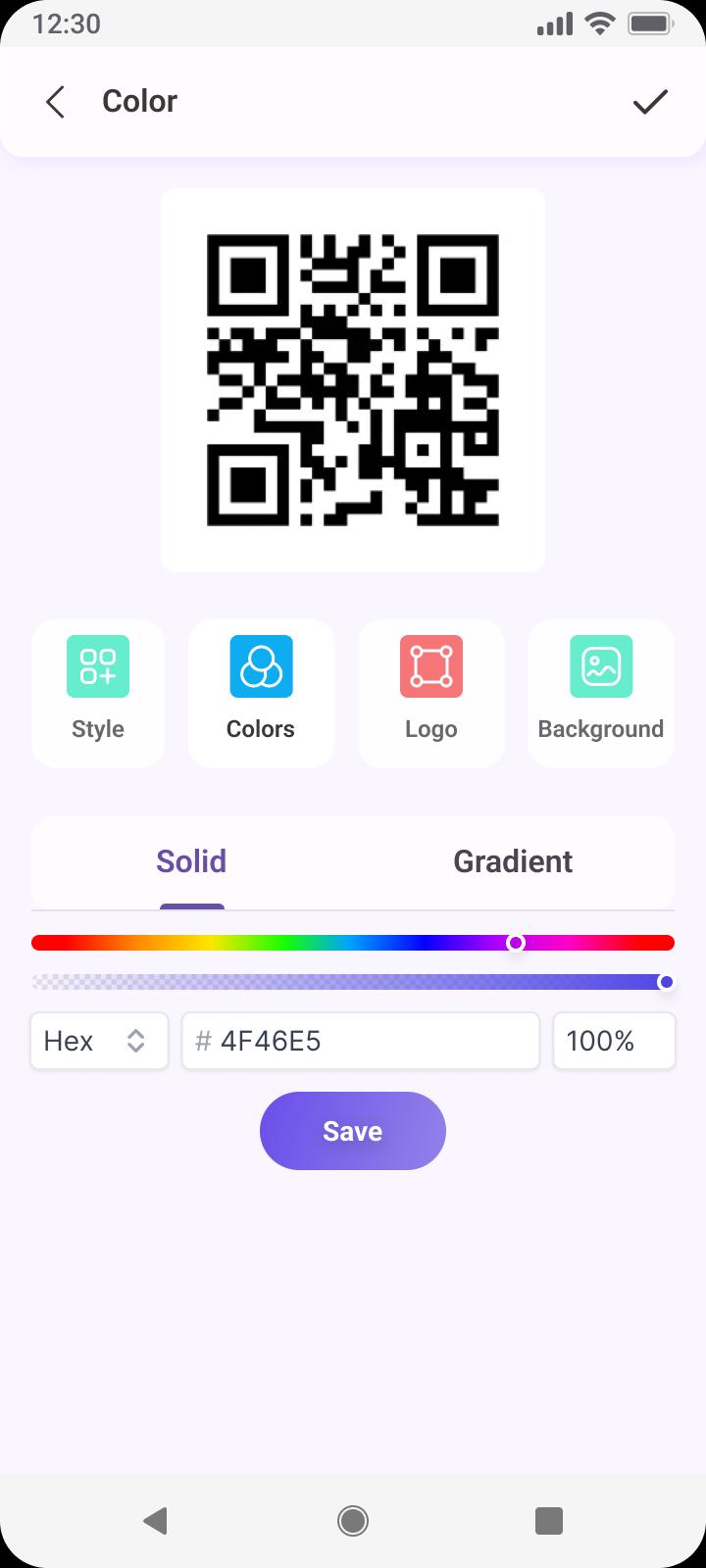
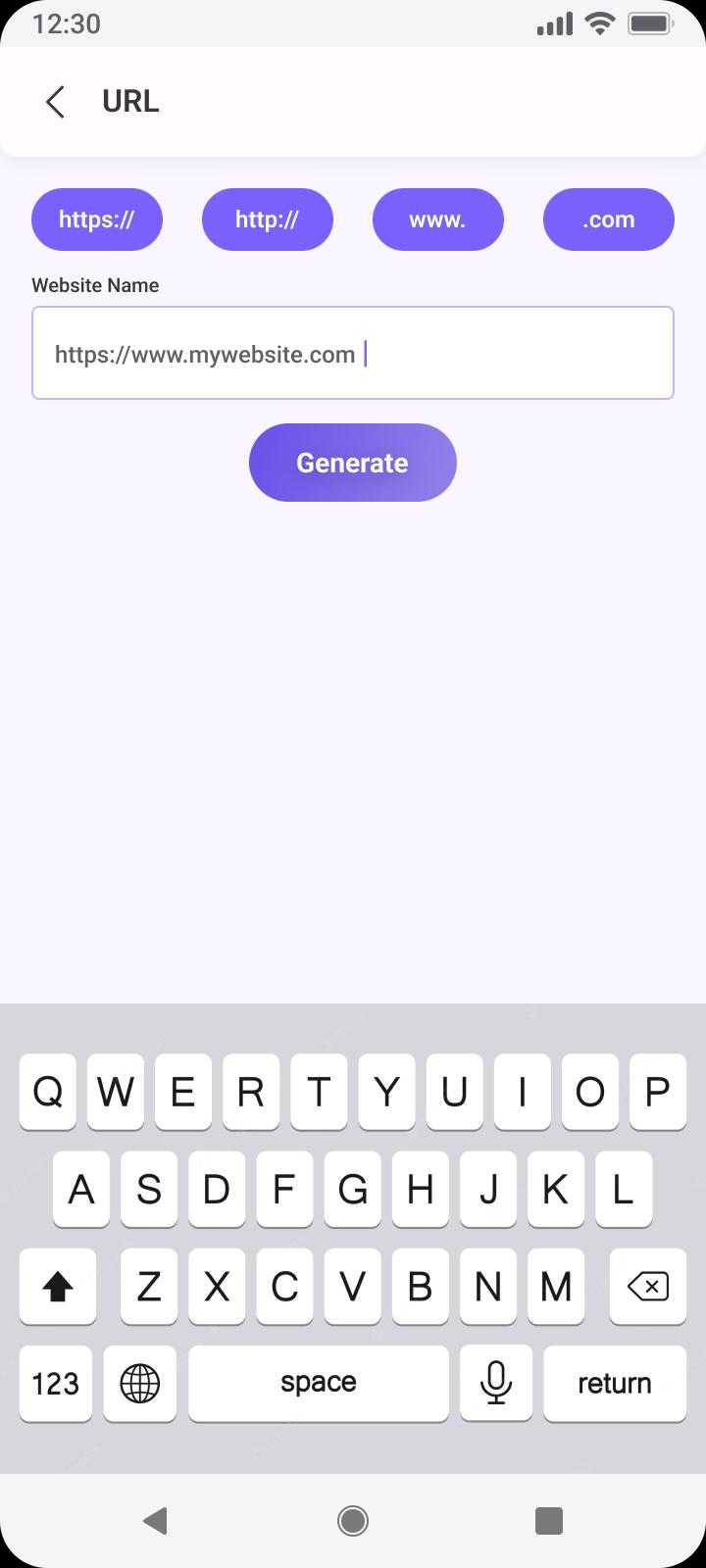
QR Code Generator is an app that allows you to quickly and easily create custom QR codes. With QR Code Generator, you can generate QR codes for any type of data, including text, URLs, contact information, and even images. QR Code Reader also provides a range of customization options so you can customize the look and feel of your QR code. QR Scanner is simple to use and perfect for anyone looking to quickly generate their own unique QR codes.
Barcode Reader:
Barcode Reader is used to reading the information encoded in barcodes. Barcode Reader can be used to scan and decode various types of barcodes, including UPC codes, QR codes, and Code 128. QR code scanner is commonly used in retail stores, warehouses, in healthcare settings to track patient information, medical supplies and other businesses.
Scan QR Code:
Scan QR Code is a quick and easy way to access information from a variety of sources. It is a type of barcode that can be scanned with a smartphone or other device to quickly access websites, product information, coupons, and more. QR Scanner requires no typing or manual data entry, QR Code Generator will automatically decode the information for you.
Latest Version
1.0.4Uploaded by
កែវ សារ៉ូត
Requires Android
Android 6.0+
Category
Free Tools AppContent Rating
Everyone
Report
Flag as inappropriateLast updated on Nov 13, 2023
Minor bug fixes and improvements. Install or update to the newest version to check it out!




APKPure - A multi-platform app store primarily focused on Android, providing extensive app-related content. Discover the app you want easier, faster, and safer, with quick and efficient downloads and installations.











