You can control the Q9 on Windows directly via Bluetooth or WIFI connection. You can do the following via Q9 Wireless keyboard.
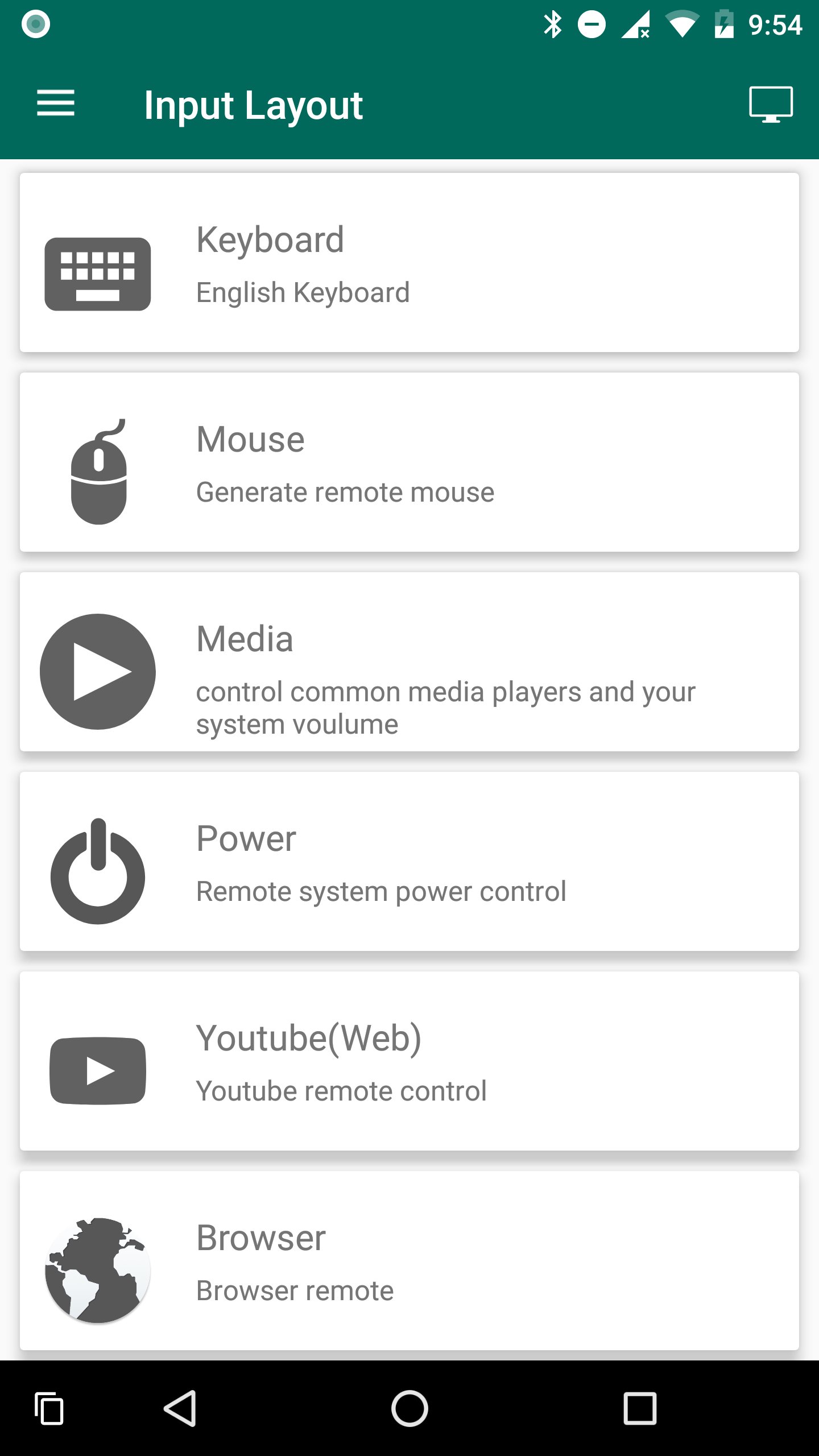
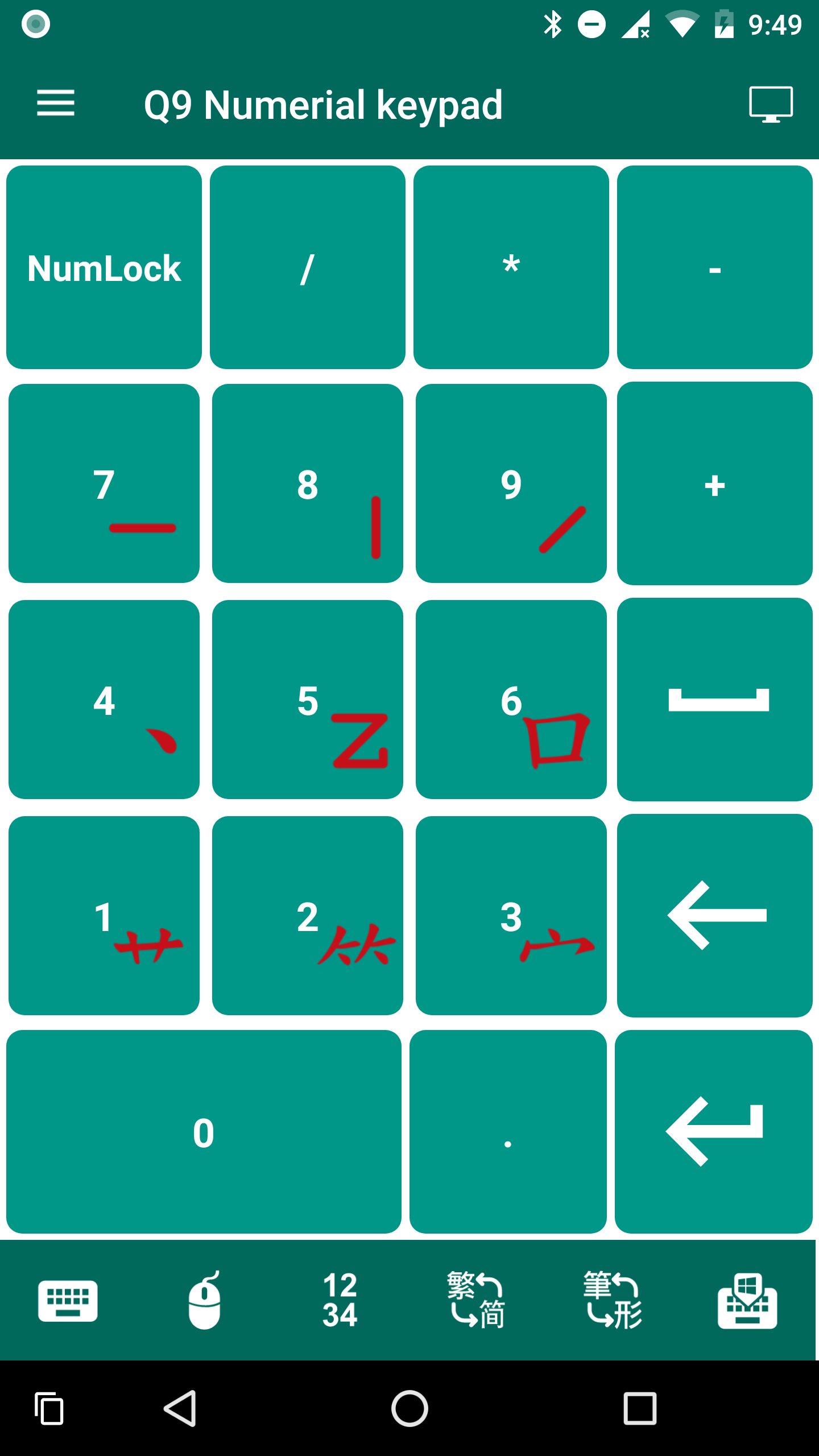
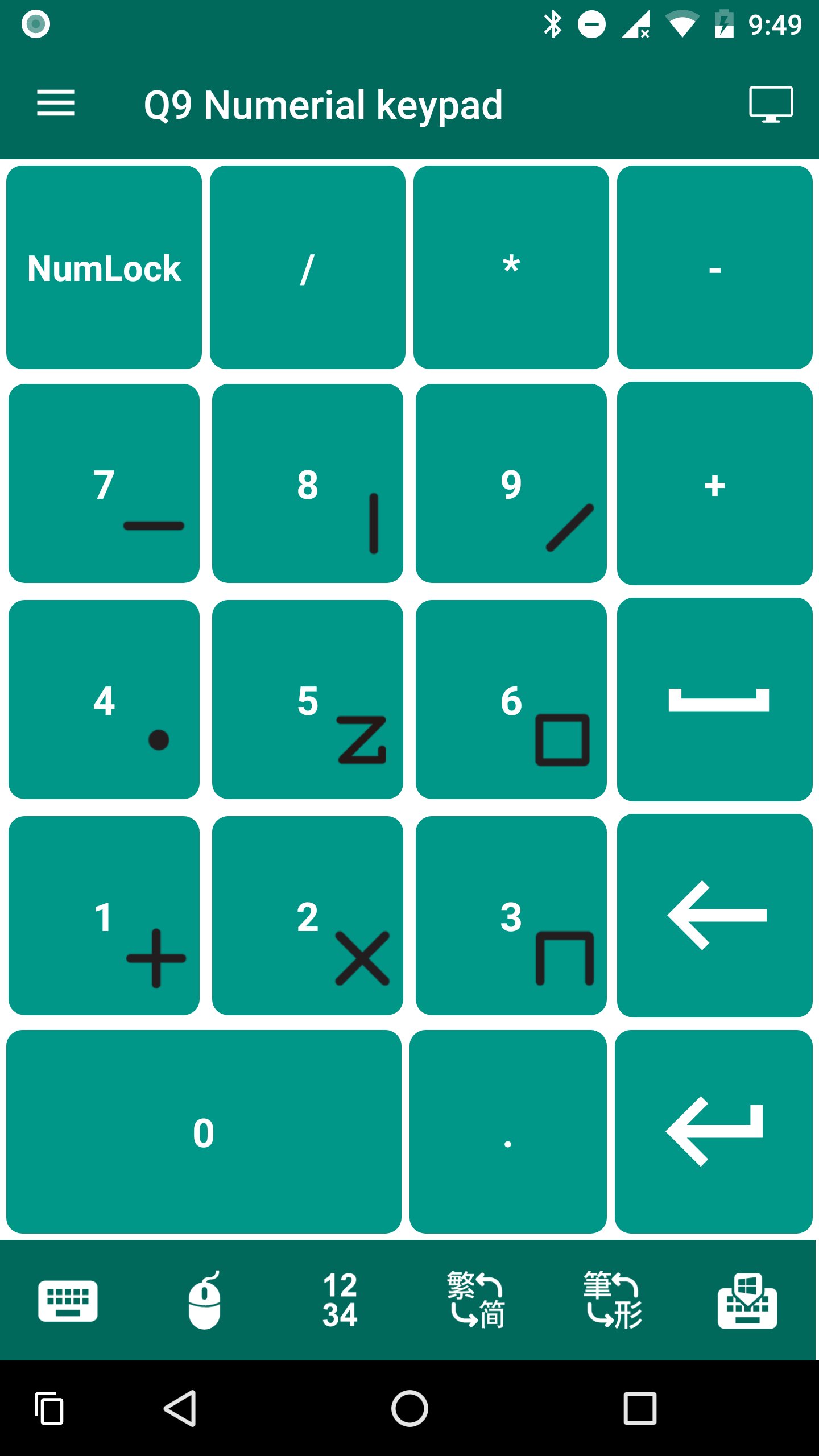
1. Treat it as Numpad
2. Input English
3. Multimedia related key
4. Input Windows function keys
5. Power related key
6. Control browser and Youtube(Web ver)
7. Treat it as Touchpad
* Premium feature: 5 - 7
Requirements:
1. Install "Q9 Wireless keyboard" server in the Windows
Download: http://q9tech.com/android/remote/download
2. Windows: Windows 7
3. Phone: Android 4.2
Latest Version
1.0.5Uploaded by
Aq Nizam
Requires Android
Android 4.2+
Category
Free Tools AppContent Rating
Everyone
Report
Flag as inappropriateLast updated on Dec 7, 2017
Minor bug fixes and improvements. Install or update to the newest version to check it out!




APKPure - A multi-platform app store primarily focused on Android, providing extensive app-related content. Discover the app you want easier, faster, and safer, with quick and efficient downloads and installations.