Scan Date:Apr 25, 2026
Show More


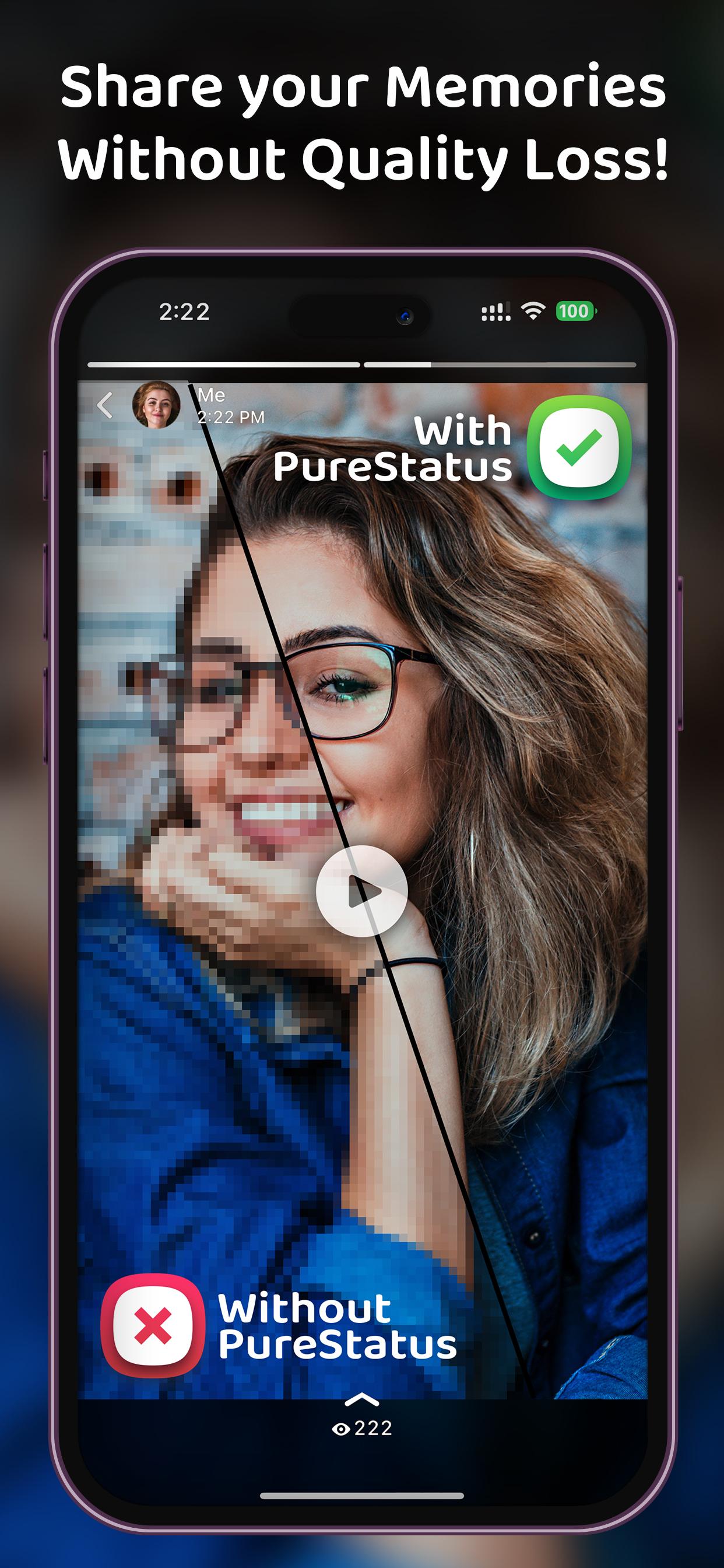
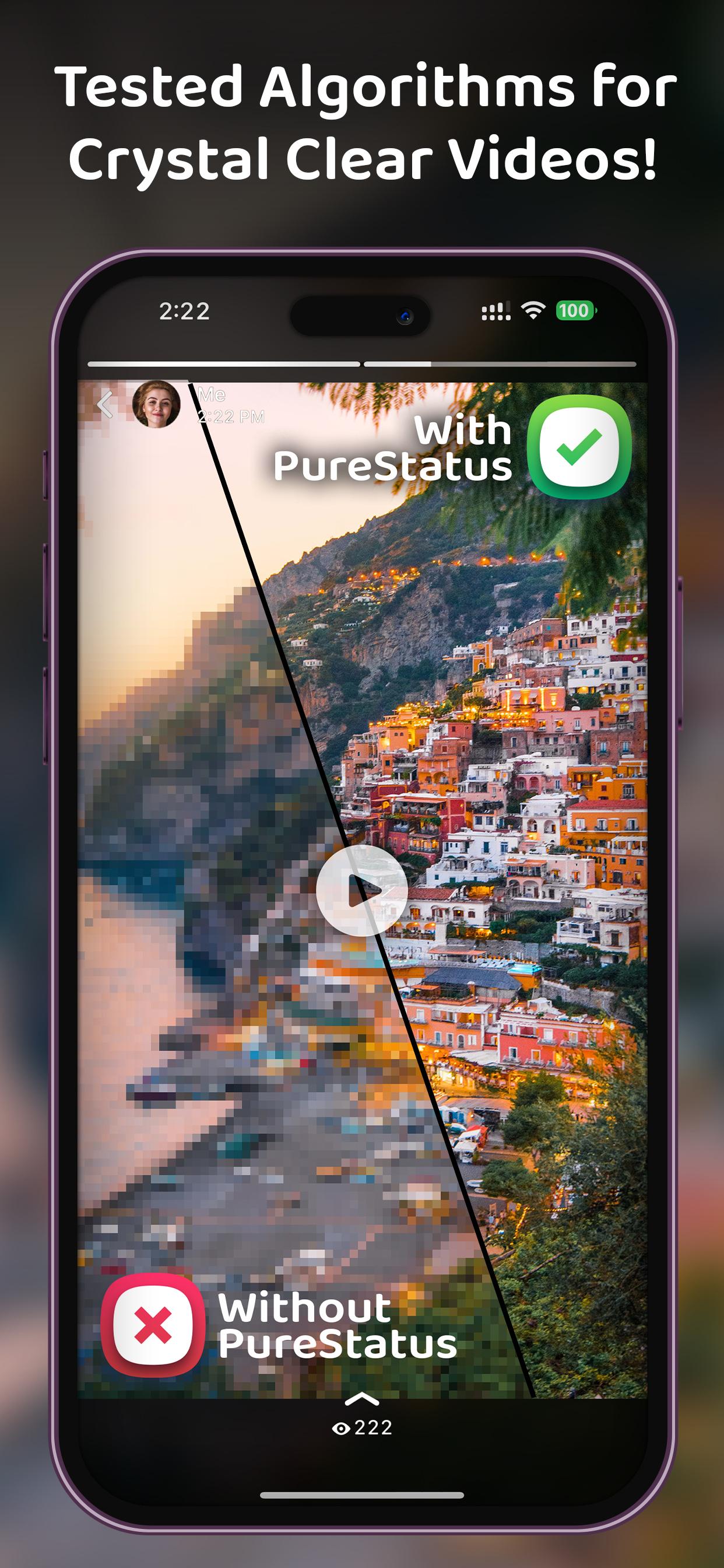
PureStatus addresses a common issue where photos and videos look blurry after posting to WhatsApp Status. It prepares your own content so it stays clear by optimizing files before you upload. The flow is straightforward from picking a file to sharing, which helps users avoid extra edits that can lower quality. Therefore, you can keep everyday moments looking crisp without complicated settings. For easy installation on Android, search for PureStatus APK and start optimizing your statuses.
PureStatus reduces file size while preserving clarity and detail so your photos and videos stay sharp. It is tuned for WhatsApp limits and helps prevent the blur that happens when large files are auto compressed. This approach keeps textures, text, and faces readable, which is useful for WhatsApp Status HD posts.
Automatic 30 second video partsWhen a video is longer than the Status limit, PureStatus splits it into consecutive 30 second segments. Each part is cut at clean points so transitions feel natural as viewers tap through. As a result, a longer update plays in order without gaps or awkward jumps.
From selection to sharing in a few stepsPureStatus guides you through a simple flow, from choosing a file to sending it directly to WhatsApp. The app shows what will happen next, which helps you avoid extra edits that can re compress content. You can finish the process quickly and keep quality intact.
Tips for clean uploadsBest practice reminders appear where you need them. Compress the original high quality file for the best result, and avoid editing or cropping after compression. Use vertical videos or photos to match the Status format. These tips support the ByeBye Blur Status goal without adding extra steps.
Multi language interfacePureStatus offers an interface in several languages, including English, Spanish, Hindi, Gujarati, Russian, and Arabic. This makes the flow and tips easier to follow for more users. You can switch languages and keep the same guided process.
PureStatus optimizes your own photos and videos for upload. It is not a status saver and does not download other people’s statuses. If you are looking for PurePixel, note that PurePixel is now PureStatus and continues the same focus on clear WhatsApp Status uploads.
Use PureStatus to prepare your photos and videos before posting. It keeps files within size limits while maintaining clarity, then shares to Status in sequence. To begin, download PureStatus and follow this simple flow.
PureStatus keeps photos and videos clear while fitting WhatsApp Status size limits. For consistent results and an easy workflow, try the PureStatus latest version and follow the built in tips as you prepare each post.
For official information and support, visit the developer website:
Latest Version
2026.03Uploaded by
Wassim Shamas
Requires Android
Category
Free Video Players & Editors AppContent Rating
Everyone
Security Report
Report
Flag as inappropriateLast updated on Apr 25, 2026
Version 2026.03
🐞 Bugs Fixed
⚡ Speed Boost – compress 4K videos faster than ever before.
🎵 Add Music to Your Videos – choose from our built-in library, your own files, or even extract audio directly from a video.
🎉 Fresh Stickers – make your videos pop with a brand-new collection of fun and exciting stickers.
🌍 Global Languages – added support for Spanish, Hindi, Gujarati, Russian, Indonesian, Italian, Portuguese, German, Arabic, and French.
🔄 New Identity – PurePixel is now PureStatus.





APKPure - A multi-platform app store primarily focused on Android, providing extensive app-related content. Discover the app you want easier, faster, and safer, with quick and efficient downloads and installations.