Package Name:com.GPTECHLAB.ProjectorRemote
SHA-256:a3fa16dedae708dbe07de159bd676a5227397ea25531a554808d631dd1e4c813
Show More

Control compatible projectors conveniently from your Android phone with Projector Remote Control.
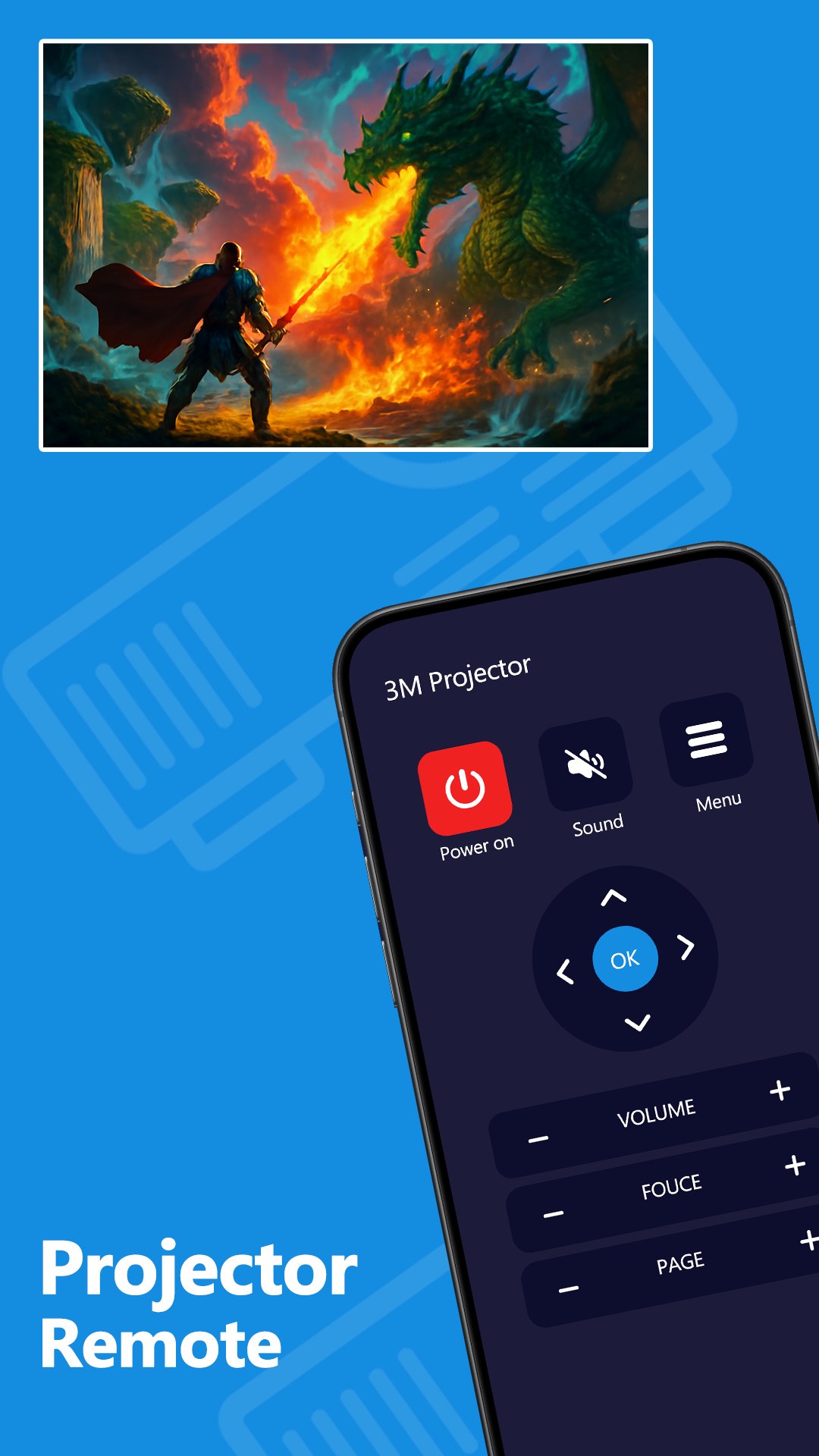
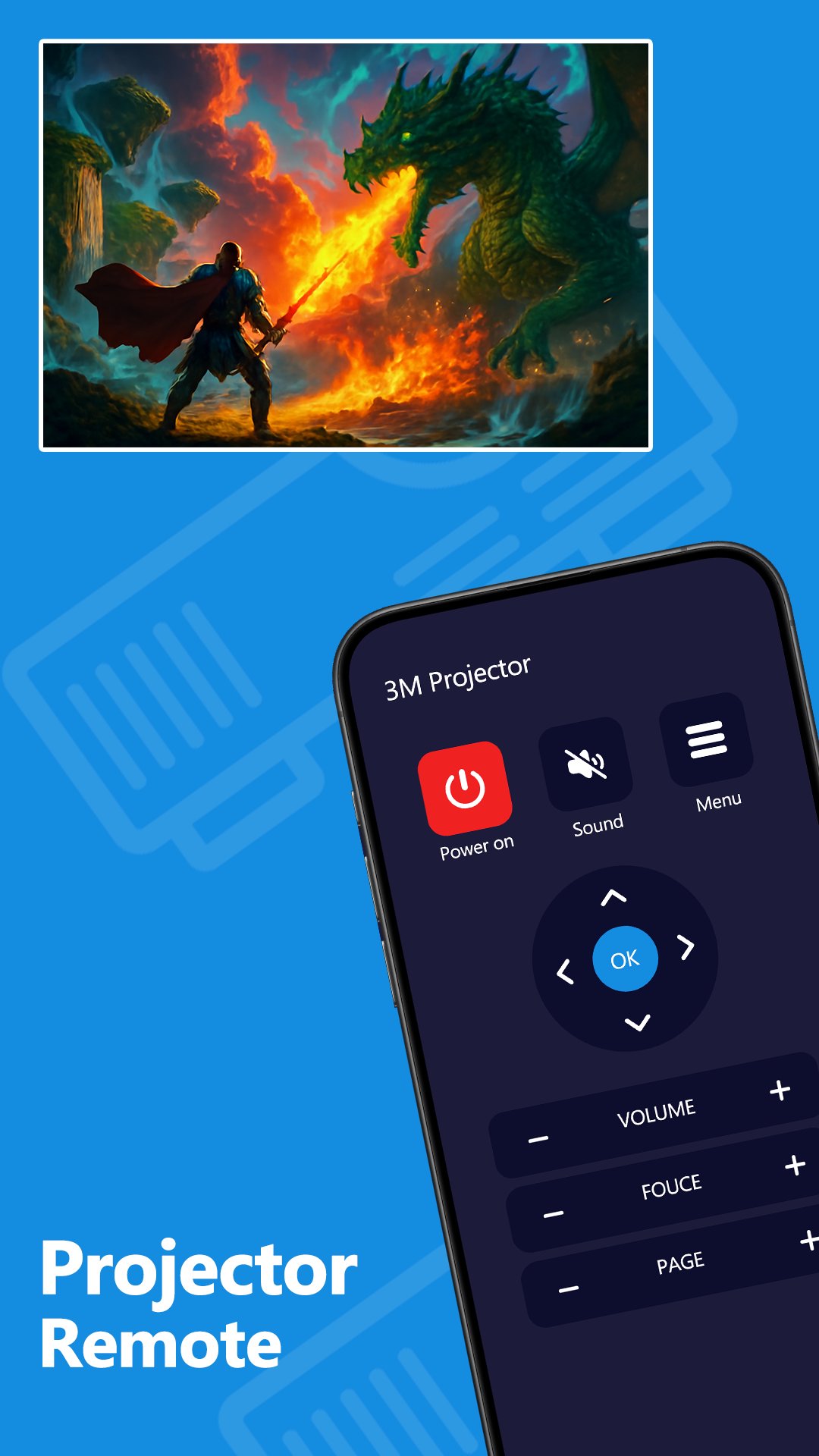
Use your phone's built-in infrared (IR) blaster as a projector remote for supported projector models. Access essential projector controls through a simple and easy-to-use remote interface.
Projector Remote Controls
Control commonly used projector functions such as:
• Power ON and OFF
• Volume Up and Down
• Mute
• Input Source
• Menu Navigation
• Direction Controls
• Playback Controls where supported
• Other supported projector functions
Easy Projector Control
Projector Remote Control provides a clean remote interface designed for quick access to frequently used projector buttons.
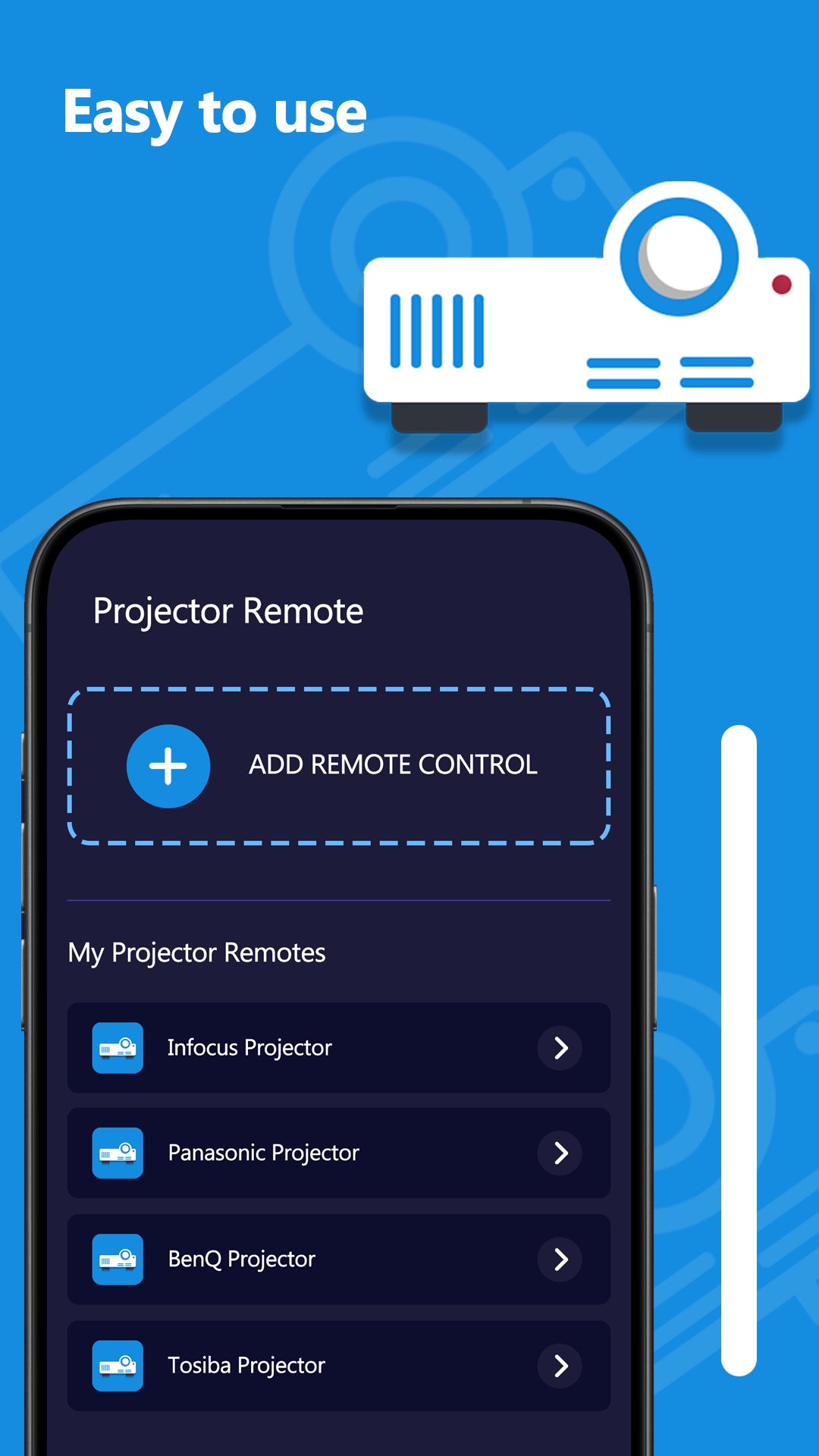
Select a supported remote and use your Android phone to manage compatible projector functions without needing the physical remote nearby.
IR Projector Remote
This app uses the built-in infrared capability of supported Android phones.
Your phone must have a built-in IR blaster for infrared remote functions to work.
Projector Compatibility
Remote functions depend on your Android device, projector brand, projector model and supported IR codes.
Some projector models may support only certain buttons or functions. Compatibility may vary between different devices and models.
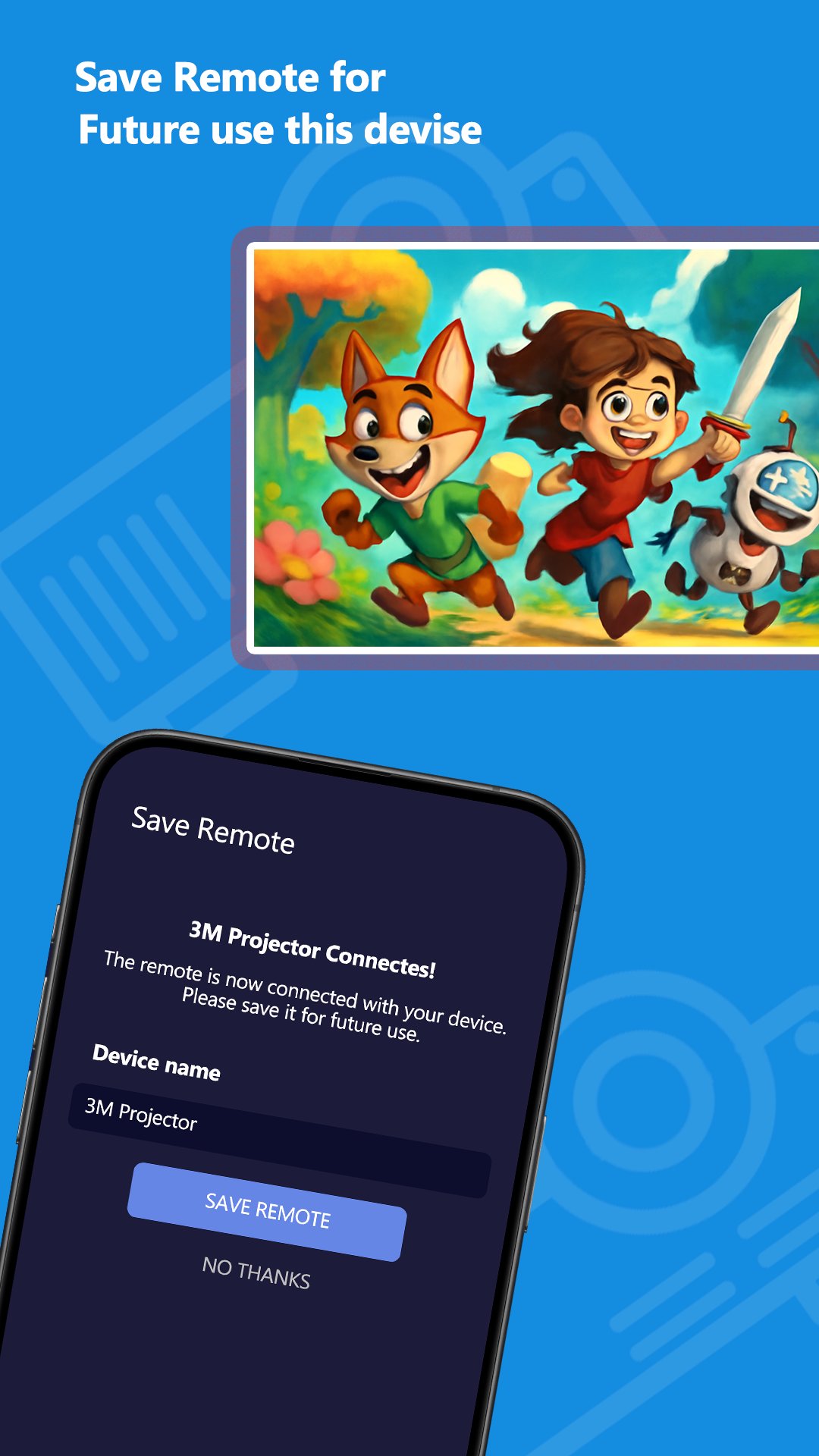
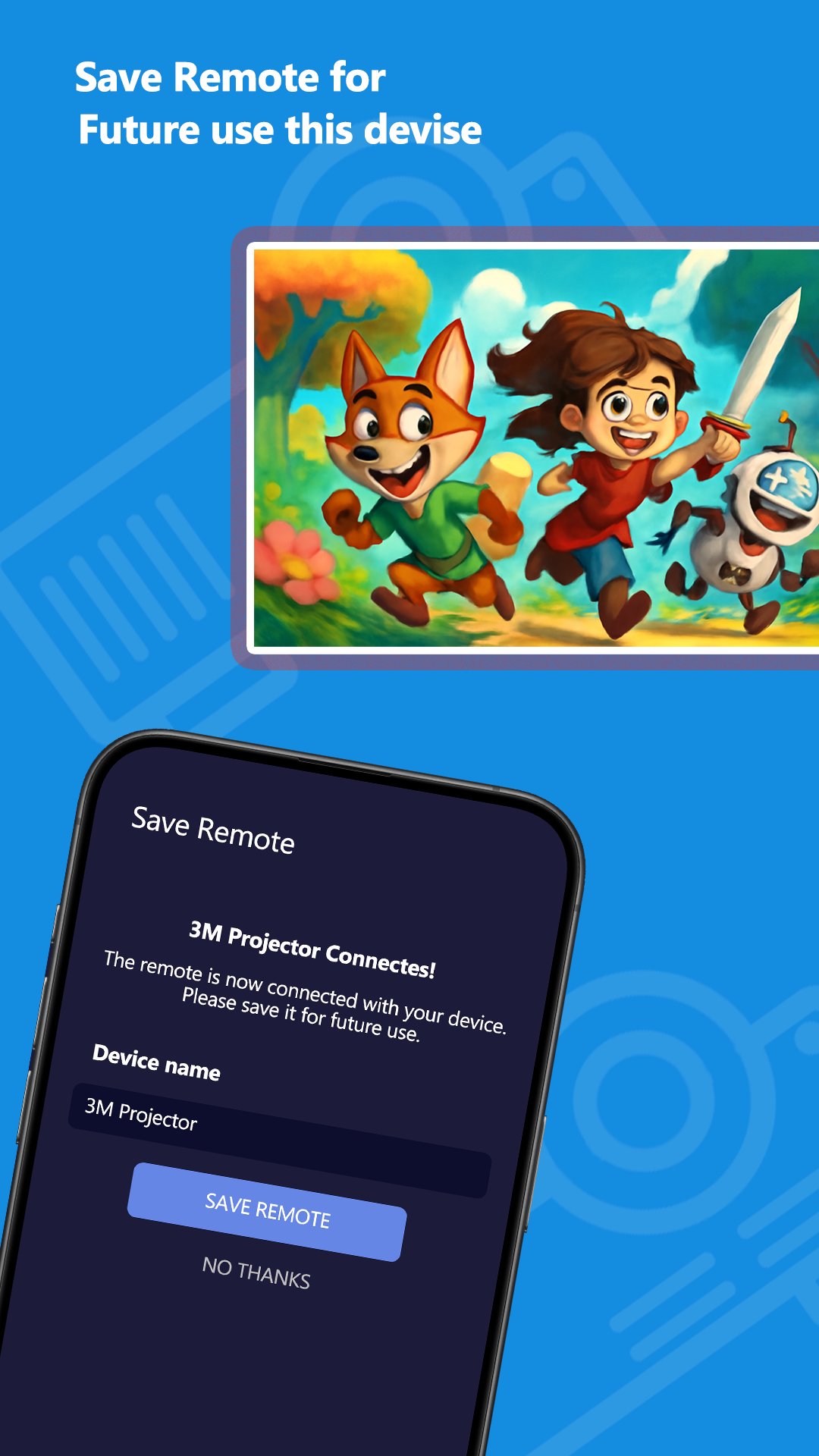
Save Preferred Remotes
Save and manage compatible projector remotes for easier access when using the app again.
Key Features
• Projector remote control from your Android phone
• IR remote functionality
• Power controls
• Volume and mute controls
• Input source selection
• Menu and navigation controls
• Playback controls where supported
• Save preferred remotes
• Simple and easy-to-use interface
Hardware Requirement
A compatible Android phone with a built-in Infrared (IR) blaster is required for remote control functionality.
Important Compatibility Notice
Not every projector model or Android phone is supported. Available buttons and remote functions depend on the projector model and supported infrared codes.
Projector Remote Control is an independent third-party application and is not affiliated with, endorsed by, sponsored by or officially associated with any projector manufacturer or brand. All trademarks and brand names belong to their respective owners.
Latest Version
2.6Uploaded by
Karol Harbacewicz
Requires Android
Category
Free Tools AppContent Rating
Everyone
Security Report
Check Now
Report
Flag as inappropriateLast updated on Oct 11, 2026
This release includes minor bug fixes and general improvements. Update to the latest version for the best experience.




APKPure - A multi-platform app store primarily focused on Android, providing extensive app-related content. Discover the app you want easier, faster, and safer, with quick and efficient downloads and installations.