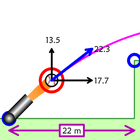
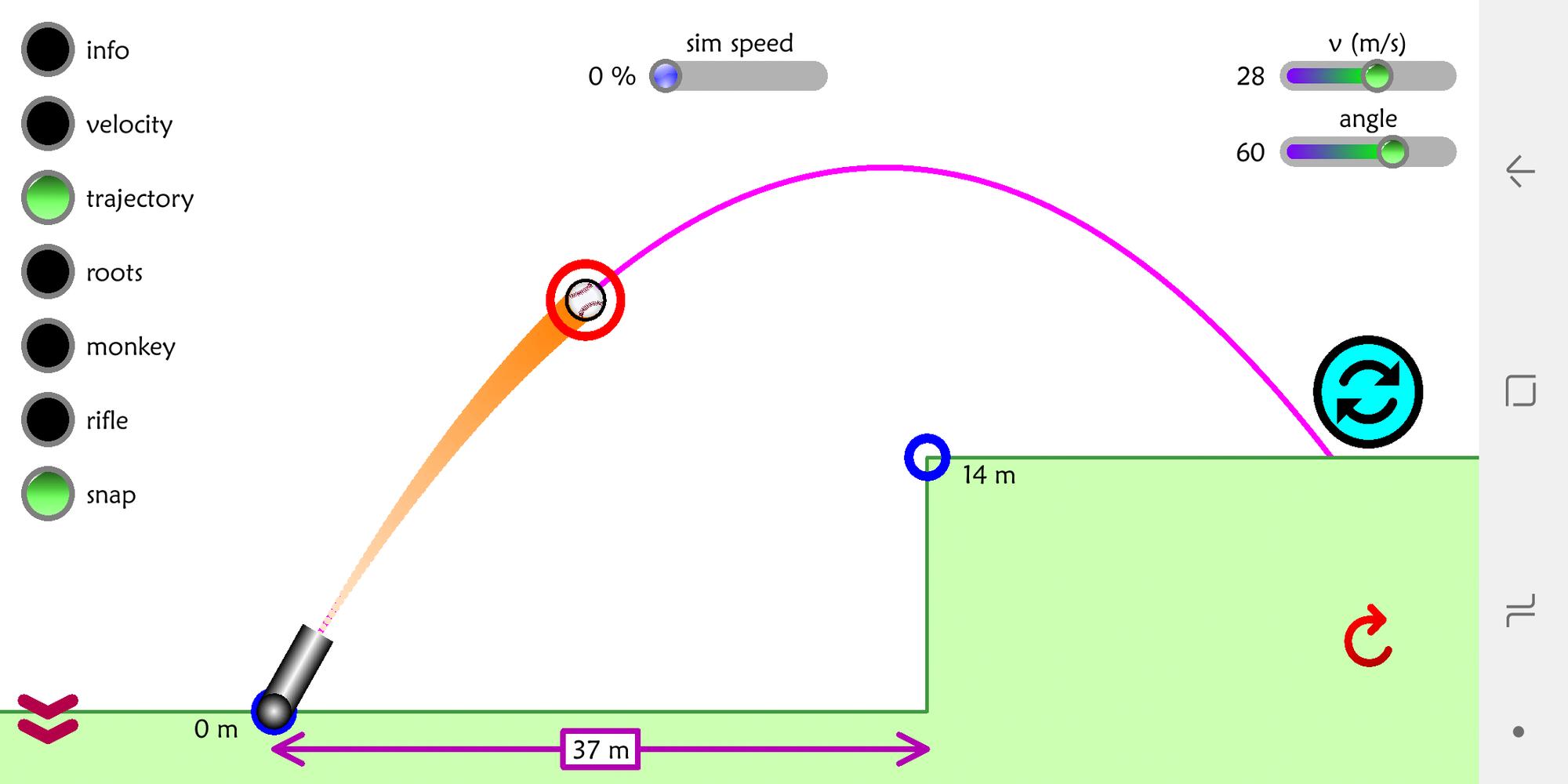
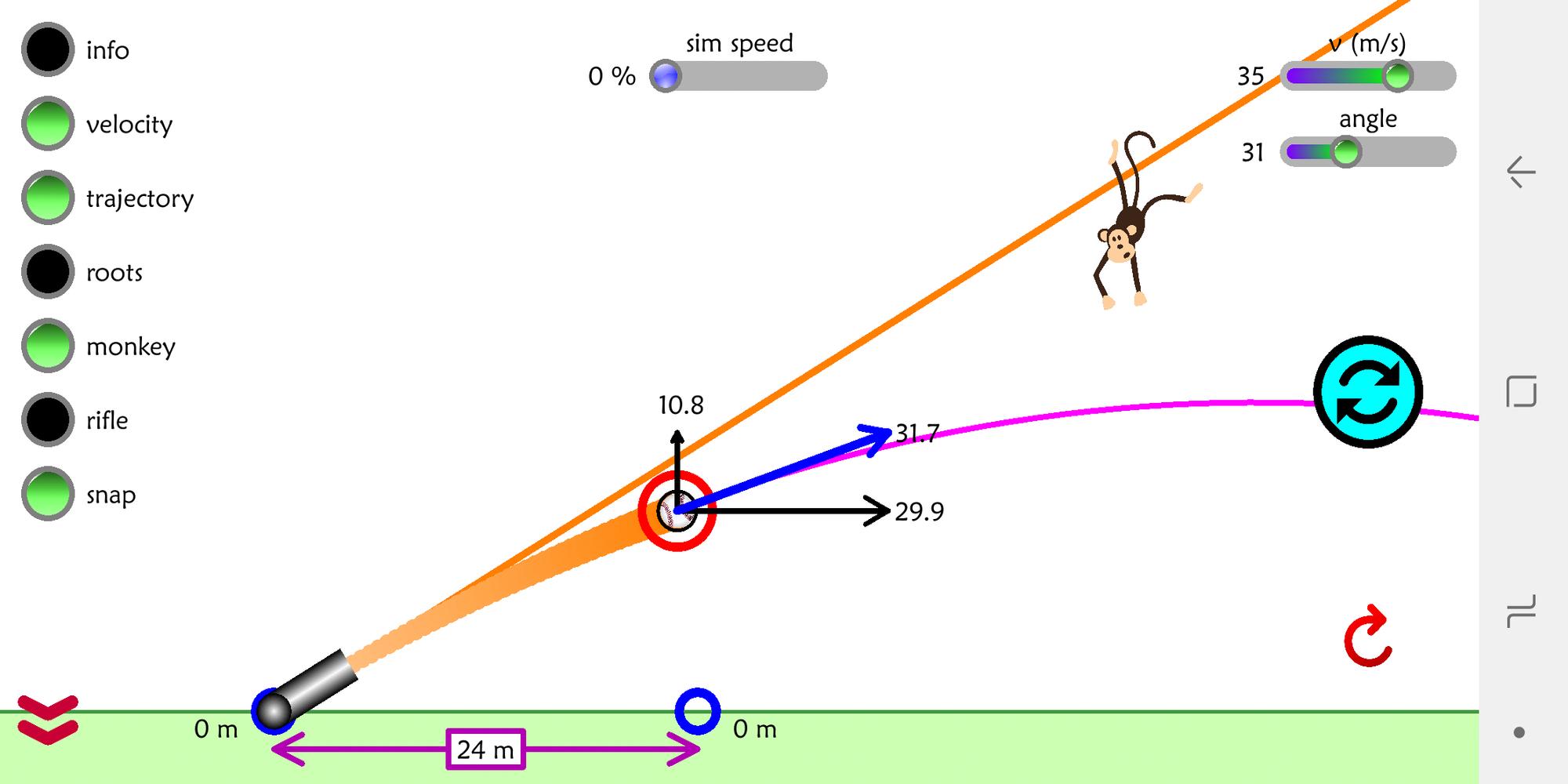
This simulation allows users fire projectiles from a launcher at any angle, and different speeds and elevations. The simulation also displays trajectories, solutions, gives frame-by-frame information on the projectile, simulates the speed of a rifle and the famous monkey-hunter thought experiment.
Designed for grades 11 and 12 physics students, or high school teachers. For a windows/MAC desktop version, go to mattcraig.org.
Full instructions:
1) Green button - fires the projectile. Click it a second time when it’s blue to reset.
2) The cannon or blue circle can be dragged to change the elevation of the cannon or
platform it's being fired towards
3) Sliders in the top right allow you to change the speed and incline of the initial velocity.
4) Sim speed at the top changes the overall simulation speed, allowing you to slow down
and pause.
5) The double bouncing arrow in the bottom left shows/hides the option buttons.
6) Info – displays the horizontal and vertical displacements and time of flight.
7) Velocity – adds a velocity vector with components to the projectile.
8) Trajectory – shows the parabolic trajectory for the projectile.
9) Roots – shows the location and roots of the parabola (solutions).
10) Monkey – simulates the monkey-hunter thought experiment. You can adjust the
speed of the projectile, aim it at the monkey and fire.
11) Rifle – simulates a typical rifle bullet speed (700 m/s) and its trajectory in the
absence of wind or air resistance.
12) Snap – snaps the velocity and angle sliders to the nearest 2 m/s and 5 degrees.
13) The red reset circle will reset the simulation to initial zoom and position.
14) Pinching and dragging elsewhere on the screen will translate or zoom the camera.
Latest Version
1.0Uploaded by
Paola Santos
Requires Android
Android 2.3.2+
Category
Free Education AppContent Rating
Everyone
Report
Flag as inappropriateLast updated on Jul 5, 2018
Version 1 - April 1, 2018


APKPure - A multi-platform app store primarily focused on Android, providing extensive app-related content. Discover the app you want easier, faster, and safer, with quick and efficient downloads and installations.









