

Profile Picture Copier addresses a common situation where profile photo screenshots appear black in WhatsApp. The app automates the steps inside the chat app to open a contact and save the available profile picture directly to your gallery. It works within Android system rules and avoids relying on screenshots. The Profile Picture Copier latest version is designed for current WhatsApp behavior, so setup feels straightforward and consistent for most users.
Save profile photos to your gallery
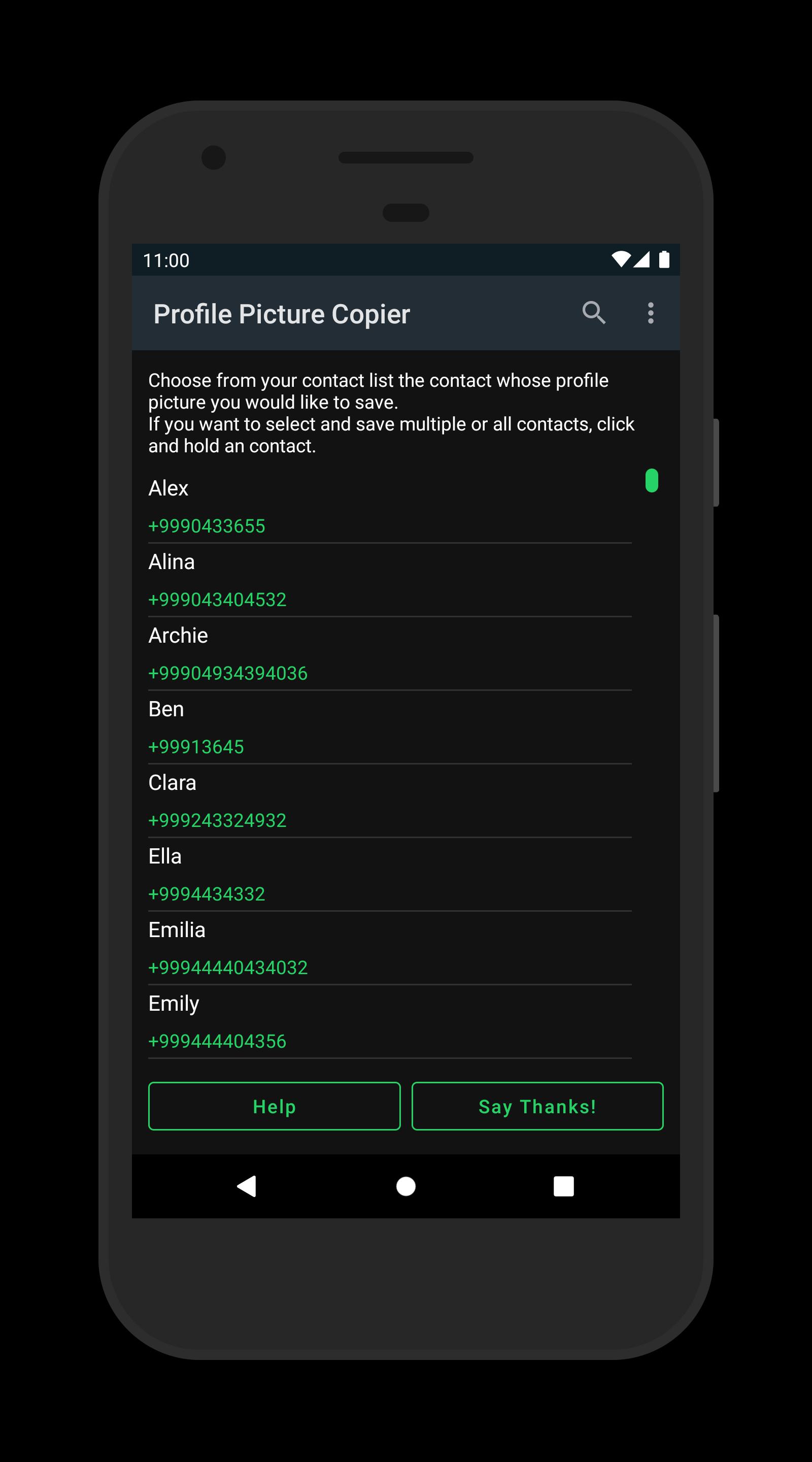
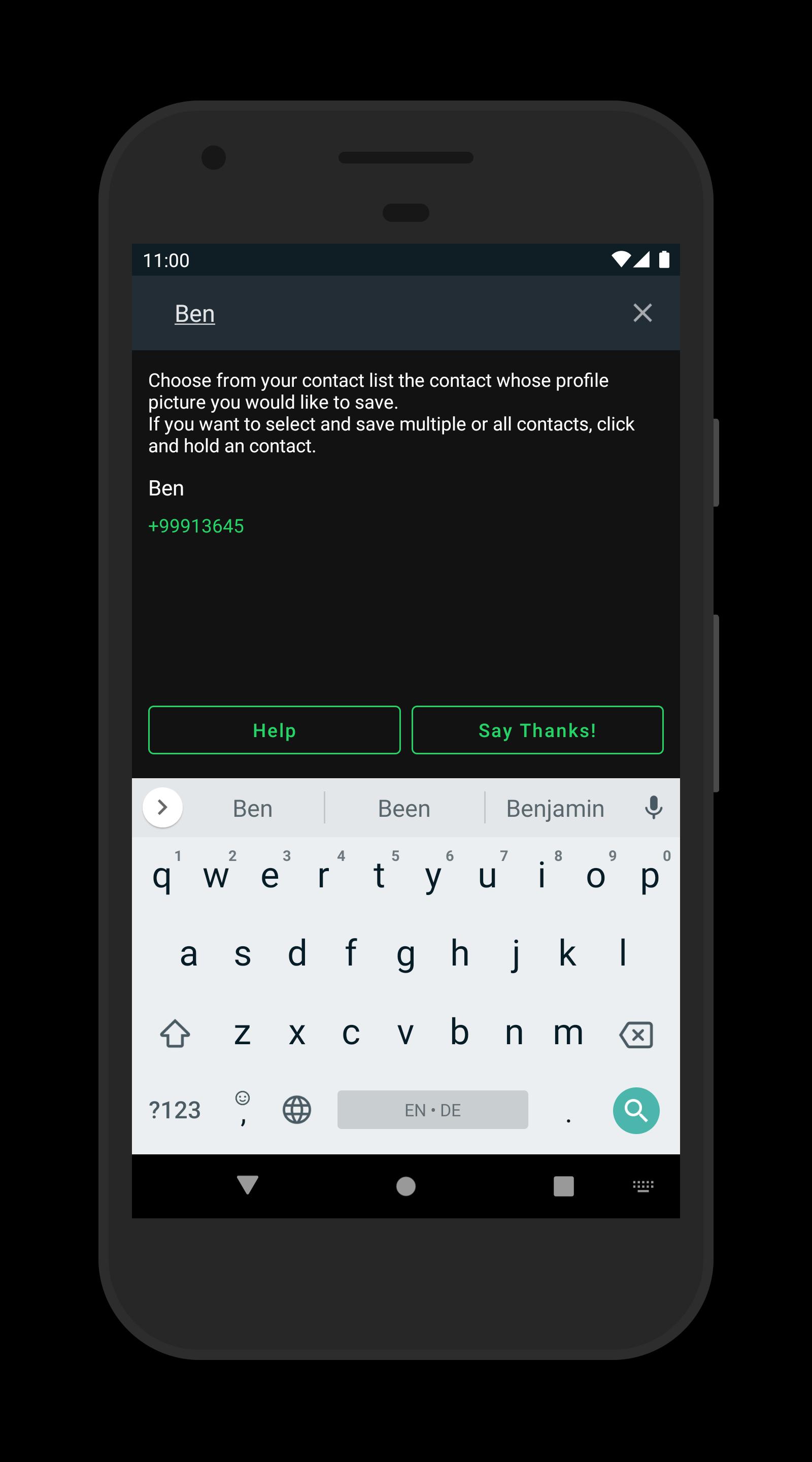
Profile Picture Copier opens each contact profile and saves the current picture as a local image. This avoids black screenshots and stores the file where you can access it later without extra steps.
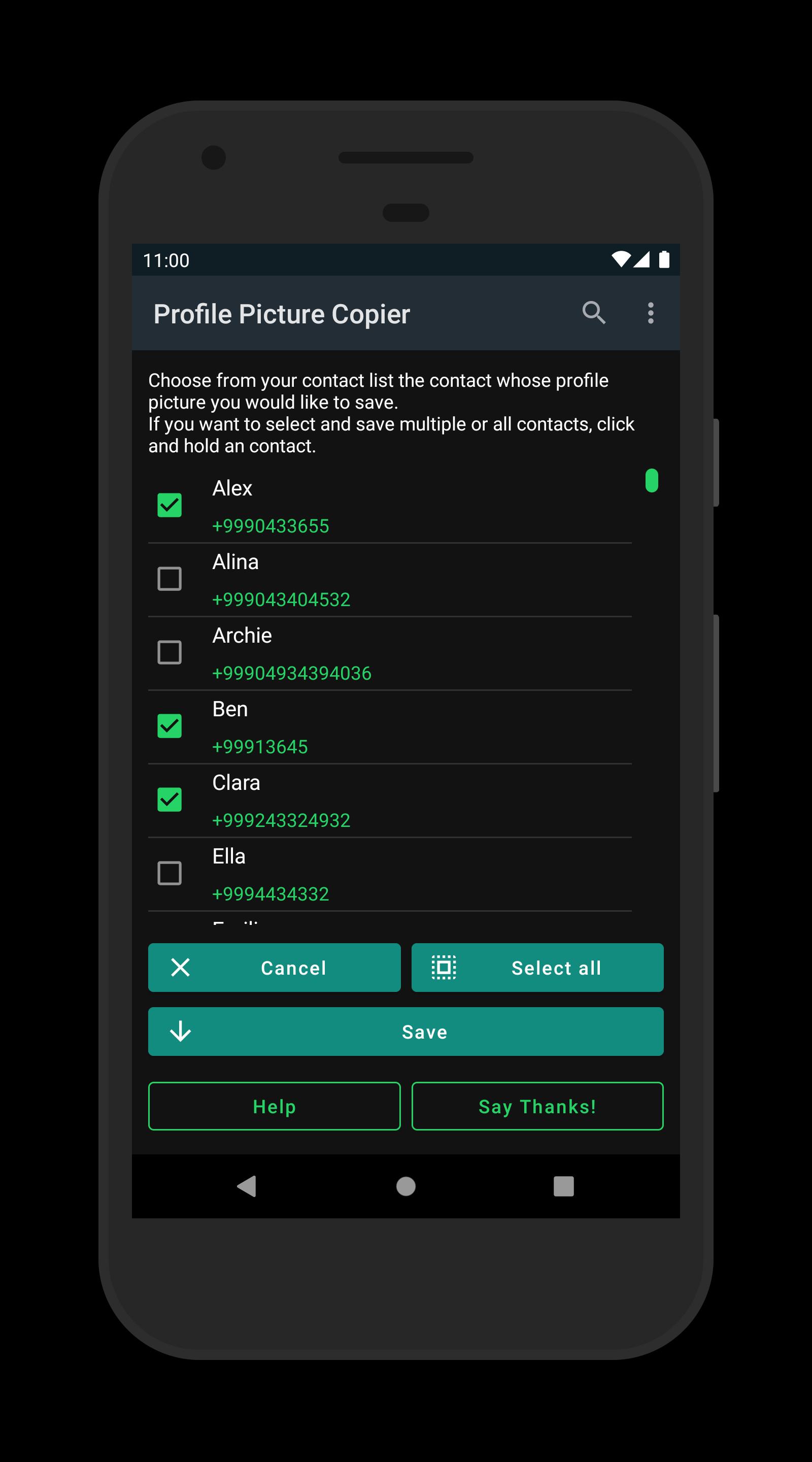
Batch selection options
You can save multiple profile pictures in one go. Select several contacts or process a full row, then let the app complete the automated navigation and saving process for you.
Local, offline, and ad free
All processing happens on your device and works without an internet connection. There are no ads, and it works with or without root. Based on the developer’s note, data accessible via the Accessibility Service does not leave your phone.
Accessibility based workflow and setup help
After installing the Profile Picture Copier APK, enable the required Accessibility permission so automation can navigate through WhatsApp. A Help section includes a tutorial video that shows the setup steps. Use the app responsibly and respect your contacts’ privacy.
Profile Picture Copier provides a focused way to store contact images locally when screenshots are blocked. If this matches your needs, download Profile Picture Copier and follow the in-app guidance to begin. This tool is not affiliated with WhatsApp.
Latest Version
6.3.0Uploaded by
Abd Elrahman Mostafa
Requires Android
Android 5.0+
Category
Free Tools AppContent Rating
Everyone
Report
Flag as inappropriateLast updated on Mar 20, 2024
WhatsApp has made it impossible to take screenshots of profile pictures.
All profile pictures are now saved as black images.
This restriction is enforced at the system level, so there is nothing we can do to bypass this restriction.
WhatsApp Web on a computer or root can still be used to save the profile picture.





APKPure - A multi-platform app store primarily focused on Android, providing extensive app-related content. Discover the app you want easier, faster, and safer, with quick and efficient downloads and installations.












