PPSSPP Gold - PSP emulator helps users who want to run their own PSP titles on an Android phone with clearer visuals and flexible controls. It is the premium edition of the original PSP emulator and focuses on high definition rendering and smooth input. Performance varies by device, and the app does not include any games, so you will need your own ISO or CSO backups or homebrew. For users who prefer a simple setup on mobile, PPSSPP Gold - PSP emulator APK offers straightforward file loading and clean navigation.
High definition graphics and filtering
PPSSPP Gold - PSP emulator adds HD upscaling that cleans up textures and edges for a sharper look. Texture filtering and post processing help reduce blur and improve clarity across many titles. These options can be toggled to match your device’s performance.
Save states and session control
You can use save states to pause and resume progress at any time, independent of in‑game saves. This makes testing settings or taking short breaks simple without losing progress. The premium build is ad free, which helps keep sessions focused and also supports ongoing development.
Fast forward and high refresh support
PPSSPP Gold - PSP emulator includes a turbo or fast forward mode for quick scene skipping or grinding. It also supports high refresh displays up to 120 Hz on compatible devices for smoother frame delivery. Together, these tools let you tailor pacing for different games and situations.
Customizable controls and external gamepads
You can rearrange on‑screen buttons, resize them, and adjust opacity to fit your reach and screen size. The app also supports Bluetooth and USB controllers, so you can map keys and use a gamepad if you prefer physical inputs. Profiles help you keep separate setups per game.
Easy ISO/CSO loading and broad compatibility
PPSSPP Gold - PSP emulator reads ISO and CSO files and presents them in a simple browser for quick selection. A wide range of PSP games and homebrew titles are supported, and a built in cheat system is available if you want to experiment. Basic file management within the app helps you locate and organize your library.
No games are included. To use the app legally, dump your own PSP discs to ISO or CSO and copy them to your device. A common folder is /PSP/GAME, which keeps files organized and easy to find in the app. Homebrew projects are also available online from their respective authors.
Gold is the paid edition that removes ads and directly supports development. The free version exists for testing and has core emulation features. Users who want an uninterrupted experience and to contribute to future updates can choose Gold.
Emulation speed and visuals depend on your phone’s chipset and available memory. Higher settings may require stronger hardware, while older devices may need reduced scaling or effects. If a game runs slowly, try lowering resolution or disabling optional filters.
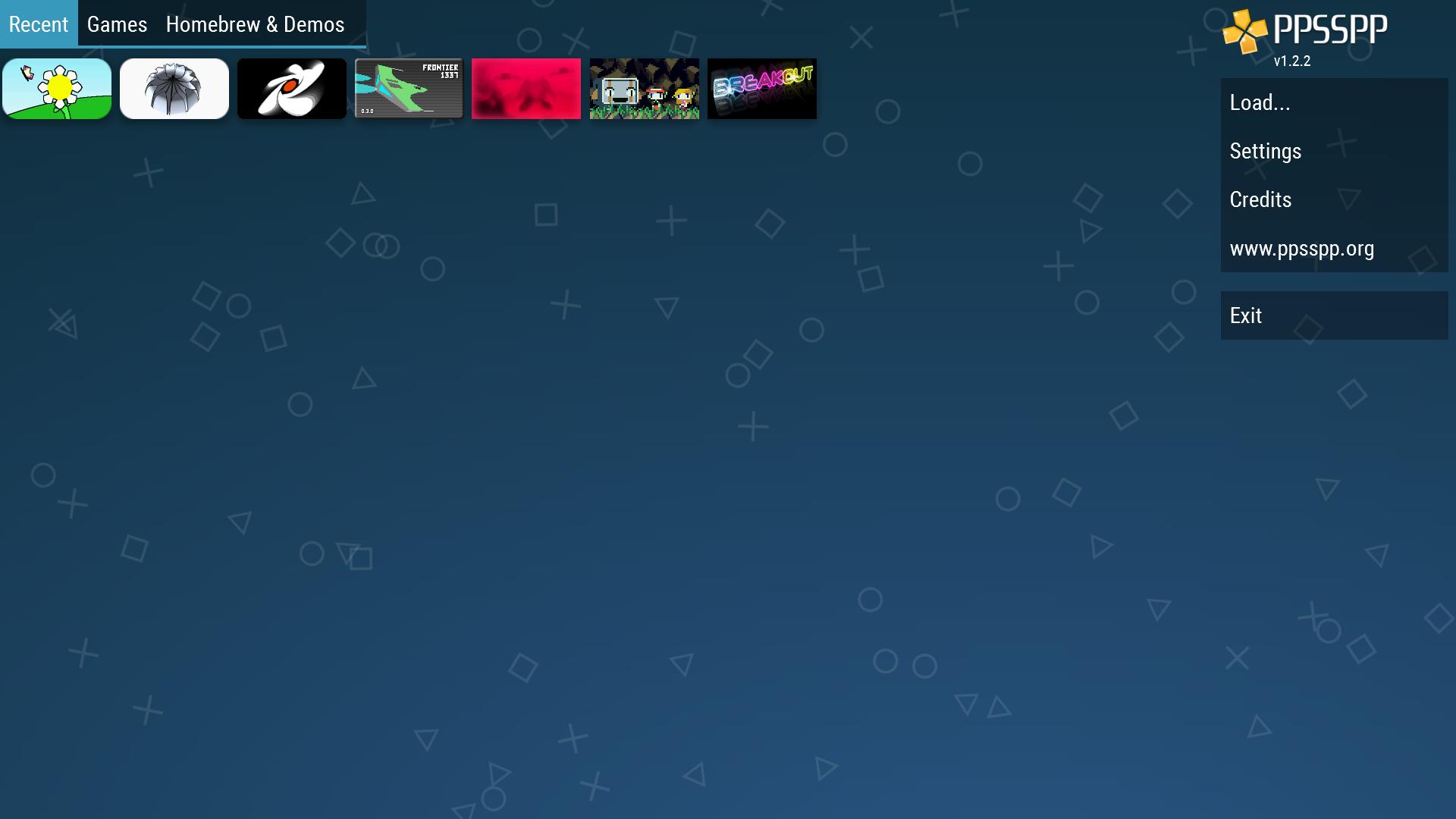
After you download PPSSPP Gold - PSP emulator and open it, the app scans for PSP game files on your device. A simple flow helps you find your library and adjust basic settings before starting your first session. The steps below outline the typical setup on an Android phone.
PPSSPP Gold - PSP emulator focuses on clean visuals, flexible controls, and simple file loading for PSP titles on Android. It is a paid, ad free build that supports development while keeping your library usable on mobile. To stay current, check for the PPSSPP Gold - PSP emulator latest version when updating.
For official information and support, visit the developer’s website below.
Latest Version
v1.20.4Requires Android
5.0
Category
Action GameContent Rating
Everyone
Report
Flag as inappropriateLast updated on May 16, 2026
Minor bug fixes and improvements. Install or update to the newest version to check it out!



APKPure - A multi-platform app store primarily focused on Android, providing extensive app-related content. Discover the app you want easier, faster, and safer, with quick and efficient downloads and installations.