Scan Date:Mar 14, 2025
Show More


PPSS22 Emulator suits users who want portable access to classic console games without carrying a home system. It focuses on compatibility, speed, and simple setup for everyday use on modern phones. The app is published by Blue Oliver’s, Emulation Development Corporation, and is tuned to feel close to original hardware. As a result, players can pick it up quickly and start playing with minimal friction, making the PPSS22 Emulator APK a practical choice for Android.
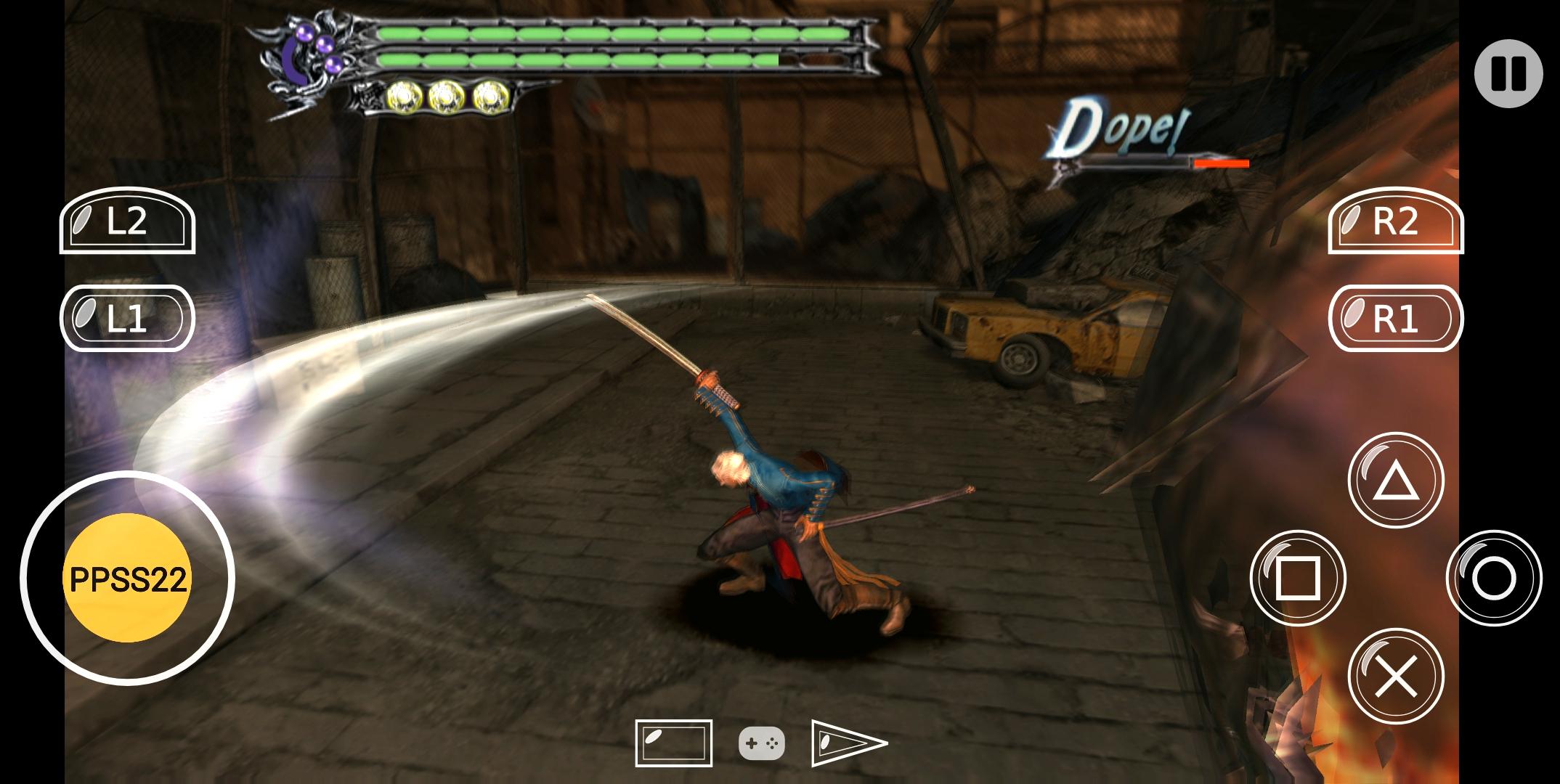
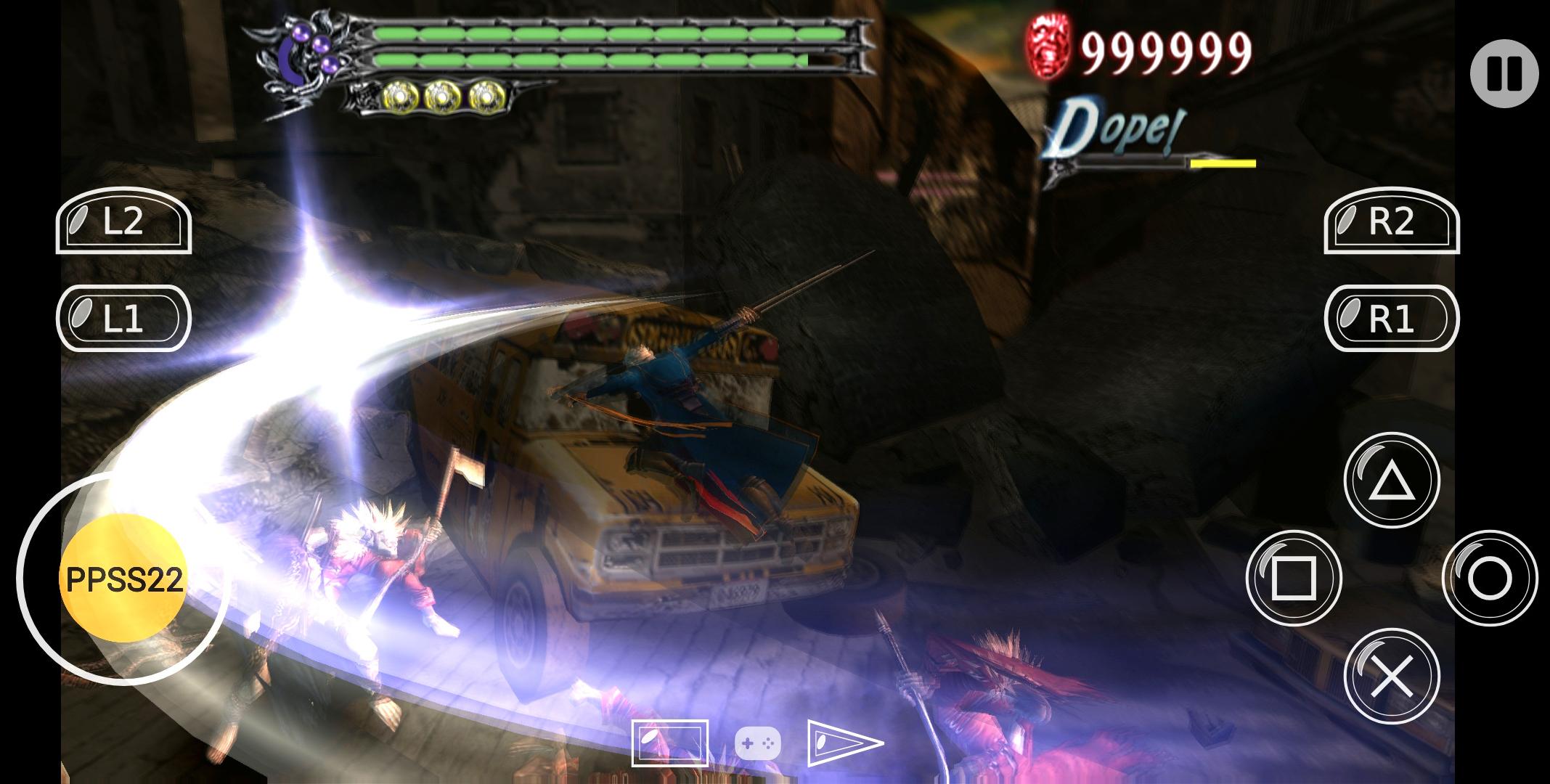
PPSS22 Emulator is designed to run a wide range of PS2 titles with reliable results. Game speed is tuned to feel close to original hardware, which helps reduce stutter and uneven pacing. This balance of compatibility and performance aims to keep play sessions stable for most supported games.
Quick save and on‑screen controlsYou can save or load your progress with one tap, which helps you pause and resume play at any point. The on‑screen controller is responsive, so touch inputs register quickly during action scenes. Together, these tools make short sessions and mobile play more manageable.
Network gaming for multiplayerPPSS22 Emulator supports network gaming, allowing you to join or host multiplayer sessions on mobile. When set up on the same network, you can coordinate with friends and start matches without complex steps. This feature is helpful if you want cooperative runs or head‑to‑head play on Android.
Compressed ROM support and ARM64 optimizationFor faster setup, PPSS22 Emulator reads ROM archives in ZIP, 7z, and RAR formats. This reduces storage use and keeps your library organized without extra extraction steps. The emulator is optimized for ARM64 devices, which improves responsiveness on modern phones while keeping configuration simple.
Battery‑saving adjustments for longer sessionsThe emulator includes battery‑saving optimizations so you can play longer away from a charger. These adjustments help reduce power drain during gameplay without requiring users to micromanage settings. Longer sessions become more feasible on commutes or travel.
PPSS22 Emulator does not include game files. You need to provide your own PS2 ROMs, which can be stored in ZIP, 7z, or RAR archives for quicker setup. Network gaming may require compatible game versions and a stable local connection to work as expected. If you are comparing emulator solutions, this app runs natively on Android and does not use PCSX2.
PPSS22 Emulator is published by Blue Oliver’s, Emulation Development Corporation. The same developer also offers the companion PPSS22 arm64 Plugins app, which signals ongoing support for ARM64 devices. This ecosystem helps users identify compatible tools when planning their setup and maintenance.
To get started, download PPSS22 Emulator and prepare your game files. The app supports compressed archives, so you can keep ROMs organized without extraction. Setup is straightforward and follows the steps below.
PPSS22 Emulator focuses on PS2 game compatibility, steady speed, and simple mobile controls. If you want portable sessions with quick saves and network play, consider the PPSS22 Emulator latest version for Android.
Latest Version
415Uploaded by
Tar Gyi Tar Gyi
Requires Android
Android 8.0+
Category
Free Libraries & Demo AppContent Rating
Everyone
Security Report
Report
Flag as inappropriateLast updated on Mar 14, 2025
Minor bug fixes and improvements. Install or update to the newest version to check it out!





APKPure - A multi-platform app store primarily focused on Android, providing extensive app-related content. Discover the app you want easier, faster, and safer, with quick and efficient downloads and installations.