Scan Date:Oct 31, 2025
Show More
Polaris Office for SmartBook is an office app for smartphone users with DeX and desktop support for those who want to edit desktop-level office documents.
What is the DeX / Desktop feature?
It refers to the function that shows the vertical screen of a smartphone horizontally like a laptop screen. The device that can use these functions is called a smartbook.
What are the features of the smartbook?
It is a device that allows you to use the various functions of your smartphone as a laptop, and there is no separate CPU or hard disk device. It provides LCD (IPS panel), keyboard, touch pad, other USB port, Micro HDMI port, Micro SD card port, etc. Experience the same experience as a laptop.
If you have a smartbook, you can easily edit, edit, and share images, videos, and documents on your memory card, and if you have WiFi, LTE, or 5G networks, you can search for multimedia and information such as YouTube and internet surfing.
In the offline environment, it is possible to work with various documents such as Excel, Word, PowerPoint, etc., greatly improving work efficiency.
The Polaris Office Dex for Smartbook is an application dedicated to smartbooks developed to enable more smooth work-related document creation and presentation on devices that provide these diverse experiences.
■ What is the Polaris Office for SmartBook?
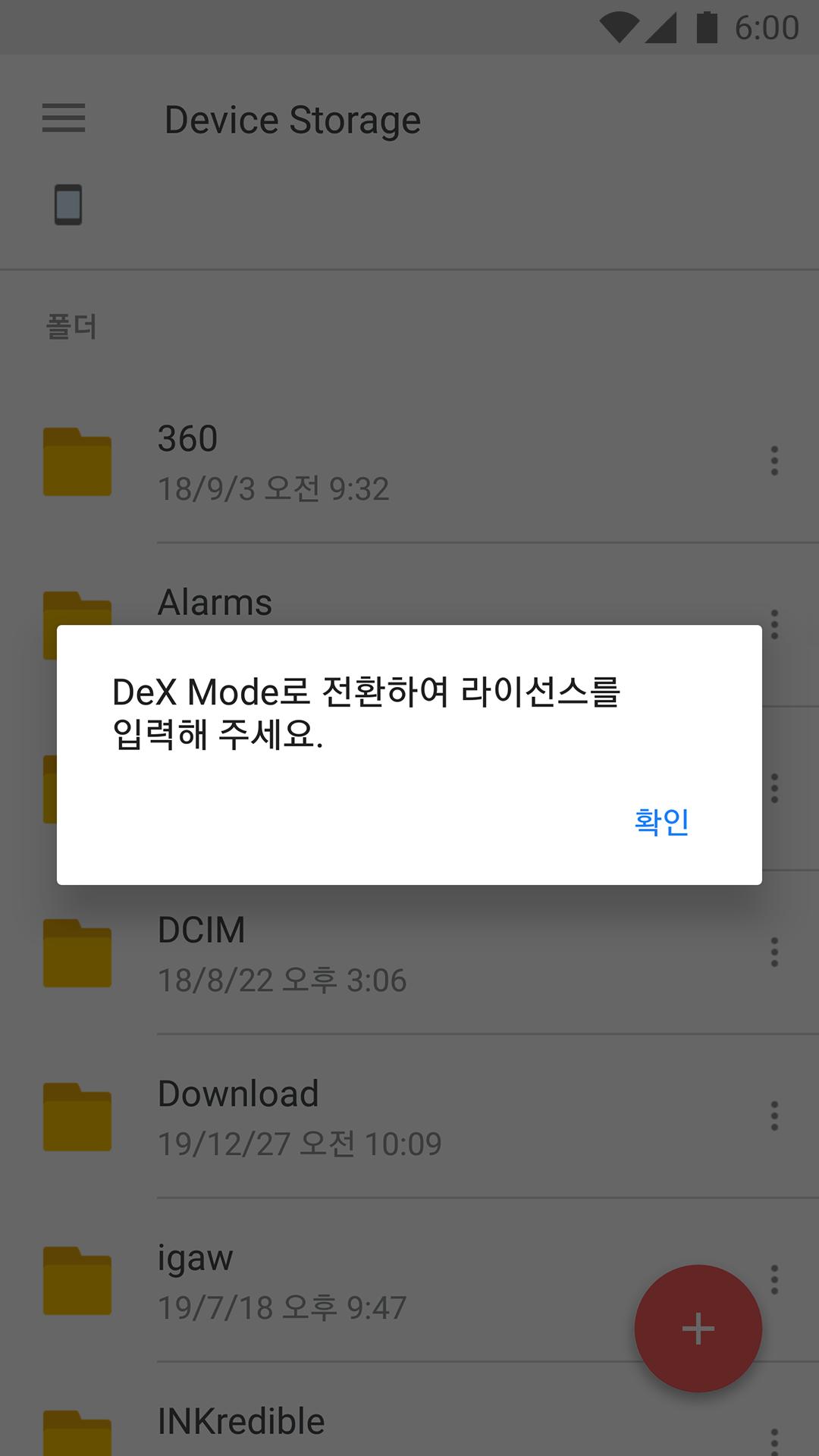
-Polaris Office DeX SmartBook is based on the latest engine of Polaris Office, an office application for mobile / desktop.
-The latest smartphones with DeX / Desktop mode environment (Galaxy S8 / S8 +, Galaxy S9 / S9 +, Galaxy S10 / S10e / S10 +, Note 8, Note 9, Note 10 / Note 10+, Android OS 10 and above models) It works on
-You can enjoy the advantages of mobile office and desktop office by providing optimized menu and work environment for each phone mode / DeX / desktop mode.
■ Key Features
-It supports both phone and DeX / Desktop mode without installing additional app.
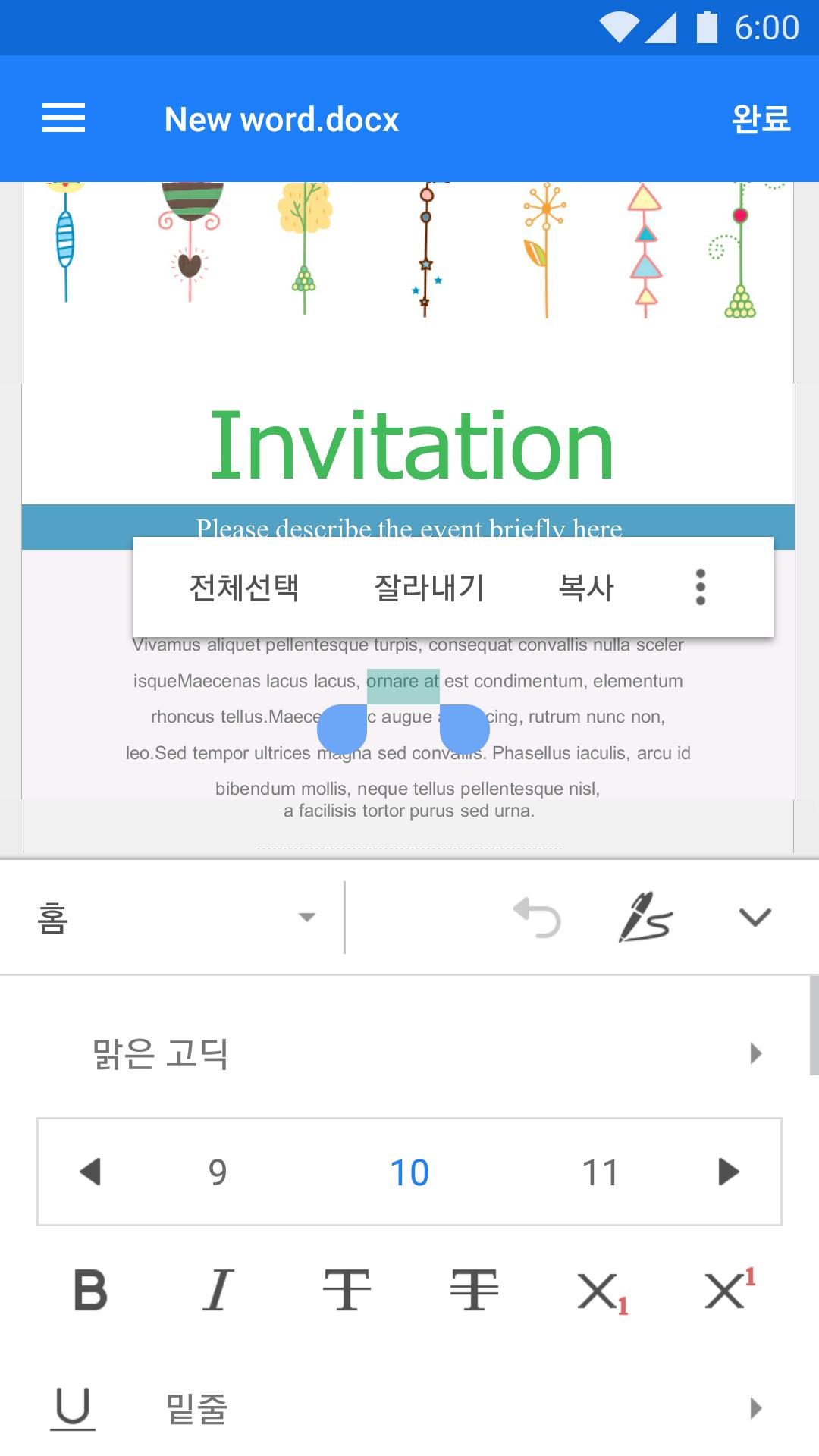
-It supports various objects, effects and document layout of MS Office, and provides the same high document compatibility as Polaris Office PC version.
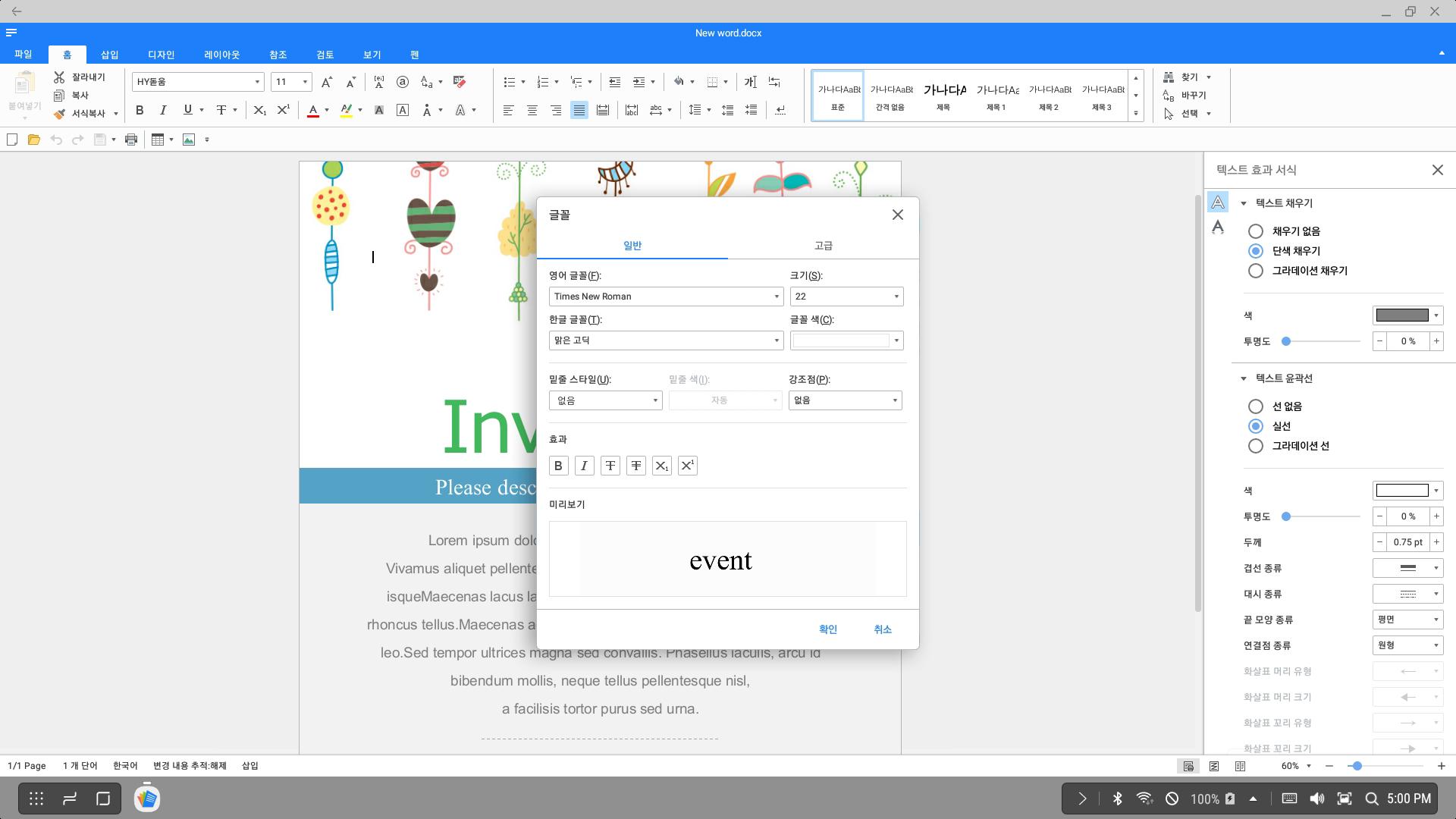
-When connected in DeX / Desktop mode, it provides the ribbon and editing functions provided by the desktop office.
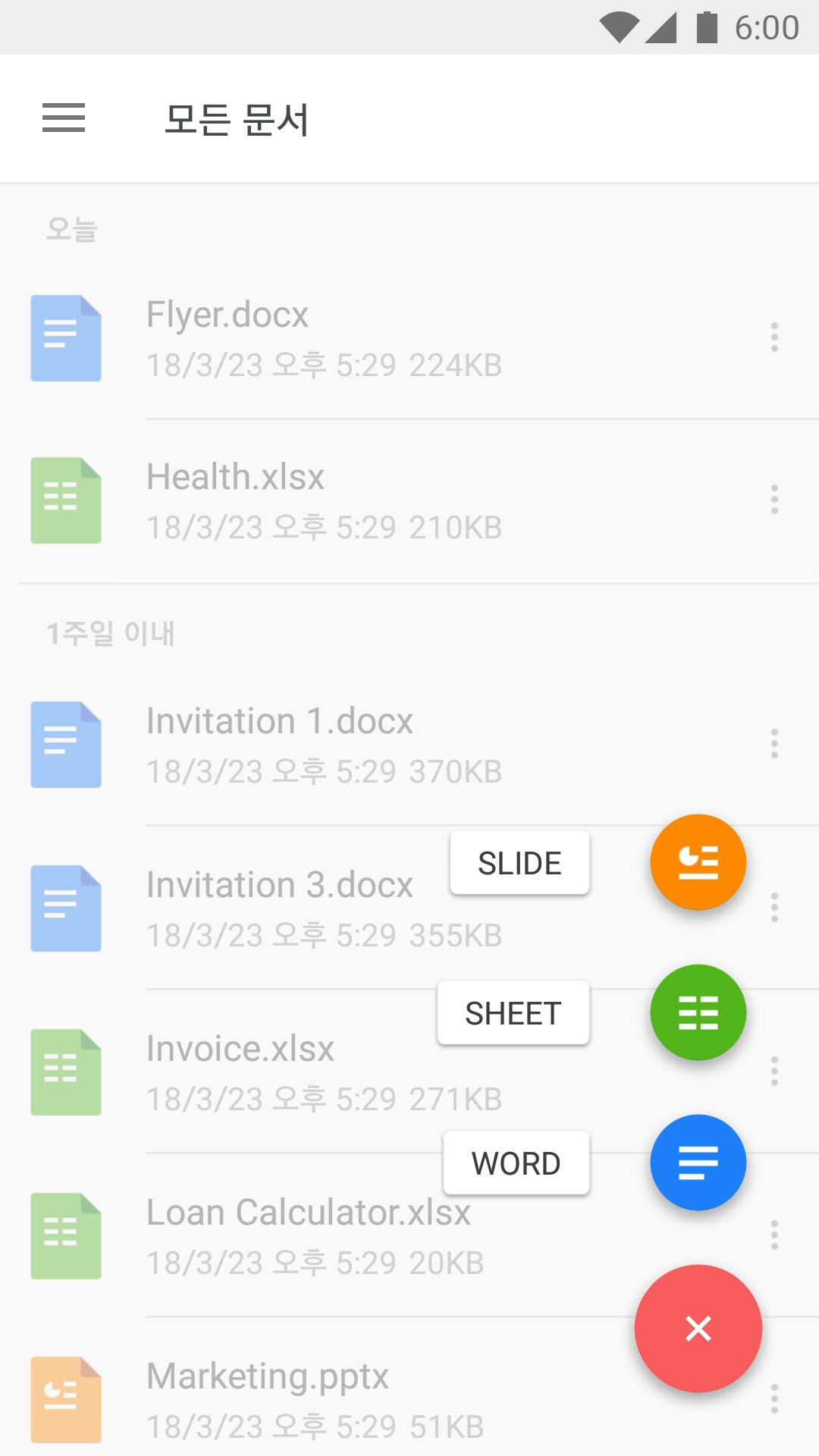
-Phone mode allows you to quickly view and edit documents anytime, anywhere, focusing on mobile usability.
-Supports a variety of shortcut keys, you can connect the keyboard and mouse to work more conveniently and quickly.
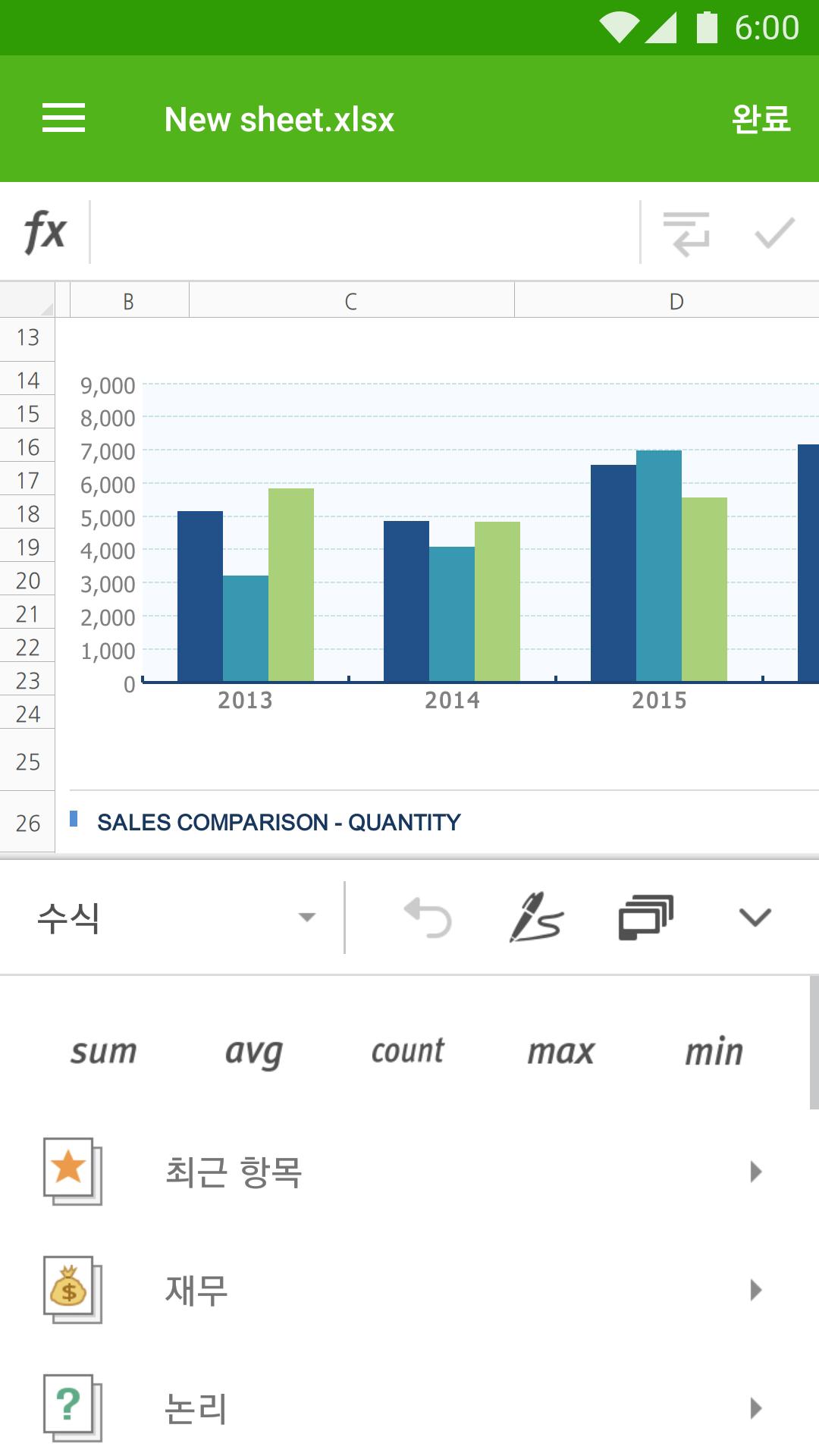
-Advanced editing features such as charts, formulas and conditional formatting.
Multi-process support allows you to open or edit up to six documents at the same time.
■ Supported Formats
MS Word series: .doc, .docx
MS Excel series: .xls, .xlsx
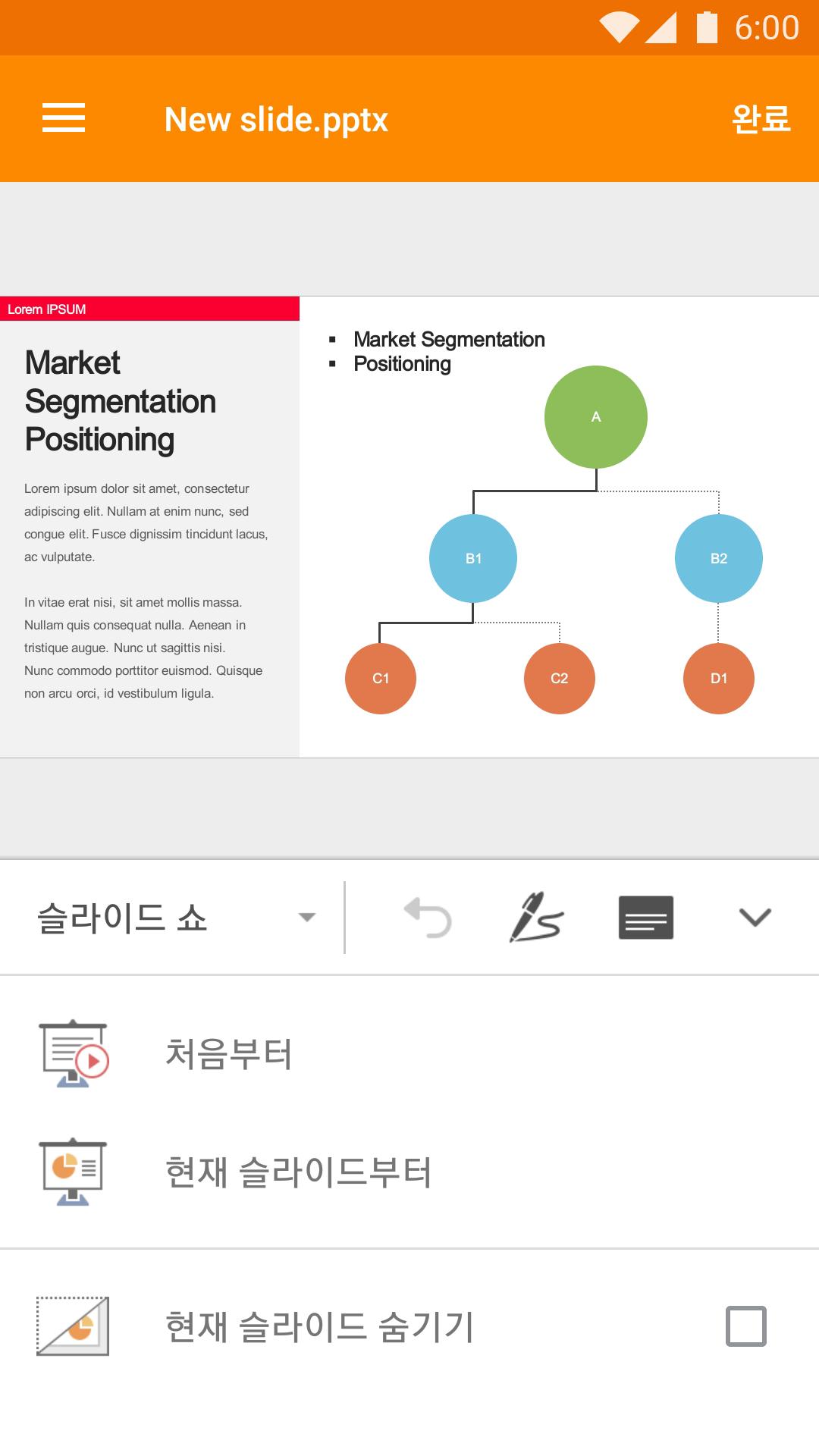
MS PPT Series: .ppt, .pptx, .pps, .ppsx
■ Supported Languages
-The product UI such as menu name and guide message supports Korean.
■ Information about required permissions
-WRITE_EXTERNAL_STORAGE: This permission is required to read documents stored on the Android SD card.
-READ_EXTERNAL_STORAGE: This permission is required when editing a document stored in the Android SD card or moving a document from another storage to the SD card.
■ Other
• Homepage: polarisoffice.com
• Facebook: facebook.com/polarisofficekorea
• YouTube: youtube.com/user/infrawareinc
• Inquiries: support@polarisoffice.com
• Privacy Policy: www.polarisoffice.com/privacy
Latest Version
8.5401.8.86328Uploaded by
အမုန္းခ်ိဳခ်ိဳ အခ်စ္ခါးခါး အလြမ္းရင့္ရင့္
Requires Android
Android 6.0+
Category
Free Productivity AppContent Rating
Everyone
Security Report
Report
Flag as inappropriateLast updated on Mar 1, 2022
피드백 주신 의견을 반영하여 오류를 수정하고 사용성을 개선하였습니다.
Polaris Office는 고객님의 피드백을 정말 중요하게 생각합니다!
고객님에게 더 나은 서비스를 제공 드릴 수 있도록 많은 의견 부탁드립니다.



APKPure - A multi-platform app store primarily focused on Android, providing extensive app-related content. Discover the app you want easier, faster, and safer, with quick and efficient downloads and installations.