
Auto On-Off Screen & Prevent from automatically call to anyone while in Pocket
Pocket Sensoruses your device's proximity sensor to control the screen on/off state.
Simply covering the sensor will turn the screen off .
Flip your phone on a table, place it in your pocket, or use any other means to cover the proximity sensor.
As soon as the sensor is uncovered, the screen will come back on.
Note that Pocket Sensor does not prevent the device from falling asleep when the device is being used normally with the screen on and user activity timeout has been reached.
However, the device will not fall asleep as long as the screen has been turned off by the proximity sensor as this effectively counts as continuous user activity.
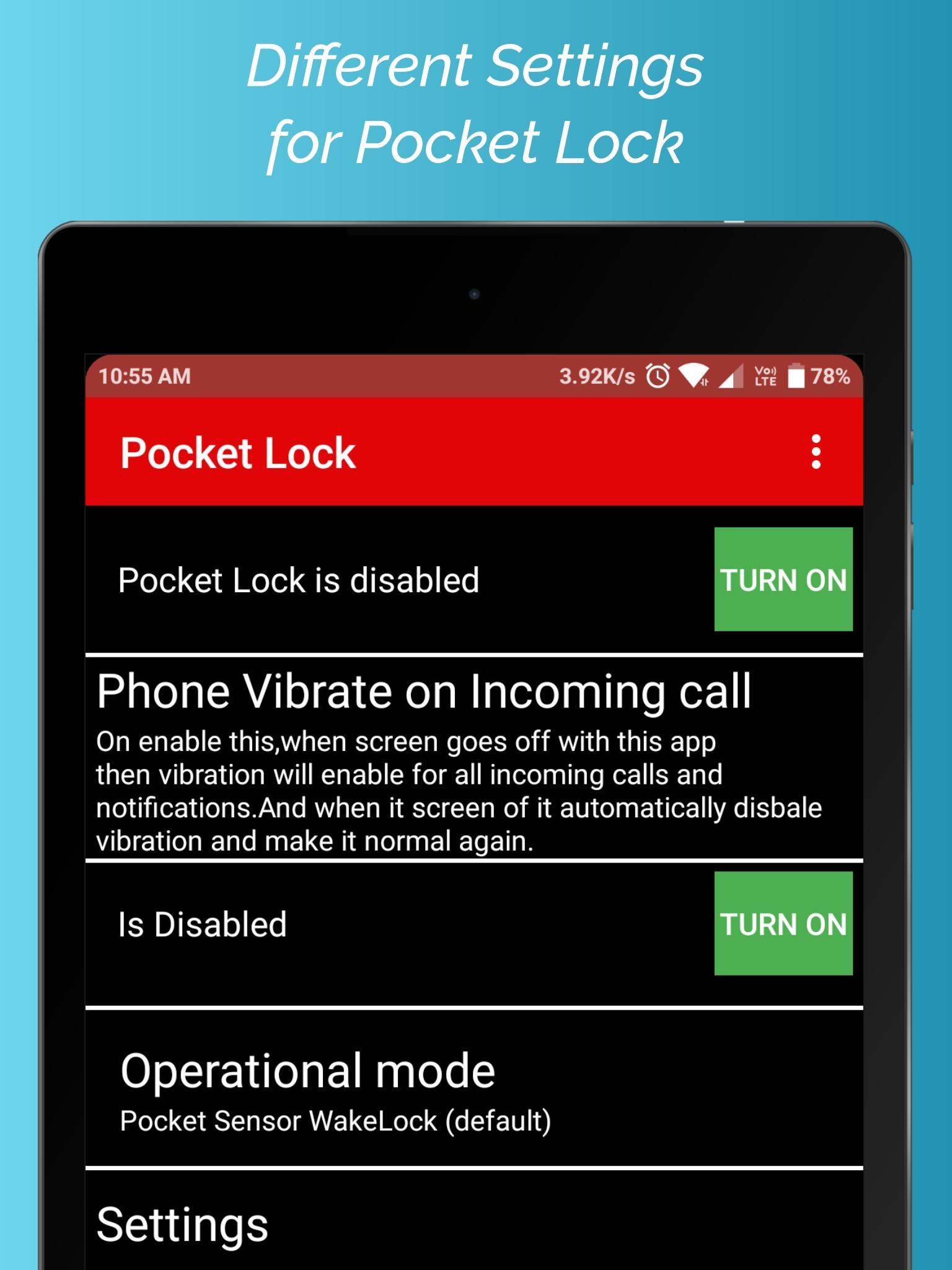
1) You can Activate or run settings using Widgets
2) You can Activate or run settings using Floating Buttons
3) You can Activate or run settings using Shortcuts
4) You can Activate or run settings using Notification
By using this, whenever application is activated then you do not worry about accidentally make a call when your phone is in pocket.
if you have any suggestions or found any bug please mail me at hugsofts@gmail.com
Latest Version
47.48Uploaded by
Hugsoft
Requires Android
Android 4.4+
Category
Free Tools AppContent Rating
Everyone
Report
Flag as inappropriateLast updated on Feb 12, 2024
This release includes minor bug fixes and general improvements. Update to the latest version for the best experience.





APKPure - A multi-platform app store primarily focused on Android, providing extensive app-related content. Discover the app you want easier, faster, and safer, with quick and efficient downloads and installations.