Scan Date:Feb 9, 2026
Show More

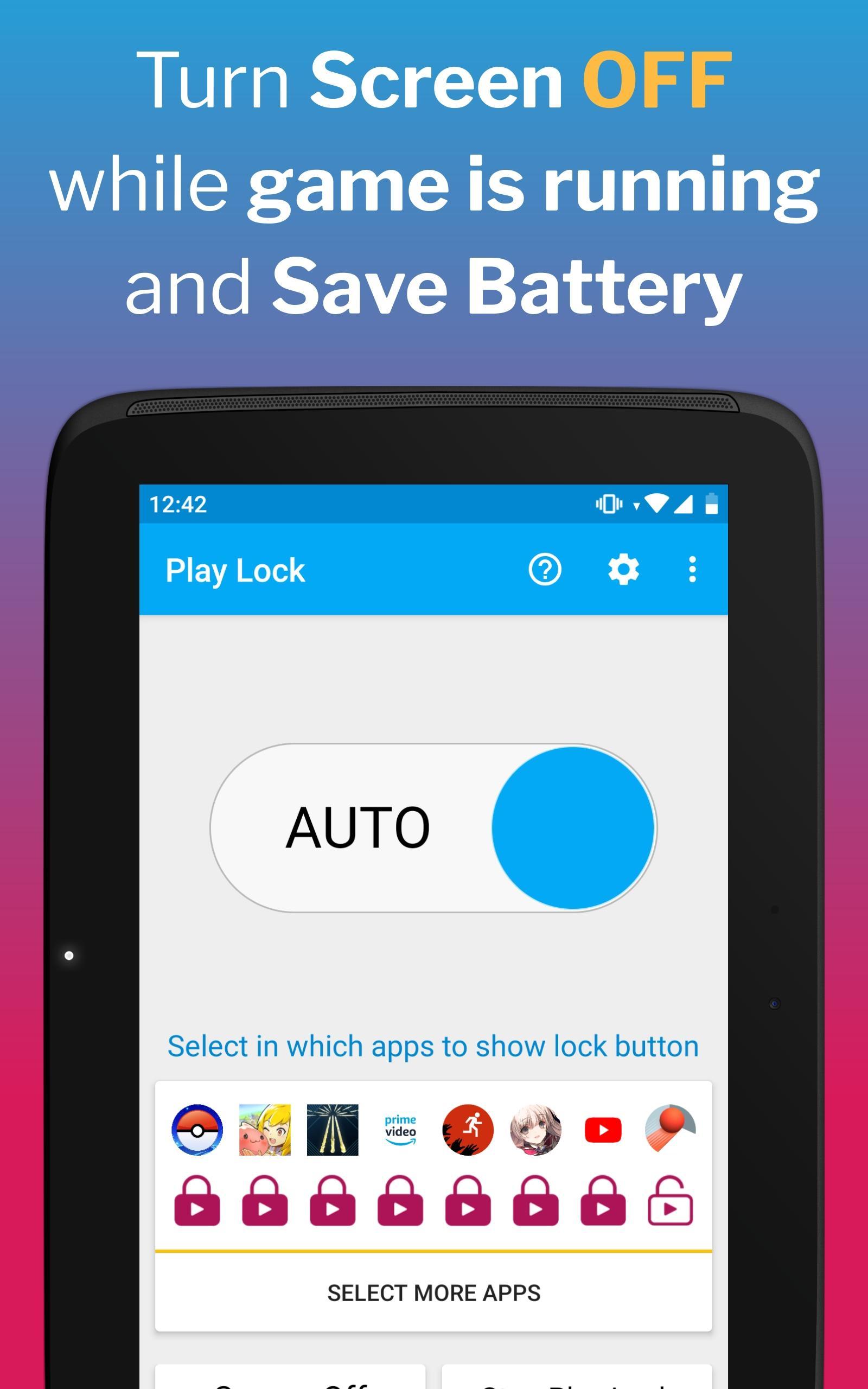
Turn Screen Off and save battery life from screen usage time, while waiting for the game - boost battery performance, while keeping the phone safely locked in pocket.
🔋 Save battery life with games running in the background - while walking around in AR games trying to "catch them all" or uniting wizards, or as a Pocket Lock for Ragnarok while farming.
❤ Loved by the gaming community of Ragnarok M and PoGO, based on our very successful app PocketLock battery saver : Read more here https://bit.ly/2JkuFpJ
🏆 Boost game battery duration for all kinds of games like MMO , Adventure Augmented Reality, Simulations, MMORPG, RPG. Save battery from screen time when you do not need to look at the game.
😱 Turning Screen Off works only when you cover the screen, so when you lock you will first see a black screen, and when you cover top of your phone (proximity sensor), screen will really turn off.
🔒 HOW IT WORKS
1. While game is running, expand Android notification area and tap on Play Lock notification - this will put Play Lock on front of the screen, but the game will continue to run in the background.
2. Cover the top of phone screen with hand or by putting it in your pocket and the screen will actually turn off , which will save battery life.
3. Uncover screen and double-tap on the unlock button, which is visible in the top-right corner. Enter the unlock pattern if you have set one and Play Lock is dismissed.
4. You can also unlock with fingerprint on supported devices*
⭐ HIGHLIGHTS
- Save battery by turning screen off while you play games.
- Locks screen and buttons , so that you don't get out of game unintentionally.
- Listen music in video players and keep phone locked safely in your pocket (in Transparent mode).
- Hides phone keys while watching videos, so that you do not get out of video players by accident.
- Automatically lock when you are not using the running game for a while (Inactivity Lock is PRO feature)
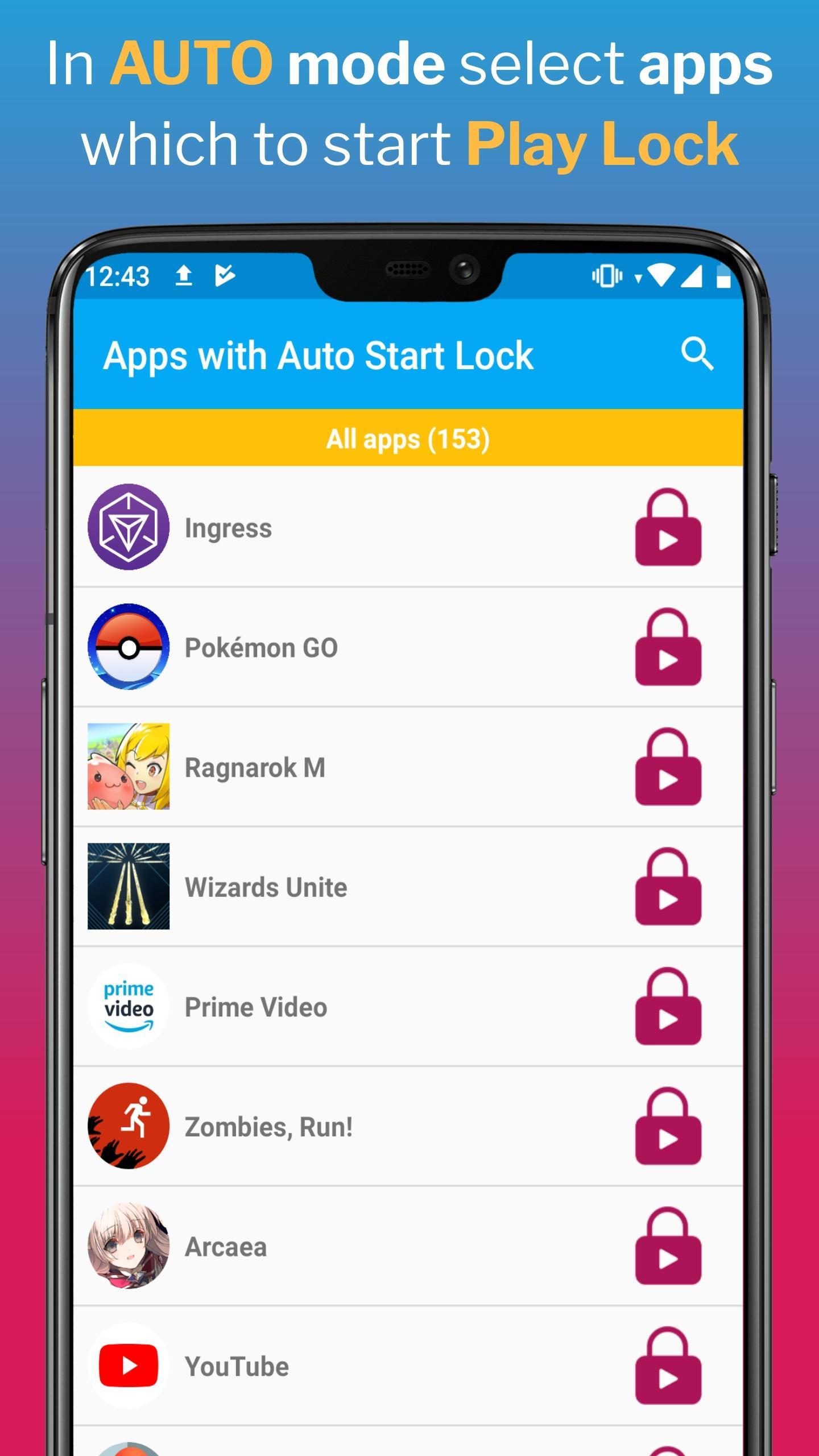
- Use AUTO mode to run Play Lock only on apps that you have pre-selected, and have Play Lock locking notification only when you need it.
- Keeps screen On when locked, so that the phone's screen timeout does not turn your screen off, while you play games that does not keep screen on (disabled by default - check in Settings)
🏆 PRO version
- Play Lock is supported by Ads, and you can buy the PRO version, which is Ad-Free.
- PRO version of Play Lock also includes Inactivity monitor lock, which will automatically Play Lock the screen when you do not touch the game for a given time (interval could be changed in Settings).
♿ This app uses Accessibility services to lock keys, which is useful for people with disabilities like shaky hands or trembling fingers, who do not want to get out of apps accidentally.
* Fingerprint Unlock is available to only limited number of devices after Android Pie, even if they have fingerprint sensor. So if you can unlock with fingerprint - you are in luck; if you cannot - do not blame us.
Latest Version
2.4Uploaded by
Gabriel Henrique
Requires Android
Android 7.0+
Category
Free Productivity AppContent Rating
Everyone
Security Report
Report
Flag as inappropriateLast updated on Aug 2, 2025
Version 2.4:
Support for Android 15. Bug fixes




APKPure - A multi-platform app store primarily focused on Android, providing extensive app-related content. Discover the app you want easier, faster, and safer, with quick and efficient downloads and installations.