Scan Date:May 5, 2026
Show More


Plants vs. Zombies blends simple tap controls with strategic planning as you place plants to stop zombies from moving across your lawn. Each stage introduces new challenges, and you decide how to spend sun to build a lineup that fits the threat. The in-game Almanac helps you learn what each plant and zombie can do, so you can plan ahead and adapt as difficulty rises. There are relaxed options for casual sessions and more demanding modes for experienced players. Therefore, both new and returning Plants vs. Zombies players can find a pace that works for them.
Varied stages and steady difficulty
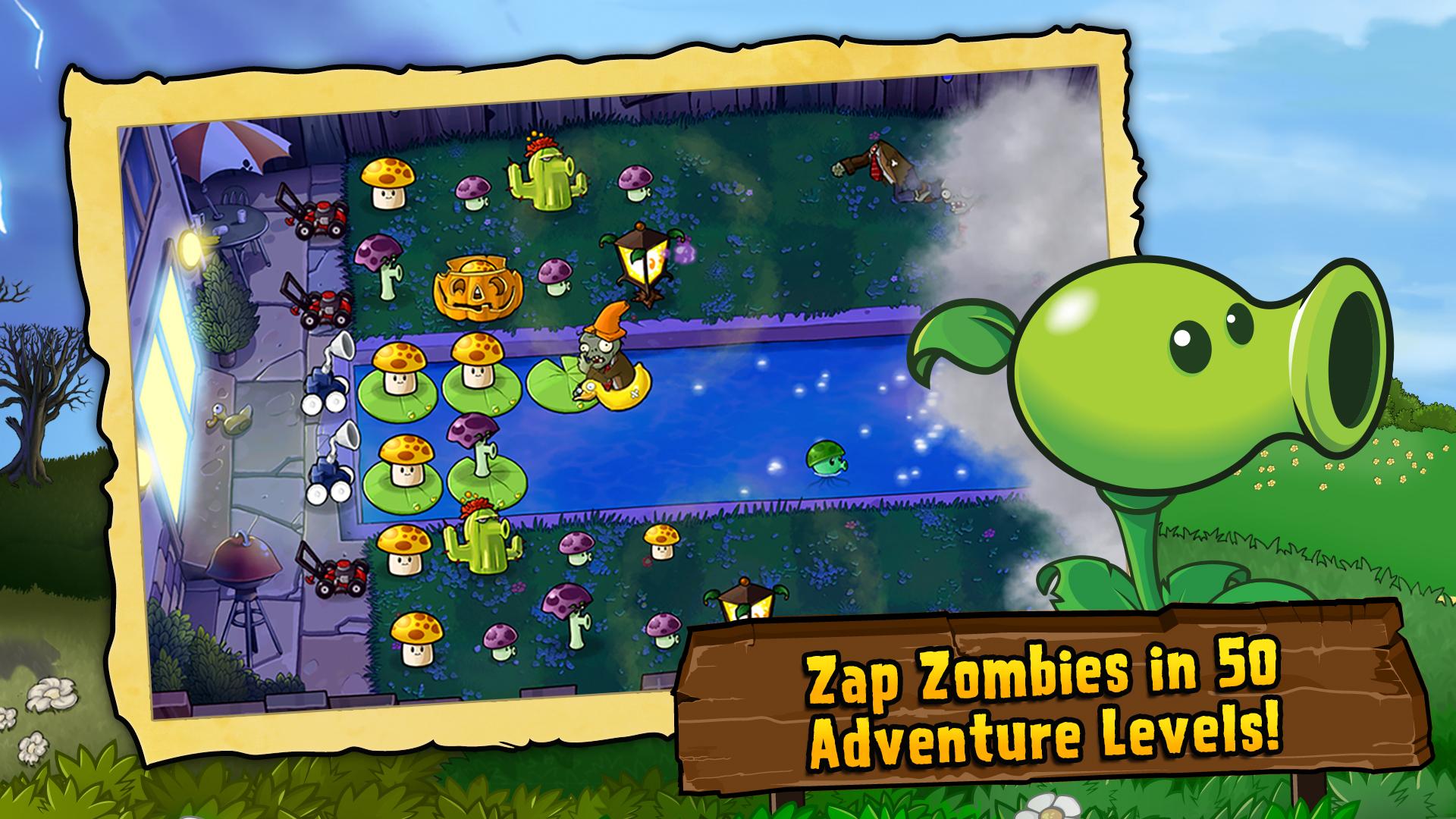
Plants vs. Zombies takes you through daytime, nighttime, fog, pool, and rooftop layouts that change how you place defenses. The flow builds from short waves to longer battles, so you can learn while progressing.
Collectible plants with unique roles
In Plants vs. Zombies, you can unlock dozens of plants, each with a clear job such as damage, shielding, area control, or utility. This variety lets you create different builds that counter specific zombie types without repeating the same strategy.
Strategy driven by sun economy and the Almanac
Plants vs. Zombies limits seeds and sun, so every placement matters. The Almanac explains traits and weaknesses, which helps you choose the right counters before a wave starts and adjust if a new threat appears.
More ways to play beyond Adventure
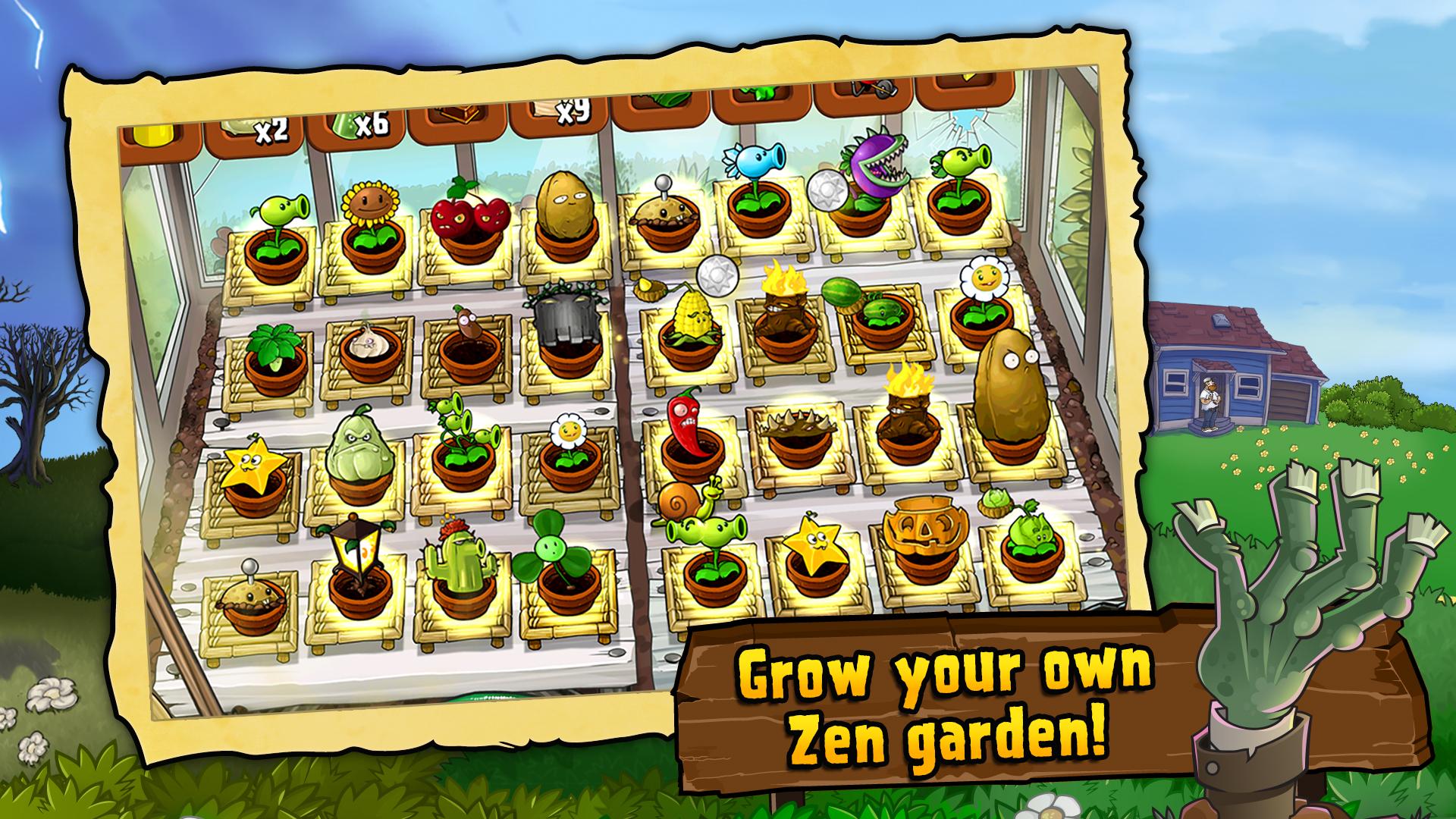
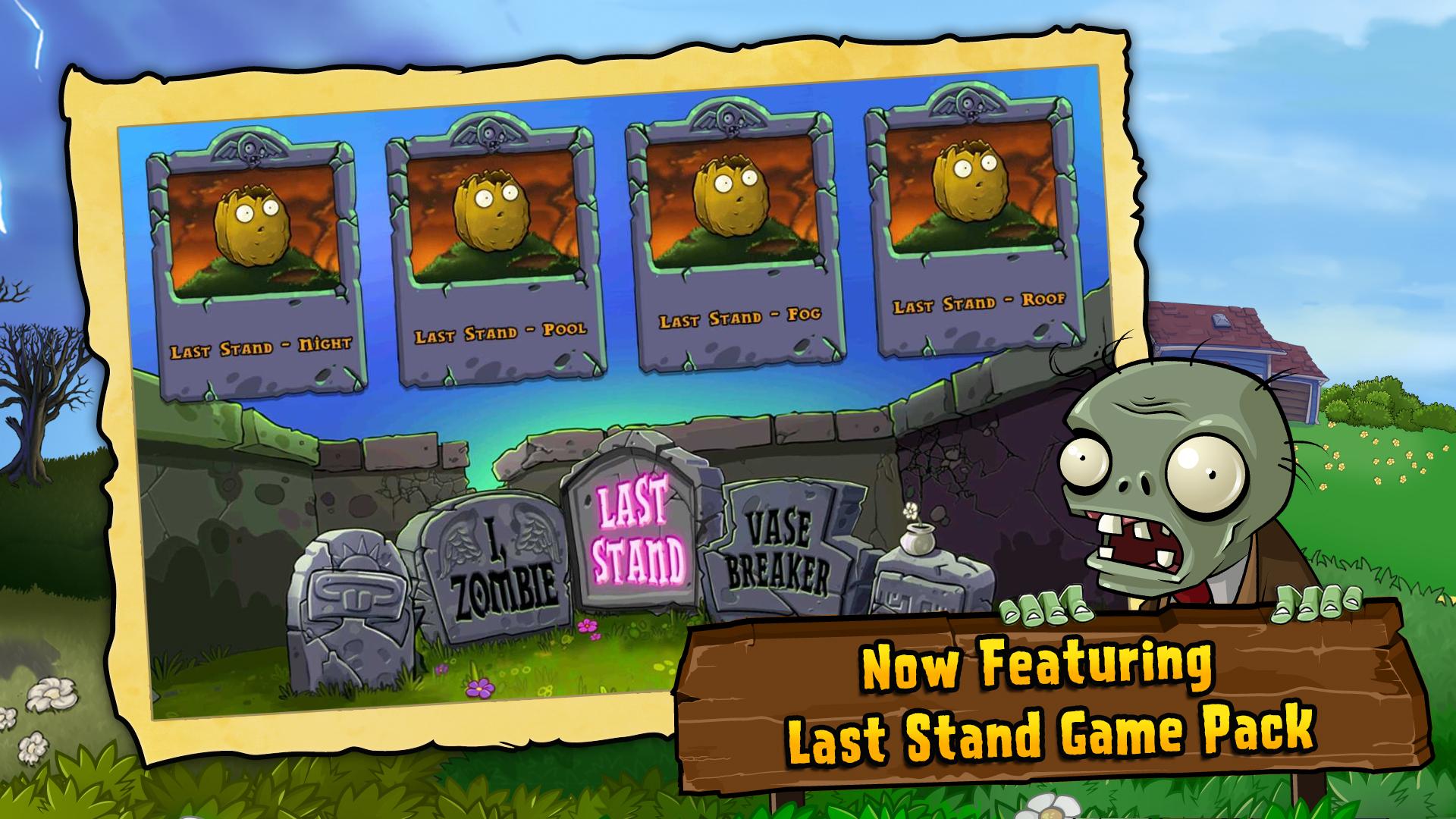
You get Mini Games for quick challenges, Puzzle modes that flip the rules, and Survival runs with endless waves. In addition, the Zen Garden offers a stress-free space to grow plants and earn coins at your own pace.
Progression, upgrades, and achievements
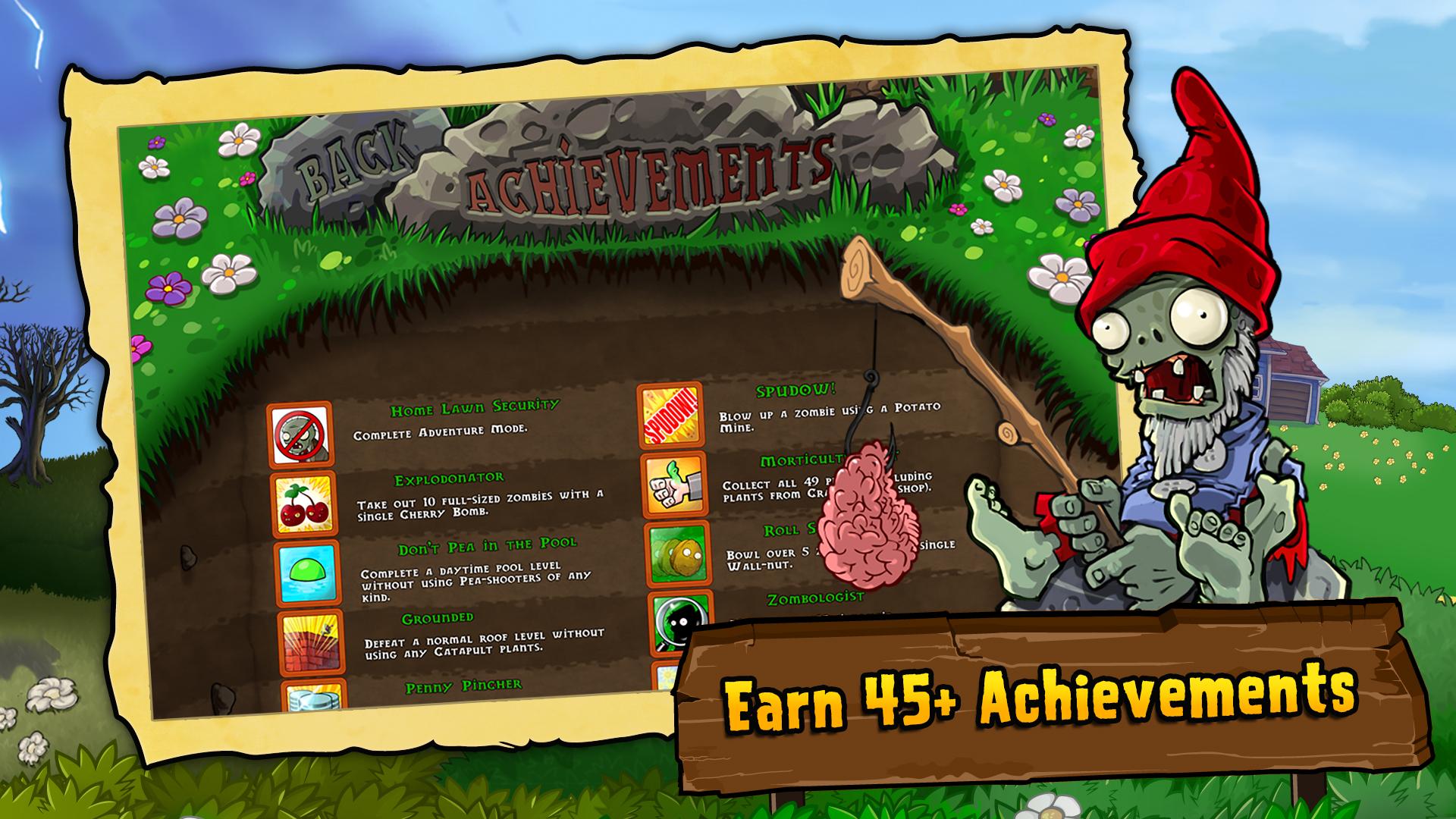
As you clear stages, you earn coins to buy power-ups and helpful items. You can also work toward dozens of achievements that track skill milestones and completion goals, which adds replay value.
Free to start with optional purchases
Plants vs. Zombies on Android is free to download and play, and it includes optional coin packs for faster progression. You can enjoy the full campaign without purchases, and spending is not required to finish the game.
You can play Plants vs. Zombies on a computer in two ways. First, you can download Plants vs. Zombies APK on APKPure and run it through an Android emulator on your PC or laptop. This method lets you use keyboard and mouse while keeping your mobile progress if you back up locally.
Each mode in Plants vs. Zombies serves a different goal, so it helps to know where to focus. Use the Almanac often and plan your seed slots around the next wave’s special zombies.
Adventure: Learn fundamentals and unlock plants. Start with two rows of Sunflowers, then layer shooters and barriers to stabilize lanes.
Mini Games: Short challenges that highlight specific mechanics. Use them to test plants you just unlocked before taking them into longer runs.
Puzzle: Levels that flip your perspective. Read the preview, then pick seeds that solve the constraint rather than your usual favorites.
Survival: Endless style waves that require economy and rotation. Bring emergency crowd control and save sun for sudden spikes.
Zen Garden: Water, feed, and grow plants at your own pace to earn coins passively. Check back between sessions for steady income.
Winner of over 30 Game of the Year awards, Plants vs. Zombies remains popular because its rules are clear and counters are readable. Moreover, the monetization is optional and limited to coin packs, which you can ignore if you enjoy playing at the normal pace.
This quick guide covers the basics so you can start fast and improve with each wave. You only need taps to place plants, collect sun, and use power-ups.
Begin Adventure mode, open the seed bank, and pick a balanced set that covers damage, defense, and area control. Place Sunflowers in the back row to build your economy.
Collect sun as it drops and add shooters to cover each lane. Place a sturdy blocker in front when a tougher zombie appears to buy time.
After that, open the Almanac between levels to read zombie traits and speed. Swap in counters such as splash damage for groups or instant removals for fast threats.
Then adapt to each terrain. Night stages reward mushrooms with low sun cost, fog reduces vision so bring reveal tools, and pool lanes need water-friendly plants.
So you can grow faster, spend coins on key upgrades in the store and use Zen Garden to earn more over time. Return to Survival and Mini Games to practice new lineups.
Plants vs. Zombies is a straightforward, strategy-focused defense game with multiple modes and clear progression. Get the Plants vs. Zombies APK latest version on APKPure to start, and update from this page whenever a new build is available.
Official resources from Electronic Arts are available below for studio information and support. Use these links if you need policy details or technical help unrelated to downloading.
Official site: https://www.ea.com/ea-studios/popcap/plants-vs-zombies
Support center: https://help.ea.com/
EA Mobile: https://www.eamobile.com
Is Plants vs. Zombies free to play on mobile?
Yes, Plants vs. Zombies is free to start on Android. The game includes optional coin packs and power-ups, and you can finish the Adventure mode without purchases.
Can I install Plants vs. Zombies on PC or laptop?
Yes, you have two options. You can download Plants vs. Zombies APK from APKPure and run it with an Android emulator on your PC, or you can use the official PC edition offered by Electronic Arts as a separate desktop download.
Does Plants vs. Zombies™ require internet or offer online play?
Plants vs. Zombies runs offline and does not include online multiplayer. An internet connection is only needed for the initial download and for optional purchases or updates via APKPure.
Latest Version
3.16.0Uploaded by
ELECTRONIC ARTS
Requires Android
Android 7.0+
Category
Free Strategy GameContent Rating
Everyone 10+ · Mild Fantasy Violence, Crude Humor
Security Report
Report
Flag as inappropriateLast updated on May 5, 2026
Hello, smarty plants! Your zombie-zapping experience will get better with some behind-the-scenes updates and brain-picking improvements. As always, thanks for playing.




APKPure - A multi-platform app store primarily focused on Android, providing extensive app-related content. Discover the app you want easier, faster, and safer, with quick and efficient downloads and installations.