Package Name:com.ak.aidev
SHA-256:fe9d7dd86d4a832d4d0d10e9b1589f23a1cb74e474cdf2c3610f47603ca70e12
Show More
Welcome to Ai Dev — the ultimate developer ecosystem, system intelligence suite, and utility workshop built natively for Android developers, tech enthusiasts, and power users!
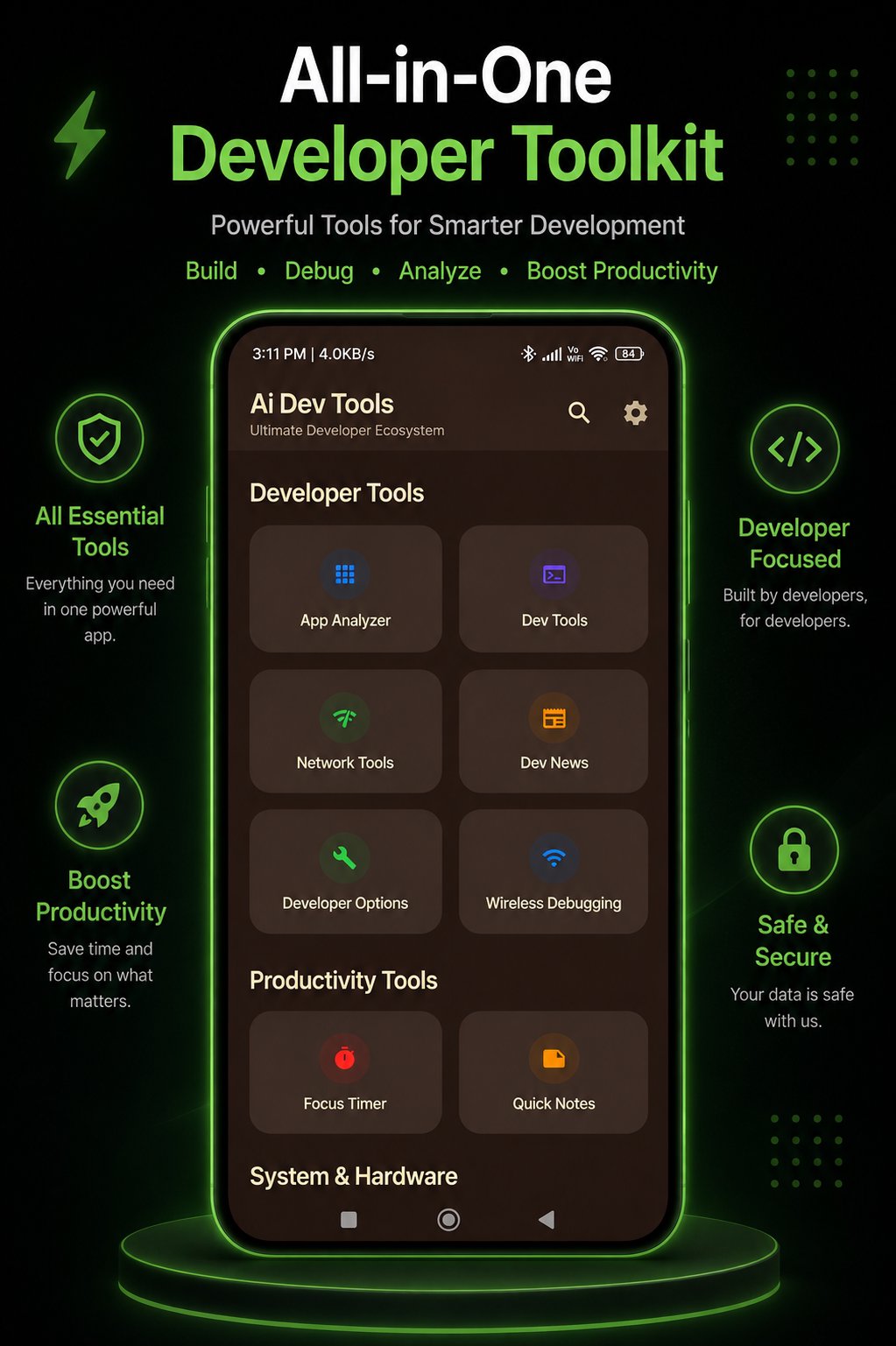
Ai Dev brings together AI coding assistance, visual app creation, Jetpack Compose UI patterns, deep app security inspection, hardware lifespan prediction, and developer tools into one modern Material 3 app.
🚀 WHAT'S NEW IN VERSION 1.0.16:
• Calibrated Lifespan Forecast: Scientifically calibrated "Kitna Chalega Phone?" engine combining battery wear, flash NAND endurance & Android OS support.
• Built-in Hardware Diagnostics: Dead pixel screen test, multi-touch visualizer, flash storage I/O benchmark & multi-core CPU test.
• Wireless ADB Debloater: Safely debloat OEM bloatware & freeze background telemetry with 1-click rollback.
• Dev Companion Keyboard: Custom coder's keyboard with quick syntax brackets, dev symbols & AI prompts.
• Target SDK 36: Fully compliant with modern Android 15 & 16 standards.
🛠️ KEY FEATURES:
1. 🔬 CALIBRATED DEVICE HEALTH & LIFESPAN FORECAST
- "Kitna Chalega Phone?": Remaining lifespan prediction based on component wear (Battery, Flash NAND, and Google Play Services lifecycle).
- Hardware Birth Record: Inspect official market launch date, user activation timestamp, and installed ROM build date.
- Predictive Vulnerability Alerts: Detect flash storage saturation, thermal limits, and battery degradation before hardware failure occurs.
2. 🧪 COMPLETE HARDWARE DIAGNOSTIC SUITE
- Dead Pixel Screen Tester: Full RGBW color sweep to detect dead pixels or display burn-in.
- Multi-Touch Visualizer: Real-time touch pointer tracking and coordinate inspection.
- Flash NAND Benchmark: Measure actual sequential and random write/read storage speeds.
- CPU Compute Benchmark: Multi-threaded compute stress test and thermal throttling test.
3. 🛡️ DEVICE LAB & SAFE DEBLOATER (UAD ENGINE)
- Safe Debloater: Safely freeze or remove OEM bloatware with 1-click reversible rollback.
- Wireless ADB Hub: Connect and manage Android devices & Android TVs over Wi-Fi without root.
- AI Device Doctor: Diagnose bloatware impact, background telemetry & standby battery drain.
4. 🤖 AI DEV CHAT & PRODEV AI BUILDER
- Interactive AI Coding Assistant: Ask coding questions, debug exceptions, and generate Kotlin/Compose snippets on the fly.
- ProDev Prompt Builder: Specialized prompt generator tailored for developers and prompt engineering.
5. 📲 APP CREATOR STUDIO & COMPOSE UI GALLERY
- Visual App Creator: Explore layout components and UI structures for Android apps.
- Compose Gallery: High-quality Jetpack Compose UI templates, custom widgets & interactive previews.
6. 🔍 ENHANCED APP ANALYZER & SAFETY INSPECTOR
- Deep Telemetry: Inspect target SDK, minimum SDK, version code, timestamps & package names.
- Security & Permissions Audit: Analyze sensitive, dangerous & normal permissions requested by installed apps.
- APK Backup & Export: Export and backup installed application packages directly to local storage.
- Quick Uninstall Manager: Identify resource-heavy apps and trigger clean uninstallation.
7. ⌨️ DEVELOPER KEYBOARD & 1-TAP MACROS
- Coder's Keyboard: Quick access to coding brackets, terminal symbols & AI prompt insertion.
- 1-Tap Automation Macros: Run multi-step developer shortcut routines in a single tap.
8. 🌐 NETWORK, LOGCAT & SYSTEM TELEMETRY
- Real-Time Network Inspector: Network connectivity status, ping latency metrics & IP info.
- Logcat & Terminal Utilities: View system logs, debug output & shortcuts to Android Developer Options.
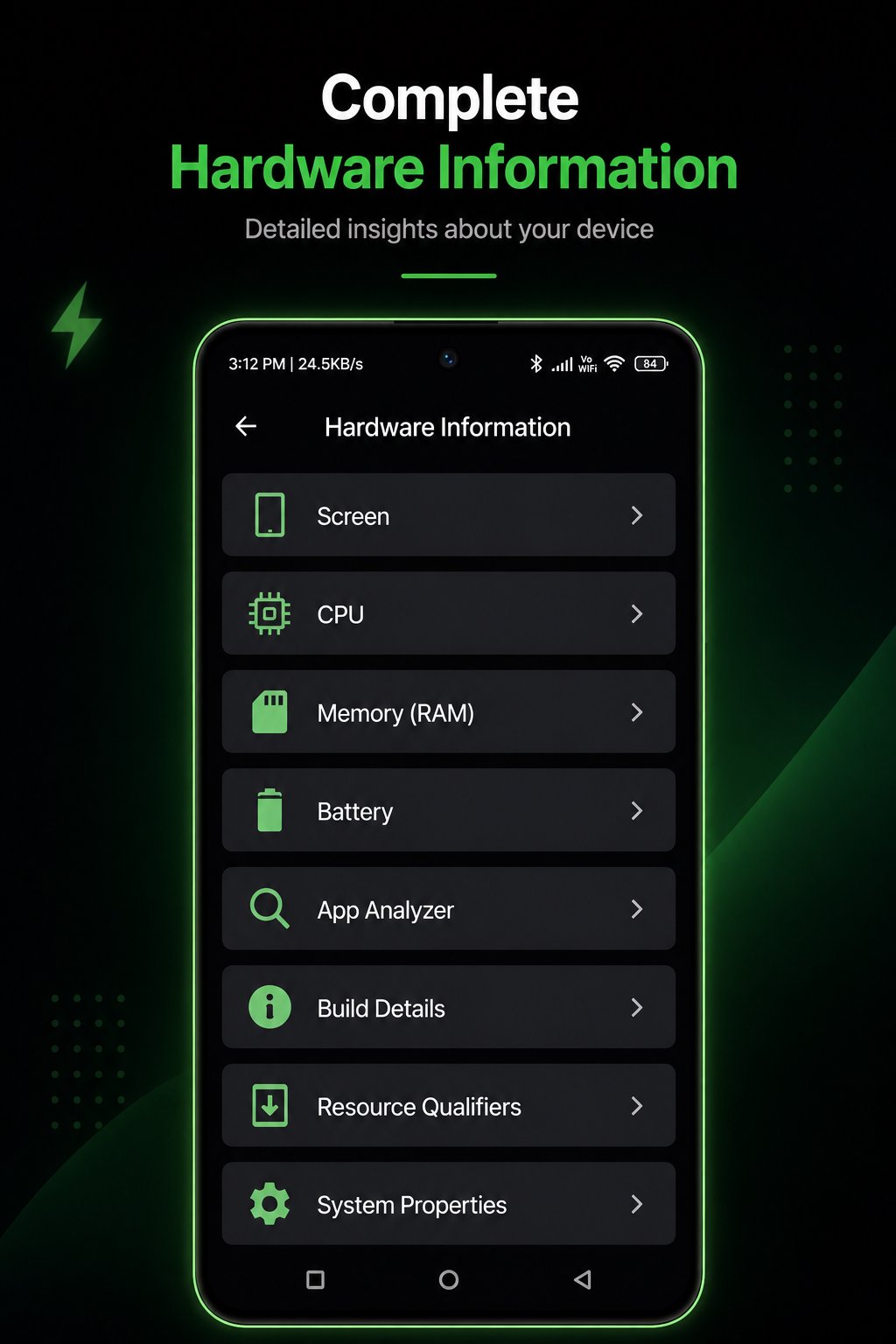
- Live Hardware Telemetry: Real-time CPU usage, RAM utilization, storage metrics & battery monitoring.
✨ MODERN & PRIVACY FOCUSED
- 100% Native Jetpack Compose & Material 3 design.
- Full Dynamic Theme support (Light, Dark, OLED Pitch Black, Custom Accents).
- Lightweight, fast, and privacy-focused — no intrusive user tracking.
Upgrade your Android development workflow with Ai Dev today!
Latest Version
1.0.11Uploaded by
Tatang
Requires Android
Android 7.0+
Category
Free Tools AppContent Rating
Everyone
Security Report
Check Now
Report
Flag as inappropriateLast updated on Oct 3, 2026
This release includes minor bug fixes and general improvements. Update to the latest version for the best experience.




APKPure - A multi-platform app store primarily focused on Android, providing extensive app-related content. Discover the app you want easier, faster, and safer, with quick and efficient downloads and installations.