Scan Date:May 22, 2026
Show More


PixVerse helps users turn quick ideas into watchable clips when there is no time for complex editing. It suits creators, marketers, and anyone who needs social friendly videos from simple prompts or photos. The interface focuses on clear controls and fast results, so you can go from concept to export in minutes. In addition, output fits common social formats to simplify posting. If you prefer sideloading, PixVerse APK is also a practical option for Android devices.
Text to Video and Image to Video
PixVerse generates clips from a typed prompt or an uploaded image with realistic motion and cinematic quality. It applies advanced physics to animate subjects, clothing, hair, and camera movement for lifelike results. This helps turn static ideas into short videos that fit everyday sharing without manual keyframing.
Modify, Key Frame Control, and Video Extension
PixVerse provides edit controls that respond to plain language. You can modify a draft by updating the prompt, set key frames to lock poses or camera changes, and extend a shot to keep continuity. Together these tools support small corrections and longer scenes without starting over, which saves time across multiple versions.
Fusion Mode and reference generation
PixVerse blends up to three images into a single coherent clip using Fusion Mode. You can also guide consistency by supplying a reference so characters and style stay aligned across shots. This works well for lookbooks, product demos, or character reels where visual identity matters.
Templates and named effects
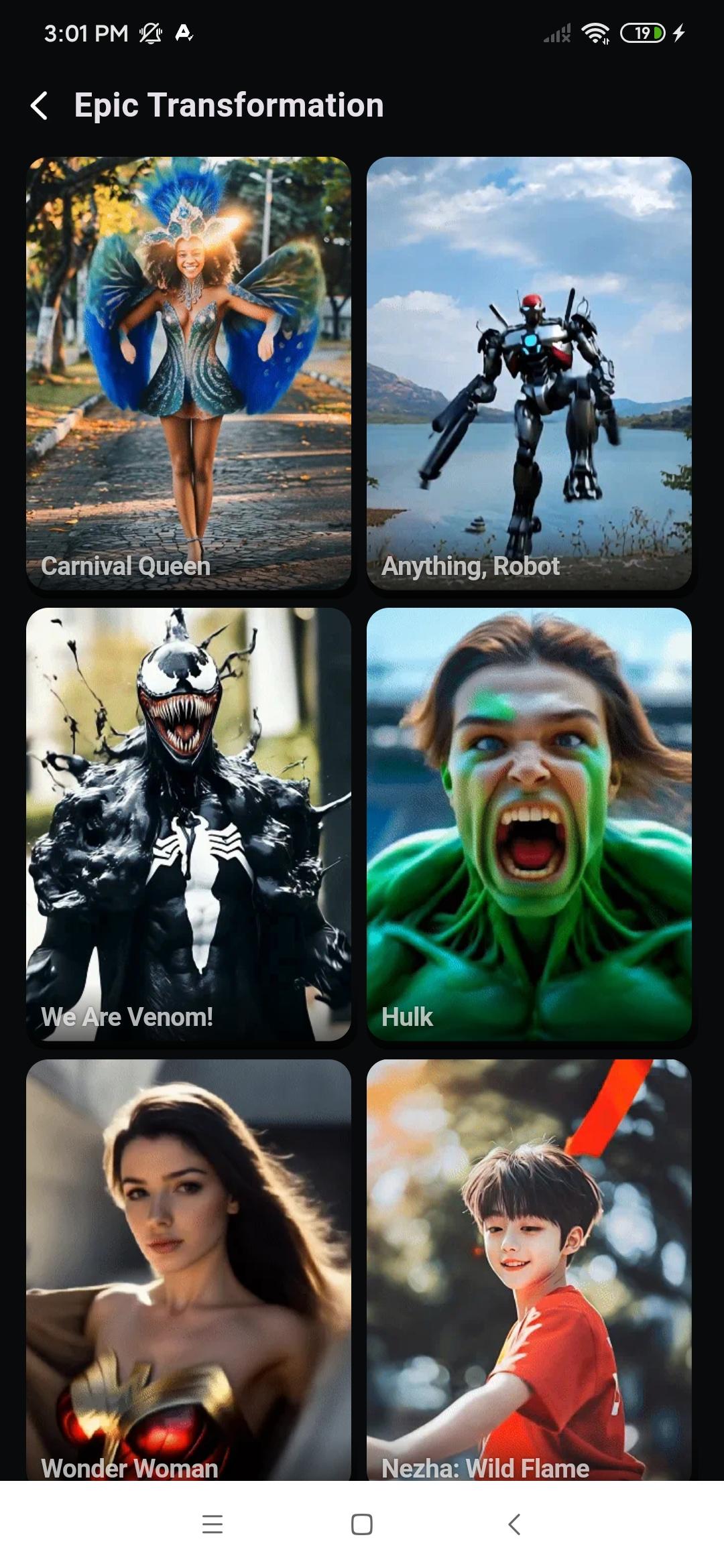
PixVerse includes template categories with viral effects such as AI Kiss, AI Hug, AI Dance, AI Muscle, AI Fighting, AI Jesus Hug, Old Photo Revival, Magic Transformation, and AI Beauty and Skin Tone. You choose a template, preview the result, and adjust prompts or images to suit your idea. This approach speeds up common social formats while keeping room for quick tweaks.
Cross platform access and onboarding
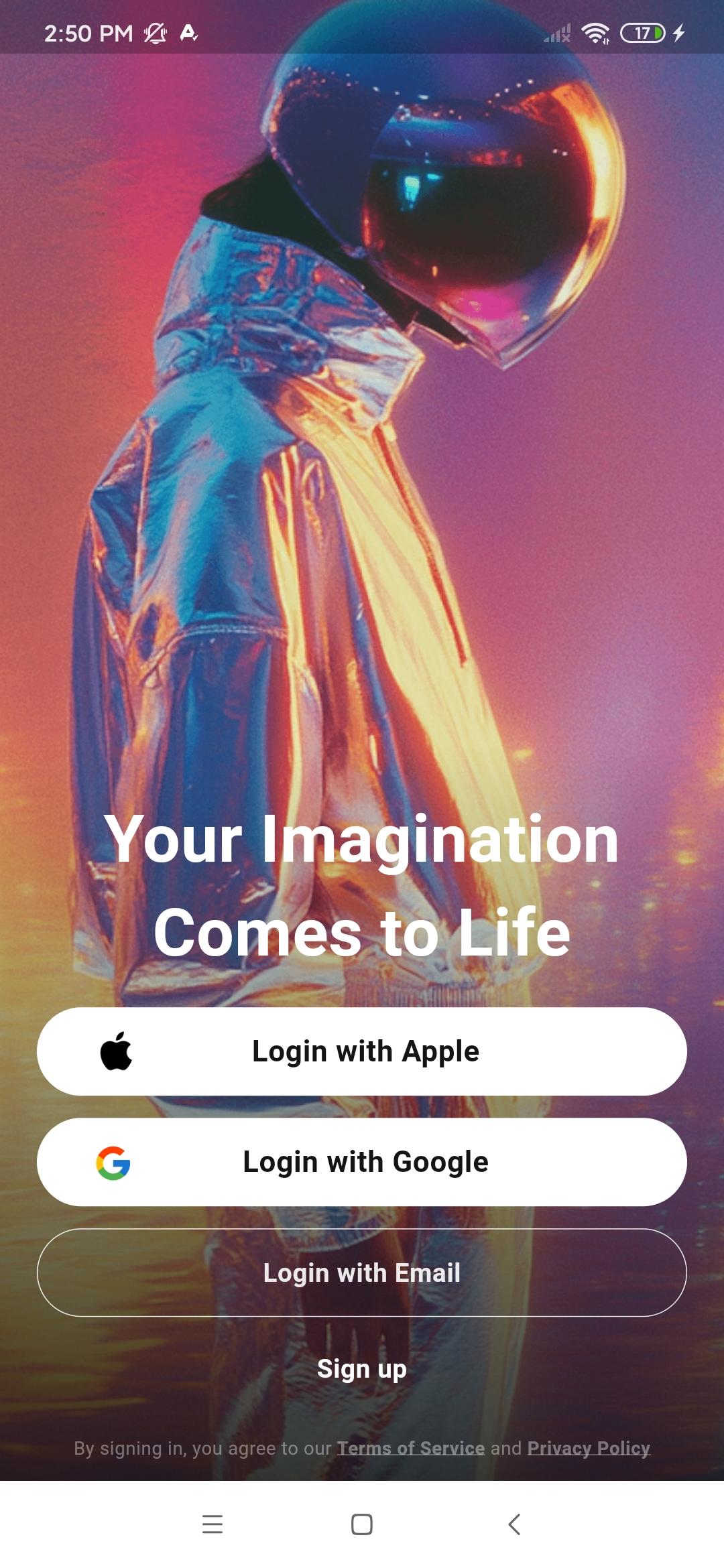
PixVerse works on the web and Android, so projects are accessible when you move between devices. New users receive free sign up credits with a daily refresh to test workflows before committing, and optional memberships unlock longer or more frequent generations. Brands and advanced users can request API access for integrations, while a simple PixVerse login keeps your content in sync. If needed, you can download PixVerse on an Android phone to keep creation mobile.
Using a single PixVerse login, your drafts and outputs can stay tied to your account across web and Android. This reduces the friction of switching devices during a project. You can begin on a laptop for prompt planning, then continue on your phone for quick edits or exports. For users who prefer direct installation, searching for PixVerse app download helps locate the Android package for sideloading.
PixVerse offers free credits at sign up and provides a daily refresh so you can evaluate quality, speed, and controls at no cost. When production needs increase, optional plans are available for more generations or longer durations. This structure suits both casual testing and recurring social output. Reviewing plan details before production helps you estimate run time and keep projects on schedule in the PixVerse latest version.
Teams that need automated generation or custom pipelines can explore the PixVerse API. It supports developers who want to trigger renders, manage assets, or connect content tools to a brand workflow. This route is useful for platforms that publish short form videos at scale. Technical documentation and access requests are available through the official site.
Getting started on mobile is straightforward, and you can produce a first clip in a few minutes with PixVerse AI video generator. For a smooth setup, make sure your account is ready and test with the free credits. When the draft looks good, export and share to your social channel.
PixVerse focuses on fast, prompt driven video creation with practical controls for edits, continuity, and social formats. To try it on Android, download PixVerse and test the workflow with the free credits.
For official resources and access links, see the sites below.
Latest Version
3.16.10Uploaded by
احمد حمدى
Requires Android
Android 7.0+
Category
Free Photography AppContent Rating
Teen · Diverse Content: Discretion Advised
Security Report
Report
Flag as inappropriateLast updated on May 22, 2026
What's New 3.16.10
1.Optimized the Home page for a smoother browsing experience.
2.Enhanced the Creation page to improve your creative workflow.
3.Bug fixes and experience improvements for smoother usage.



APKPure - A multi-platform app store primarily focused on Android, providing extensive app-related content. Discover the app you want easier, faster, and safer, with quick and efficient downloads and installations.