Scan Date:Apr 14, 2026
Show More

Dear Google reviewers,
Our App needs to be used together with our thermal imaging camera equipment. App cannot be used alone.
Although we provided the login account and password. However, the APP must be connected to the wifi emitted by our thermal imaging camera to display the content properly. Otherwise, the interface will look like your screenshot.
We cannot provide you with thermal imaging camera equipment, and you cannot connect to the wifi from the thermal imaging camera equipment. So although you can log in to the APP, you cannot view the content. We provide you with the video that displays normally after connecting the wifi emitted by the thermal imaging camera device.Video address: https://youtu.be/oxYuTZkudkw
APP login steps: Directly click Connect WIFI. On the login page, enter the account admin and password admin398830
We are an APP about thermal imaging camera. You need to connect the wifi generated by the thermal imaging camera and enter the password to log in and use it normally.
The main function of APP is preview, File management, function setting and system setting.
Live view: You can see the content inside the camera and adjust light, contrast, scene mode, pseudo color, electronic magnification, FFC, and PIP.
File management: You can see Picture and Video Recording. Picture include both local and device side; The Video recording also includes both local and device side.
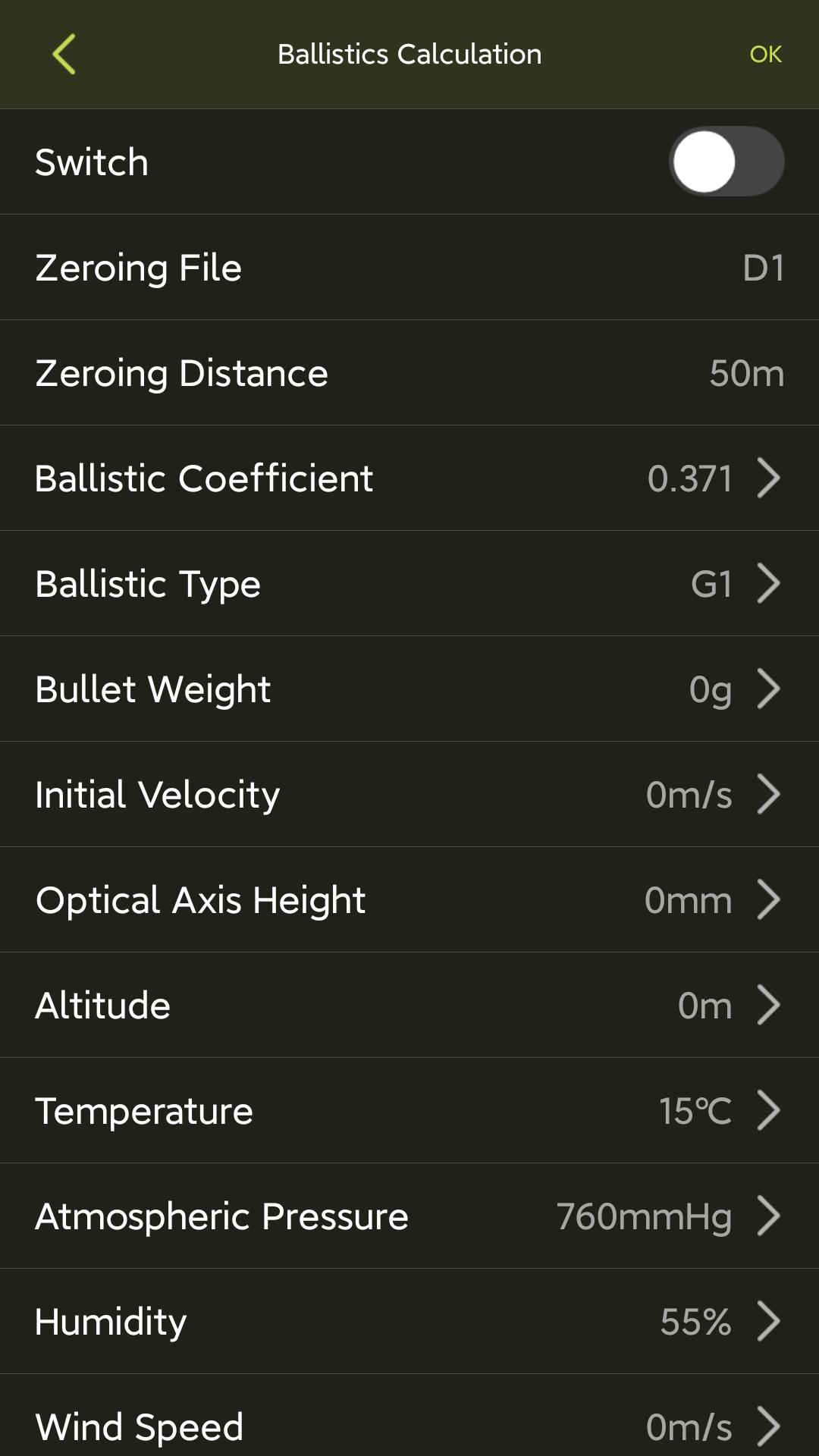
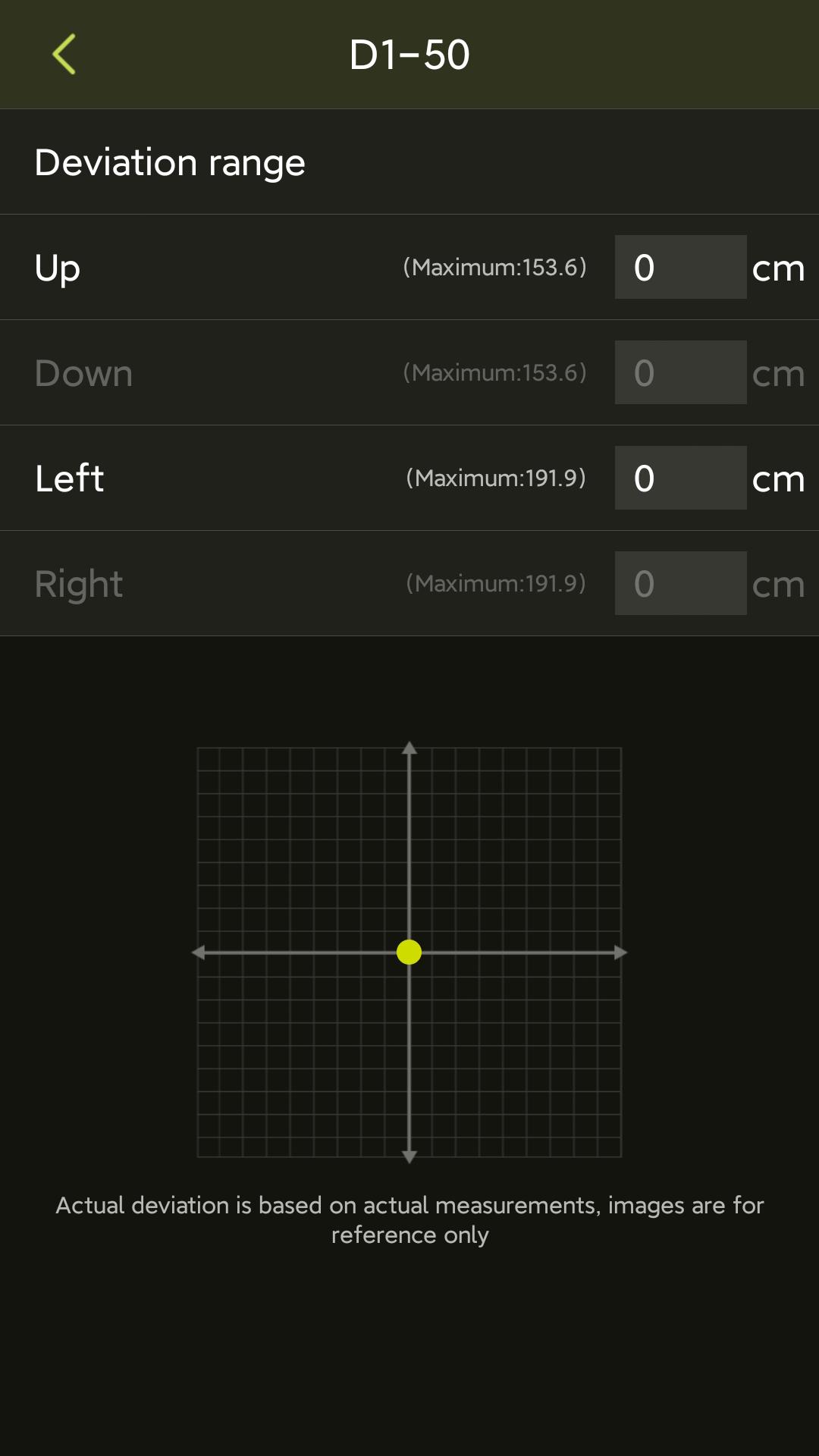
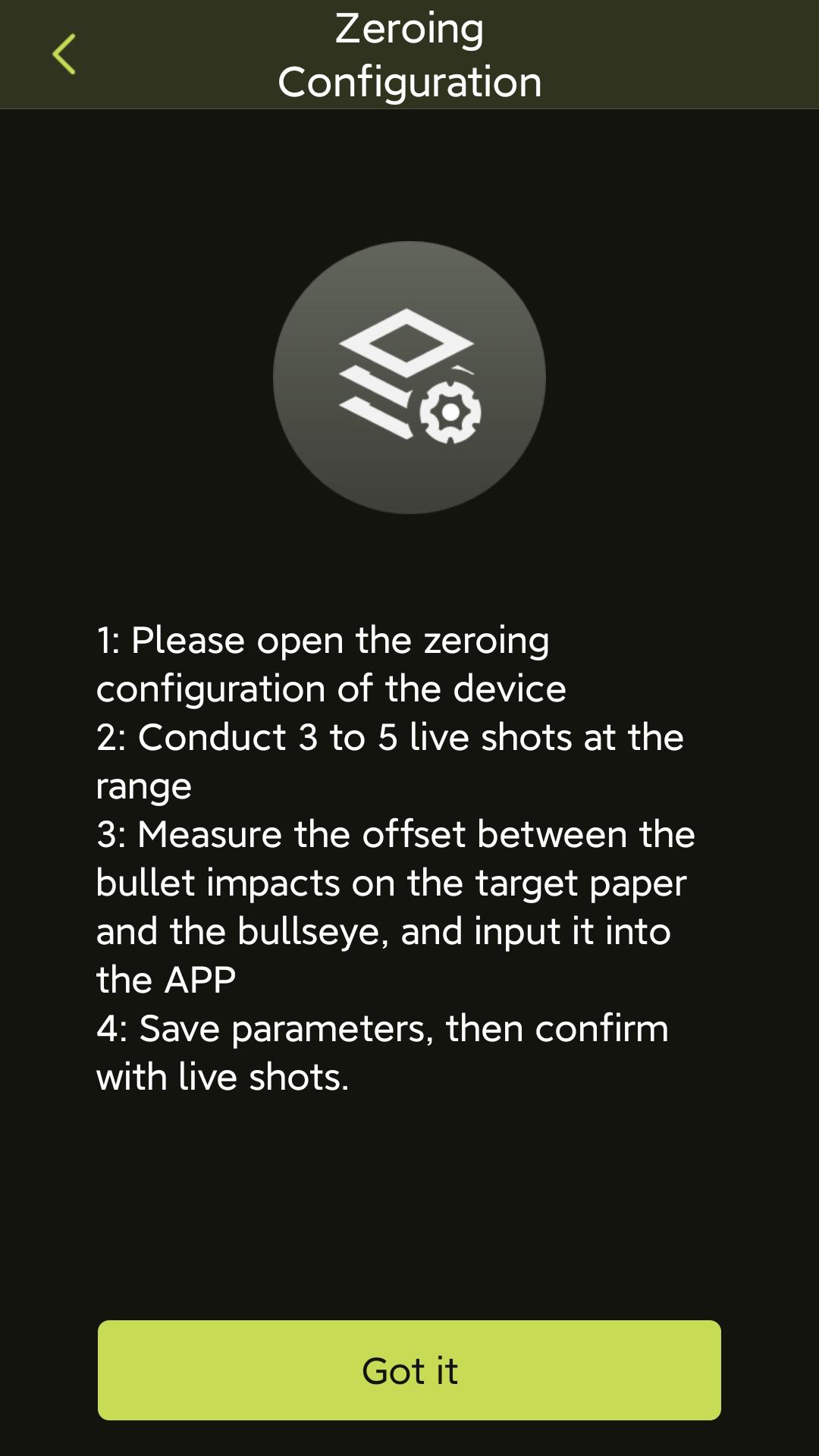
Function setting interface: You can make some simple function configurations for the camera. There are functions such as ranging mode, burn warning, distance unit, logo stacking, OSD setting, automatic shutdown, automatic sleep, hotspot detection, laser indication, and external screen switching.
System settings interface: You can view version information, cloud upgrades, restore defaults, and system settings functions.
Please review it as soon as possible. I wish you a pleasant life. If you have any further questions, you can also contact us directly at 18270914255
Latest Version
1.3.1Uploaded by
Ahmad Mahmod
Requires Android
Android 6.0+
Category
Free Personalization AppContent Rating
Everyone
Security Report
Report
Flag as inappropriateLast updated on Apr 13, 2026
Bug Fixed


APKPure - A multi-platform app store primarily focused on Android, providing extensive app-related content. Discover the app you want easier, faster, and safer, with quick and efficient downloads and installations.