Scan Date:Sep 6, 2025
Show More

Pixel Go is your all-in-one AI app to enhance photos and videos, restore old or blurry photos, create custom backgrounds, and extend image borders seamlessly.
With Pixel Go, you can save big by generating realistic and professional AI HD headshots for job portals & business purposes.
Key features:
✅ AI Photo Enhancer
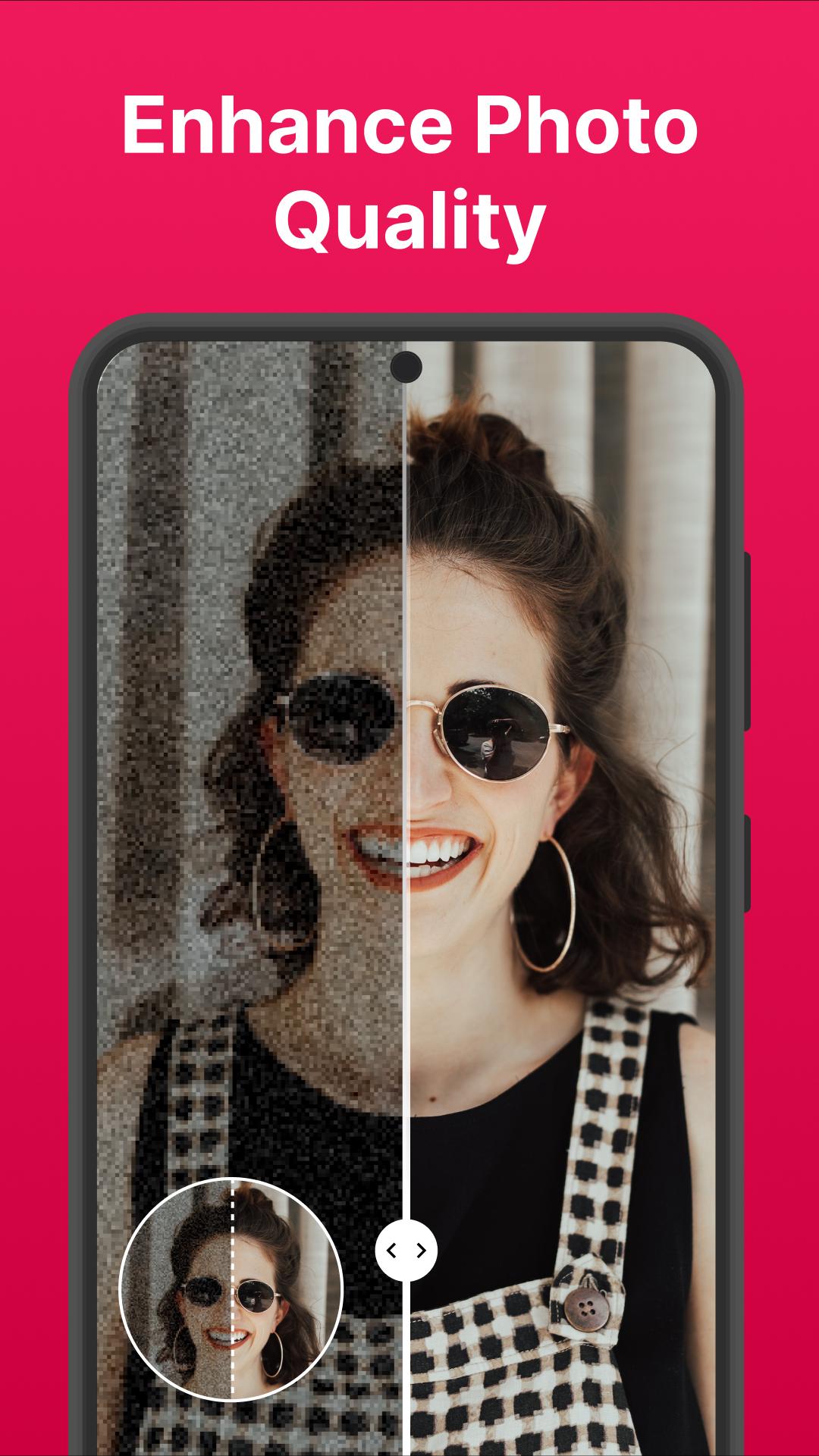
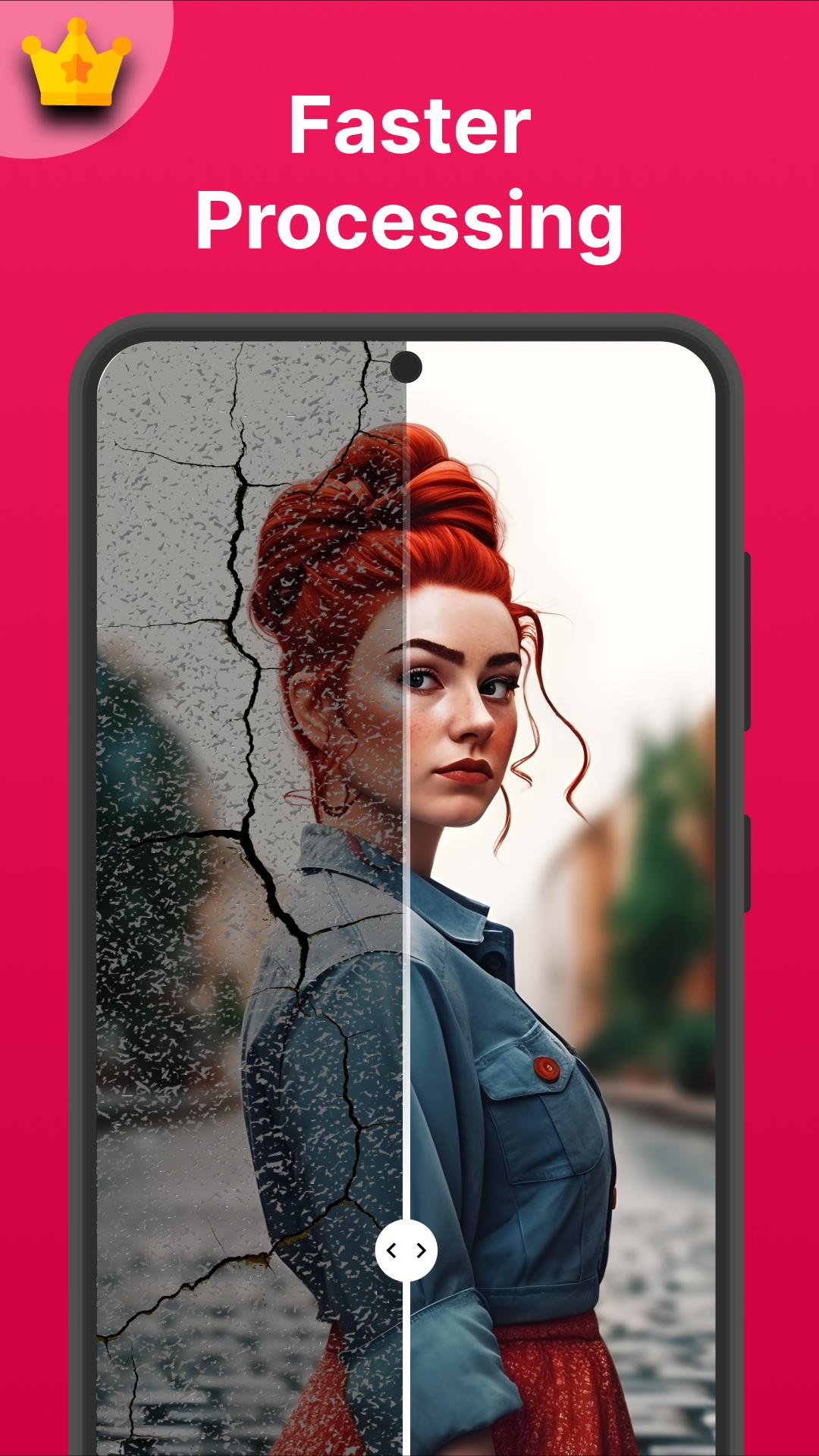
Fix blurry, pixelated, old scratched photos, enhance colors, beautify, and sharpen details in one click.
✅ Enhance Videos
Improve video quality- increase resolution, adjust brightness, contrast, colors, and saturation.
✅ AI Magic Eraser
Remove multiple unwanted objects without using a brush on them. AI Magic eraser automatically detects and lets you selectively erase people, blemishes, text, logos, stickers, etc. with precision.
✅ Remove BG
Remove background perfectly from any photo in less than 5 seconds. Be it any tricky or complicated images with curly hair or irregular edges, Pixel Go's BG remover handles it well.
✅ Instant Backgrounds
Create unique and amazing backgrounds specific to your photo with the all-new AI background generator! Type in one or more words to describe your background and let AI create and fit it perfectly to your photo.
✅ AI Photo Restoration
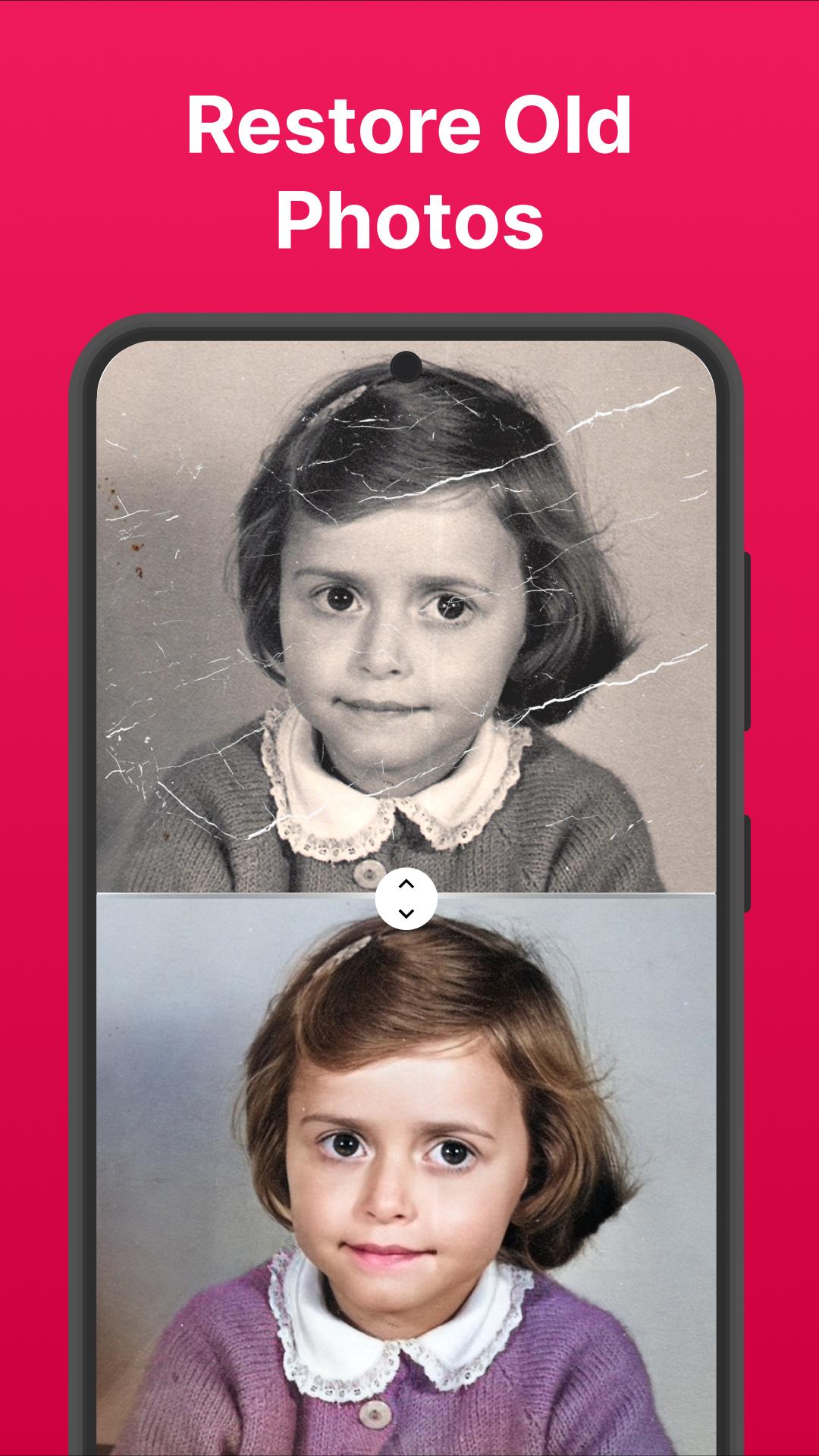
Convert old photos to new photos! Restore family memories by transforming damaged, dusty prints into vibrant images.
✅ Photo Upscaler
Increase the resolution and size of your photos by 200% to 400%, and reveal the finest details.
✅ Uncrop:AI Image Extender
Expand your image borders seamlessly without stretching. For example, if your image is in a 1:1 aspect ratio, Pixel Go's uncrop tool can effortlessly transform it into 16:9, 2:3, or any other aspect ratio of your choice without cropping the image.
✅ AI Photo Colorizer
Convert black & white, grayscale photos into vibrant coloured photos in seconds.
✅ AI Headshot Generator
Whether you're a business professional, a model, or a social media enthusiast, Pixel Go lets you generate high-definition AI headshots, saving you both money and time!
Choose Pixel Go if you want to
⭕ Transform a vacation photo taken in low light into an enhanced masterpiece.
⭕ Polish the videos of your special moments spent with family & friends by increasing resolution, and adjusting brightness & contrast automatically.
⭕ Erase unwanted tourists from a scenic landscape photo perfectly, leaving only the breathtaking view.
⭕ Remove the background from your portraits & product photos, focusing solely on the subject without distractions.
⭕ Generate a serene beach background for a selfie taken indoors! Transport yourself to any location of your choice instantly.
⭕ Restore a faded family photo from the '80s, and breathe new life into your cherished memories.
⭕ Transform a square Insta photo into a cinematic 16:9 widescreen image smoothly without losing any content.
⭕ Add vibrant colors to any black-and-white photos from the past or historical events.
⭕ Refine facial features in portrait shots by boosting resolution and overall image clarity.
Pixel Go Subscription
⭐Subscribe to a weekly or yearly plan for unlimited access to all the premium features.
⭐Weekly & yearly plans are available.
⭐Payment is charged upon confirmation via your Google Account.
⭐You can manage subscriptions & turn off auto-renewal in settings.
⭐Plan auto-renews unless turned off 24 hours before the current period ends.
⭐Plan renewal costs are charged 24 hours before the period ends.
⭐Cancel anytime; active until the period ends without refunds.
Have a suggestion or request? Please feel free to contact us at support@appyhigh.com
Privacy Policy: https://sites.google.com/view/pixel-go-privacy-policy/home
Latest Version
3.2.1Uploaded by
Nizar Benaa
Requires Android
Android 7.0+
Category
Free Photography AppContent Rating
Everyone
Security Report
Report
Flag as inappropriateLast updated on Sep 3, 2024
Bug Fixes






APKPure - A multi-platform app store primarily focused on Android, providing extensive app-related content. Discover the app you want easier, faster, and safer, with quick and efficient downloads and installations.