PicTools is an image editor with 9 different tools
You will be able to share the image through your social networks.
Tools
* Crop: allows you to crop an image in a rectangular or circular way.
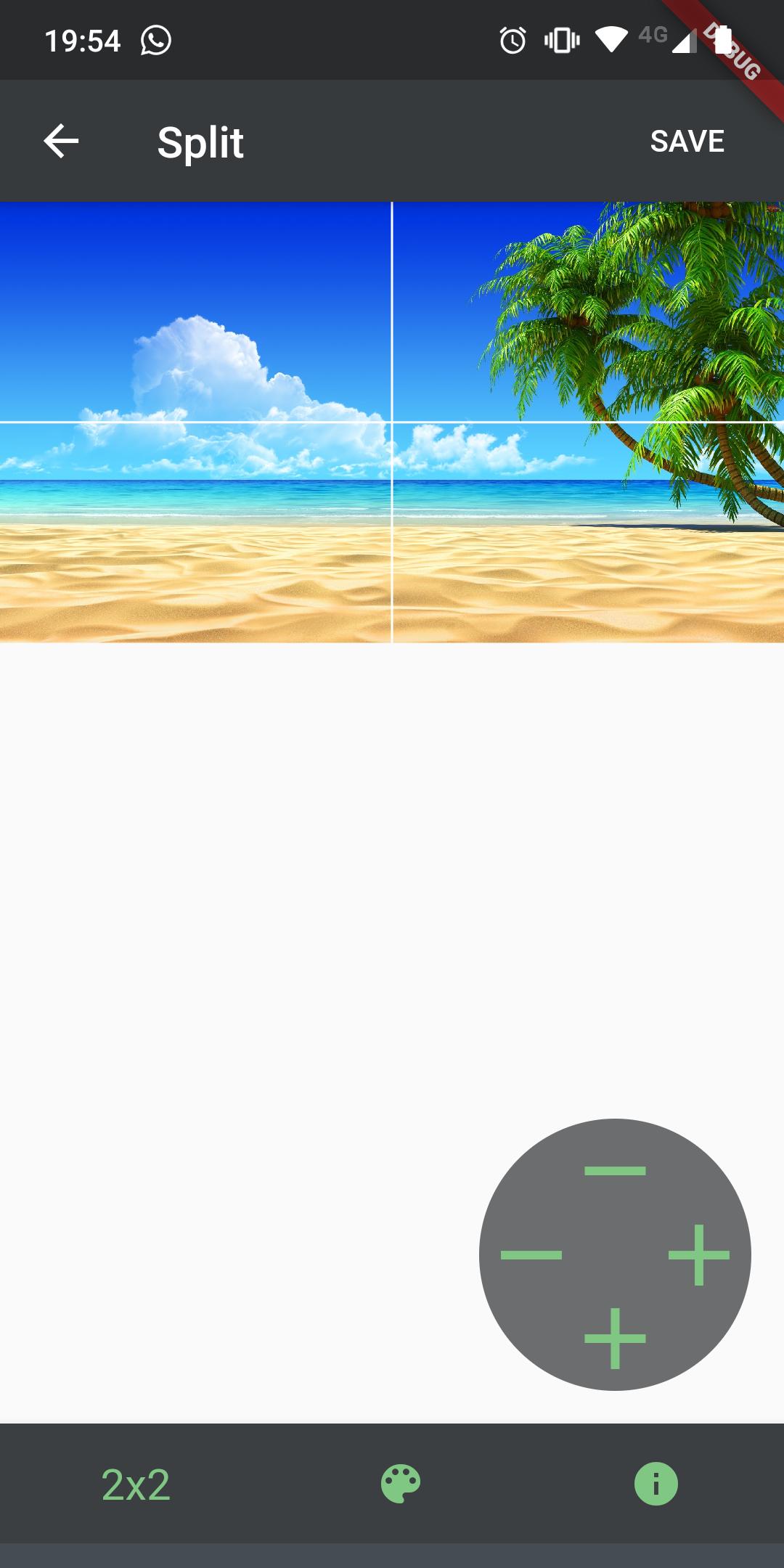
* Split: allows you to split or separate an image into different parts, as if it were a grid, defining the rows and columns.
* Resize: allows to resize an image, keeping the original proportion.
* Rotate: allows to rotate an image, applying a specific angle, from 0° to 360°.
* Effects: allows you to apply different effects on the image. Among the effects are: grayscale, sepia, brightness, contrast, etc.
* Flip: allows to mirror an image horizontally or vertically.
* Text: allows you to add text to an image, modifying the size and color.
* Combine: allows you to combine or mix images, overlapping one above the other.
* Compress: allows you to modify the quality of an image.
You can also mark as favorites the works you want and thus find them more easily.
We hope you enjoy the application and appreciate your feedback.
Latest Version
1.0.0Uploaded by
Atila Thug
Requires Android
Android 4.1+
Category
Free Photography AppContent Rating
Everyone
Report
Flag as inappropriateLast updated on Mar 29, 2020
Initial Version




APKPure - A multi-platform app store primarily focused on Android, providing extensive app-related content. Discover the app you want easier, faster, and safer, with quick and efficient downloads and installations.