Package Name:com.systweak.photos_manager_slidebox
SHA-256:88fd2443d86e50bf1727cb1ce3e0a9923722a87919fbbb38b43fa41297cf6206
Show More

A Seamless Way to Organize and Manage your Photos and Albums!
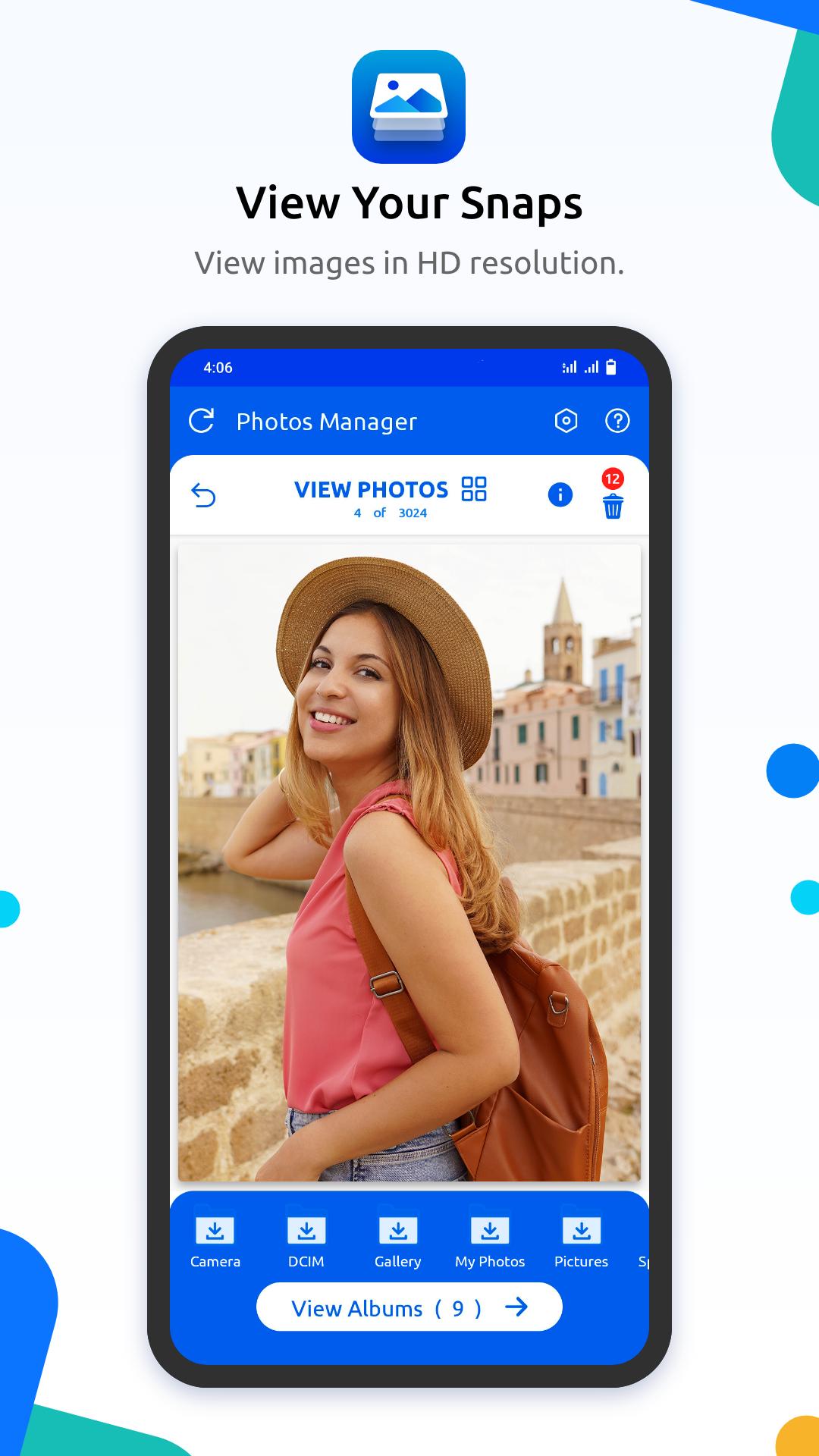
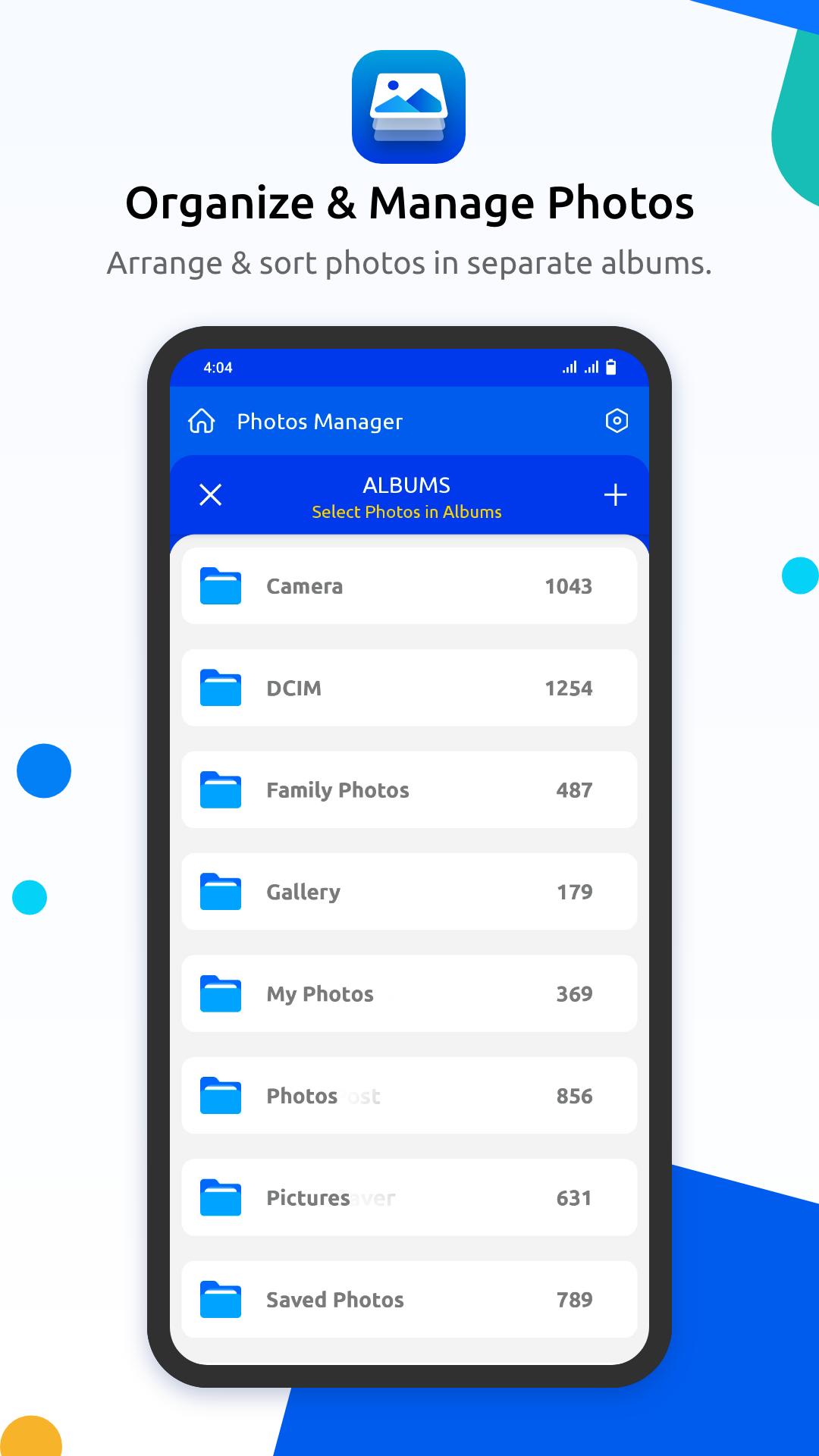
Designed for neat freaks, Photos Manager is a robust application that allows you to arrange, manage, move, copy, and sort photos in separate folders. It assists you to get a perfectly organized collection, so that you can find things quickly when you need them and keep your gallery tidy.
Photos Manager is a perfect Android app for someone who wants to keep their personal photo albums and work-related images like screenshots, bills, receipts, and other stuff separately and neatly organized.
Features & Highlights: Photos Manager
⮚ Simple, straightforward and intuitive interface.
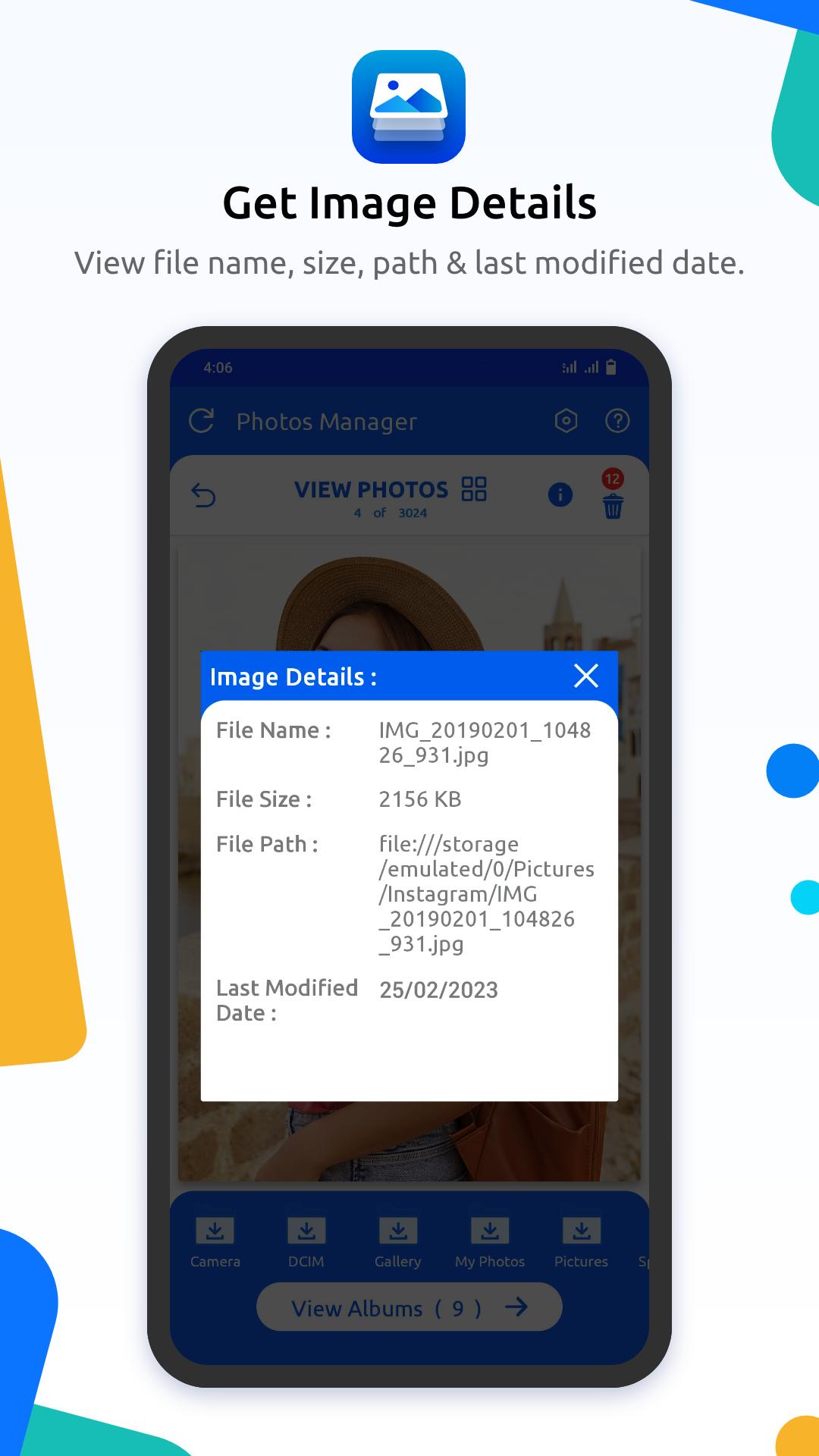
⮚ Explore image details like file name, file size, path and last modified date.
⮚ Comes loaded with a brief tutorial, so you can easily get started with the app.
⮚ Allows you to move photos or albums from one folder to another.
⮚ Create new empty folders to keep your snaps organized.
⮚ Different modes to view photographs.
⮚ Rename and remove photo albums in a few taps.
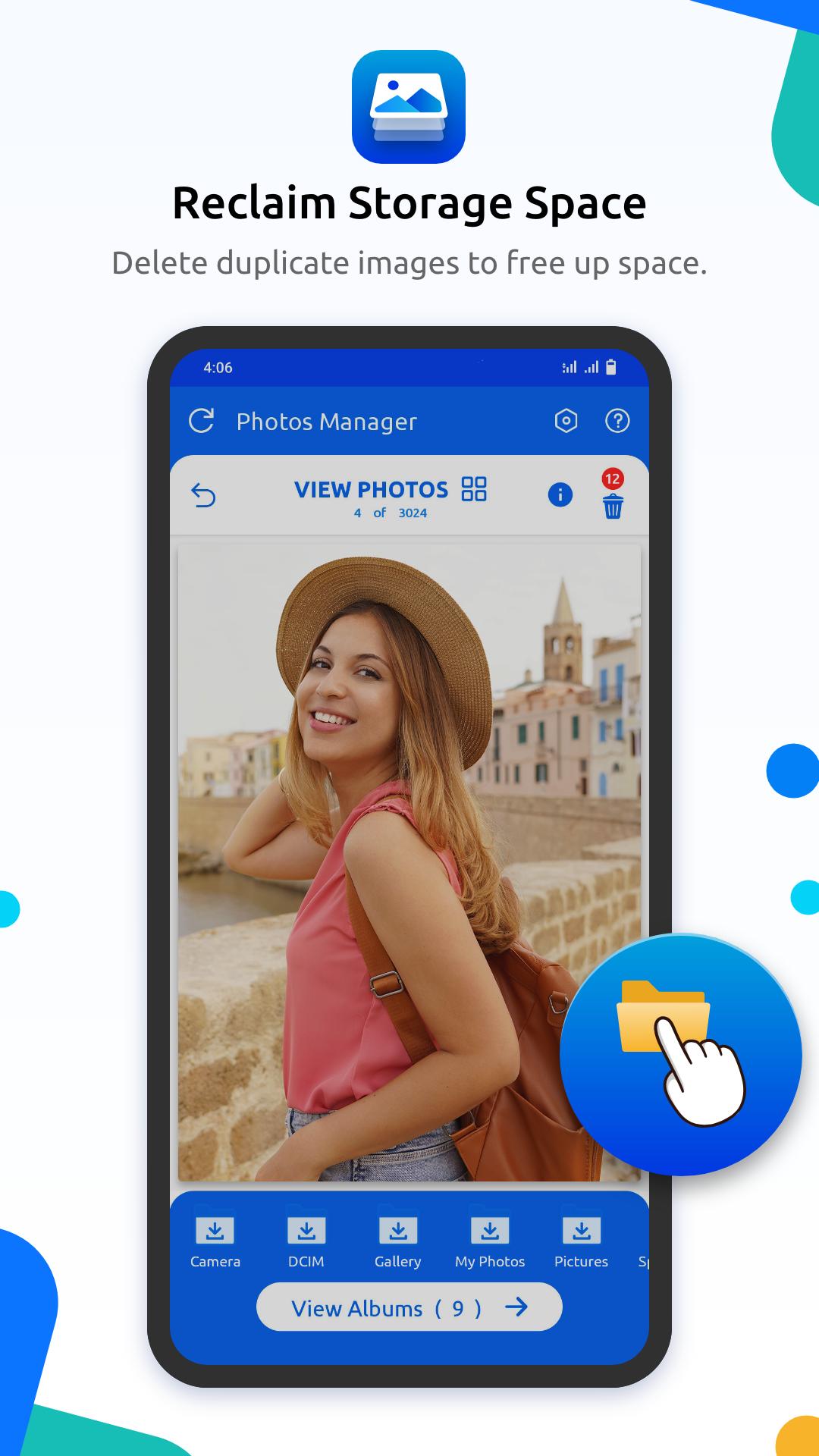
⮚ Delete unwanted photos and get rid of duplicate images to free up space.
⮚ Supports a variety of file formats, including JPEG, PNG, Panoramic images & more.
⮚ Share your favorite photographs via Facebook, Instagram, WhatsApp & other apps.
⮚ Retains the original image quality & preserves metadata information while organizing.
⮚ Highly compatible with multiple SD cards,
Quick Start Guide: Photos Manager
⮚ Launch Photos Manager on your smartphone.
⮚ View photos or navigate to the albums you wish to move.
⮚ Tap on the desired picture and hit the Move To button.
⮚ Now, select the album where you wish to transfer the image.
⮚ Complete the process by tapping the Move Photo button.
⮚ You can also take actions like ‘Create a copy of the photo’, ‘Rename album’, ‘Remove album’, ‘Remove photo’ etc.
Enjoy top-notch customer service and access support options within Settings!
If you give Photos Manager a try, do share your experience in the comments section below and let us know how we can improve your overall user-experience.
Latest Version
5.0.2.59Uploaded by
Alexander Urias
Requires Android
Android 7.0+
Category
Free Tools AppContent Rating
Everyone
Security Report
Check Now
Report
Flag as inappropriateLast updated on Apr 25, 2026
A seamless way to organize and manage your media files and albums
Allows you to move photos or albums from one folder to another
Rename and remove photo albums in a few taps.
Delete unwanted photos and get rid of duplicate images to free up space
Highly compatible with multiple SD cards






APKPure - A multi-platform app store primarily focused on Android, providing extensive app-related content. Discover the app you want easier, faster, and safer, with quick and efficient downloads and installations.