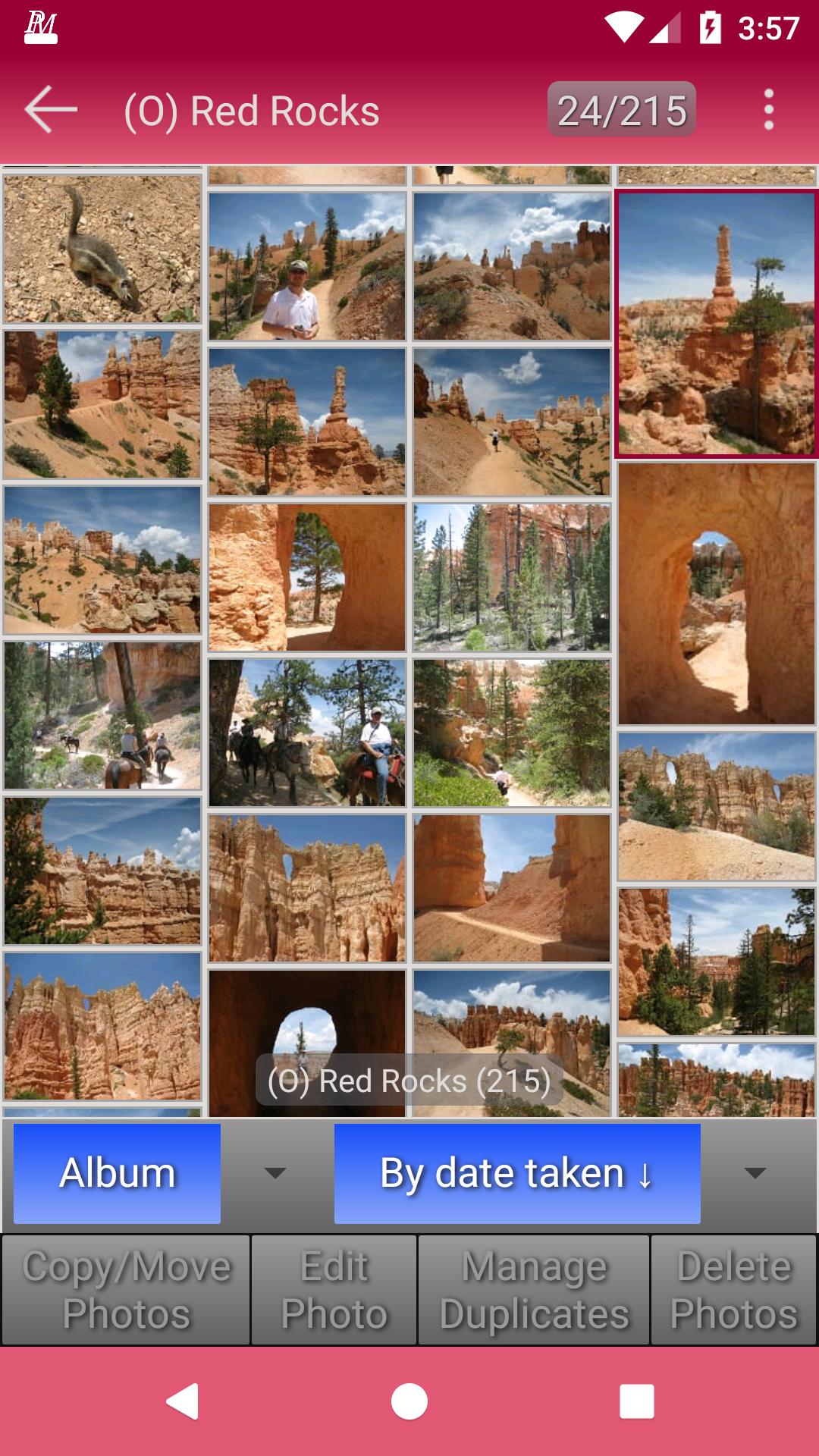
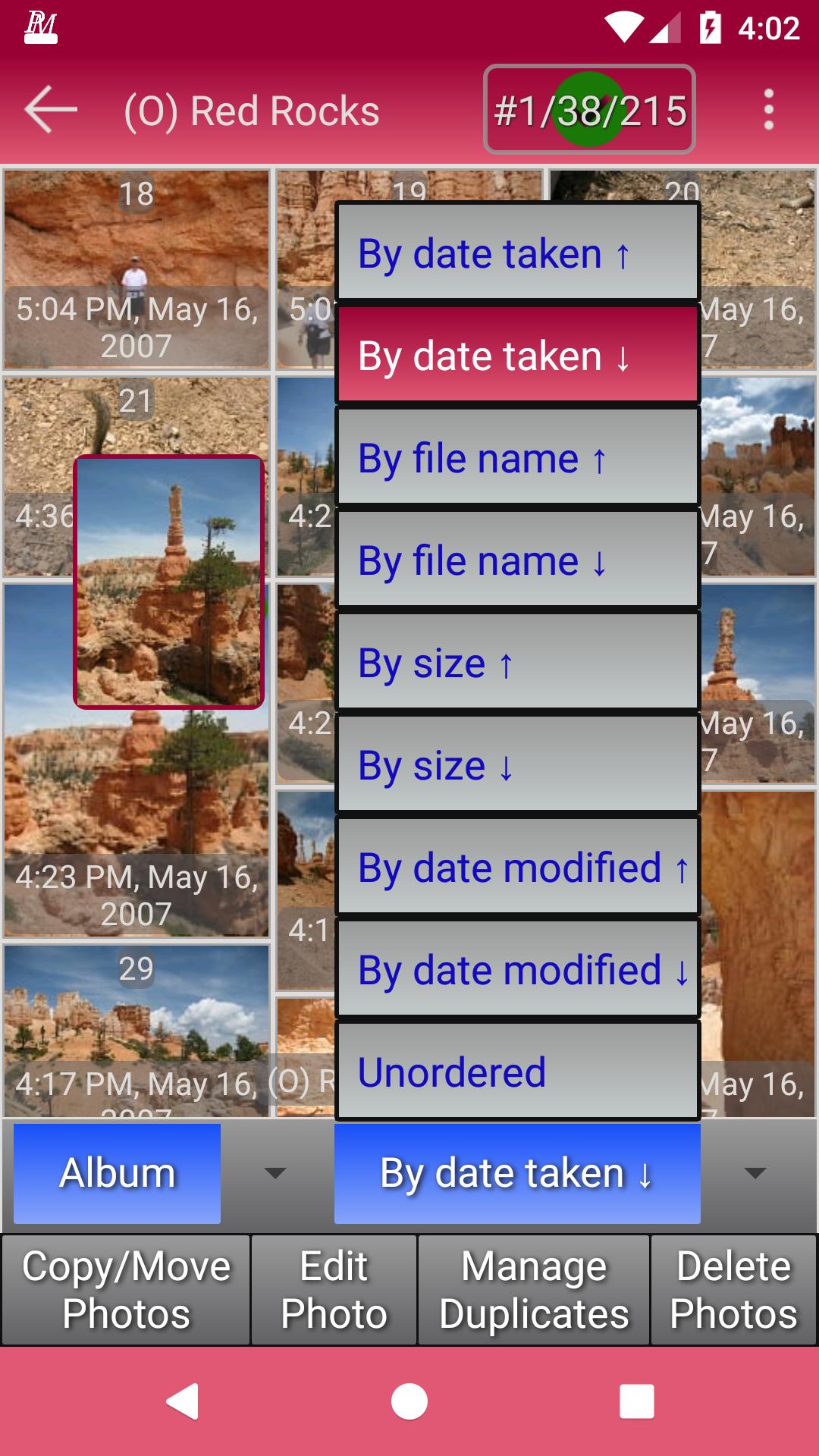
Within Photo Manager your photos are automatically organised and displayed in albums
There is an album for each folder on your device, connected cloud storage or USB source which contains photos
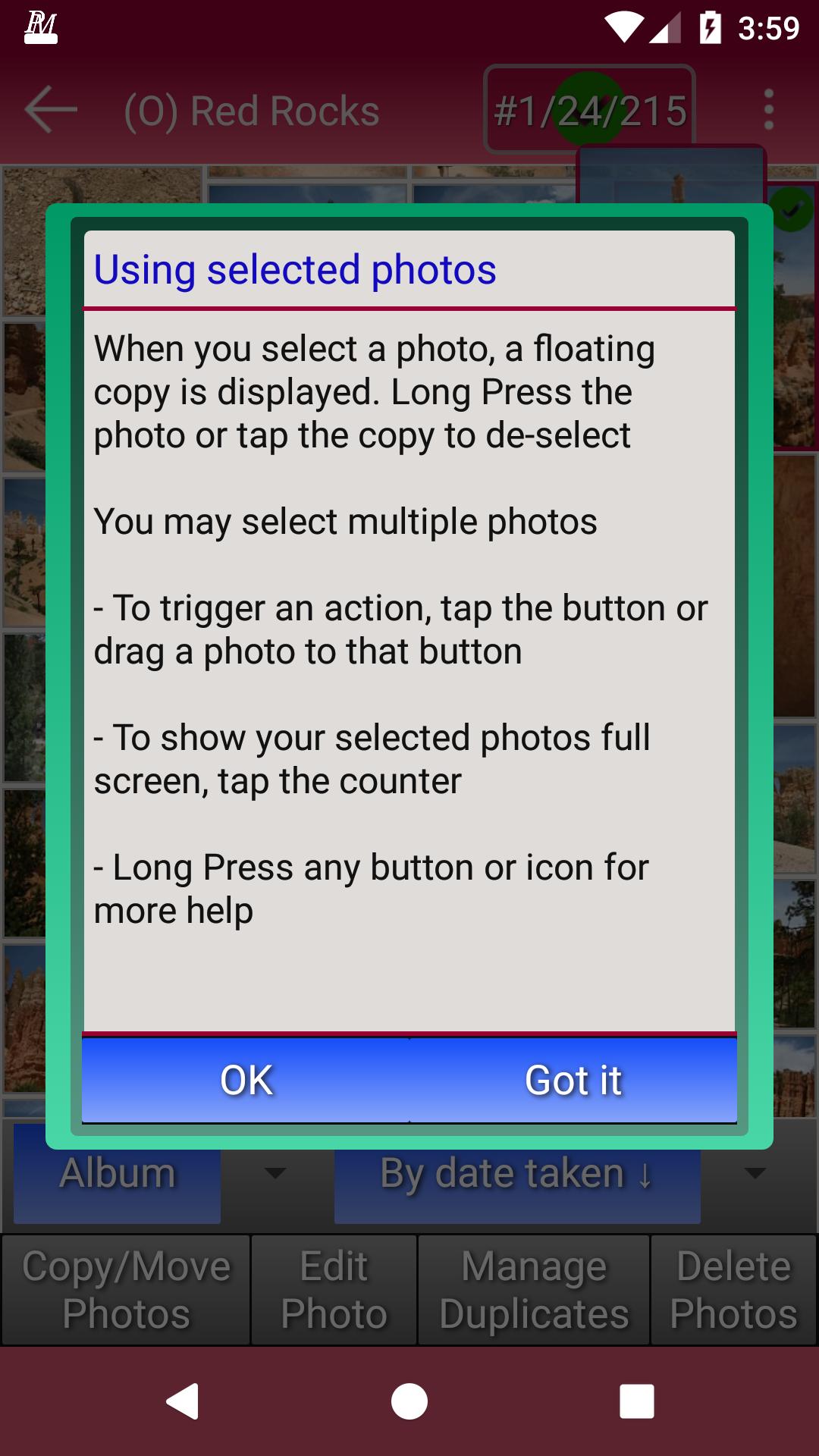
- You can drag albums or photos around, copying or moving them to other albums or into a new album
- New albums can be on your device, in your cloud storage or on a connected USB source
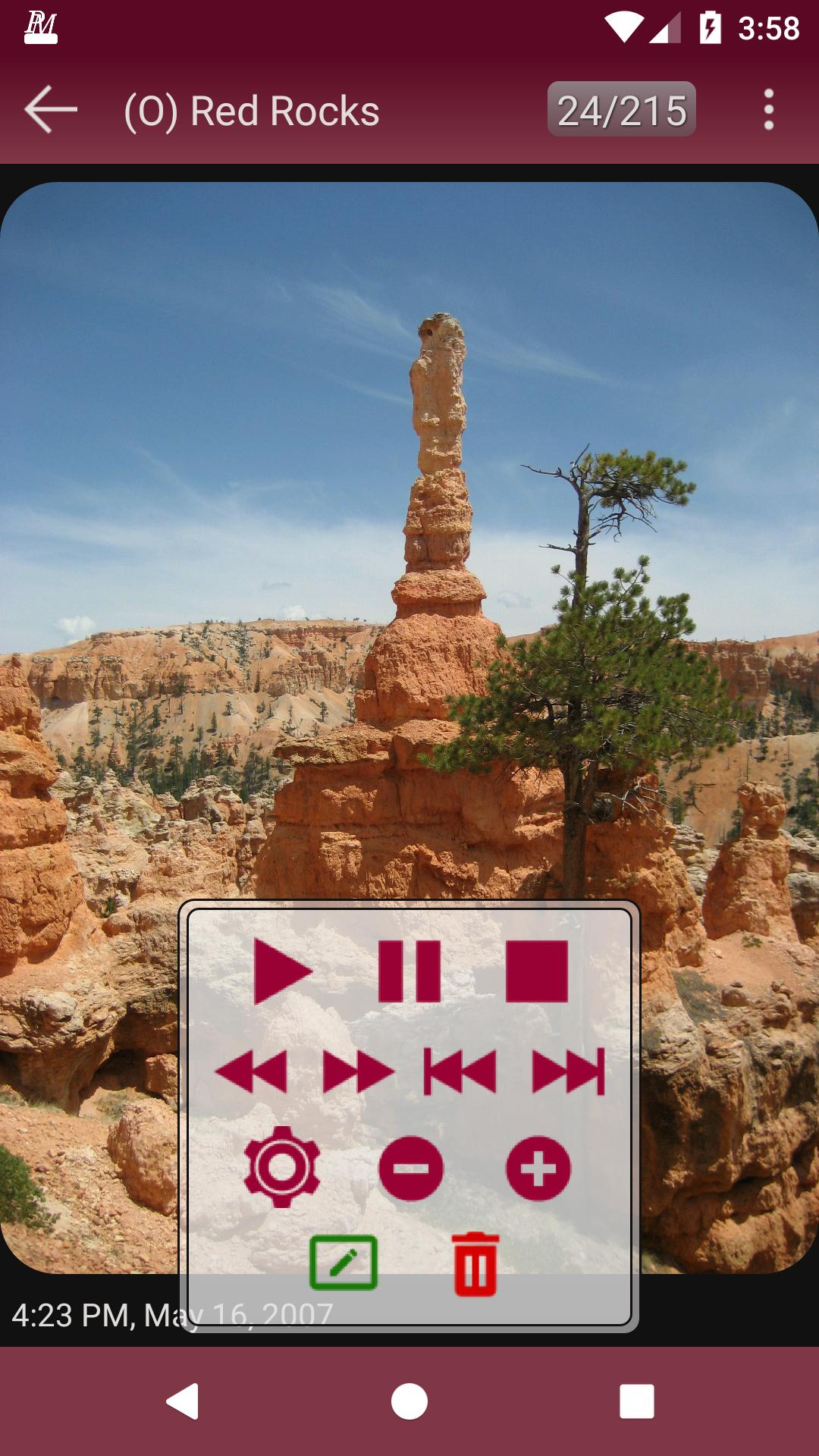
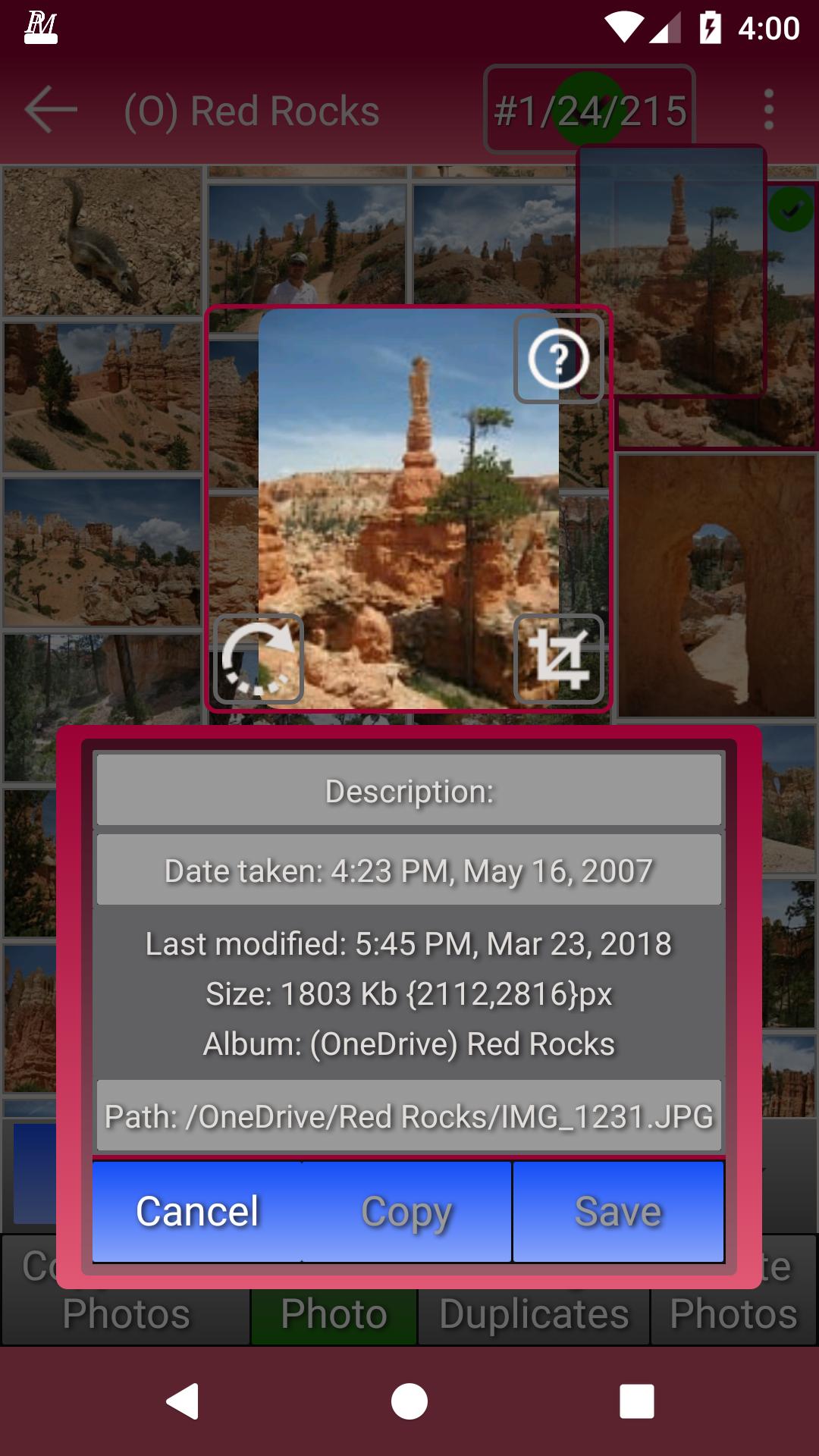
- You can delete or edit your photos, cropping them, adding descriptions, correcting their orientation where necessary and adding or correcting the date/time they were taken
- You can easily manage your duplicate photos by searching for them and then editing or deleting them as required
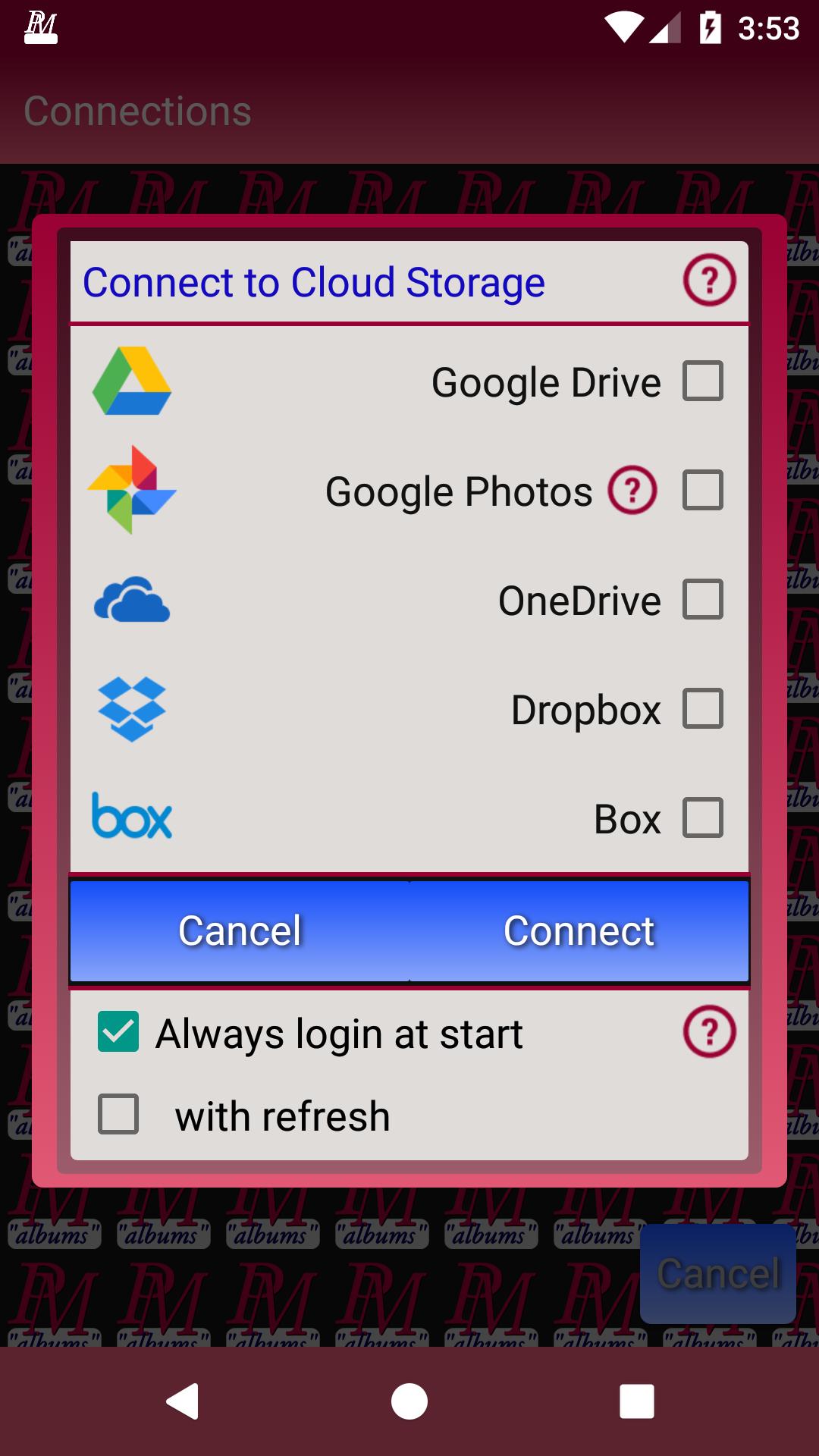
Access to cloud storage is available for Google Drive, Google Photos, Microsoft's OneDrive, Dropbox and Box
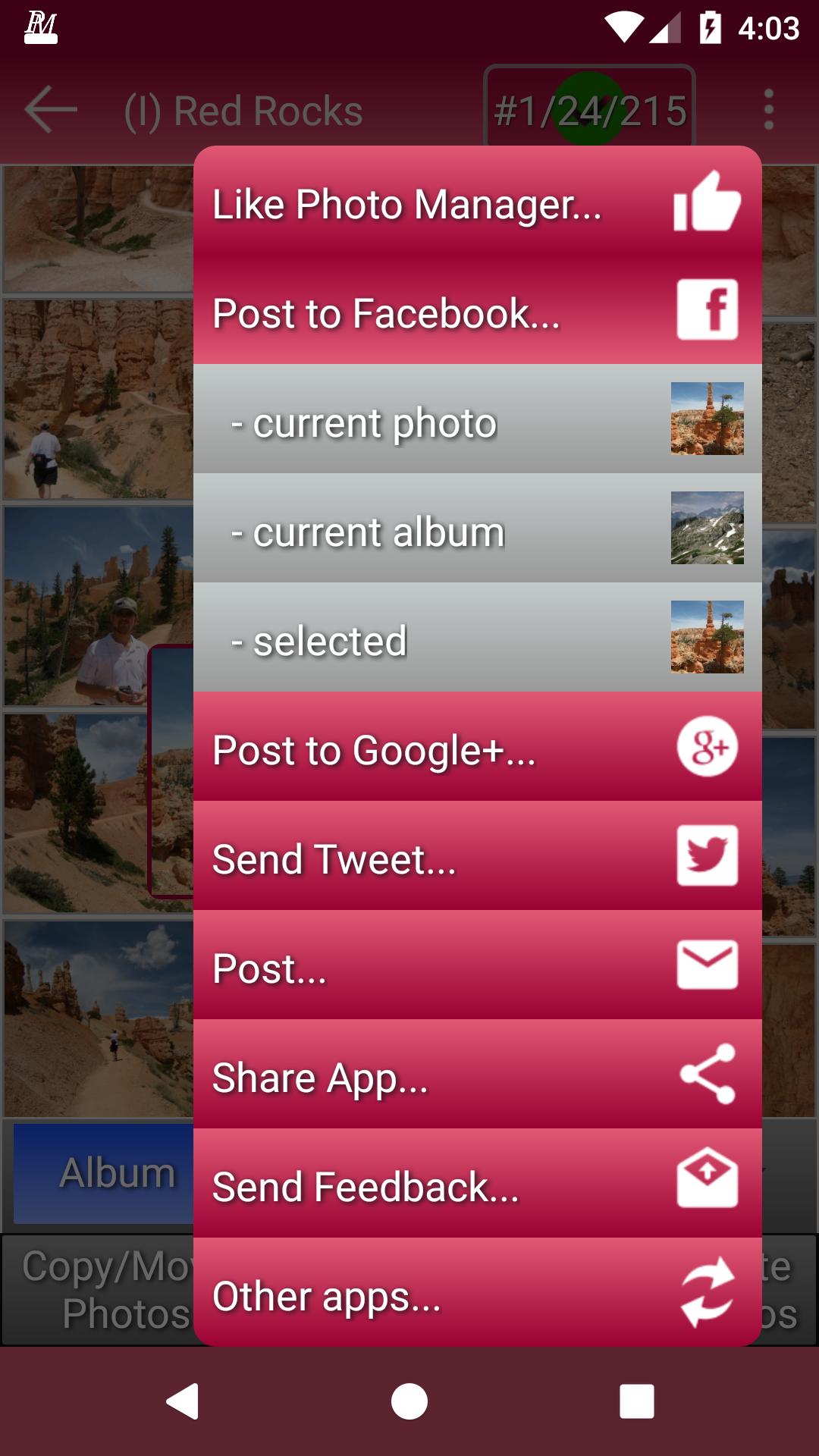
You can share a photo, album or any set of selected photos using:
- Direct links to Facebook, Twitter and Google+
- Any suitable app you have installed, including for example Instagram or email
Permissions: Photo Manager requires access to your storage (SD card, cloud or connected USB source) to enable it to update your photos as you require. It also uses internet access to enable you to share photos and to provide feedback. When you open the app you are prompted to give whatever permissions are initially required. You can disable feedback to the developers in Settings
Latest Version
3.1.0Uploaded by
Khan Saab
Requires Android
Android 4.1+
Category
Free Video Players & Editors AppContent Rating
Everyone
Report
Flag as inappropriateLast updated on Nov 4, 2019
New in 3.1.0:
- You can now access multiple cloud storage accounts for the same platform at once, for instance enabling
photos to be moved or copied directly between them
- Removed access to Google+, as Google is in the process of closing it down

APKPure - A multi-platform app store primarily focused on Android, providing extensive app-related content. Discover the app you want easier, faster, and safer, with quick and efficient downloads and installations.