Scan Date:Mar 27, 2026
Show More
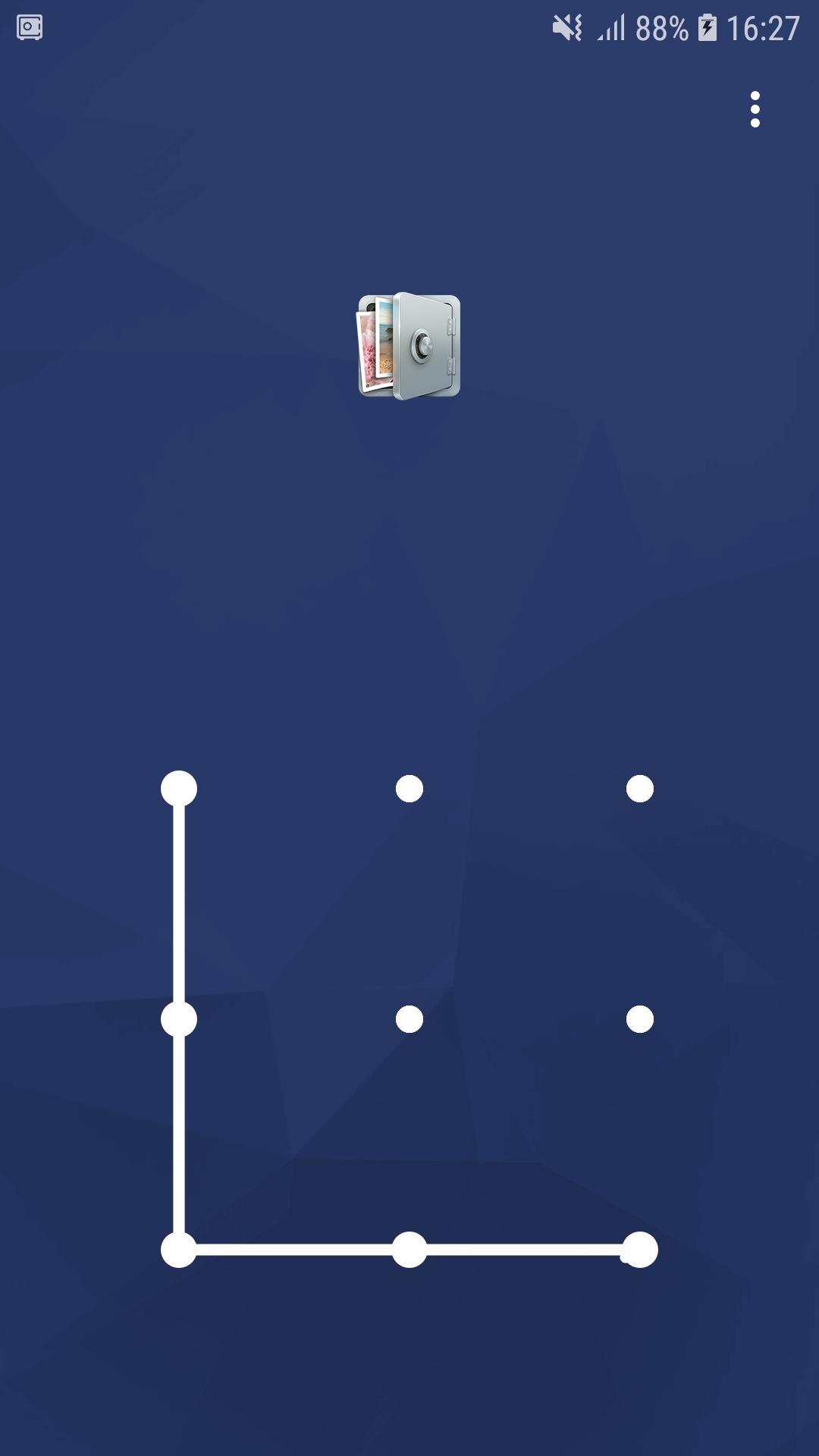
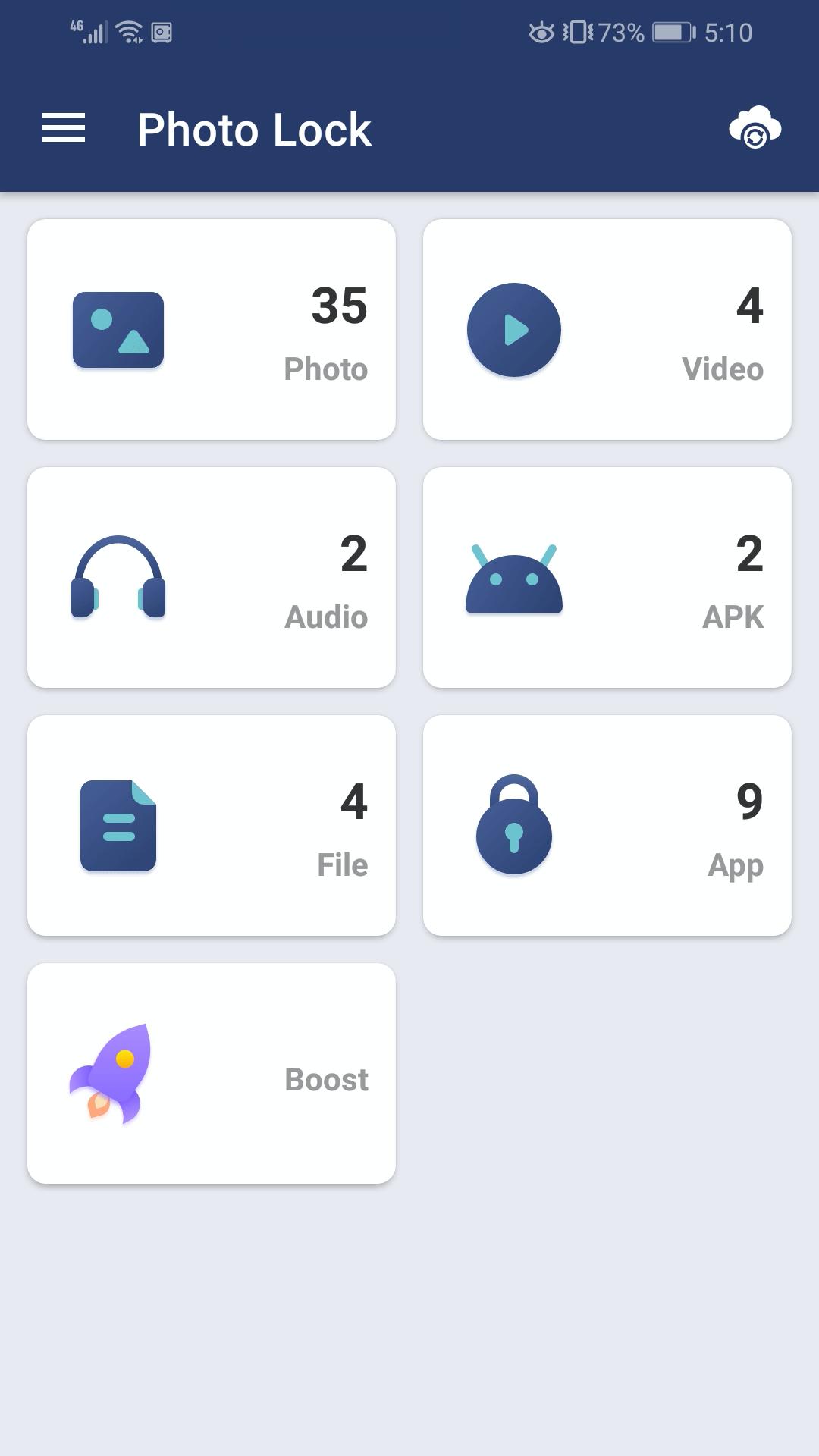
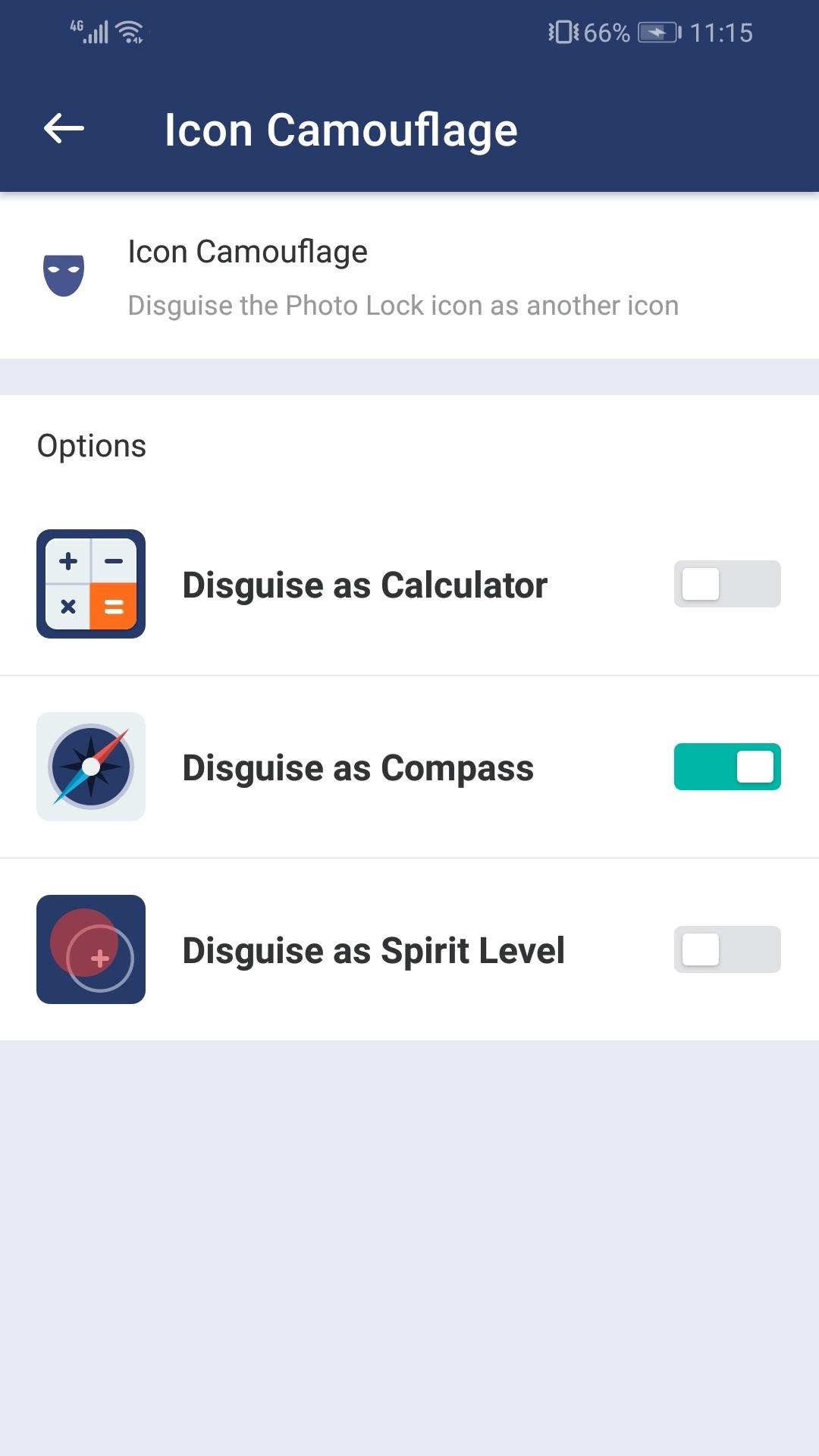
Photo Lock is a photo vault to lock your apps, private photos and videos, with password, pattern lock. If you want to lock some apps, pictures and videos safe, Photo Lock will be a trustable tool. In order to get more safety, you can disguise the Photo Lock icon as another icon, such as calculator or compass, so nobody can find it.
Photo Lock can lock Facebook, WhatsApp, Gallery, Messenger, Snapchat, Instagram, SMS, Contacts, Gmail, Settings, incoming calls and any app you choose. Prevent unauthorized access and guard privacy. Ensure security.
After moving photos and videos to Photo Lock, they can only be viewed by you. All files can be saved in the cloud and sync between different devices.
With Photo Lock, you will never worry about:
someone reads private data in your apps again!
the families check your photos and find your secret!
the children delete important photos by mistake!
friends or colleagues see the private pictures while borrowing the phone!
the privacy risk during the phone repair!
---Feature---
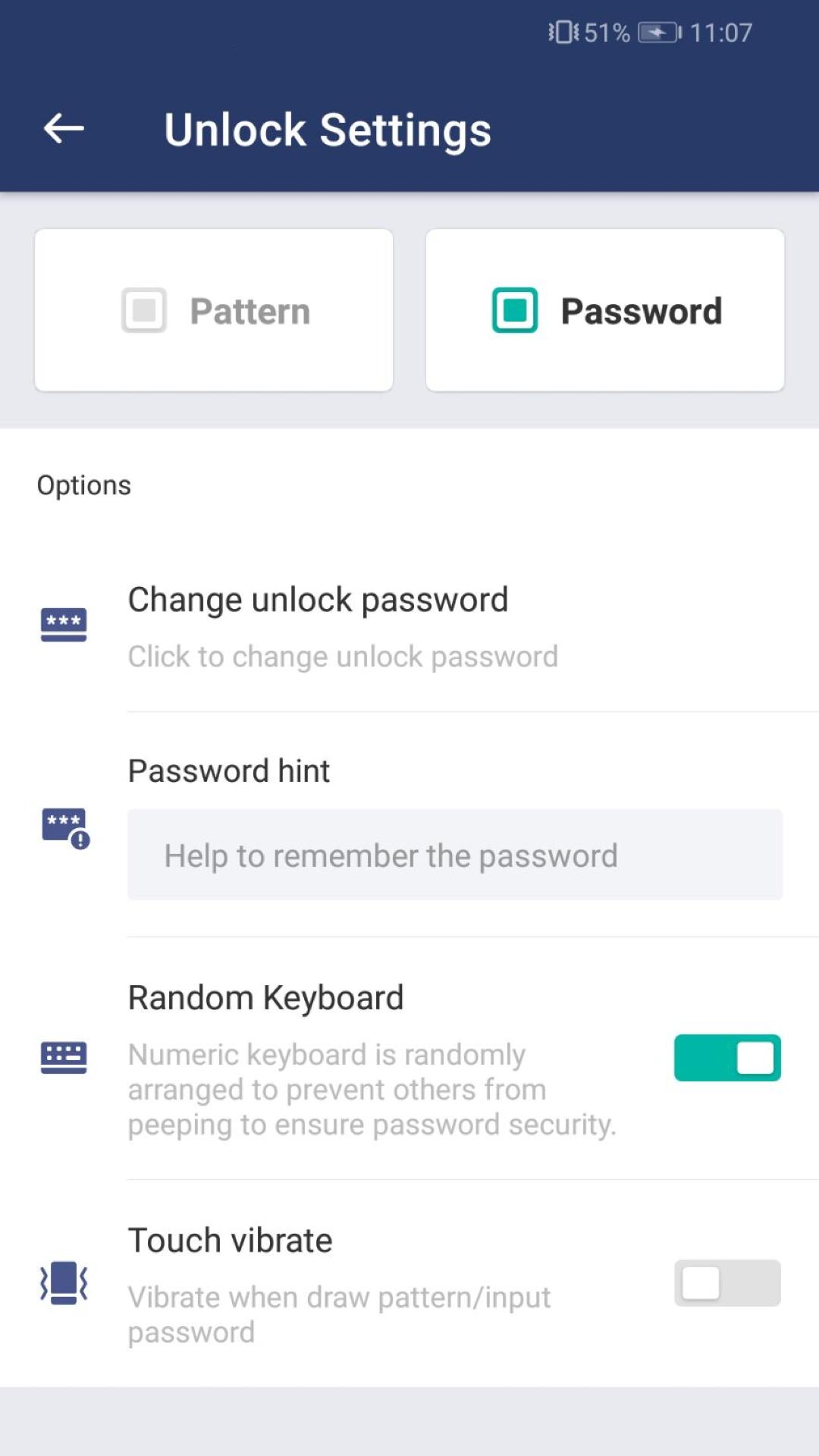
Lock apps with password, pattern lock. If your phone supports fingerprint verification and the version is Android 6.0 or above, you can enable fingerprint in the Photo Lock.
Lock photos
Lock videos
Set album cover
Random keyboard
Take a photo of intruders
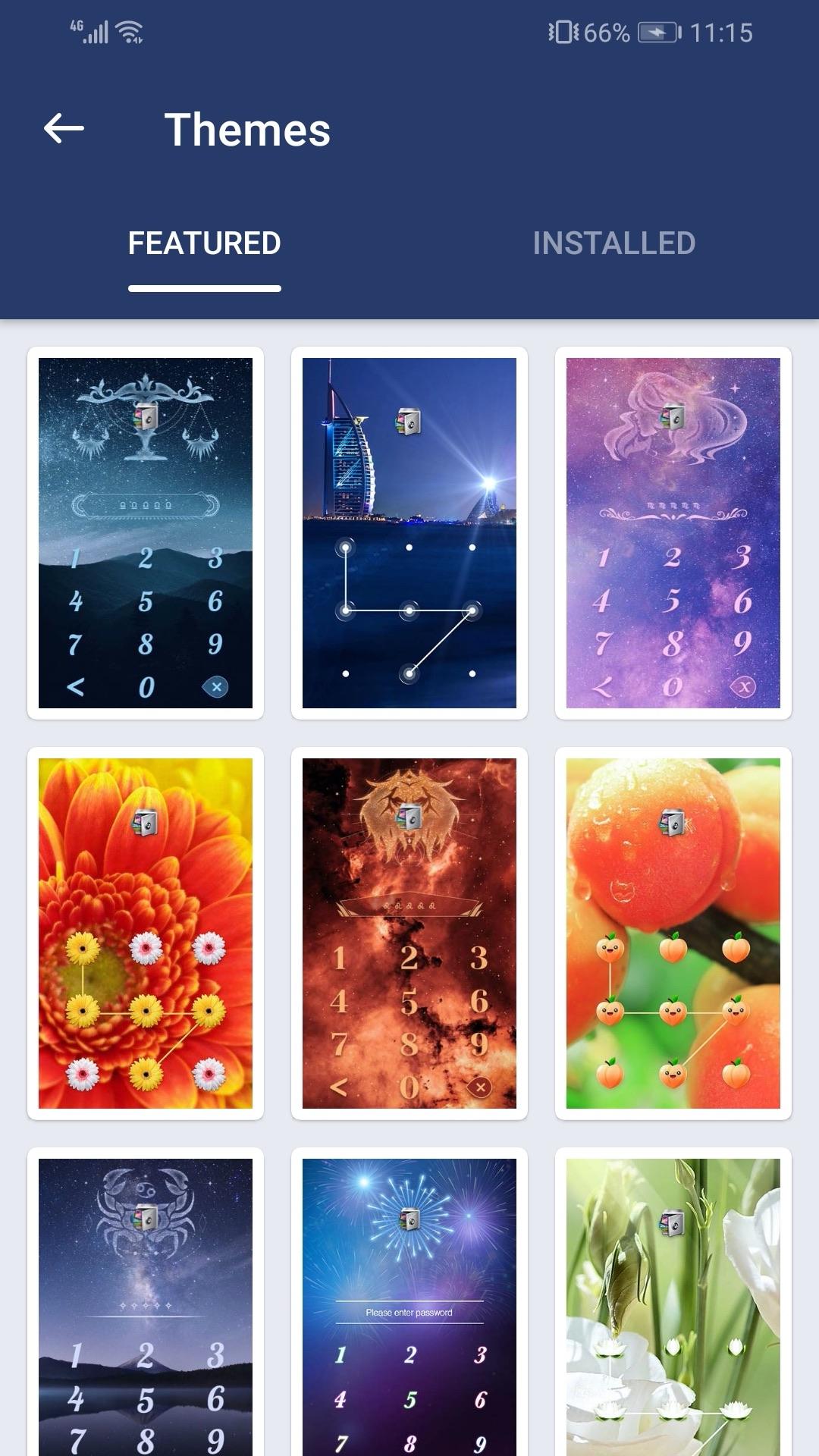
Change theme
Disguise the Photo Lock icon as another icon
Power saving mode
Photo Lock uses Accessibility service.
To enable Power saving mode, please allow Accessibility services. The service is only used to reduce battery usage, improve unlocking efficiency, and ensure Photo Lock works stably. Please be assured that Photo Lock will never use it to access your private data.
More features are coming. Welcome to send us feedback or leave a comment.
Email: support@domobile.com
Latest Version
2.6.0Uploaded by
Luka Djukic
Requires Android
Android 6.0+
Category
Free Tools AppContent Rating
Everyone
Security Report
Report
Flag as inappropriateLast updated on Mar 28, 2026
Optimize function, fix bugs


APKPure - A multi-platform app store primarily focused on Android, providing extensive app-related content. Discover the app you want easier, faster, and safer, with quick and efficient downloads and installations.