
The Phone Security App is an anti-theft alarm with a focus on clean design and simplicity. The app relies on your device's built in sensors to alert you when needed.
Motion Detection Mode
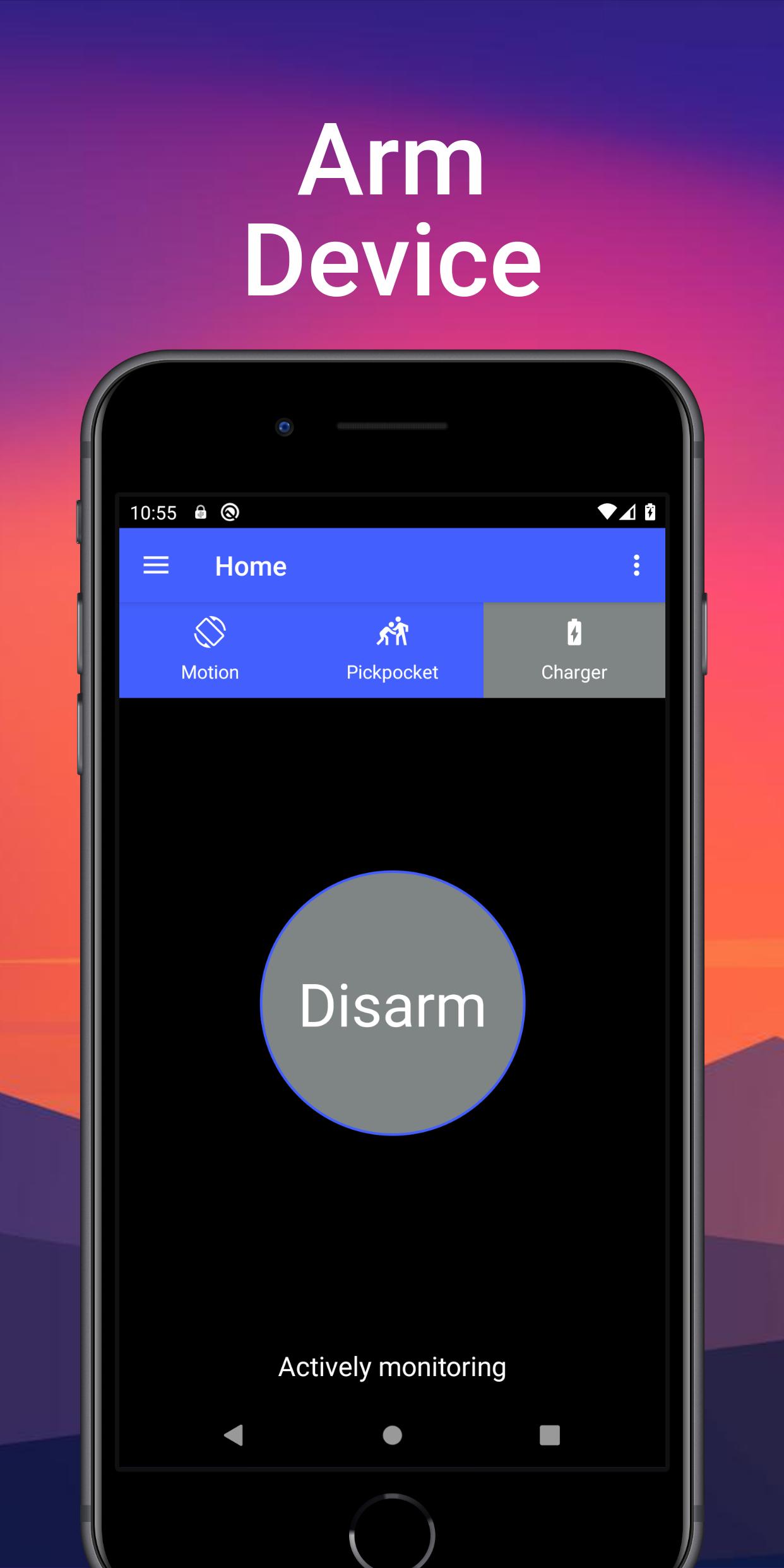
• Utilizes the accelerometer sensors on your device to monitor for movement
• Sensitivity control for movement threshold
• One touch activation
• Alarm sounds when device is picked up after being armed
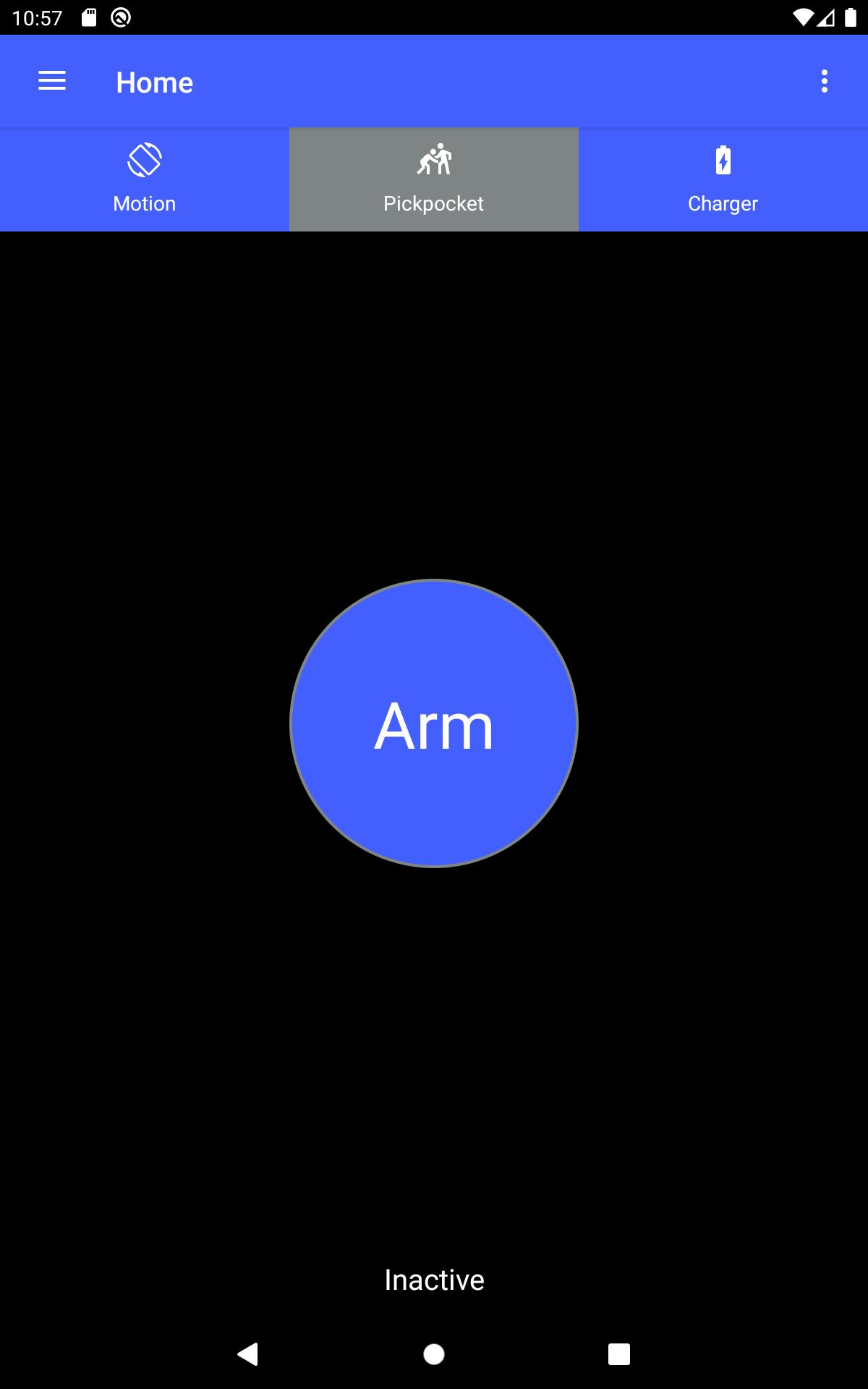
Pickpocket Mode
• Utilizes your device's proximity sensor to determine if your device has been removed from your pocket or bag/purse
• Configurable proximity distance in centimeters for devices that support this
• Alarm sounds when device has been removed from pocket or bag
Please note that this mode will not work properly if you use a case or flip cover on your phone that blocks the proximity sensor. Also note that some devices only support a near and far measurement for the proximity sensor.
Charger Mode
• Alarm sounds when charger is unplugged
Alarm Features
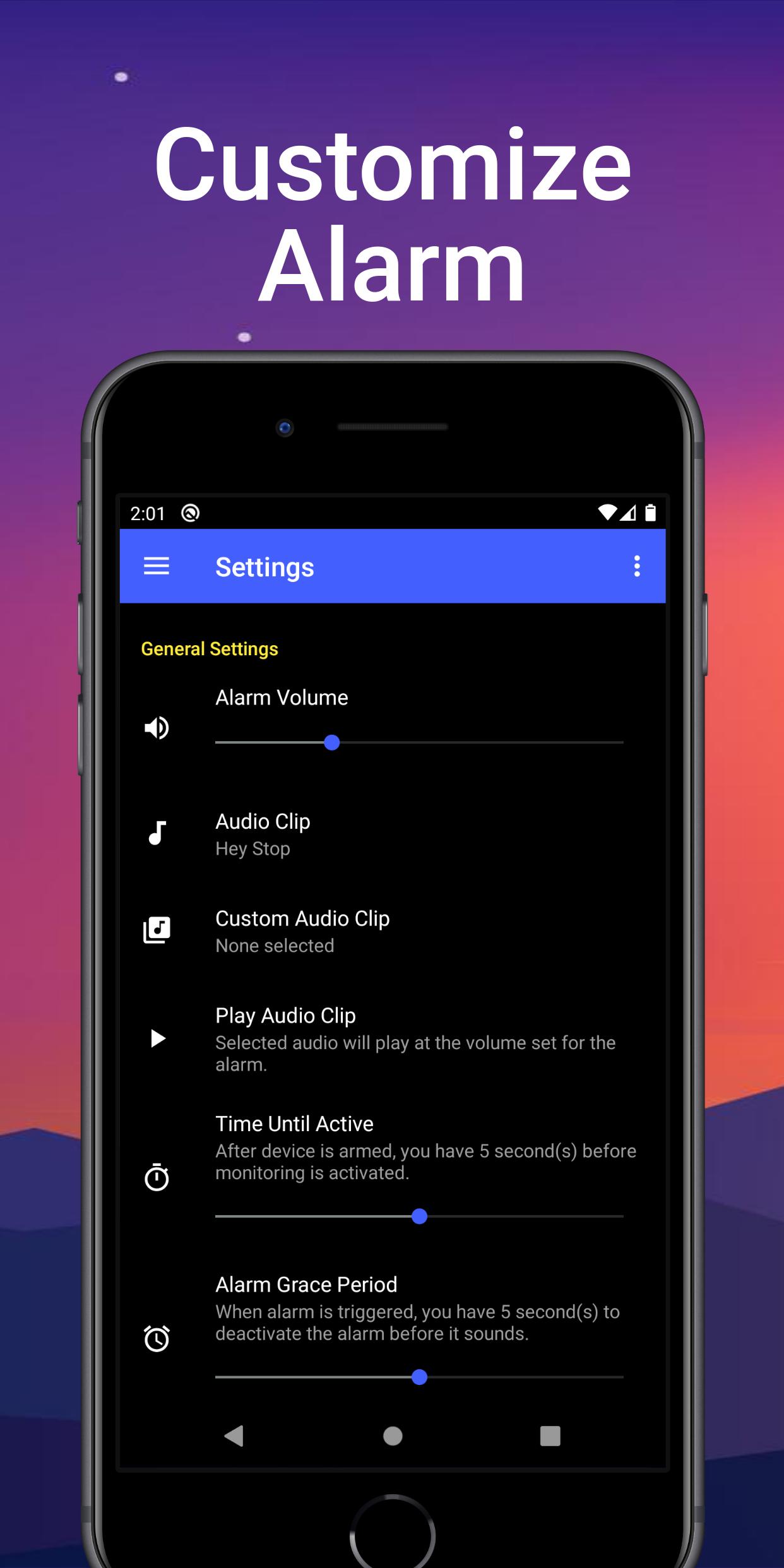
• Set the alarm volume that you want because sometimes max volume is just too loud
• Can only turn down the volume of the alarm from within the app
• Uses Android's alarm audio channel in order to make sure the alarm always sounds through the phone speaker in case Bluetooth headphones are connected
• Pick an alarm audio clip
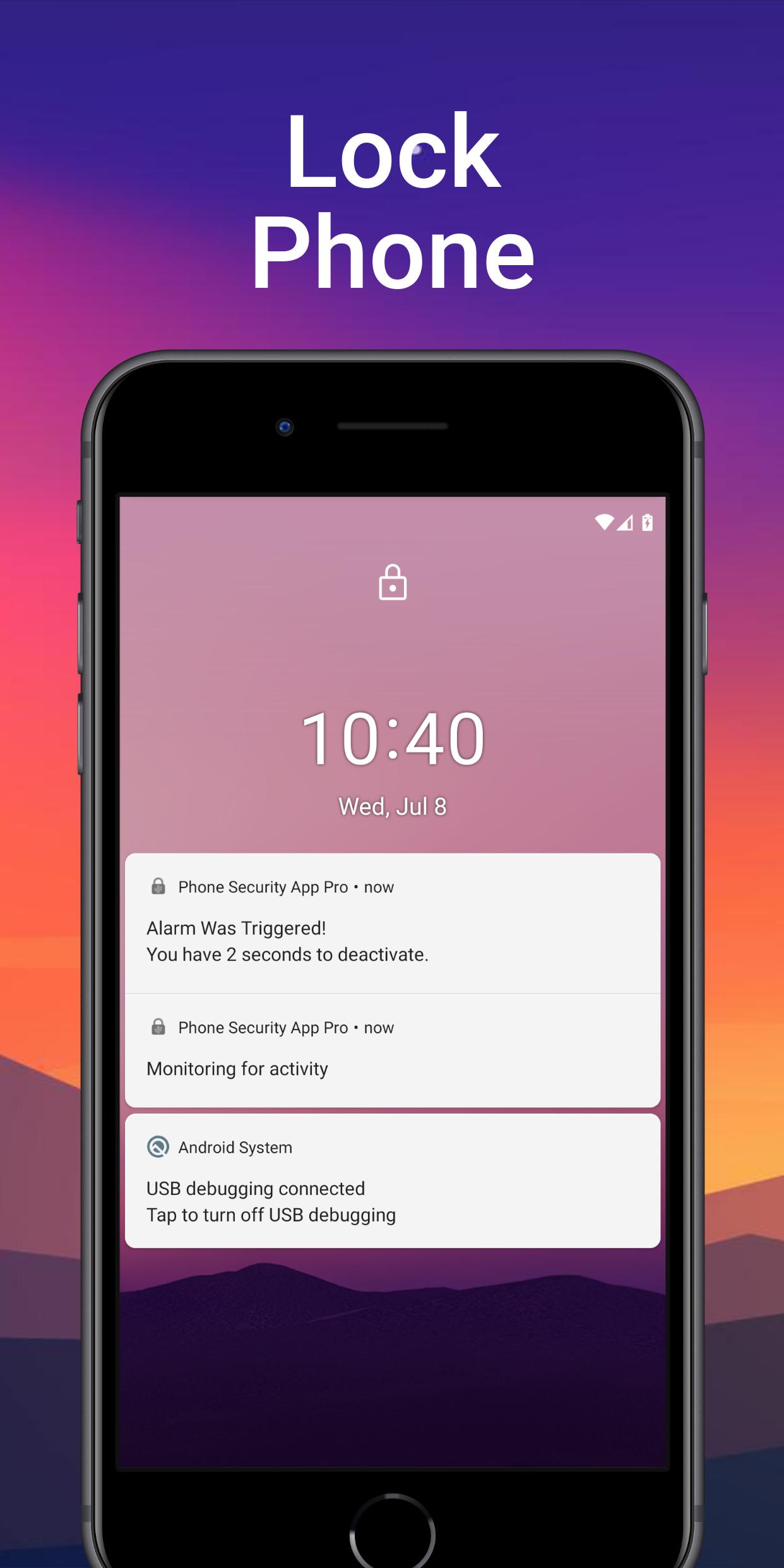
• Configurable time until alarm sounds when triggered
0 seconds for immediate alarm feedback or up to 10 seconds to provide you time to deactivate the alarm without setting it off yourself
Other Features
• Simple one touch button to arm and deactivate the alarm at any time
• Minimal permissions needed compared to similar apps
• Basic instructions provided in app
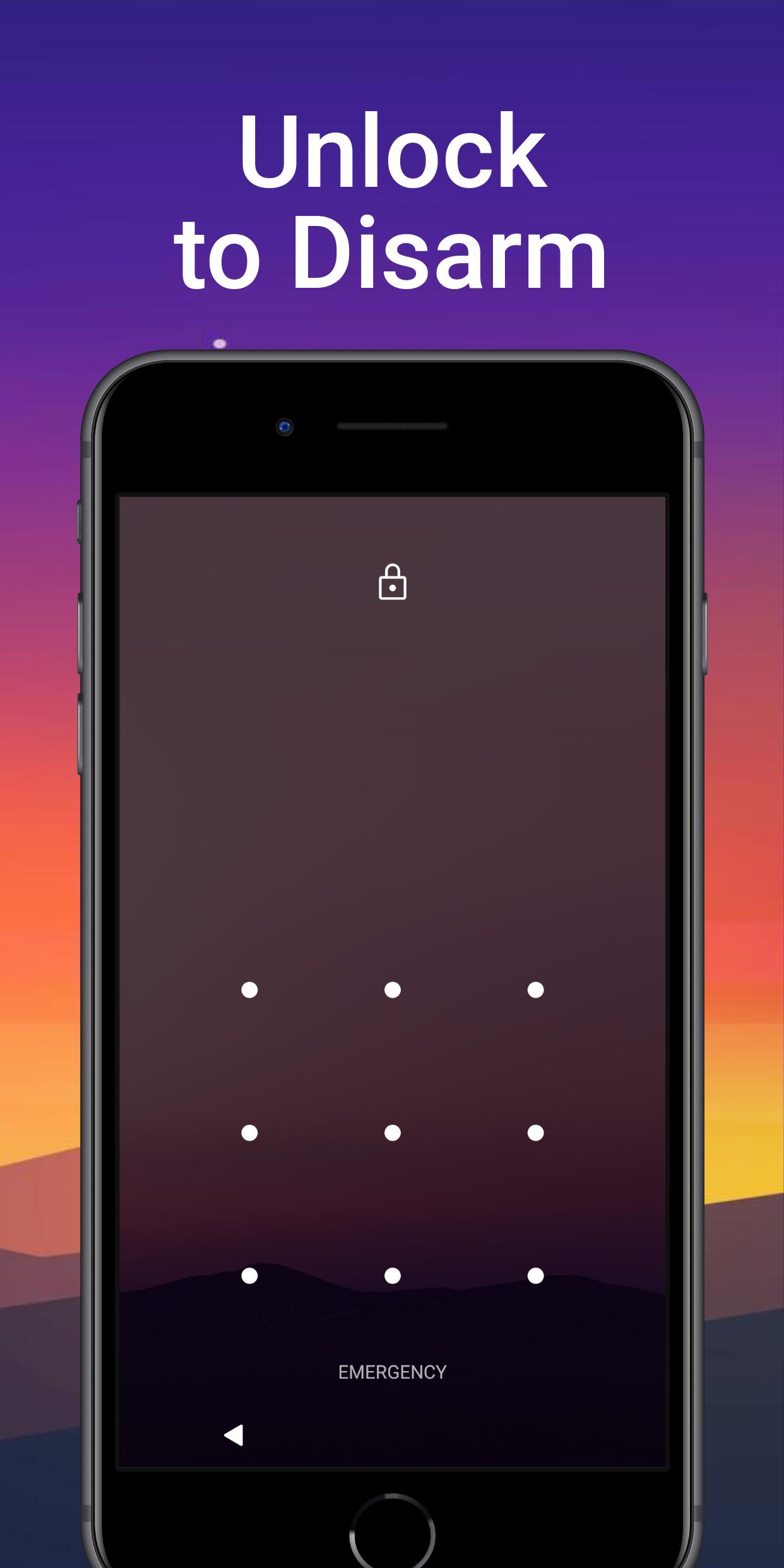
• Disable the alarm by simply unlocking your phone using your fingerprint or PIN
No need to remember another password!
Premium Features
• Remove ads
• Choose any custom audio clip for the alarm
• Customize time until alarm is active
• Configurable alarm looping
Unlock these premium features for a one time purchase within the app. This purchase supports the development of the app and also unlocks all future features.
Good security often consists of multiple layers. This app attempts to help secure your phone at a physical level. If a potential thief tries to take your phone, then they will be greeted with a loud alarm of your choosing. Usually a blaring alarm is enough of a deterrent to prevent theft in a public or private setting.
Use Cases
• Leaving phone on the sideline when playing pickup basketball
• Setting phone down when working out at the gym
• Placing phone in your pocket walking through crowded areas
• Setting phone in your purse when walking around the grocery store
• Leaving phone on the side when riding a roller coaster
• Putting phone in a bag on the ground while watching a show
• Leaving phone on your desk at work when you use the bathroom
• Charging your device in the airport
• Pranking someone you know with a personalized audio clip when they take your device
Permission Transparency
• Storage: the storage permission is only used to retrieve custom audio files on your phone. If you do not purchase the premium features, then there is no need to allow this permission.
• Network Access: used to communicate with Google for the in-app purchase and ad
Get the ad free premium version here: https://play.google.com/store/apps/details?id=com.cactusbiceps.phonesecurityapppro
For any issues or suggestions, please contact me at cactusbiceps@gmail.com.
App screenshot graphics created with https://previewed.app
Latest Version
3.2.0Uploaded by
Kamila Rodrigues
Requires Android
Android 5.0+
Category
Free Tools AppContent Rating
Everyone
Report
Flag as inappropriateLast updated on Apr 14, 2022
Updated for Android 12




APKPure - A multi-platform app store primarily focused on Android, providing extensive app-related content. Discover the app you want easier, faster, and safer, with quick and efficient downloads and installations.











