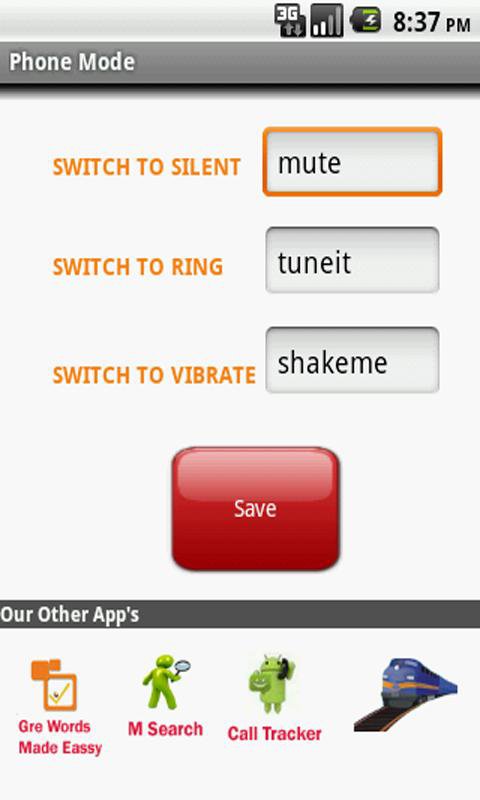
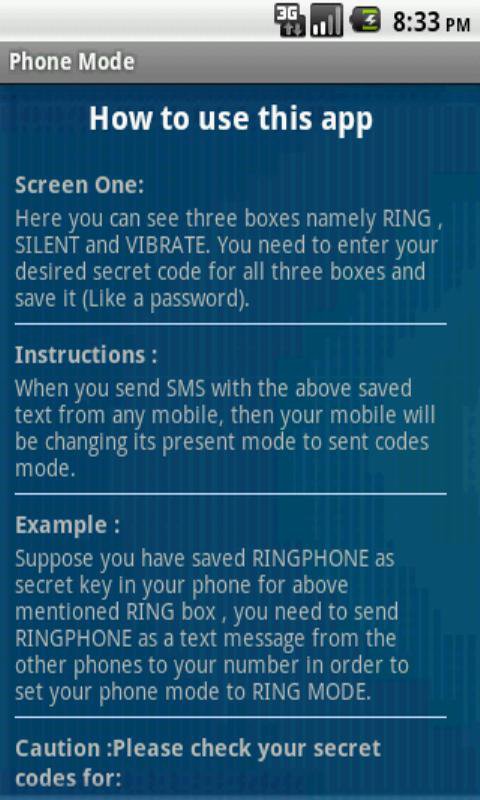
First Screen:
Here you can see three boxes namely RING, SILENT & VIBRATE. You need to enter your desired secret code for all three boxes and save it (Like a password). When you send SMS with the above saved text from any mobile, then your mobile will be changing its present mode to sent code's mode.
Example:
Suppose you have saved RINGPHONE as secret key in your phone for above mentioned RING box, you need to send RINGPHONE as a text message from the other phones to your number in order to set your phone mode to RING MODE.
Caution: Please check your secret codes for:
1. Spaces & Special chars (Spaces will be considered)
2. Case Sensitive
Latest Version
1.0Uploaded by
Bagusdamarjati
Requires Android
Android 1.5+
Category
Free Tools AppContent Rating
Everyone
Report
Flag as inappropriateLast updated on Apr 18, 2016
This release includes minor bug fixes and general improvements. Update to the latest version for the best experience.


APKPure - A multi-platform app store primarily focused on Android, providing extensive app-related content. Discover the app you want easier, faster, and safer, with quick and efficient downloads and installations.