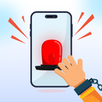
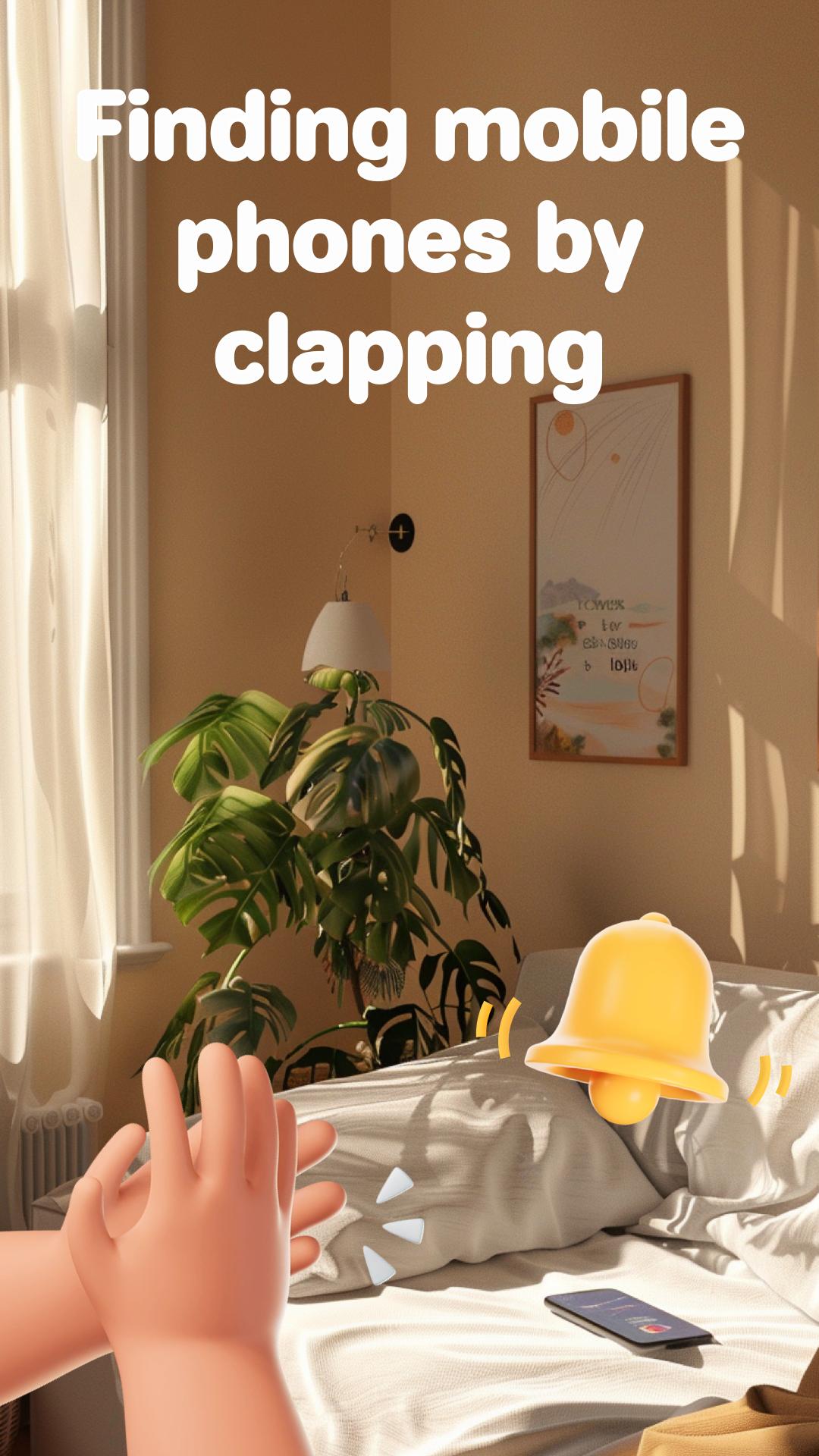
With "Phone Finder", even in crowded places, in the dark or at home, simply using the clap or whistle function to trigger an alert will help you find your mobile phone.
Here is how to use the "Phone Finder" application:
1. Open the app.
2. Click the "Tap to Active" button at the top of the app.
3. The app listens for clapping or whistling.
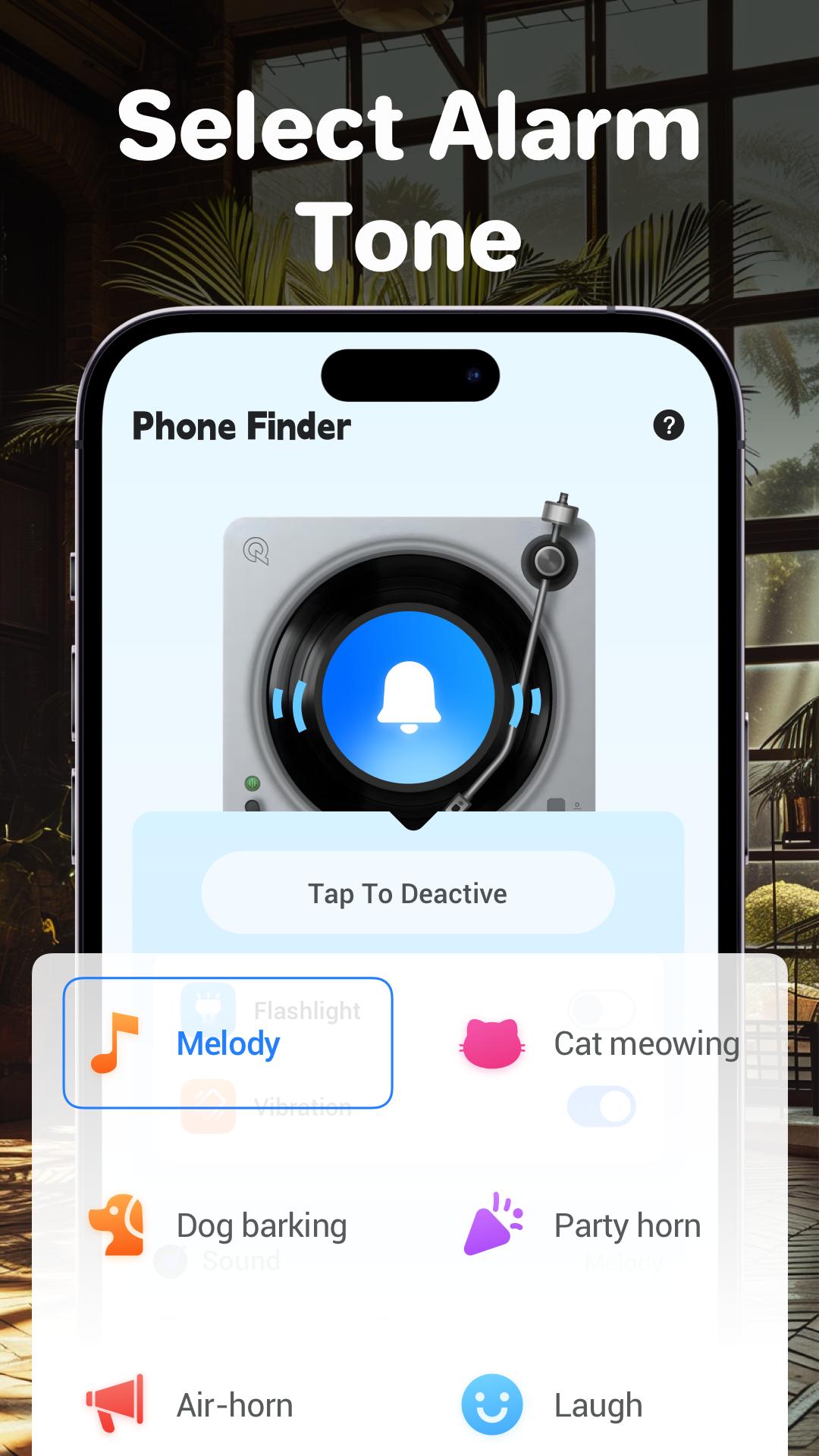
4. Once the clap or whistle is detected, it triggers your phone to ring, flash or vibrate according to your settings.
NOTE
Audio Recording Permission: This permission is used to listen for clapping sounds, which trigger the alarm.
Camera Permission: This permission is used to activate the flash alert when the clapping sound is detected in active mode.
Latest Version
3.0.0Uploaded by
ชายต้อม หนองฉาว
Requires Android
Android 7.0+
Category
Free Art & Design AppContent Rating
Everyone
Report
Flag as inappropriateLast updated on Aug 1, 2024
Minor bug fixes and improvements. Install or update to the newest version to check it out!



APKPure - A multi-platform app store primarily focused on Android, providing extensive app-related content. Discover the app you want easier, faster, and safer, with quick and efficient downloads and installations.