Scan Date:Mar 4, 2026
Show More
📚 PDF Reader & PDF Editor: The Ultimate PDF Solution for Android
📄 PDF Reader for Android is your all-in-one tool to read, edit, annotate, create, compress, merge, and secure PDF documents. Whether you’re managing eBooks, contracts, or work files, this app offers powerful features to simplify your tasks.
🌟 Read PDF Files Seamlessly
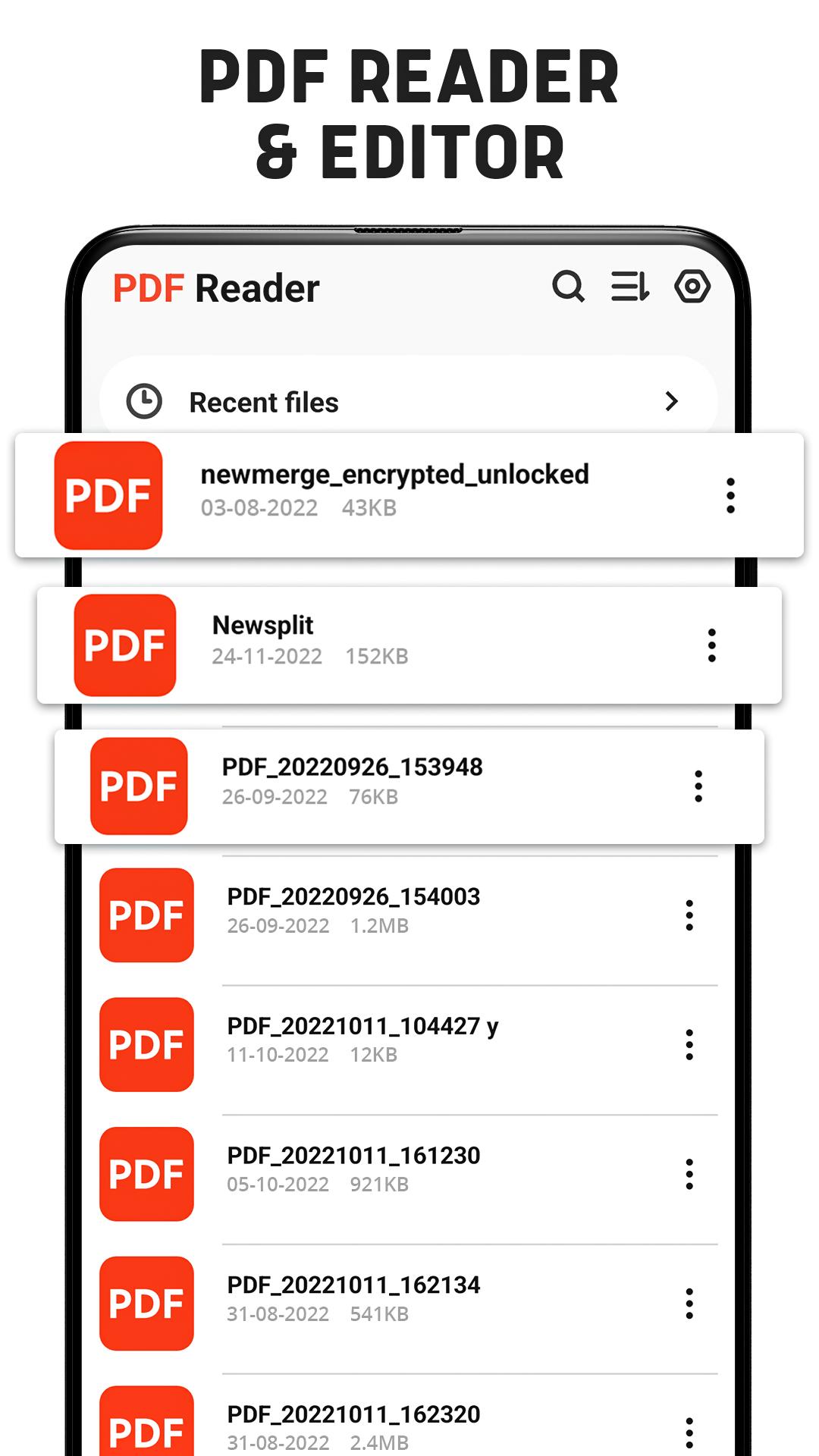
The smart PDF Reader ensures offline access, letting you view PDFs anywhere, anytime without an internet connection. 🌙 Switch to Dark Mode for comfortable reading in low-light environments. Navigate long documents effortlessly with the Go-to-Page option and enjoy flexible viewing in vertical or horizontal modes. Easily manage your PDFs by renaming, deleting, or sharing them directly from the app.
✏️ Annotate & Edit PDFs with Ease
Edit your PDFs like a pro! Highlight, underline, and strikethrough text for better organization. Add e-signatures or digital signatures to your files with just a few taps. The annotation tools allow you to draw, mark, or take notes directly on your documents, making collaboration or personal review a breeze.
📑 Create & Convert PDF Files
Transform your files effortlessly! Use this app to create PDFs from text or images in seconds. 📷 Future updates will include advanced converters, such as:
◉ Word to PDF
◉ Image to PDF
◉ Excel to PDF
◉ PPT to PDF
Upcoming features will also let you convert PDFs back to Word, Excel, or PowerPoint formats, giving you unmatched flexibility.
🔧 Organize Your Documents
Easily manage large PDF files with the built-in splitter and merger. Split lengthy PDFs into smaller sections or combine multiple files into one seamless document. For users needing smaller file sizes, the PDF compressor reduces file sizes 📉 without compromising quality, perfect for sharing or saving storage space.
🔒 Secure Your Files with Passwords
Your documents deserve the best protection. Lock sensitive PDFs with the password protection feature, ensuring your files remain private and secure.
✨ Perfect for Everyone
📚 Whether you’re a student reading academic notes, a professional managing contracts, or a casual user enjoying eBooks, this app is designed to meet your needs. Its user-friendly interface and offline functionality make it the ideal choice for on-the-go document management.
🚀 What’s Coming Next?
Exciting updates are on the horizon! Soon, you’ll be able to:
Convert documents like Word, Excel, PPT, and images to PDFs.
Convert PDFs to other formats like Word, Excel, and PowerPoint.
📥 Download PDF Reader for Android today and unlock the smartest way to manage your PDF files. From reading and editing to converting and securing, this app has it all. Simplify your work, study, or personal tasks with the ultimate PDF solution at your fingertips!
Latest Version
1.2.6Uploaded by
Sesna Rasul
Requires Android
Android 7.0+
Category
Free Productivity AppContent Rating
Everyone
Security Report
Report
Flag as inappropriateLast updated on Mar 4, 2026
- Smart PDF Reader & PDF Editor App
- PDF Annotation & Draw Annotation
- PDF to Image & Extract Images
- File Compressor
- Merge Documents
-PDF E-signatures
- PDF text bold



APKPure - A multi-platform app store primarily focused on Android, providing extensive app-related content. Discover the app you want easier, faster, and safer, with quick and efficient downloads and installations.