PDF editor application that allows users to edit and manipulate Portable Document Format (PDF) files. With a PDF editor, users can modify text, images, and other elements within a PDF document, as well as add or remove pages from the document. Some PDF editors also provide tools for converting PDFs to other file formats, such as Word documents or Excel spreadsheets.
One of the key benefits of using a PDF editor is that it allows users to make changes to a document without altering the original formatting or layout. This is especially useful for preserving the integrity of documents that have been carefully designed, such as resumes, business reports, or marketing materials.
When it comes to choosing a PDF editor, there are a few key features to consider. First and foremost, it's important to find an editor that is easy to use and intuitive. This will make it easier for users to make the changes they need, without getting bogged down in complicated menus or confusing instructions.
Another important feature to look for in a PDF editor is the ability to make precise edits. This might include the ability to select and modify individual words or phrases, as well as the ability to change the font, size, or color of text. Some editors also provide tools for adding or removing images, as well as for adjusting the placement and size of elements within the document.
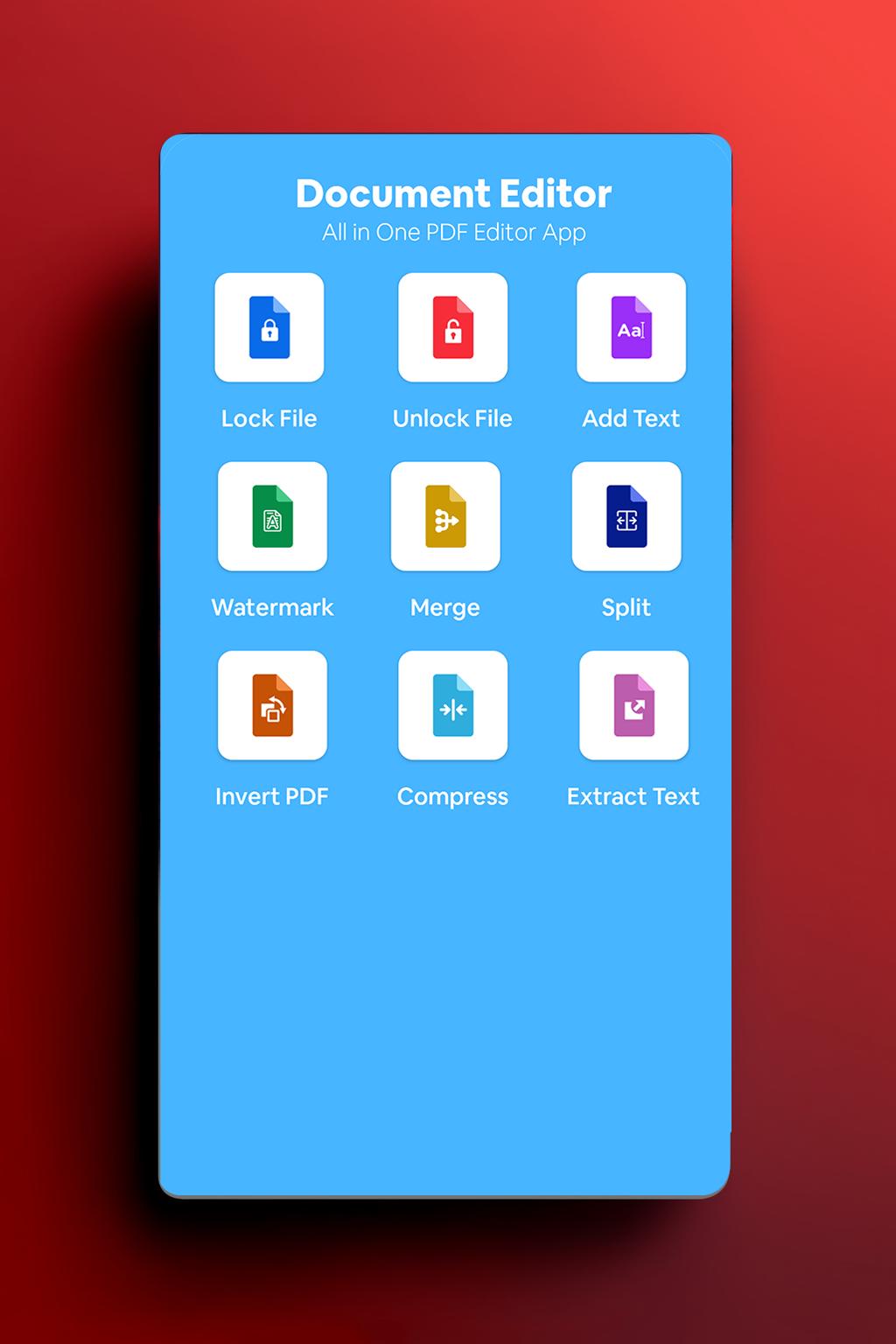
In addition to these basic editing features, many PDF editors also offer a range of advanced tools and features. For example, some editors provide support for adding or removing pages, as well as for inserting or deleting entire sections of text. Other editors offer tools for annotating documents, such as highlighting, underlining, or adding notes or comments.
Finally, it's worth considering the compatibility of a PDF editor with different devices and operating systems. If you need to work with PDFs on multiple devices, it's important to find an editor that is compatible with a range of platforms, such as Windows, Mac, iOS, and Android.
Overall, a PDF editor is an essential tool for anyone who needs to make changes to PDF documents. Whether you're a business professional, a student, or simply someone who needs to edit PDFs on a regular basis, a good PDF editor can save you time and hassle, and help you create professional-quality documents that are sure to impress.
Latest Version
1.0Uploaded by
Sergio Diego
Requires Android
Android 5.0+
Category
Free Business AppContent Rating
Everyone
Report
Flag as inappropriateLast updated on Mar 6, 2023
This release includes minor bug fixes and general improvements. Update to the latest version for the best experience.



APKPure - A multi-platform app store primarily focused on Android, providing extensive app-related content. Discover the app you want easier, faster, and safer, with quick and efficient downloads and installations.