🌟 Key Features:
Image to PDF Conversion:
📷 Easily convert images into PDF format with a simple tap.
🔄 Supports various image formats for conversion.
PDF to Image Conversion:
🖼️ Convert PDF pages into image files effortlessly.
🎨 Maintain image quality during the conversion process.
Invert Color of PDF:
🌈 Change the color scheme of PDF documents for improved visibility.
👀 Ideal for users with specific visual preferences.
PDF to Text:
📝 Extract text content from PDF files.
✂️ Useful for copying and editing text from PDF documents.
Text to PDF:
📄 Create PDF documents directly from text inputs.
🖋️ Customize font, size, and formatting options.
Password Protection:
🔒 Secure your PDFs by adding passwords.
🚫 Easily remove passwords when needed.
Watermark Management:
🌊 Add and remove watermarks from PDF files.
🖋️ Customize watermark text, size, and position.
Color Modification:
🎨 Adjust the color scheme of PDF documents.
🌈 Enhance or modify colors for a personalized reading experience.
Scan to PDF:
📸 Use your device camera to scan documents directly into PDF format.
✂️ Crop and enhance scanned images for clarity.
QR to PDF:
🔄 Convert QR codes into PDF documents for archiving or sharing.
📊 Extract information from QR codes directly into PDF format.
Organization and Rearrangement:
🧑💼 Organize and rearrange pages within PDF documents.
🔃 Easily manage the order of pages for a seamless reading experience.
Edit, Add, and Delete:
✏️ Edit text and images within PDF files.
➕ Add new content or delete unwanted elements.
File Type Conversion:
🔄 Convert various file types (including Word, Excel, and images) into PDF format.
🔄 Ensure compatibility and easy sharing.
PDF Compression:
🗜️ Compress large PDF files to save storage space.
📉 Maintain document quality while reducing file size.
Work History:
📅 View a history log of all your PDF-related activities.
🕵️♂️ Easily track and manage your recent work.
User-Friendly Interface:
🖱️ Easy-to-navigate design for quick and efficient PDF creation and editing.
🎮 Intuitive controls for a seamless user experience.
FAQ Section:
❓ Access a comprehensive FAQ section to resolve common issues.
🛠️ Find solutions and troubleshoot without hassle.
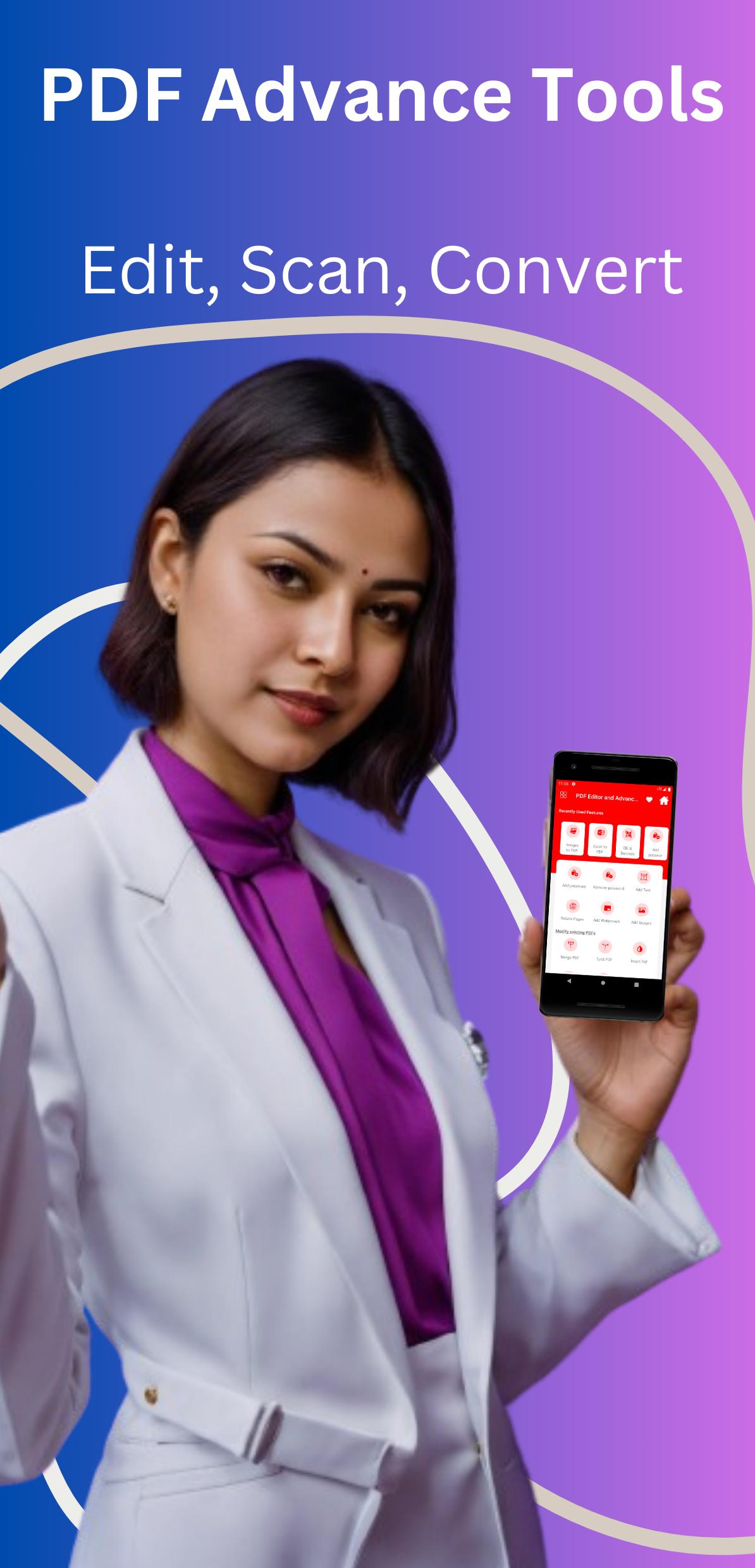
Pdf Editor & Advance Tools is your all-in-one solution for PDF creation, editing, and management. Download now and experience the ultimate PDF toolkit!
Latest Version
1.0Requires Android
5.0
Category
Free Tools AppContent Rating
Everyone
Report
Flag as inappropriateLast updated on Dec 25, 2023
This release includes minor bug fixes and general improvements. Update to the latest version for the best experience.



APKPure - A multi-platform app store primarily focused on Android, providing extensive app-related content. Discover the app you want easier, faster, and safer, with quick and efficient downloads and installations.