
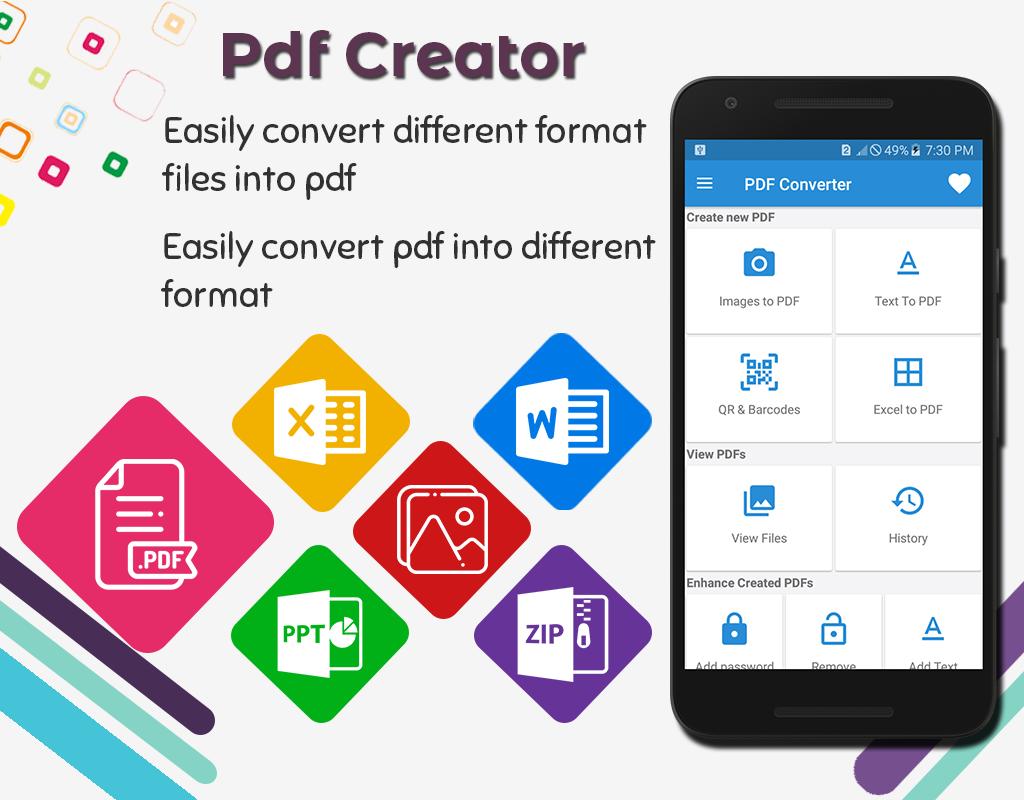
PDF creator is an easy app to convert multiple image files into one single pdf file offline, there is no need of internet connection. Image to pdf converter create pdf file from any image and also work as PDF to jpg converter. PDF to jpg converter or png convertor convert your pdf file into image as well.
Image to pdf converter – convert JPG/PNG to PDF by choosing an images from gallery or take image through camera and convert it into pdf by just one single click. PDF to jpg converter: You can view all converted files, open it, rename it and also delete it. You can also encrypt and decrypt a PDF file and also rotate a pages inside pdf file.
Key Features
• Create PDF file from multiple images using camera or gallery
• History: View all PDF related conversion
• Convert text to pdf file
• Convert Excel to pdf
• Protect a Pdf file with password
• Merge existing pdf files
• Compress existing Pdf file
• Remove duplicate pages
• Extract images from Pdf
• Split existing pdf
• Remove pages from existing pdf file
PDF creator: Image to pdf converter can split any pdf file into multiple files and also merge more than one pdf file into single pdf file. PDF creator give you the ability to protect your pdf file with password (encrypt) and you can also remove a password (decrypt) from pdf file.
PDF creator: Image to pdf converter – Through this you can easily extract specific pages from pdf and also extract all images from pdf. Photo to pdf converter also allow you to delete any page or a blank page from pdf file.
In Photo to pdf converter or pdf maker you can add a text watermark to all pages of pdf documents. To water mark text you can apply different font style and weight and also give a rotation to text and also apply text color to it.
Through PDF to jpg converter app you can also remove blank page from existing pdf files and documents. You can also customize the theme, there are three different themes i.e. dark, light and white. It is the easiest pdf maker tool through which you can easily convert any file into pdf.
Latest Version
1.0.6Uploaded by
Nazif SnowwMan ThequenDachut
Requires Android
Android 5.0+
Category
Free Productivity AppContent Rating
Everyone
Report
Flag as inappropriateLast updated on Jul 25, 2022
Upgraded to latest SDK Version
Performance is improved



APKPure - A multi-platform app store primarily focused on Android, providing extensive app-related content. Discover the app you want easier, faster, and safer, with quick and efficient downloads and installations.








