
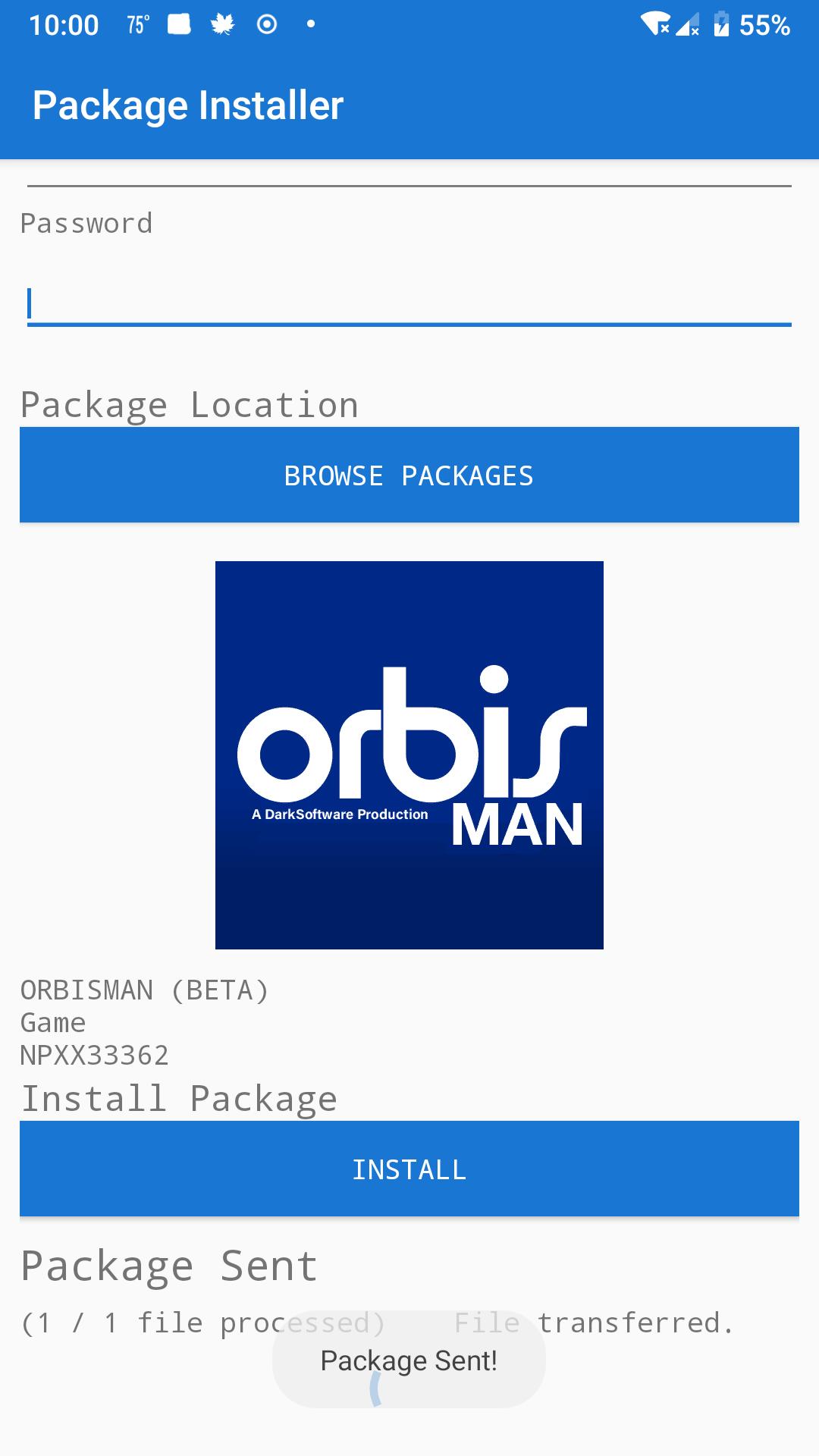
This is a Simple App to install Packages Files Directly via FTP/Store no PC or USB required (Past the first steps)
Steps Required (App)
----------------------------------
0. Run HEN
1. Download and Install the Store Package (Via PC and USB)
link: http://orbismandl.darksoftware.xyz/store.pkg
2. Run the Store and Once you reach the Main Menu you can use this App!
**Reminder**: you MUST have the Store app open and at the main menu on the Store for this app to work!
Latest Version
1.5Uploaded by
Bonita Doll Neisha
Requires Android
Android 5.0+
Category
Free Tools AppContent Rating
Everyone
Report
Flag as inappropriateLast updated on Jul 15, 2021
Added a option to enter the Path to the Package Manually
Better Compatibility with Different Brands of Phones




APKPure - A multi-platform app store primarily focused on Android, providing extensive app-related content. Discover the app you want easier, faster, and safer, with quick and efficient downloads and installations.