Scan Date:Jun 20, 2026
Show More

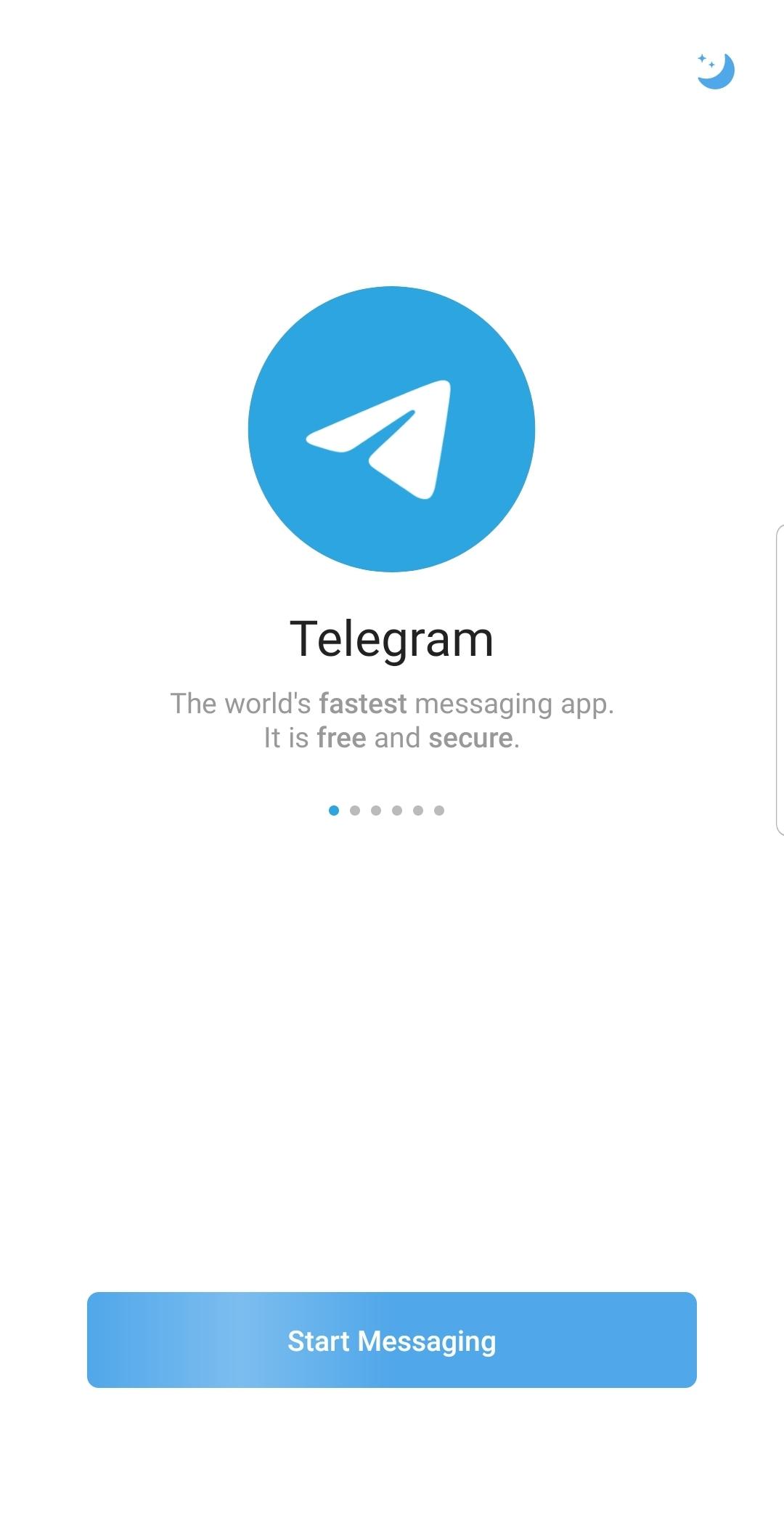
Telegram helps users keep conversations active across phone, tablet, and computer without losing messages. It is designed for busy chats that move quickly and for groups that need reliable delivery even on weak connections. Because history is stored in the cloud, you can switch devices and pick up right where you left off. As a result, it suits classrooms, creator communities, and teams that share updates often with the convenience of Telegram APK.
Fast delivery on weak connections
Telegram uses a distributed network to route messages quickly. You can send texts, media, and stickers with minimal delay, even when bandwidth is limited. This keeps conversations readable and reduces retries during travel or crowded events on Telegram for Android.
Cloud sync across all devices
Telegram stores chat history in the cloud, so you can continue a chat on desktop or web without keeping your phone online. Your messages and media are accessible from any signed in device. This design supports flexible work and study routines and reduces friction when switching screens.
Tools for large communities
Telegram lets you run groups with up to 200,000 members and broadcast channels with unlimited subscribers. You can post updates, run polls, and start live video when announcements need real time attention. These tools help classes, creators, and teams organize discussion without fragmenting audiences.
Share big files and save space
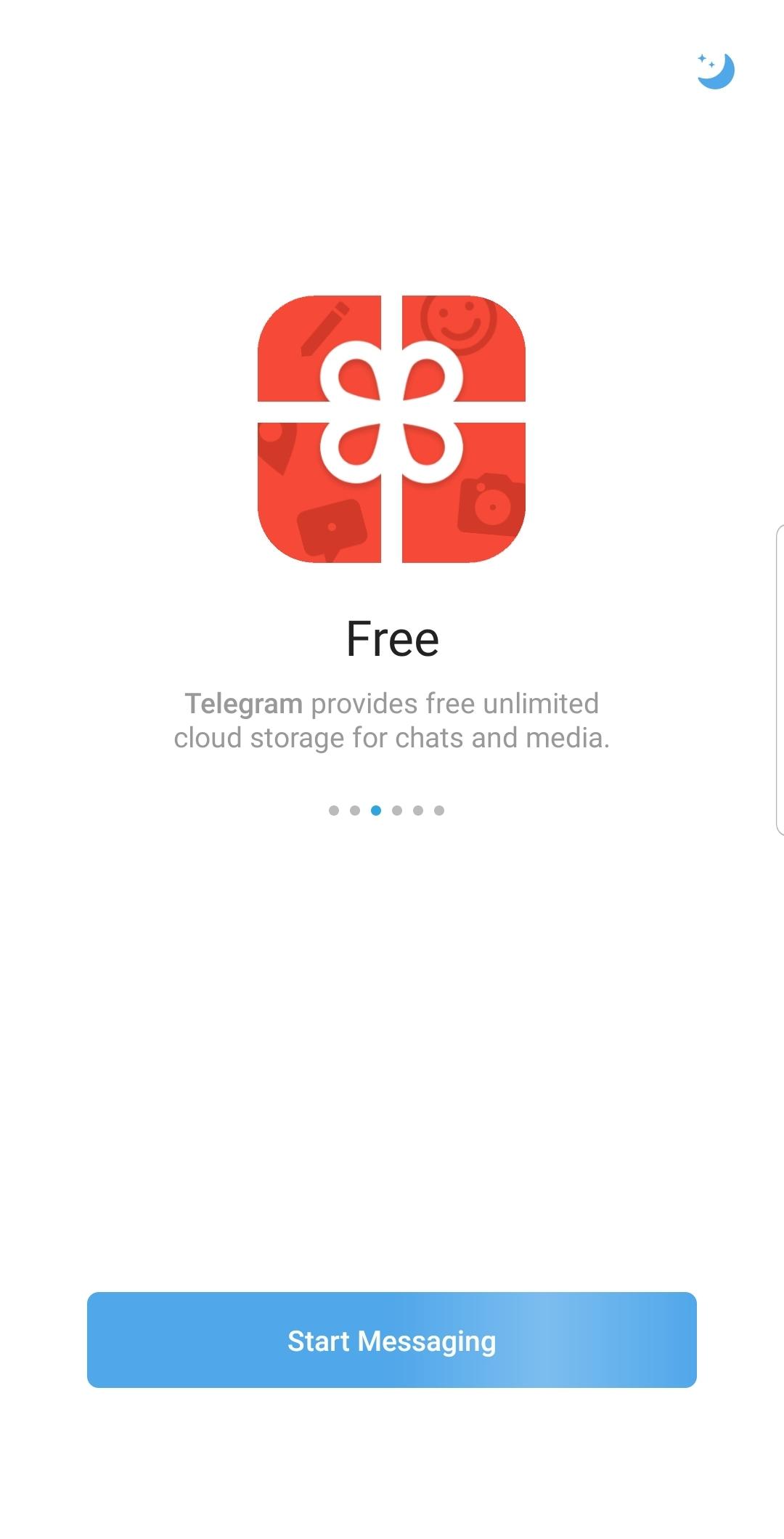
Telegram supports any file type up to 2 GB per file. Files are stored in the cloud, so you can remove local copies and fetch them later when needed. This helps manage storage on phones and keeps project assets available from anywhere when you sign in.
Privacy controls and Secret Chats
Telegram offers strong encryption and multiple privacy settings. Secret Chats use end to end encryption and can include self destruct timers for sensitive exchanges. You can use usernames to chat without sharing your phone number and add two step verification to protect account access.
Cloud chats are stored on Telegram servers and sync to all devices you use. Secret Chats are device specific and do not sync, which suits sensitive topics that should remain on a single phone. Self destruct timers can remove messages after a chosen period, which limits exposure in case a device is shared. Consider enabling two step verification so account access requires both a password and a code.
Telegram provides a free API for developers and offers open source apps with verifiable builds. Bots can automate tasks, provide services inside chats, and assist with moderation in active groups. Admins can benefit from AI assisted tools that flag problematic content and support community management. These options help users and teams extend Telegram without installing extra apps.
Telegram runs as standalone apps on phone, desktop, and web, and your phone does not need to stay online. Cloud chats move with you, while Secret Chats remain on the device where they were created. Large media and documents can be cleared from local storage because they are kept in the cloud. This approach helps balance access with on device space.
To start, download Telegram and set up your account with a few simple steps. The process covers your number, username, privacy options, and basic chat tools. After setup, you can join groups and channels and begin sharing updates.
Install the APK, open Telegram, and enter your phone number. Confirm the code sent to your device, then set your display name and profile photo.
Create a unique username so others can reach you without a number. Allow contact access if you want Telegram to show who is already on the app, then check notification settings.
Tap New Message to start a chat, or create a group or channel for broader updates. Invite members, post messages, and add polls or start live video when needed.
Open Settings and review privacy. Use cloud chats for everyday conversation, or start a Secret Chat for sensitive topics and set a self destruct timer. Turn on two step verification to add a password to your account.
Share files up to 2 GB, including documents, videos, and archives. Continue conversations on desktop or web when you switch devices, and clear local media to free space while keeping files in the cloud.
Telegram combines fast delivery, cloud sync, and flexible privacy for everyday messaging and large communities. To begin, install the app and set up your account in a few minutes with the Telegram latest version.
For official resources and service details, visit:
Website: https://telegram.org/
Latest Version
12.8.3Uploaded by
Hakan Razgo
Requires Android
Android 6.0+
Category
Free Communication AppContent Rating
Mature 17+
Security Report
Report
Flag as inappropriateLast updated on Jun 23, 2026
Minor bug fixes and improvements. Install or update to the newest version to check it out!



APKPure - A multi-platform app store primarily focused on Android, providing extensive app-related content. Discover the app you want easier, faster, and safer, with quick and efficient downloads and installations.