Scan Date:Jun 5, 2026
Show More


VSCO suits people who want a simple way to edit photos and videos, build a style, and share work with others. It brings editing tools together with a creative community, so you can learn from peers and get feedback as you grow. Profiles and Spaces make it easy to show projects and join group galleries. From capture to share, the workflow feels familiar and focused. For quick access on Android, you can download VSCO to start organizing and editing media.
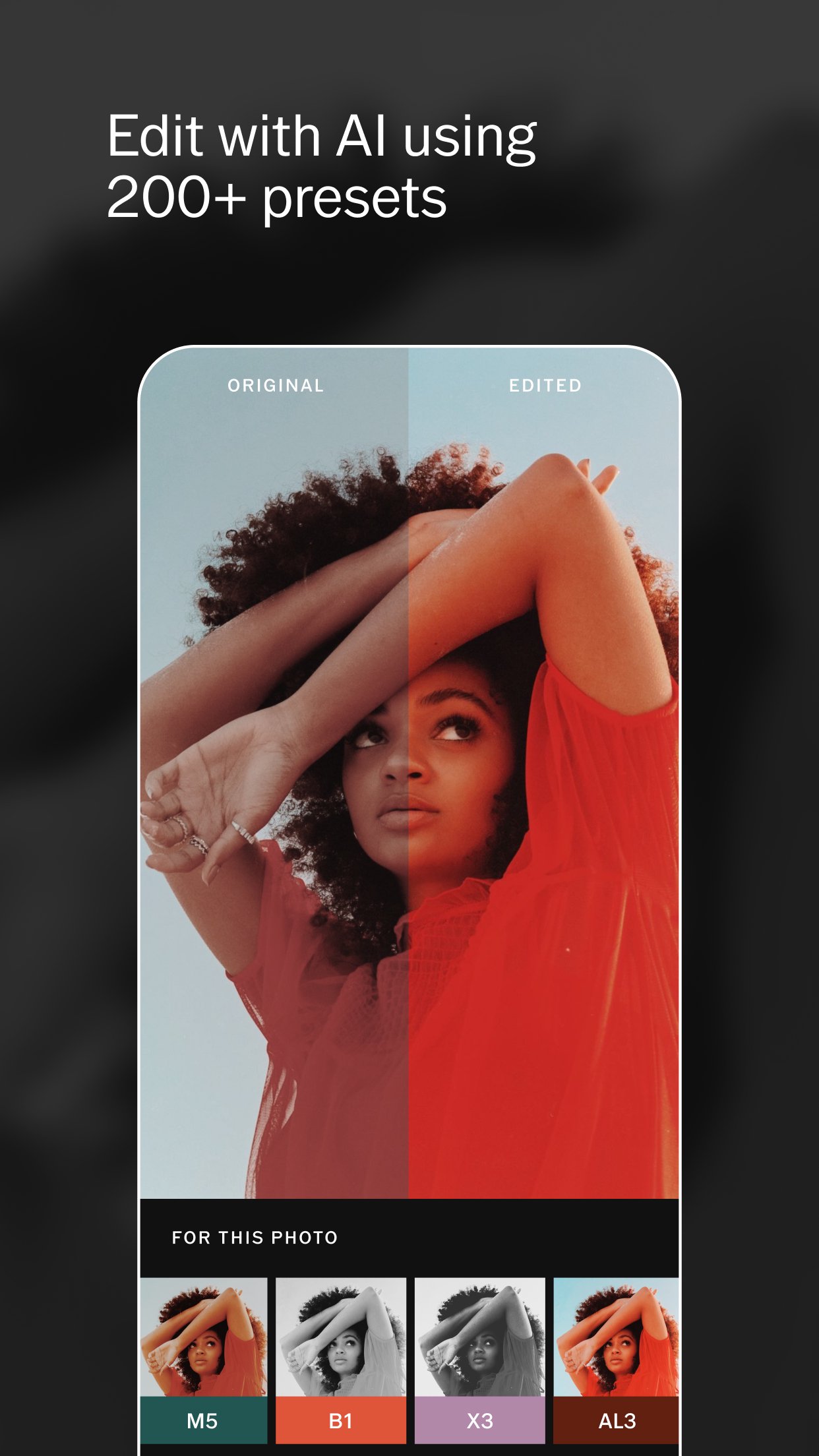
VSCO offers over 200 presets and film emulations to give photos and videos consistent looks. You can explore member favorites and apply filters with one tap, then fine tune as needed. The free tier includes a set of popular filters to help you get started without extra steps. This makes VSCO Photo Editor useful for both quick edits and more detailed sessions.
Precision editing controlsYou can adjust HSL for targeted color changes and set exposure for balanced lighting. Grain controls include strength, size, and color, so you can shape texture with care. Dodge and Burn help refine highlights and shadows for a more focused result. These tools work together with color grading to build a clear, repeatable aesthetic.
Video editing with a familiar workflowVSCO extends its editing approach to video, so you use similar tools across media. Apply filters, tweak color, and shape mood without switching to a different process. This keeps editing simple when moving between clips and photos. It also supports consistent output when you are working on a series.
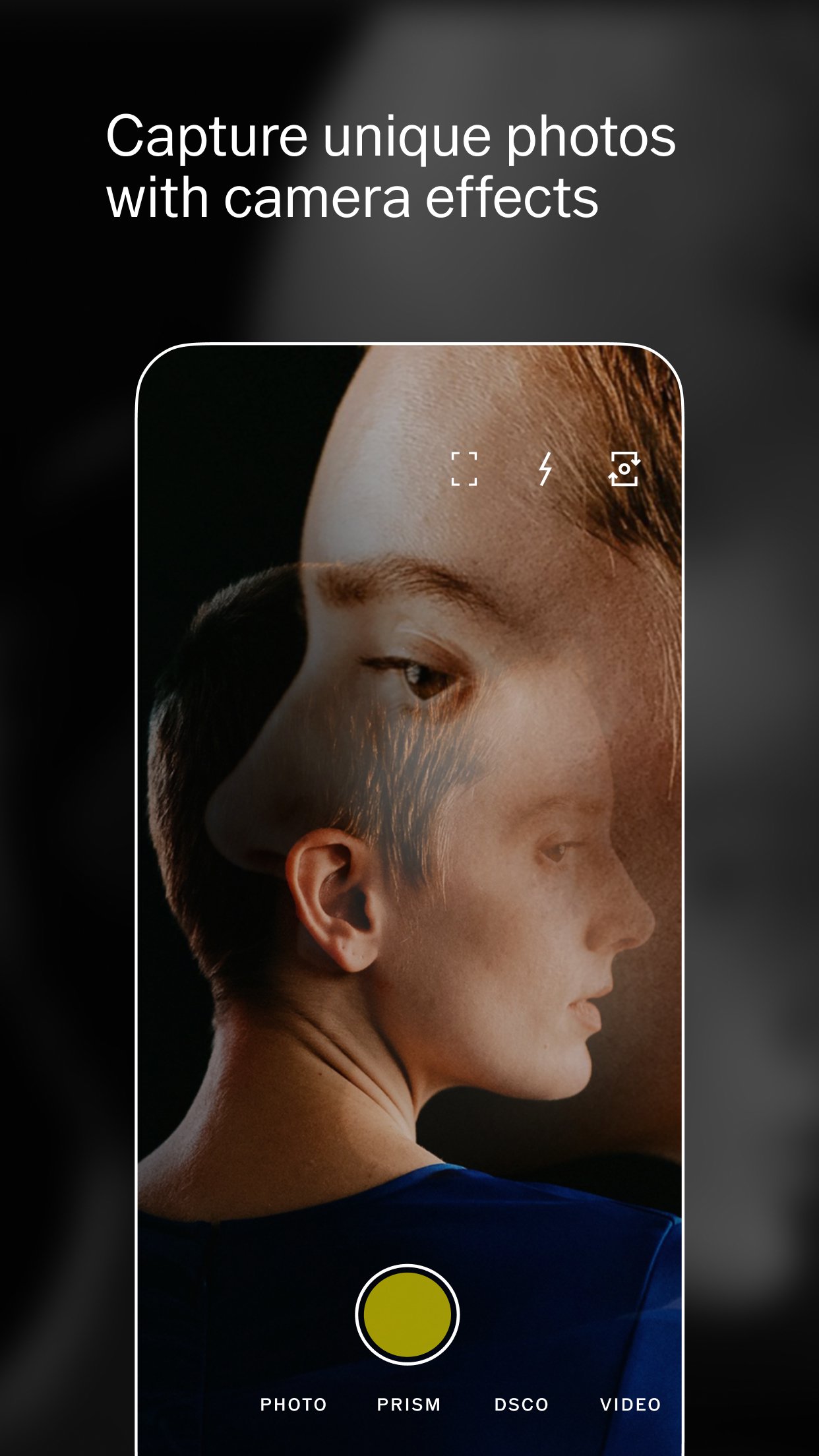
Camera modes and GIF creationVSCO includes camera modes like Burst, Retro, Prism, and DSCO for playful capture options. You can make GIFs and preview live looks before saving, which helps set a direction early. This reduces rework later, since the capture already matches your intent. As a result, editing becomes faster and more straightforward.
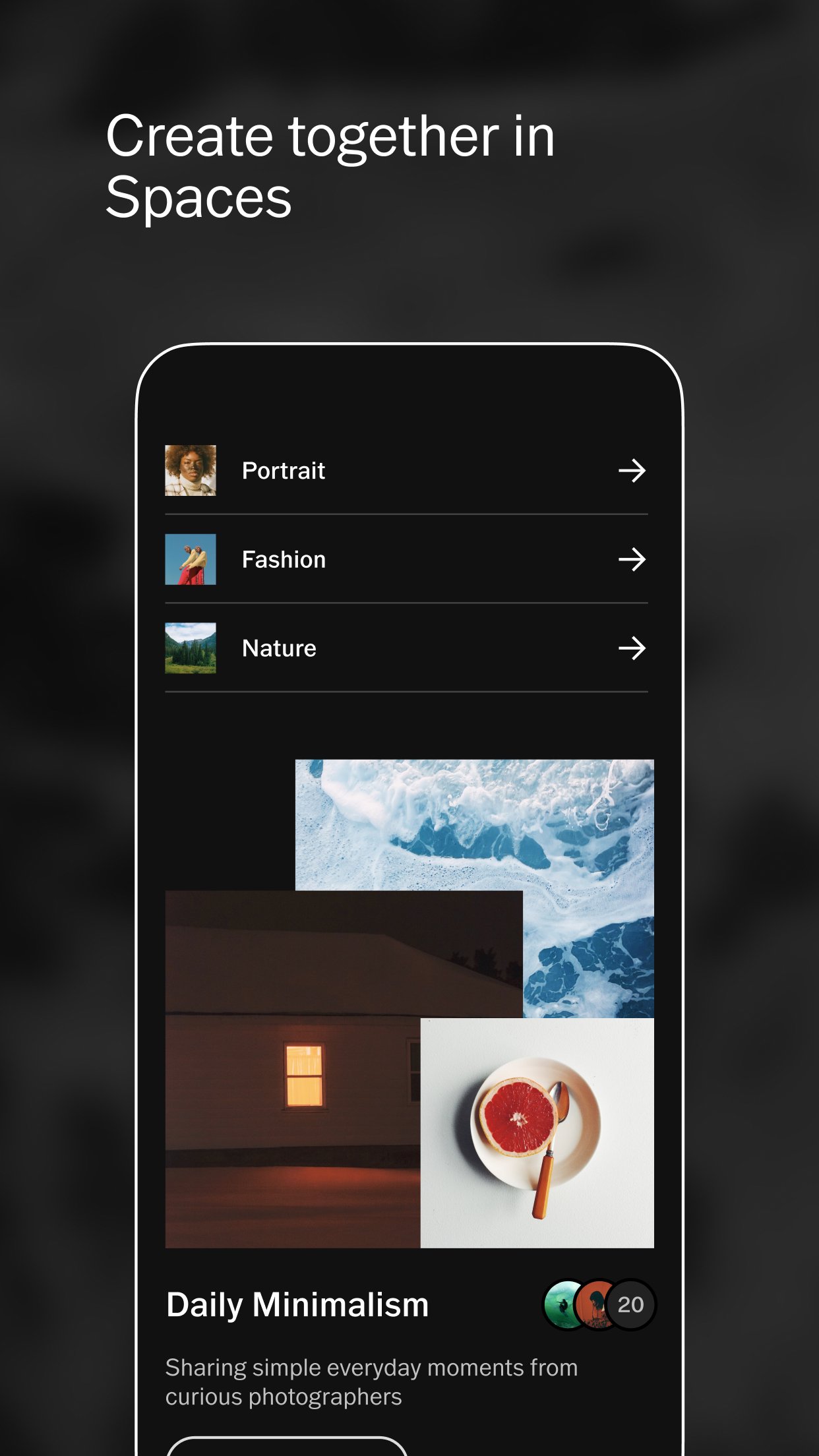
Creative community and discoveryProfiles, a home Feed, and VSCO Spaces help you share work and join collaborative galleries. You can gather feedback, follow interests, and learn from other creators in one place. This community layer supports growth beyond individual edits. It also offers ideas that guide your next project.
VSCO has a free tier with essential tools and a selection of popular filters. Membership unlocks the full library of 200+ presets, advanced editing controls, and expanded community features. A trial period is available, so you can test the experience before committing.
Items saved in your Studio are private on your device and not visible to others. Media posted to your VSCO profile is public and can be seen by the community. Review what you publish before posting to ensure it reflects your intent.
Using the VSCO latest version helps maintain compatibility and access recent tools. New releases often refine performance and may expand the preset catalog or features. Keeping the app current supports a smoother editing and sharing experience.
Get started by opening the app and setting up your account. To work offline or install directly, some users prefer a VSCO APK, but always use trusted sources. Once ready, follow these steps to begin editing and sharing on your phone.
VSCO brings photo and video editing together with a community built around feedback and discovery. If this suits your workflow, consider a VSCO app download and begin testing presets and tools. Save to your device or publish to your profile when you are ready.
For official information and support, visit the link below.
Latest Version
480Uploaded by
Thiên Thẳng Thắng
Requires Android
Android 6.0+
Category
Free Photography AppContent Rating
Teen
Security Report
Report
Flag as inappropriateLast updated on Jun 4, 2026
Regular Updates —
Thanks for creating with VSCO! We regularly release updates to improve your experience. Update to the latest version of the app for access to our newest presets, editing tools, and inspiring content.
If you encounter any issues or require further assistance, please visit https://vs.co/help.




APKPure - A multi-platform app store primarily focused on Android, providing extensive app-related content. Discover the app you want easier, faster, and safer, with quick and efficient downloads and installations.