ChatGPT helps when you need quick answers, a second opinion, or a clean draft while away from a computer. It reduces back and forth by letting you ask naturally and receive clear responses you can use right away. Whether you are planning a trip, studying, or preparing work notes, it adapts to short prompts and longer tasks.
Talk naturally with Voice Mode
Tap the soundwave icon to speak and hear replies out loud. ChatGPT supports natural conversations, so you can keep your hands free while walking or cooking. It works for quick facts, follow-up questions, and practicing a new language without typing.
Create and understand images
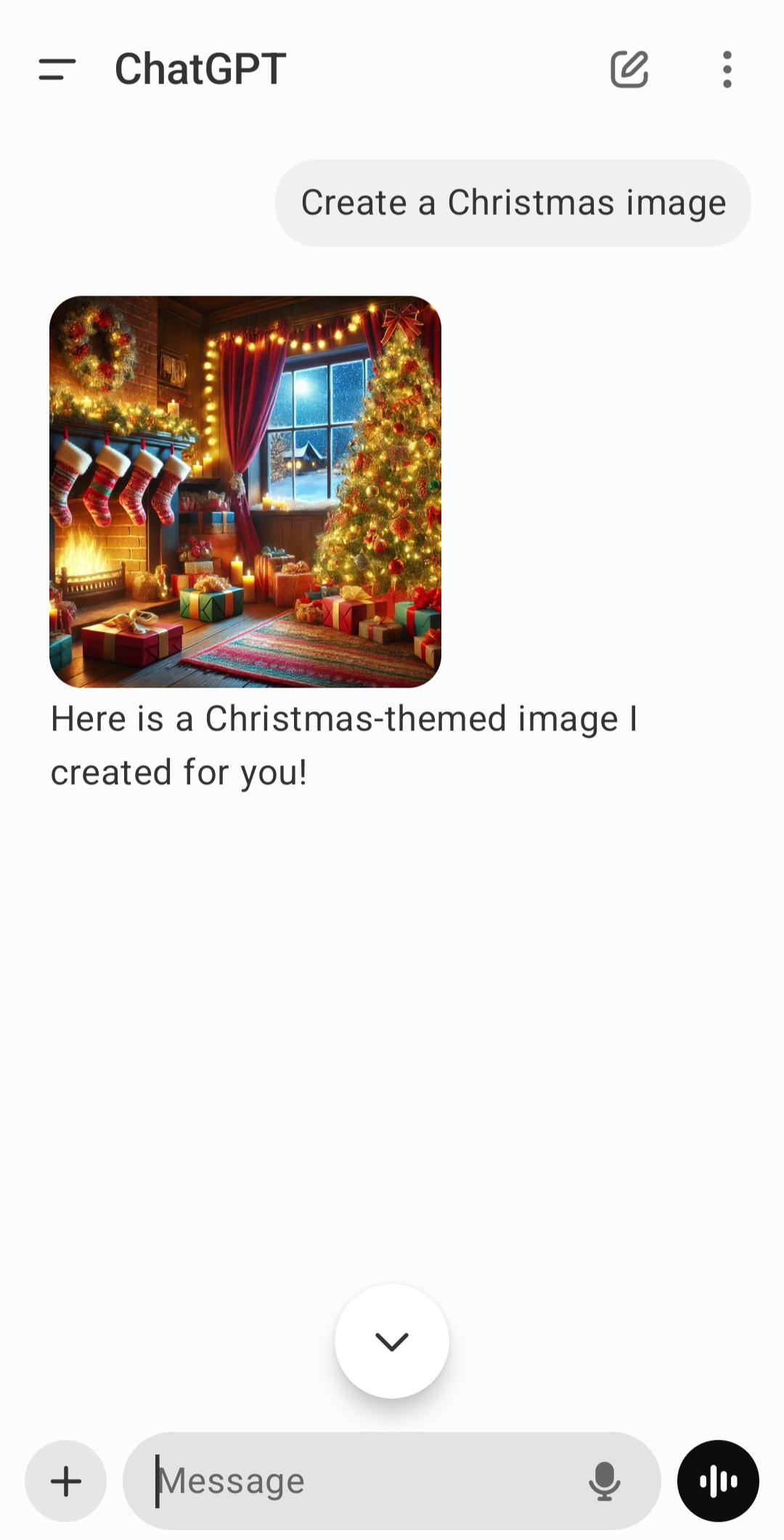
Give a prompt to create an original visual, or upload a photo to change style or layout. This helps with mockups, social posts, and idea boards when you need a fast starting point. ChatGPT can also analyze pictures you share, explain what is on screen, and provide limited screen share help where available. It can read handwriting, identify landmarks, and describe visual details clearly.
Summarize and draft from files
Upload PDFs, spreadsheets, or images to get short summaries, bullet points, and draft text for emails or reports. When relevant, ChatGPT includes references so you can check sources inside your document. This is useful for study notes, meeting prep, or turning slides into outlines that are ready to refine.
Sync history and control data
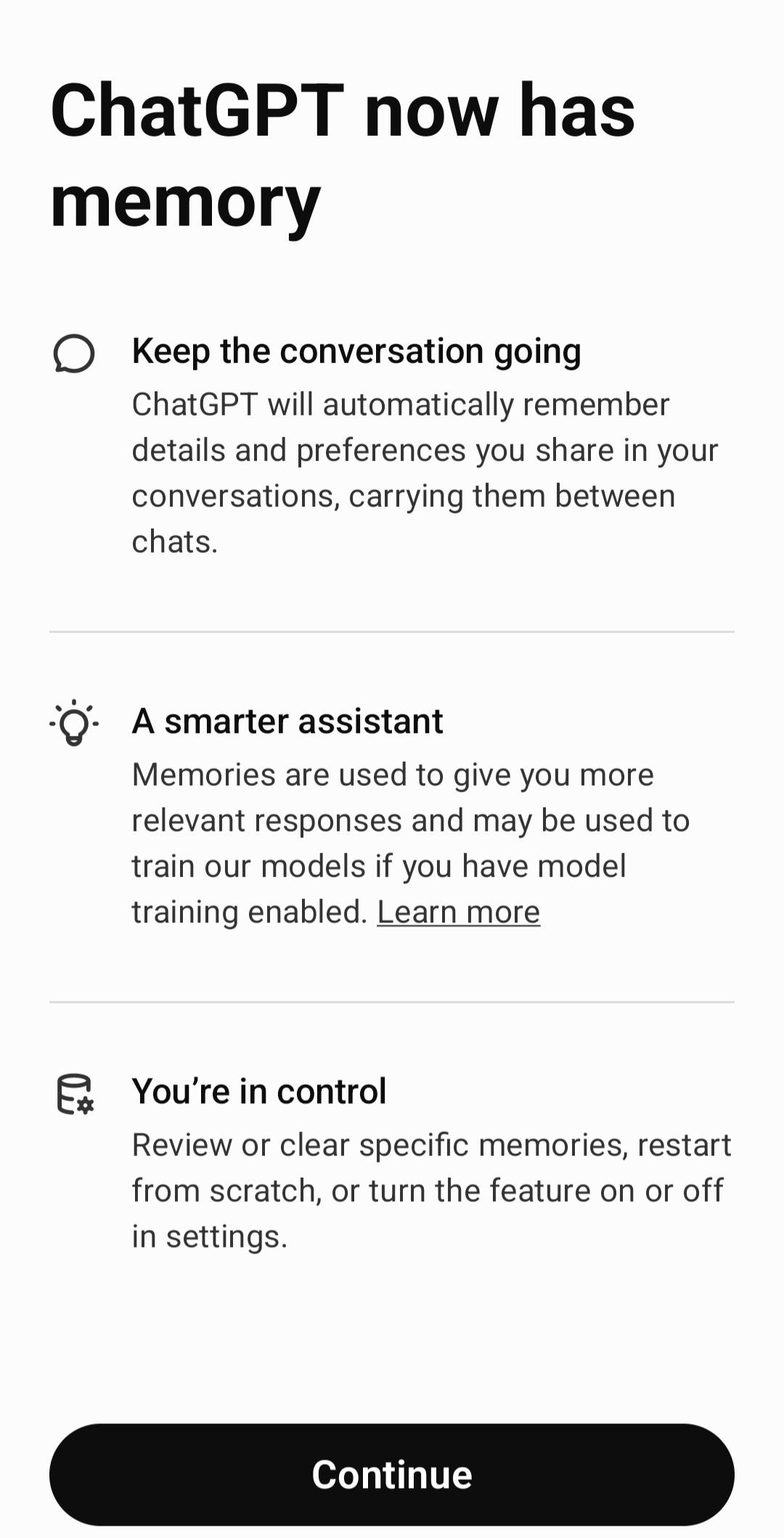
Start a chat on your phone and continue elsewhere without losing context. For sensitive topics, you can turn on Temporary Chat so the conversation is not saved to history. You can also adjust training and data settings to match your preferences.
Official app with the latest models
This is the official OpenAI ChatGPT app for Android, with access to the newest releases, including GPT 4o. You receive new features and image tools as they roll out, which helps avoid lookalike apps that may not be current. Optional Plus, Team, and Enterprise plans offer higher limits and more reliable access during busy times.
ChatGPT is free to use on mobile for standard chats. During peak periods, access and response speed may vary for free accounts. Plus, Team, and Enterprise upgrades provide higher message caps and more consistent availability, which can help with work or study deadlines. Some features, such as image tools, Voice Mode, or screen share assistance may roll out gradually by region or account type.
When looking for a ChatGPT download, confirm the developer is OpenAI to avoid lookalikes. If you need the ChatGPT APK latest version, updates deliver improvements and new tools as they are released.
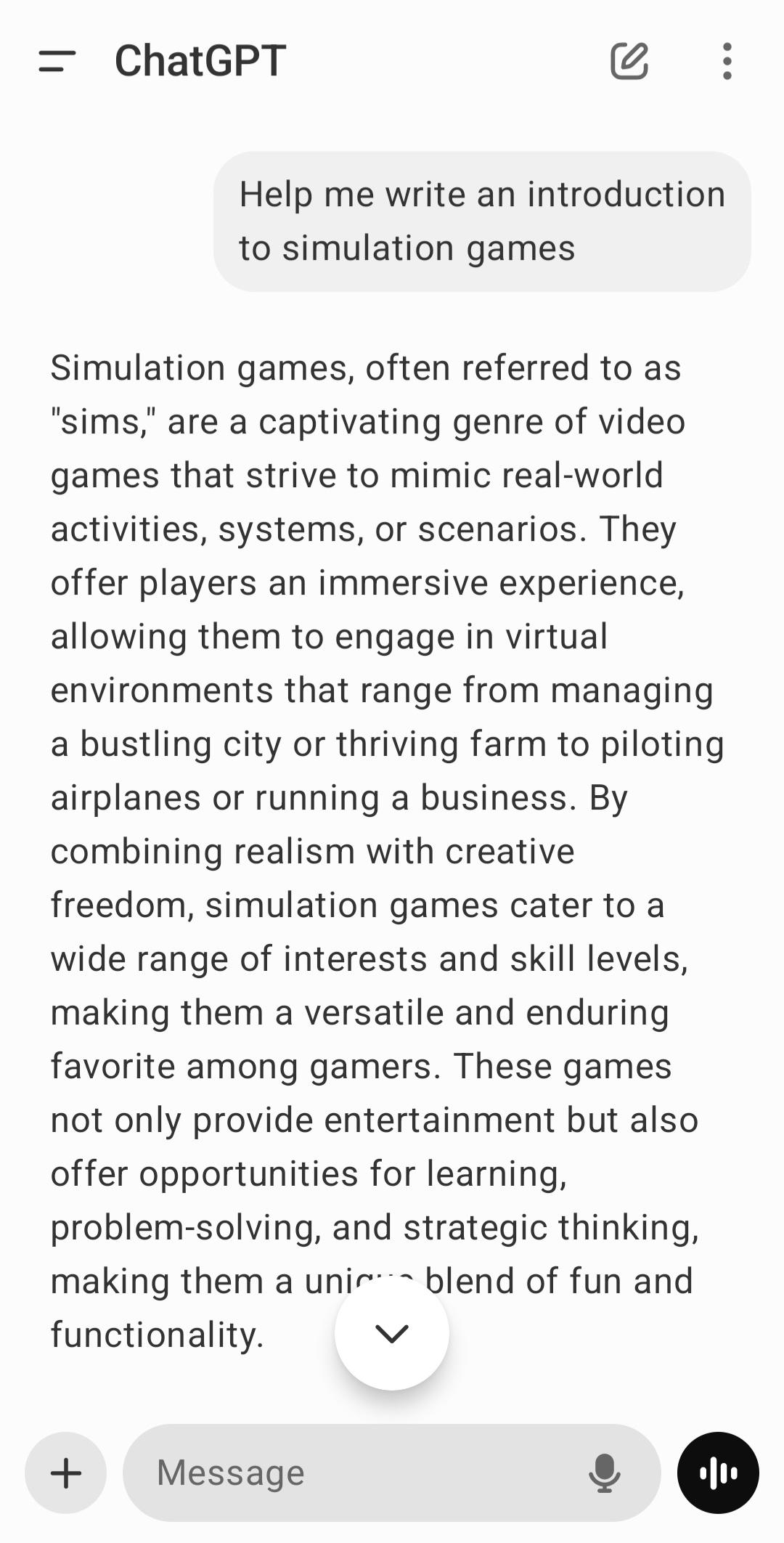
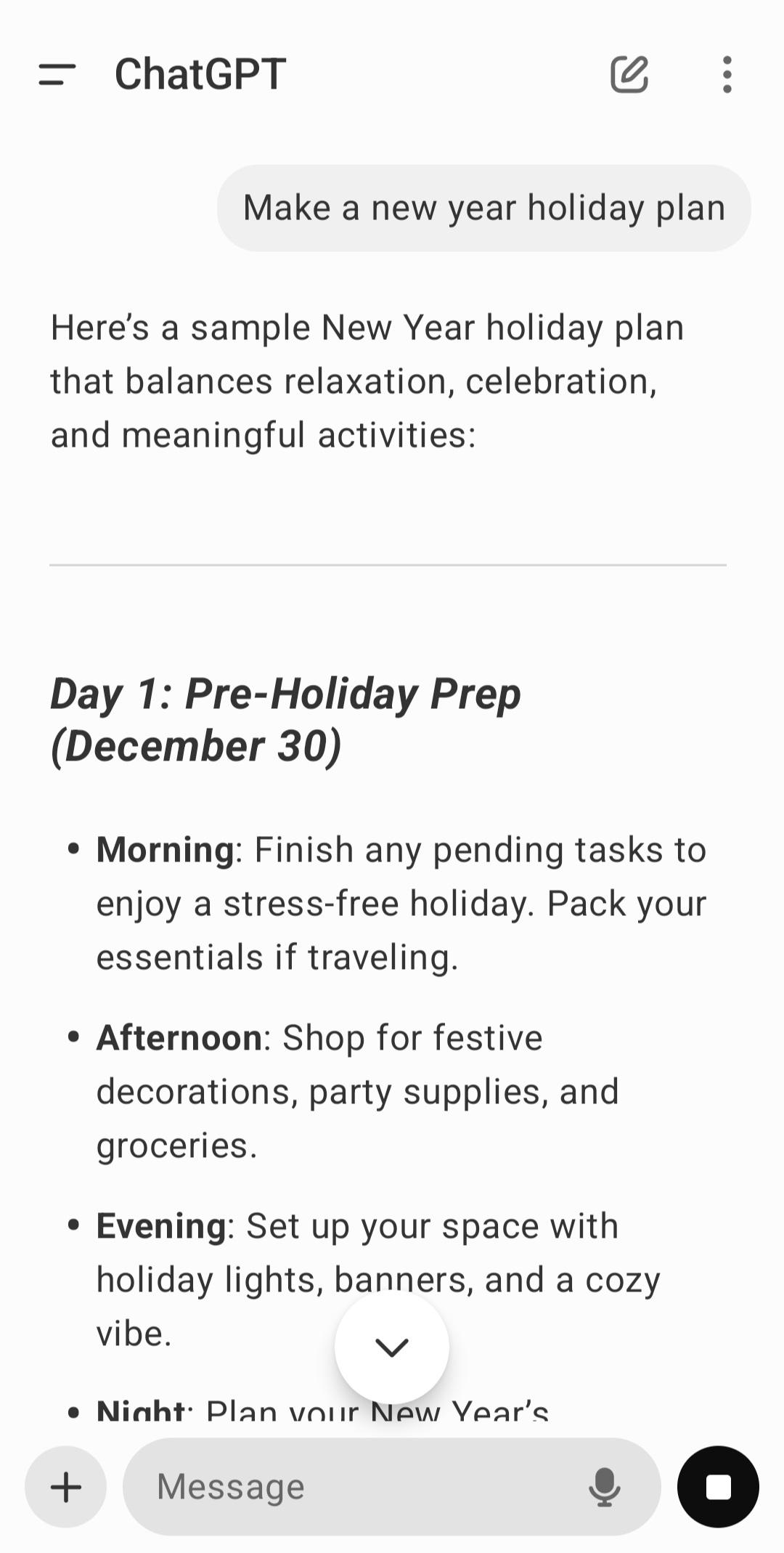
Getting started takes a minute on a phone. The steps below show how to begin a first chat in the ChatGPT Android app. New users can explore voice, images, and files after the first conversation.
Open the app after installation, then sign in with your OpenAI account or create one in the app.
Tap New chat and type a question or request in everyday language to start the conversation.
To speak instead of typing, tap the soundwave icon and talk, then tap again when you are done.
When needed, use the image or file option to add photos, PDFs, or spreadsheets for context.
For sensitive topics, turn on Temporary Chat in settings before you continue the discussion.
The ChatGPT app brings text, voice, images, and files together so you can get clear answers on your phone. Downoad ChatGPT APK latest version on APKPure to try quick conversations, visual tools, and file summaries in one place.
For official information and support, visit:
Official website: https://chatgpt.com/
Latest Version
1.2026.230Uploaded by
Lia Turkadze
Requires Android
Android 10.0+
Category
Free Productivity AppContent Rating
Teen · Diverse Content: Discretion Advised
Report
Flag as inappropriateLast updated on Aug 23, 2026
This release includes minor bug fixes and general improvements. Update to the latest version for the best experience.



APKPure - A multi-platform app store primarily focused on Android, providing extensive app-related content. Discover the app you want easier, faster, and safer, with quick and efficient downloads and installations.