
Package Name:com.YoStarEN.AzurLane
SHA-256:534ae5e8206b45fea5e139ebb0cb0bd69c91154ef4971358eec3c0a4a03187f2
Show More

Azur Lane suits players who want a mobile game with character collection and ongoing fleet development. You take the role of a Commander in a world where warships appear as shipgirls, then build a roster over time for story content and regular events. The game supports short daily sessions as well as longer battles when you want to adjust your fleet. Before installing the Azur Lane APK, consider whether you enjoy managing character upgrades alongside action focused combat.
Real time naval battles
Azur Lane combines fleet strategy with 2D side scrolling shooting battles. You move your vanguard to avoid enemy fire while your ships use their attacks during combat. This makes positioning and timing more important in difficult stages and boss fights.
Manual controls or auto battles
You can control the vanguard directly when an encounter requires careful movement and attack timing. For routine resource stages, Azur Lane can use auto battle controls instead. As a result, you can choose direct play for challenging content and let the game handle repeated battles.
Vanguard and main fleet formation
Azur Lane lets you create fleets with up to six ships. The vanguard usually includes destroyers and cruisers that take part in movement and evasion, while the main fleet can include battleships and carriers that provide stronger firepower. You can change formations to match enemy types and the needs of each stage.
Shipgirl collection and development
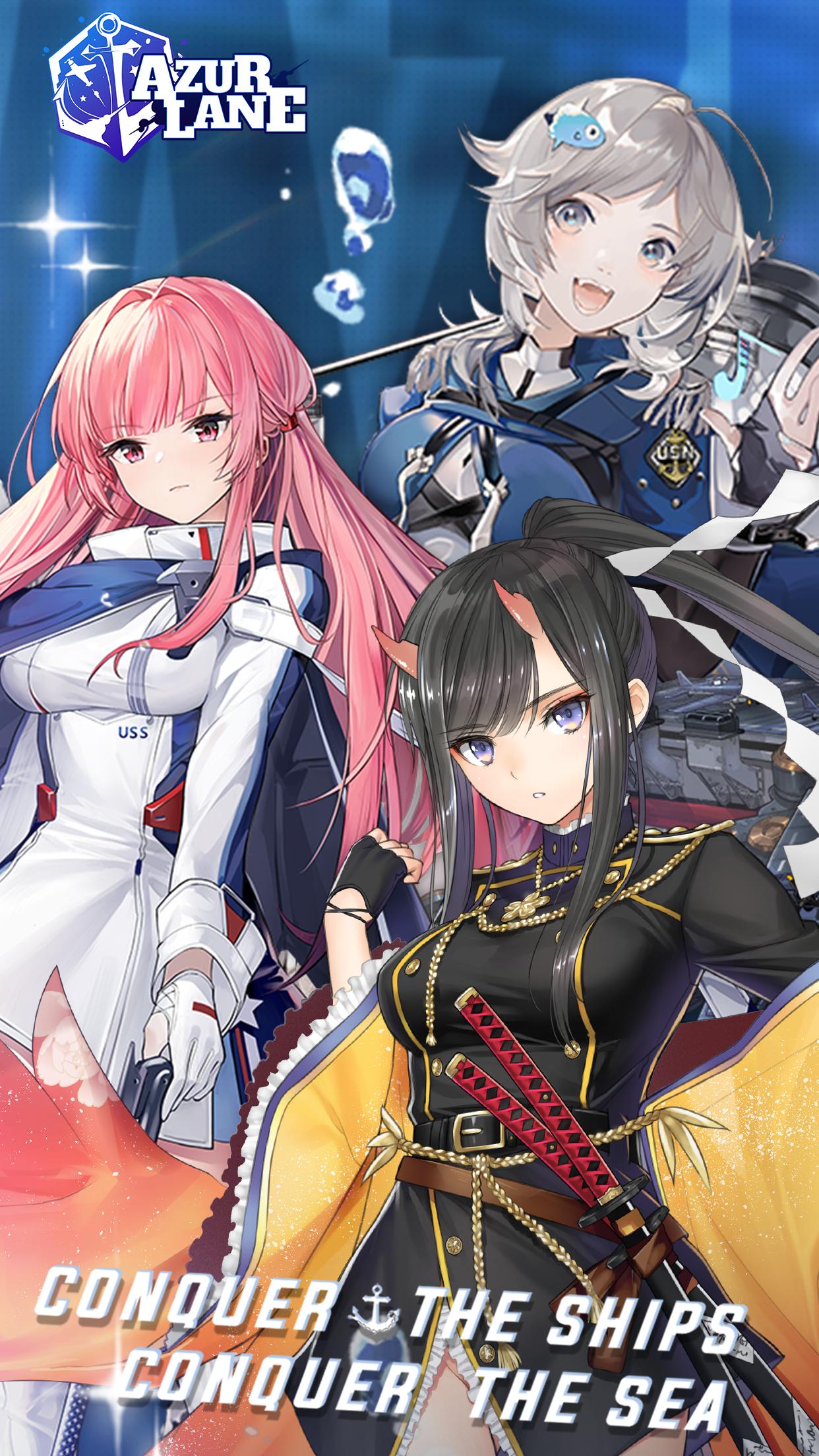
You can recruit more than 300 shipgirls based on warships, each with their own stats, skills, equipment choices, and upgrade options. Azur Lane lets you level ships, enhance them, and complete retrofits for eligible characters. Building a varied roster gives you more choices when preparing fleets for different battles.
Equipment, dorms, and character content
You can equip weapons, planes, and auxiliary items to adjust how each ship performs. In addition, the dorm lets you arrange furniture and place shipgirls in the room. Character art, skins, and selected Live2D interactions add presentation options outside combat.
Azur Lane availability may differ by country or region. If the game is not listed for your location, check official service notices for regional availability and maintenance information. These notices can also help you confirm when access returns after scheduled maintenance.
Recurring events and reruns may give players another chance to obtain ships, equipment, skins, and other limited rewards that were available previously. Event schedules can change, so players who want a specific reward should review the in game event details before spending resources.
After you download Azur Lane, begin by following the opening story stages and learning how the battle screen works. Early missions introduce fleet formation, ship upgrades, and equipment while giving you ships to use in later stages.
Start the tutorial and complete the first story battles to understand movement, attacks, and the difference between the vanguard and main fleet.
Open the fleet screen, then place destroyers or cruisers in the vanguard and assign battleships or carriers to the main fleet.
Use manual control during bosses or stages with heavy enemy fire, moving your vanguard away from incoming shots and activating attacks when available.
Switch to auto battle for repeatable daily stages when you are farming resources, then check the results to see whether your fleet needs stronger ships or gear.
Level your ships, enhance them, equip suitable items, and use retrofits when available before progressing to harder story stages or events.
Azur Lane is a naval warfare game for players who want to collect shipgirls, arrange fleets, and choose between manual and automatic battles. Install the Azur Lane latest version to access its current story content, events, and fleet management systems.
For service information or account support, use the official contact details below.
Official website: https://azurlane.yo-star.com/
Support email: al.cs@yo-star.com
Latest Version
9.3.7Uploaded by
Gabriel Vitalino
Requires Android
Android 7.0+
Category
Free Action GameContent Rating
Teen · Fantasy Violence, Suggestive Themes, Partial Nudity, Language
Security Report
Check Now
Report
Flag as inappropriateLast updated on May 28, 2026
This patch is a non-mandatory update. This patch fixed several minor bugs and made improvements to the system.



APKPure - A multi-platform app store primarily focused on Android, providing extensive app-related content. Discover the app you want easier, faster, and safer, with quick and efficient downloads and installations.